Open the Qdrant dashboard securely with local Traefik and an SSH tunnel
I wanted to inspect Qdrant data in the browser without making the database public. Locally I use Traefik; in production I open only an SSH tunnel and keep Qdrant internal.
Contents
- Open the Qdrant dashboard securely through Traefik and an SSH tunnel
- Why I do not make Qdrant public
- The approach I chose
- Why this is better
- How I use it in practice
- What I learned from Traefik and an SSH tunnel for Qdrant
- All articles in the series
Open the Qdrant dashboard securely through Traefik and an SSH tunnel
I wanted to inspect the data in Qdrant in the browser, both locally and later on Hetzner. I was not looking for convenience at any cost. I wanted a secure but straightforward way to inspect the collections.
The central question was clear. How can I access the Qdrant dashboard without turning the production database into a publicly accessible interface?
Why I do not make Qdrant public
Qdrant OSS does not come with its own authentication. This is exactly where I need to think differently than I would with a normal web app or a database with a login.
If I publish Qdrant directly through Traefik, the interface remains accessible even if middleware is misconfigured, an IP list changes or someone adds another route later. That is still acceptable for Bull Board and Dozzle. For Qdrant, it is too risky for me because it holds every user’s vector data.
I do not want to rely on another layer when I can inspect the data without making it public at all.
The approach I chose
I use two different access paths that serve the same purpose.
| Environment | Access | Assessment |
|---|---|---|
| Local | http://qdrant.localhost/dashboard | Fast, convenient and sufficiently secure within my own Docker stack |
| Production | SSH tunnel to the internal Qdrant port | Safest because Qdrant remains internal |
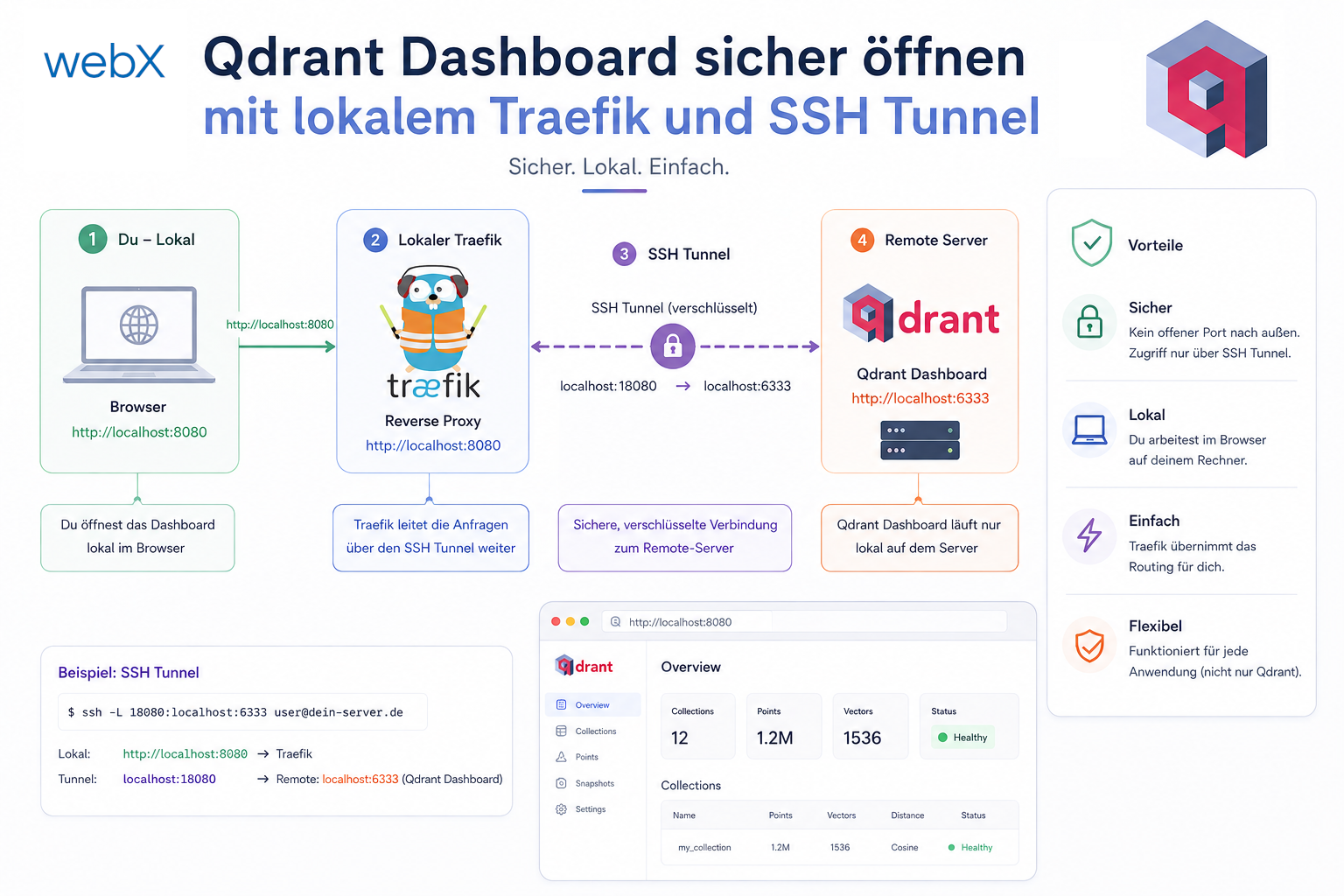
Traefik is practical locally. I have a clear URL in the browser and use the same access pattern as for the other services.
In production, I do not expose Qdrant through Traefik. I leave the service on internal_net and access it only through an SSH tunnel. The database stays internal, and the browser session works only while the tunnel is open.
Why this is better
The benefit is not only security. It is also clarity.
- I reduce the production attack surface to zero.
- I need no additional Traefik route, IP allowlist or password.
- I follow the same mental workflow locally and in production, using a different transport.
- I can open the dashboard at any time without changing Qdrant itself.
For me, this is the cleanest separation. Local access can be convenient. Production should expose only the minimum.
How I use it in practice
Locally, I open the dashboard URL directly:
http://qdrant.localhost/dashboardIn production, I start the tunnel:
ssh -L 6333:qdrant:6333 user@<hetzner-ip>Then I open this URL in the browser:
http://localhost:6333/dashboardThe important point is that Qdrant remains internal throughout. I open no additional internet-facing port and change nothing in the production architecture.
What I learned from Traefik and an SSH tunnel for Qdrant
I deliberately chose the safest approach here, rather than the most convenient, most publicly exposed option. For a tool such as Qdrant, that is the right decision.
The benefit is twofold. I can inspect data in the browser, and I keep the architecture strict enough to avoid dealing with an unnecessary public interface later.
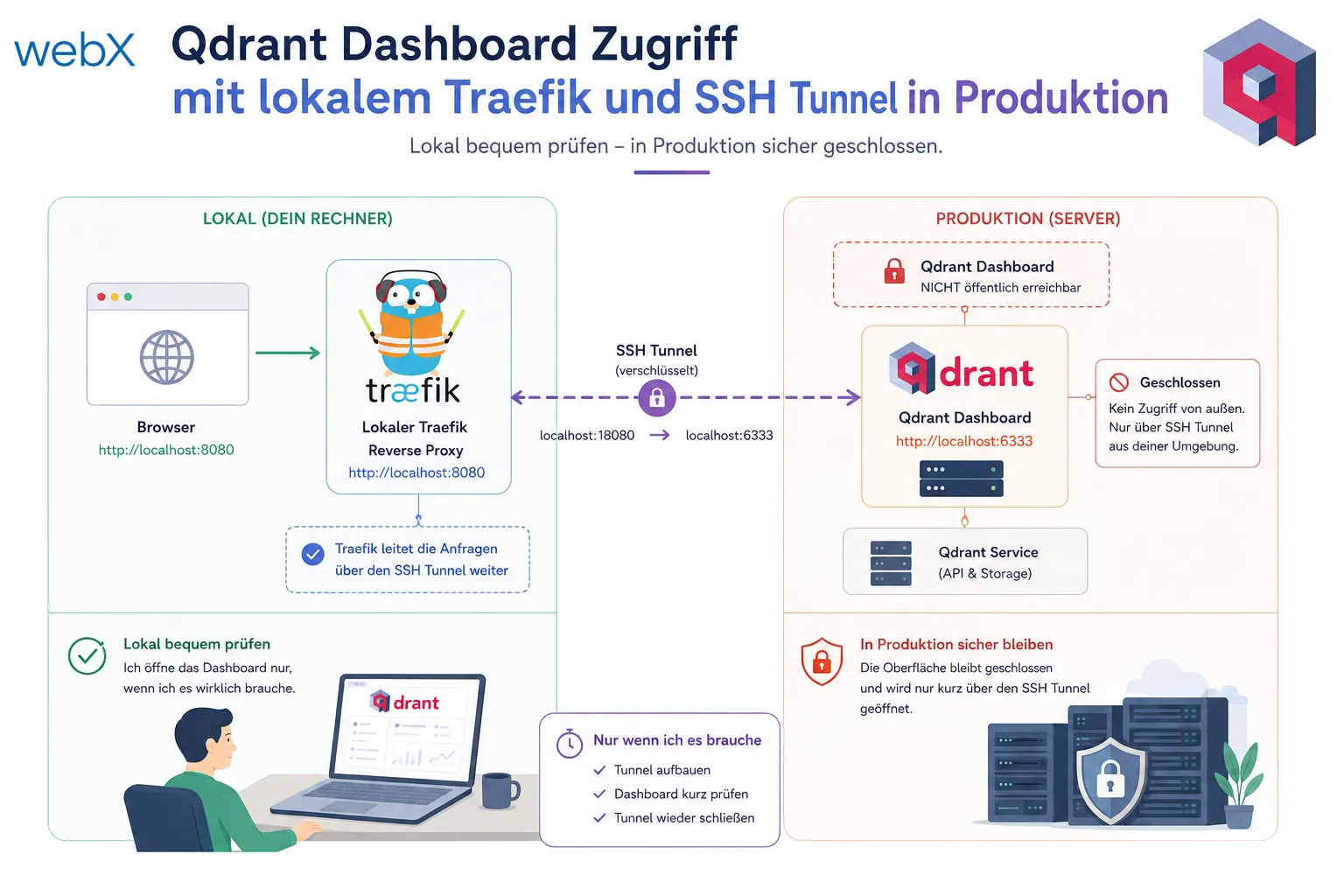
The image represents the decision behind the setup. Locally, I can conveniently inspect Qdrant in the browser. In production, the interface stays closed and I open access only briefly through an SSH tunnel. The original illustration is retained, including its German text.
All articles in the series
- Vision and system overview: Chrome Extension, RAG architecture and project background: Read article
- Building a RAG system: Qdrant, embeddings and cosine similarity in TypeScript: Read article
- AI provider abstraction: Ollama vs. OpenAI, interface design and no vendor lock-in: Read article
- Chrome Extension MV3: Three isolated runtime contexts, message passing and Strategy Pattern: Read article
- Docker Compose strategy: The override pattern, from local development to Azure: Read article
- Ollama locally vs. Docker: The decision and its consequences: Read article
- Ollama auto-pull entrypoint: Automated model setup at container startup: Read article
- tsconfig and Vite:
Node16vs.bundler, and why Vite has its own rules: Read article - Load complete Instagram captions with MutationObserver: Read article
- Chrome Extension foundation with health indicator and retry queue: Read article
- Phase 2 features: Shadow DOM overlay, Tailwind v4 and duplicate detection: Read article
- Race condition in platform detection: How a UI event breaks Instagram detection: Read article
- Extracting PostId in two Instagram layouts: querySelector vs. ancestor traversal: Read article
- Capture a complete Instagram carousel with MutationObserver: Lazy loading, observer-before-click and timeout fallback: Read article
- Notes and tags when saving screenshots: Read article
- Instagram keyboard shortcuts block Chrome Extension input: Read article
- Lowercase normalization and duplicate detection in tag input: Read article
- Zitadel Login V2 in Docker Compose with three hidden errors: Read article
- PKCE OAuth in a Chrome MV3 extension: Read article
- React frontend with react-oidc-context and Zitadel: Read article
- Vite build-time environment variables in Docker: Read article
- Event-driven ingestion with BullMQ and Redis: Read article
- MinIO instead of Azurite: S3-compatible object storage locally and on Hetzner: Read article
- access_token, id_token and the Userinfo endpoint: Which belongs where: Read article
- Qdrant multi-tenancy with one collection per user: Read article
- When backend and frontend know different types: Read article
- Removing Zitadel bootstrap: Host header bug and manual setup: Read article
- Backend code review with six problems fixed before launch: Read article
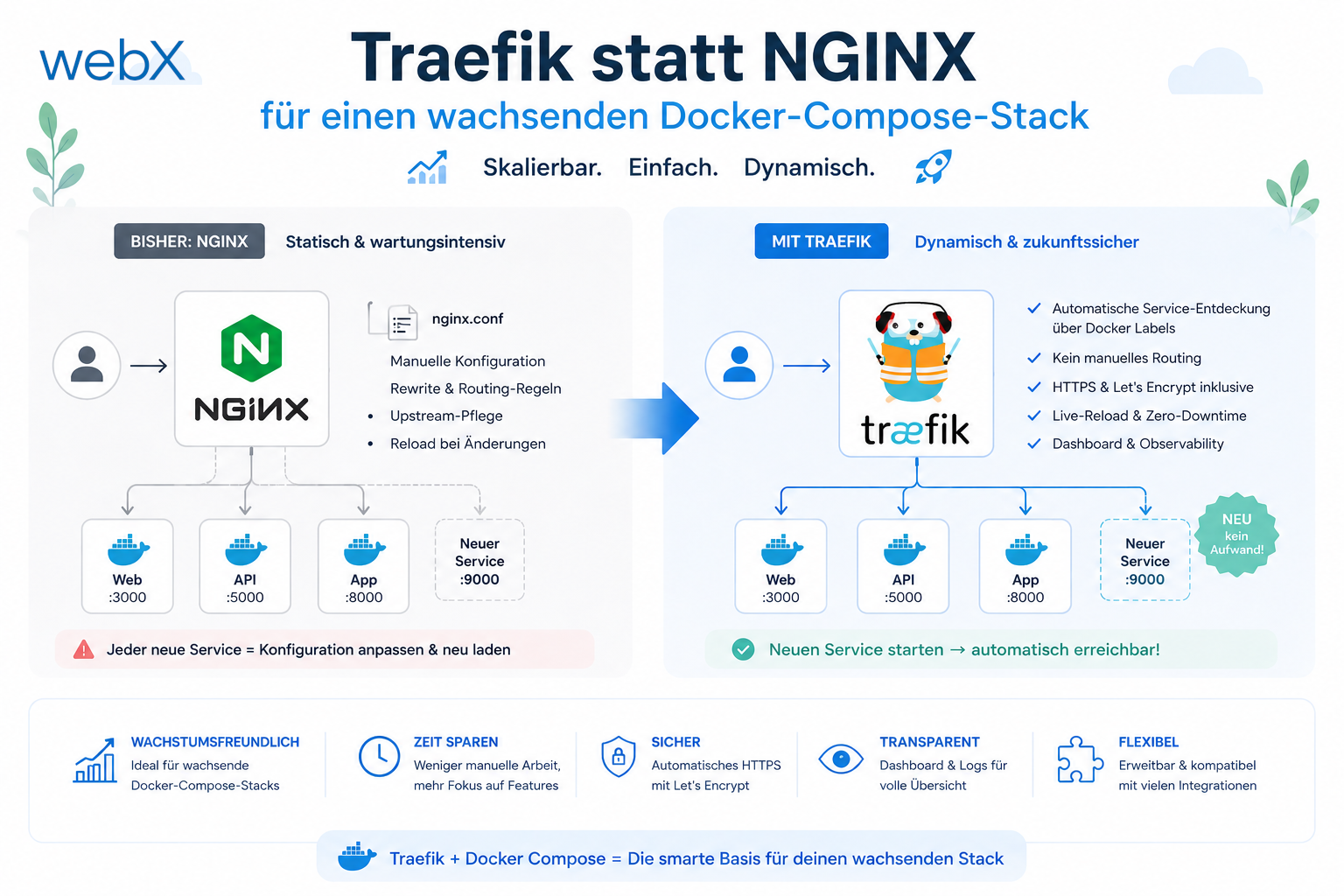
- Traefik instead of NGINX: Reverse proxy for a growing Docker Compose stack: Read article
- Two-layer rate limiting: Traefik and express-rate-limit with Redis: Read article
- Implementing GDPR Article 17 correctly: Promise.allSettled and export batching: Read article
- Embedding model lock-in: Why mxbai-embed-large is a permanent production decision: Read article
- Docker volumes in production: Named volumes, bind mounts and the Hetzner volume approach: Read article
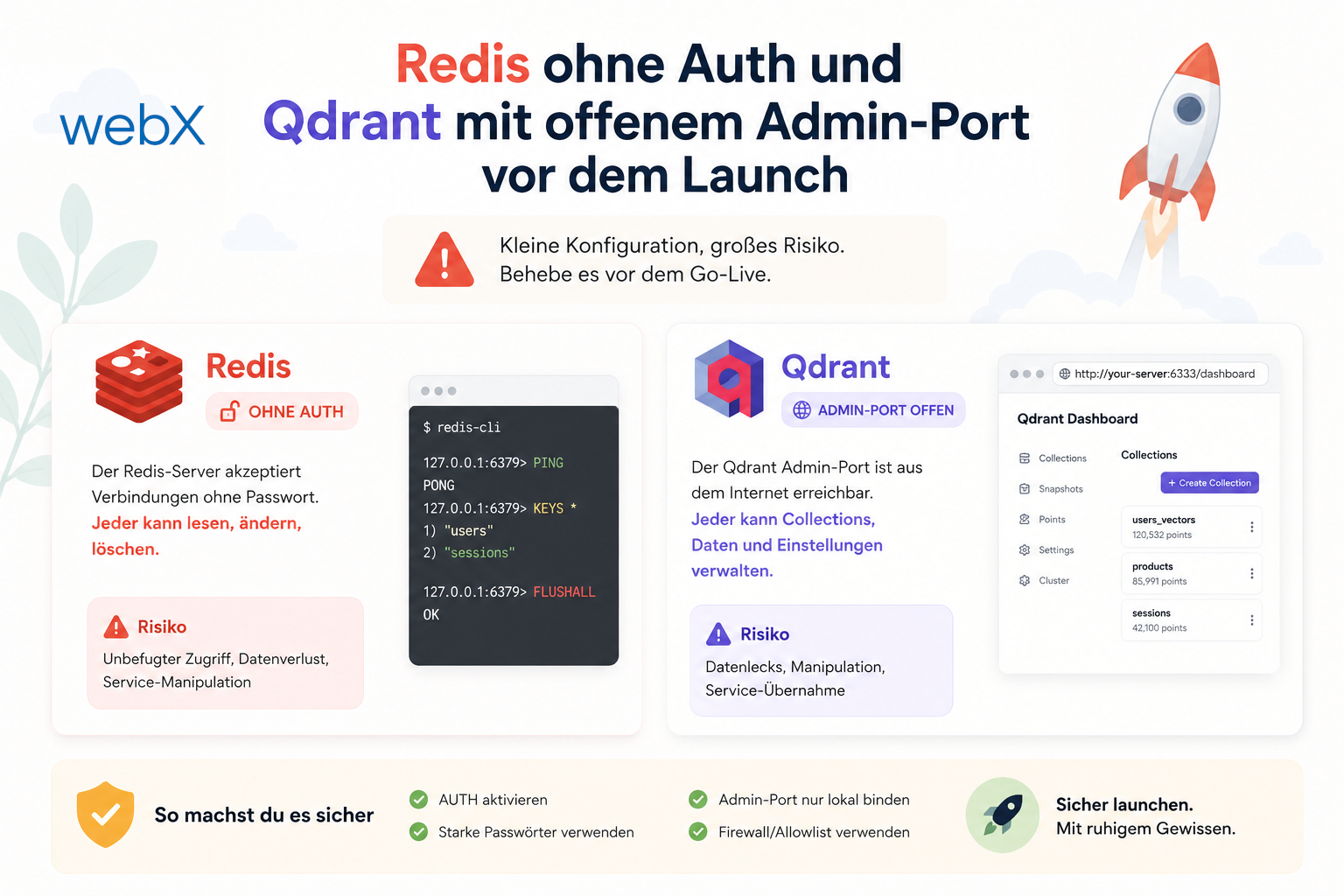
- Two vulnerabilities before launch: Redis without authentication and an exposed Qdrant admin port: Read article
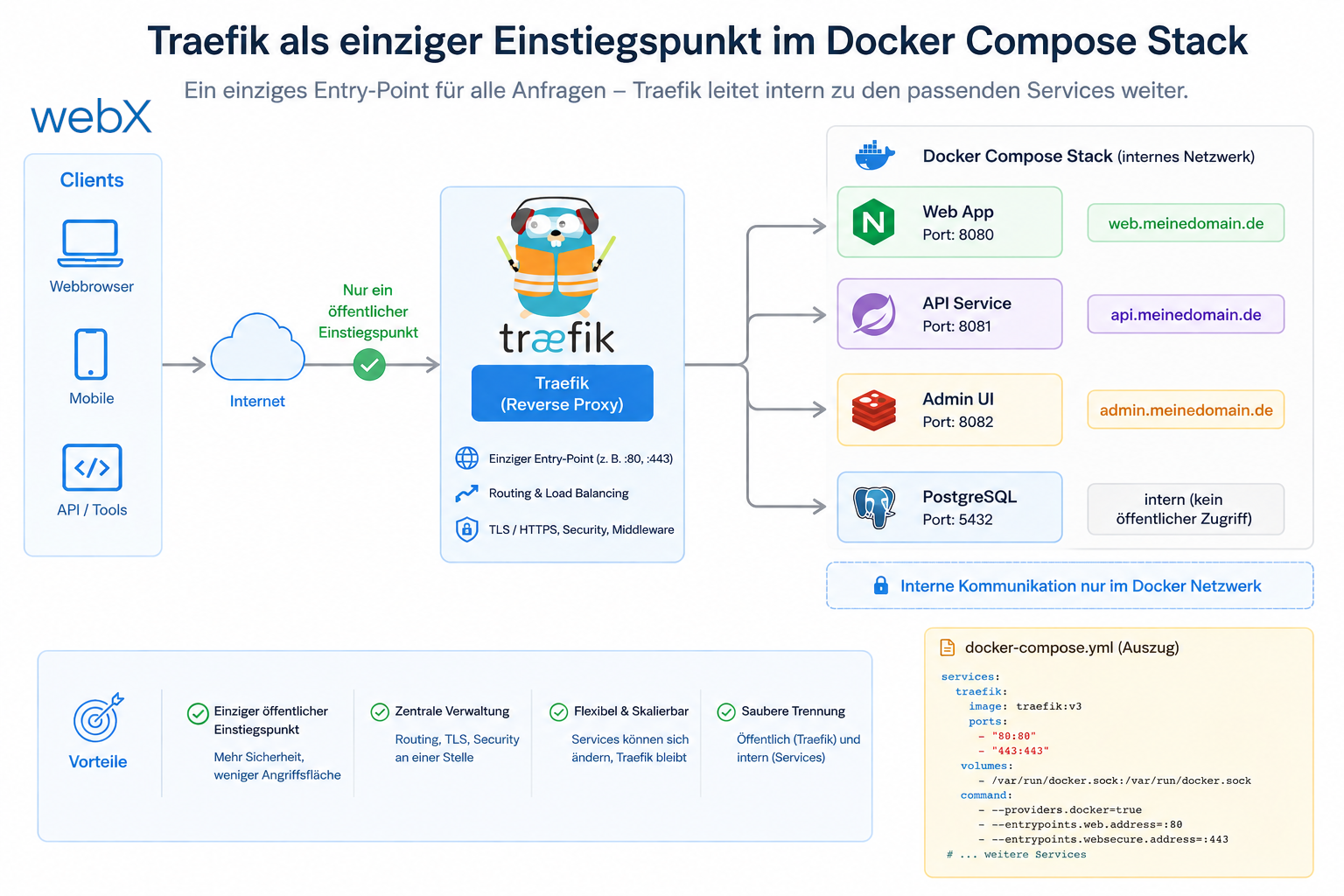
- Traefik as the single entry point in the Docker Compose stack: Read article
- Connecting Zitadel behind Traefik with issuer, JWKS and Login V2: Read article
- Fixing the frontend when the nginx healthcheck fails on localhost: Read article
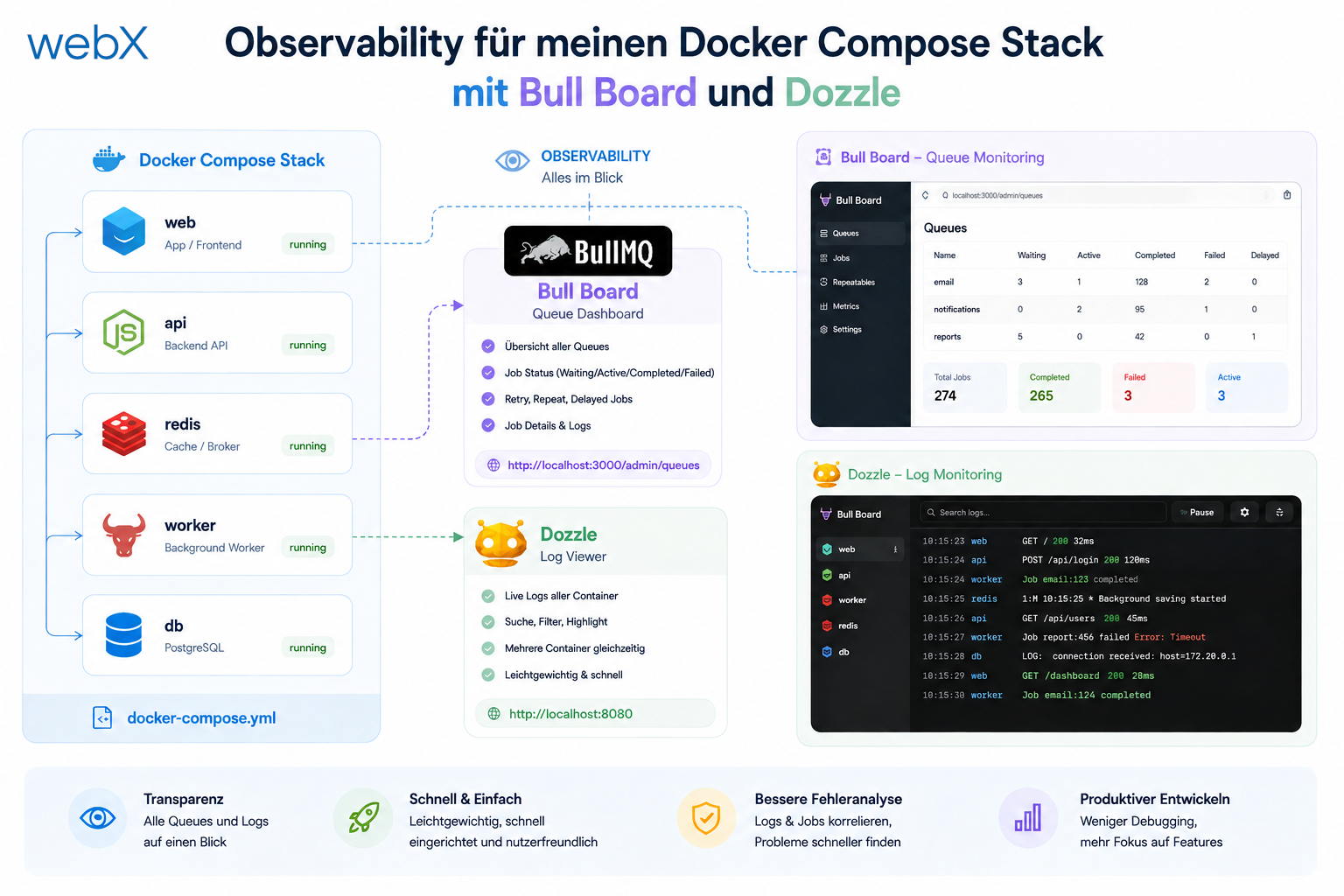
- Observability for my Docker Compose stack with Bull Board and Dozzle: Read article
- Open the Qdrant dashboard securely with local Traefik and an SSH tunnel: (this article)
- Diagnosis of chunking failures despite tokenization: Read article
- Why I set the chunk size to 1500 tokens: Read article
- Splitting the embedding workflow into clear steps: Read article
- Bringing chunking, storage and search back together: Read article
- Capture Intake as a separate module, less orchestration in the Express endpoint: Read article
Do you want similar separation for your own infrastructure? Let us assess it together.