Qdrant multi-tenancy with a separate collection per user
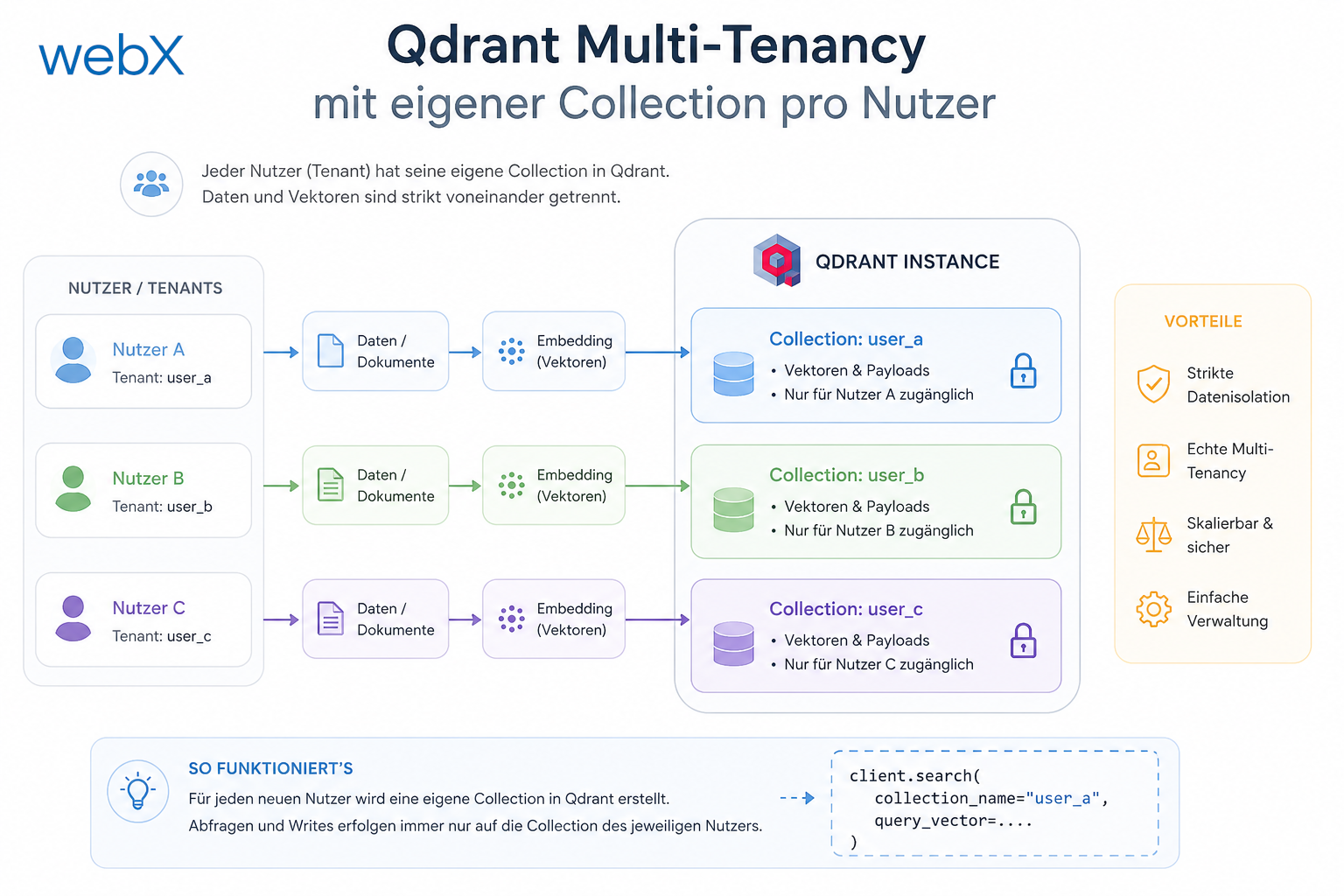
Phase 3 introduces real data isolation. Each user gets a separate Qdrant collection, an individual S3 path and three new endpoints for GDPR rights.
Contents
- Why one collection for all users is the wrong model
- Dynamic collection names
- Graceful returns for new users
- S3 paths per user
- Three new GDPR endpoints
- Ownership check for capture status
- Health endpoint without a collection name
- What these changes mean in practice
- All articles in the series
Why one collection for all users is the wrong model
Previously, there was a single Qdrant collection: instagram_memory. The backend called ensureCollection() at startup, after which all users wrote to and read from the same vector space. This works well for one user, but it has three fundamental problems.
First, there is no data isolation. A mistake in the filter layer could let one user see another user’s data. Second, deleting a user is operationally complex. The deleted user’s points must be filtered out and removed individually. Third, GDPR Article 17, the right to erasure, requires complete deletability, and deleteAll(filter: userId == X) is less reliable than dropCollection("user_X").
The solution is straightforward: each user gets a separate collection.
Dynamic collection names
The collection name is derived from the Zitadel sub claim in the JWT:
function getCollectionName(userId: string): string {
  return `user_${userId}_instagram`;
}
Zitadel issues user IDs in UUID format, such as 550e8400-e29b-41d4-a716-446655440000. Qdrant accepts hyphens in collection names, so no normalization is needed.
The collection is not created at server startup, but on the respective user’s first ingest:
// ingest-worker.ts
const userId = job.data.userId;
await ensureCollection(userId); // creates "user_{userId}_instagram" if not exists
await storePoint(vector, payload, userId);
ensureCollection first checks whether the collection already exists and creates it only if it is missing. That means one network round trip per job, not per point.
Graceful returns for new users
The first problem uncovered by the rubber-duck review was that Qdrant returns an error for read operations on a collection that does not yet exist. A new user who has saved nothing would receive a 500 on their first call to /query or /exists.
The solution is a helper that interprets the Qdrant error as an empty collection:
function isCollectionNotFound(err: unknown): boolean {
  const msg = err instanceof Error ? err.message : String(err);
  return (
    msg.includes('Not found') || msg.includes("doesn't exist") || msg.includes('404') || msg.includes('Status: 404')
  );
}
Qdrant’s error wording is not fully consistent across versions, so several patterns are checked. All read operations catch this error and return an empty result instead:
export async function searchSimilar(vector: number[], userId: string, limit: number): Promise<ScoredPoint[]> {
  try {
    return await client.search(getCollectionName(userId), { vector, limit });
  } catch (err) {
    if (isCollectionNotFound(err)) return [];
    throw err;
  }
}
The same pattern applies to scrollAllPoints, postIdExists and deleteUserCollections.
S3 paths per user
Object storage was not isolated either. All images were stored under posts/{uuid}.png. With Phase 3, each user has an individual path prefix:
export async function uploadImage(base64: string, mimeType: string, userId: string): Promise<string> {
  const extension = mimeType.split('/')[1] ?? 'png';
  const key = `${userId}/posts/${randomUUID()}.${extension}`;
  // ...
}
A user therefore has no access to another user’s path. The deletion function can remove all objects with the {userId}/ prefix without searching a list of every object.
Deletion is paginated because AWS DeleteObjects accepts at most 1000 objects per call:
export async function deleteUserBlobs(userId: string): Promise<void> {
  let continuationToken: string | undefined;
  do {
    const list = await s3.send(
      new ListObjectsV2Command({
        Bucket: BUCKET_NAME,
        Prefix: `${userId}/`,
        ContinuationToken: continuationToken,
      })
    );
    if (list.Contents?.length) {
      await s3.send(
        new DeleteObjectsCommand({
          Bucket: BUCKET_NAME,
          Delete: { Objects: list.Contents.map((o) => ({ Key: o.Key! })) },
        })
      );
    }
    continuationToken = list.NextContinuationToken;
  } while (continuationToken);
}
Three new GDPR endpoints
Phase 3 implements the three user actions relevant to data protection.
DELETE /account (Article 17, right to erasure): this endpoint deletes pending BullMQ jobs, the Qdrant collection, S3 blobs and finally the Zitadel identity, in that order. The order is deliberate. If deleting Qdrant or S3 data fails, the Zitadel identity still exists and the user can retry deleting their account.
// Queue cleanup first, before deleting data
const allJobs = await queue.getJobs(['waiting', 'delayed', 'active', 'completed', 'failed']);
const userJobs = allJobs.filter((j) => j.data.userId === userId);
await Promise.allSettled(userJobs.map((j) => j.remove()));
Zitadel deletion uses Management API v2 with an admin PAT mounted as a Docker volume:
async function deleteZitadelUser(userId: string): Promise<boolean> {
  const pat = await getAdminPat();
  const res = await fetch(`${ZITADEL_URL}/v2/users/${userId}`, {
    method: 'DELETE',
    headers: { Authorization: `Bearer ${pat}` },
  });
  return res.ok;
}
GET /account/export (Article 20, data portability): all of the user’s vector points are read with scrollAllPoints and returned as JSON. A presigned URL for the associated image is generated for each point so that the user can export their data completely.
POST /account/consent: records consent with the ToS version and timestamp as a structured JSON entry in stdout. The format is Grafana/Loki-compatible and will be queried through a dashboard in Phase 5.
console.log(
  JSON.stringify({
    event: 'consent_recorded',
    userId,
    tosVersion,
    consentGivenAt: new Date().toISOString(),
  })
);
Ownership check for capture status
The GET /captures/:captureId/status endpoint previously returned job status to anyone who knew the job ID. Phase 3 checks ownership:
// Only enforce when userId is present (backward compat for old jobs)
if (job.data.userId && job.data.userId !== req.auth!.userId) {
  return res.json({ status: 'unknown' });
}
Old jobs without a userId field are not rejected so that existing data continues to work.
Health endpoint without a collection name
The health endpoint previously called getCollectionInfo("instagram_memory"). That collection no longer exists after Phase 3. The endpoint now checks Qdrant connectivity at system level:
const qdrantResult = await client.getCollections();
const collectionCount = qdrantResult.collections.length;
The response returns qdrant.collectionCount instead of collection.pointCount. The frontend needs to know this new shape.
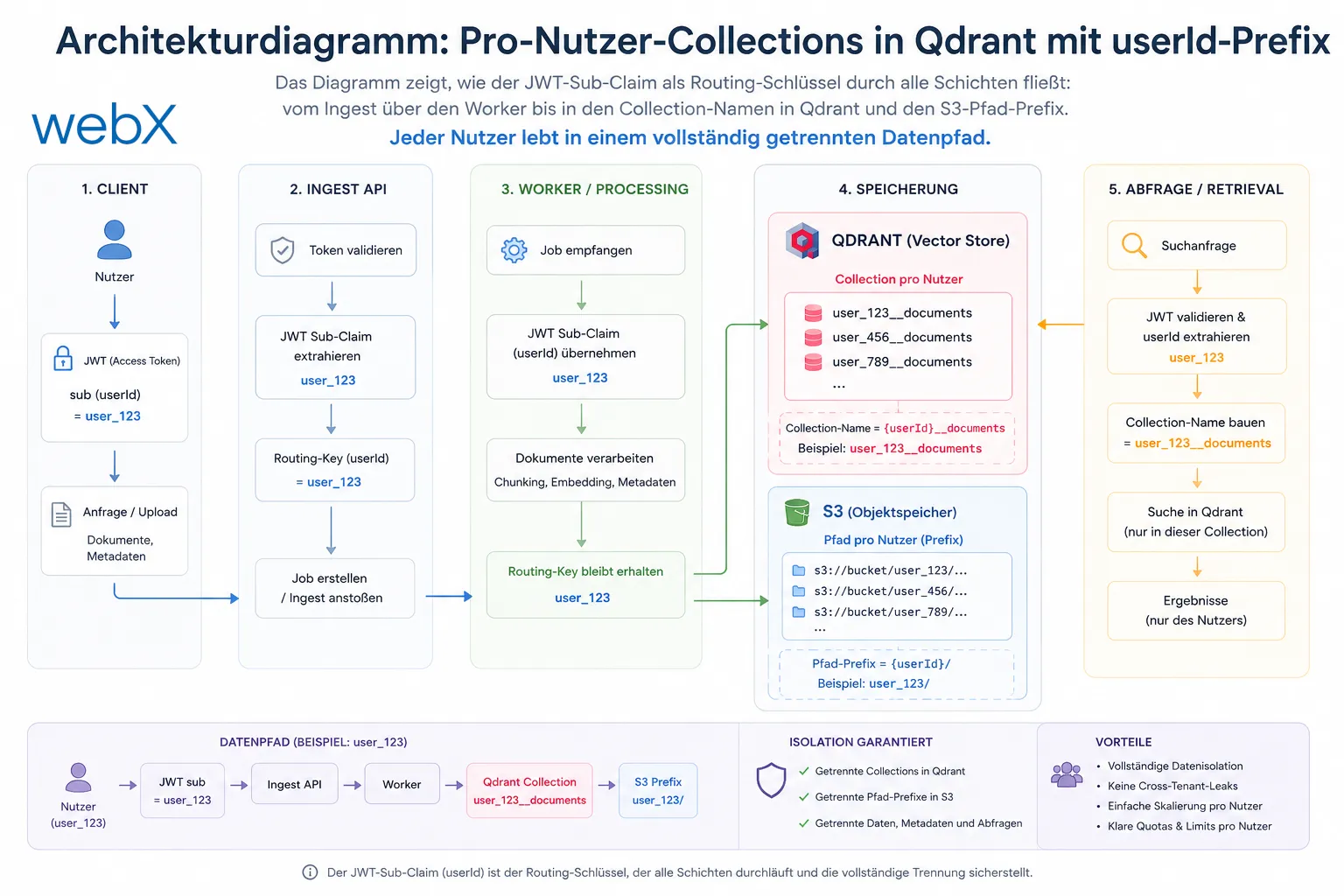
The diagram shows how the JWT sub claim acts as a routing identifier through every layer, from ingest through the worker to the Qdrant collection name and S3 path prefix. Each user has a completely separate data path. The original diagram is retained, including its German labels.
What these changes mean in practice
The TypeScript build passes. The ingest worker creates collections lazily on the first capture. New users receive empty results instead of errors on read requests.
The GDPR requirements are now fully implemented technically: deletion, export and consent logging. This is not a cosmetic measure. It is the foundation on which the system can be operated publicly.
All articles in the series
- Vision and system overview: Chrome Extension, RAG architecture and project background: Read article
- Building a RAG system: Qdrant, embeddings and cosine similarity in TypeScript: Read article
- AI provider abstraction: Ollama vs. OpenAI, interface design and no vendor lock-in: Read article
- Chrome Extension MV3: Three isolated runtime contexts, message passing and Strategy Pattern: Read article
- Docker Compose strategy: The override pattern, from local development to Azure: Read article
- Ollama locally vs. Docker: The decision and its consequences: Read article
- Ollama auto-pull entrypoint: Automated model setup at container startup: Read article
- tsconfig and Vite:
Node16vs.bundler, and why Vite has its own rules: Read article - Load complete Instagram captions with MutationObserver: Read article
- Chrome Extension foundation with health indicator and retry queue: Read article
- Phase 2 features: Shadow DOM overlay, Tailwind v4 and duplicate detection: Read article
- Race condition in platform detection: How a UI event breaks Instagram detection: Read article
- Extracting PostId in two Instagram layouts: querySelector vs. ancestor traversal: Read article
- Capture a complete Instagram carousel with MutationObserver: Lazy loading, observer-before-click and timeout fallback: Read article
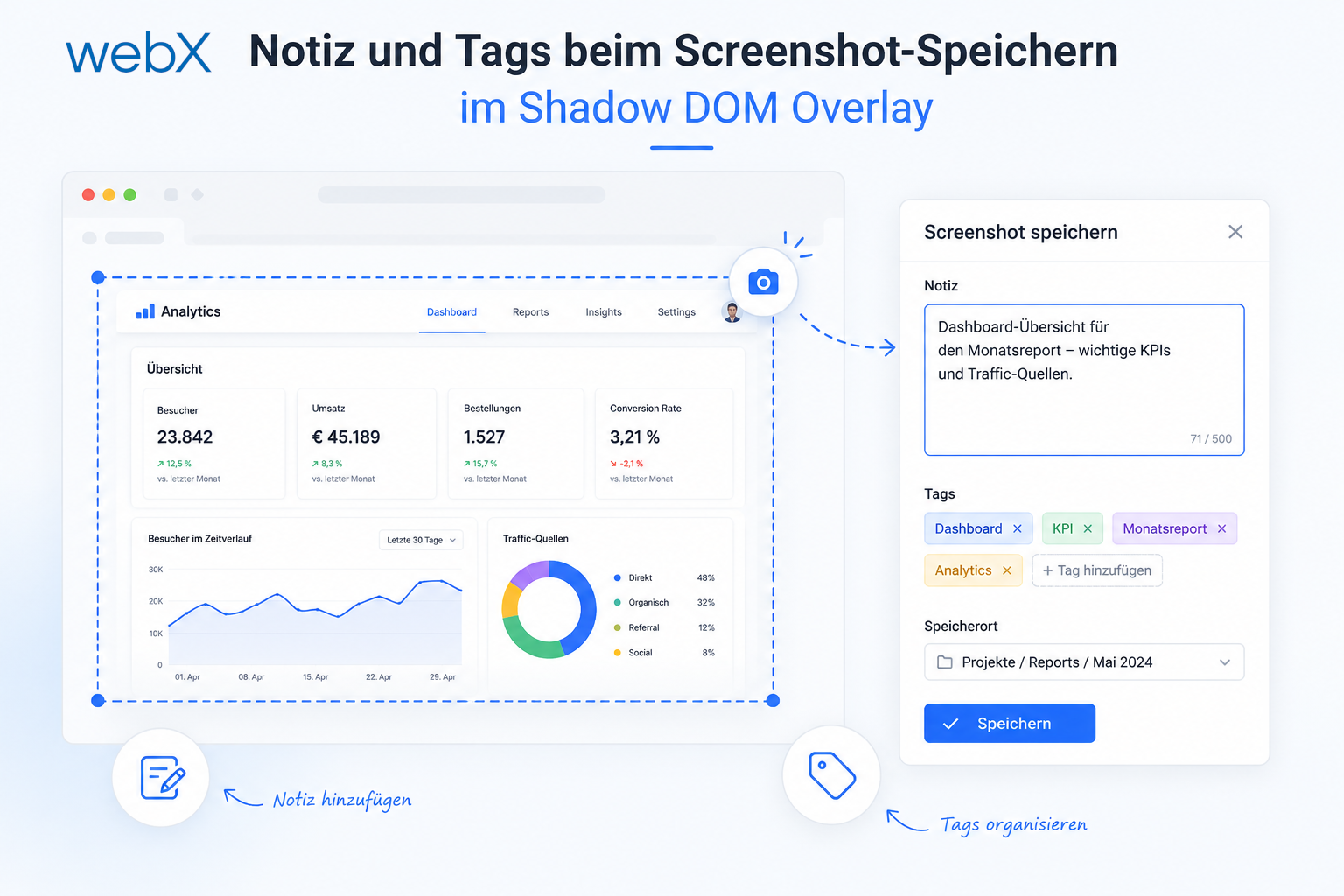
- Notes and tags when saving screenshots: Read article
- Instagram keyboard shortcuts block Chrome Extension input: Read article
- Lowercase normalization and duplicate detection in tag input: Read article
- Zitadel Login V2 in Docker Compose with three hidden errors: Read article
- PKCE OAuth in a Chrome MV3 extension: Read article
- React frontend with react-oidc-context and Zitadel: Read article
- Vite build-time environment variables in Docker: Read article
- Event-driven ingestion with BullMQ and Redis: Read article
- MinIO instead of Azurite: S3-compatible object storage locally and on Hetzner: Read article
- access_token, id_token and the Userinfo endpoint: Which belongs where: Read article
- Qdrant multi-tenancy with one collection per user: (this article)
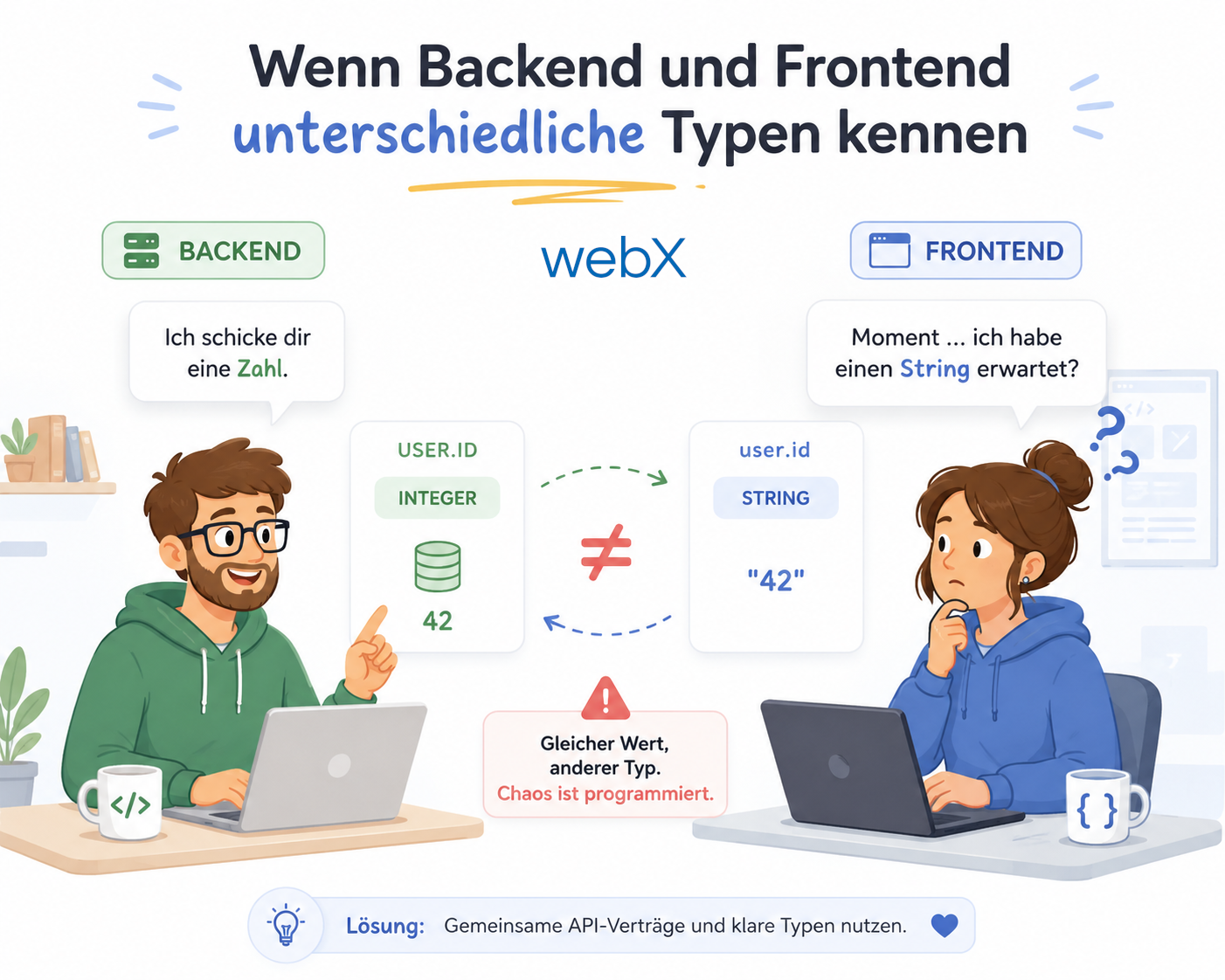
- When backend and frontend know different types: Read article
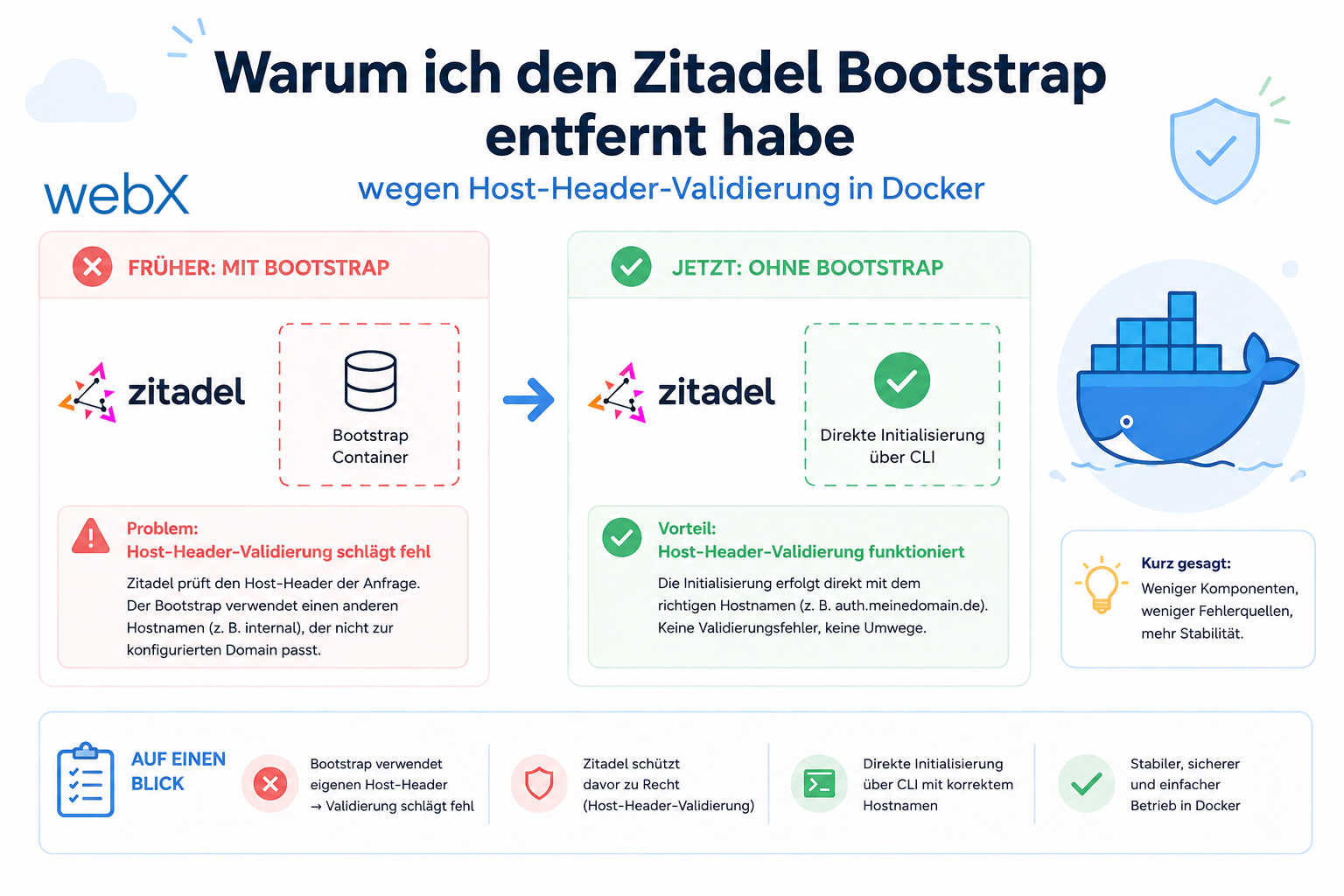
- Removing Zitadel bootstrap: Host header bug and manual setup: Read article
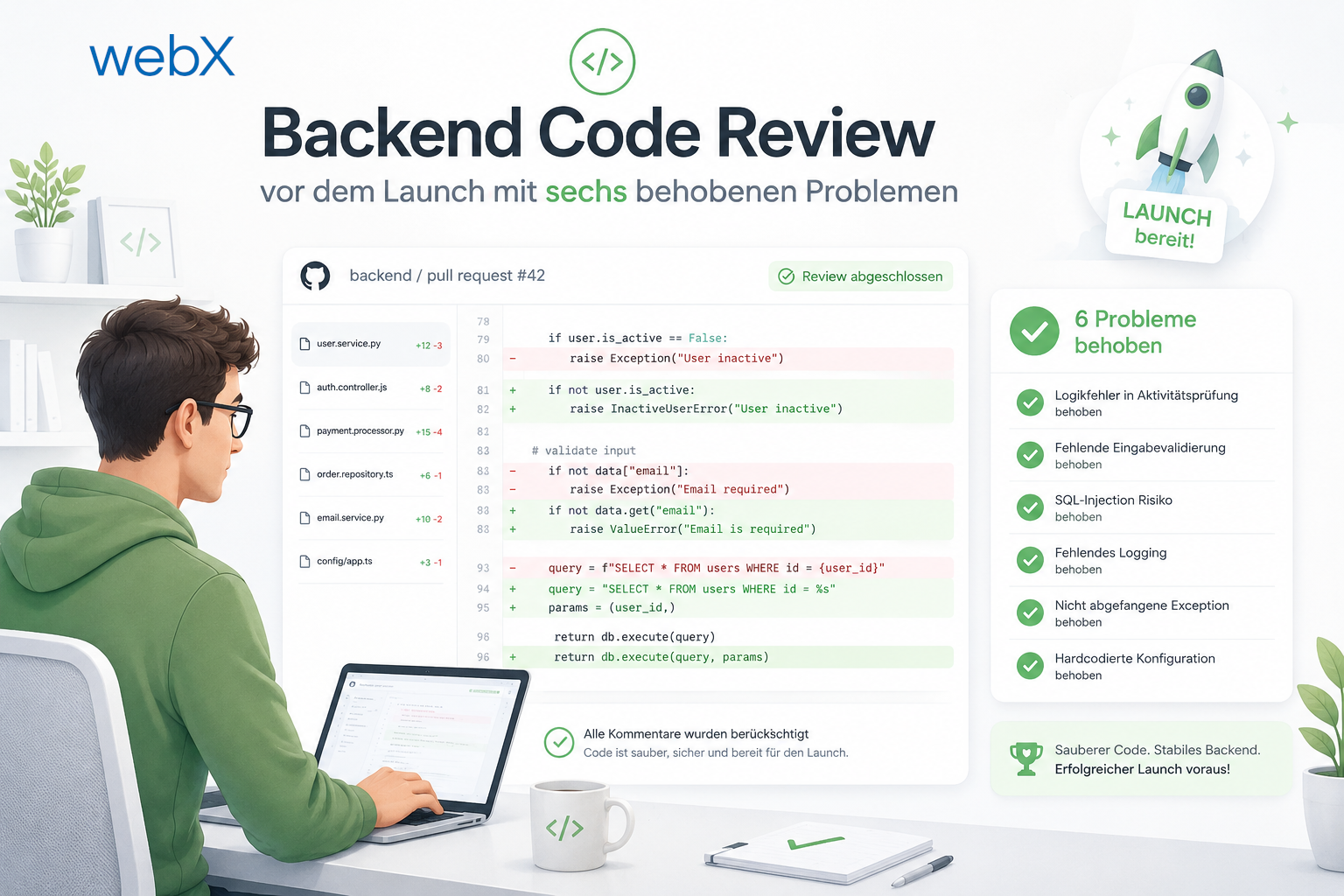
- Backend code review with six problems fixed before launch: Read article
- Traefik instead of NGINX: Reverse proxy for a growing Docker Compose stack: Read article
- Two-layer rate limiting: Traefik and express-rate-limit with Redis: Read article
- Implementing GDPR Article 17 correctly: Promise.allSettled and export batching: Read article
- Embedding model lock-in: Why mxbai-embed-large is a permanent production decision: Read article
- Docker volumes in production: Named volumes, bind mounts and the Hetzner volume approach: Read article
- Two vulnerabilities before launch: Redis without authentication and an exposed Qdrant admin port: Read article
- Traefik as the single entry point in the Docker Compose stack: Read article
- Connecting Zitadel behind Traefik with issuer, JWKS and Login V2: Read article
- Fixing the frontend when the nginx healthcheck fails on localhost: Read article
- Observability for my Docker Compose stack with Bull Board and Dozzle: Read article
- Open the Qdrant dashboard securely with local Traefik and an SSH tunnel: Read article
- Diagnosis of chunking failures despite tokenization: Read article
- Why I set the chunk size to 1500 tokens: Read article
- Splitting the embedding workflow into clear steps: Read article
- Bringing chunking, storage and search back together: Read article
- Capture Intake as a separate module, less orchestration in the Express endpoint: Read article
Are you building a multi-user RAG system with GDPR requirements? Let us assess it together.