Setting up Zitadel Login V2 in Docker Compose with fixes for three hidden errors
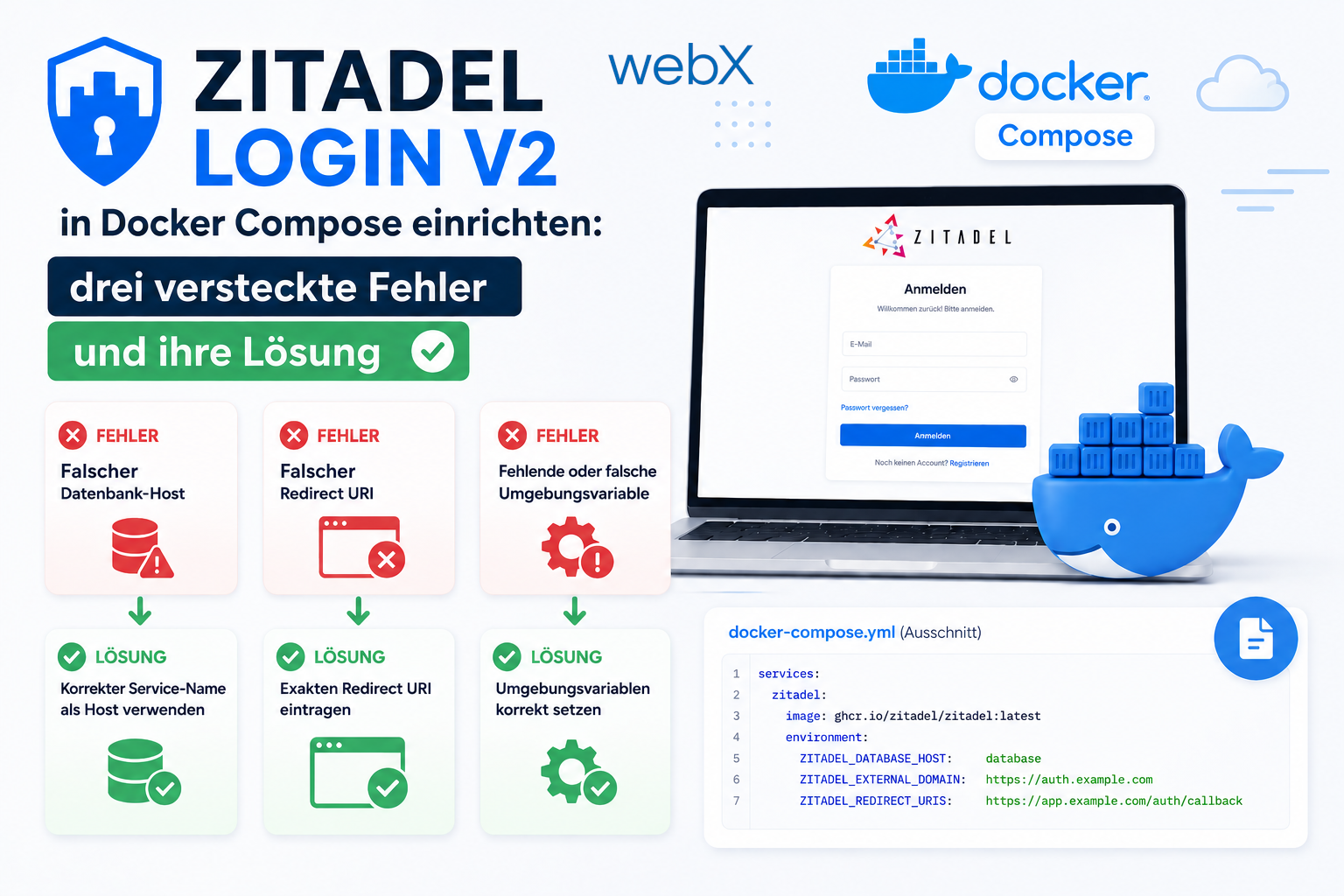
Zitadel v4 includes its own Next.js login UI. Setting it up in Docker Compose encounters three non-obvious problems: the Postgres 18 volume layout, missing PAT file permissions and incorrect BaseURI configuration.
Contents
- Why Zitadel rather than Auth0
- Error 1 is the changed Postgres 18 volume structure
- Error 2 is a PAT file that cannot be written
- Error 3 is the wrong BaseURI for Login V2
- The complete Docker Compose configuration
- Startup sequence
- Interactive PKCE flow and container topology
- Setting up the Zitadel Console
- All articles in the series
Why Zitadel rather than Auth0
The decision was simple: GDPR compliance without compromise. Auth0 and Okta are US companies. Every JWT request reaches servers outside the EU. After Schrems II, that is a problem I do not want.
Zitadel runs as a Docker container on the same German server as the rest of the application. No data leaves Germany. No third-party contract is needed beyond a data processing agreement with the hosting provider.
Since Zitadel v4, there is also an official Next.js login UI called Login V2. It replaces the old embedded login page with a standalone Next.js application deployed separately. This enables complete UI customization without modifying Zitadel itself.
Setup sounds simple. In practice, three non-obvious errors appeared, which I document here.
Error 1 is the changed Postgres 18 volume structure
Postgres 18 no longer stores data in /var/lib/postgresql/data, but in a versioned subdirectory: /var/lib/postgresql/18/main.
If the volume is mounted at /var/lib/postgresql/data, Postgres sees no compatible data and refuses to start:
zitadel_db | Error: there appears to be PostgreSQL data in:
zitadel_db |   /var/lib/postgresql/data (unused mount/volume)
zitadel_db | This is usually the result of upgrading the Docker image
zitadel_db | without upgrading the underlying database using pg_upgrade
The solution is to mount the volume one level higher. Postgres then creates the versioned subdirectory itself.
# Wrong (Postgres 17 and earlier):
volumes:
  - zitadel_db_data:/var/lib/postgresql/data

# Correct (Postgres 18+):
volumes:
  - zitadel_db_data:/var/lib/postgresql
This is a breaking change in Postgres 18. Migrating an existing volume requires pg_upgrade. For local development, delete the volume and initialize it again.
Error 2 is a PAT file that cannot be written
Zitadel runs as user 1001, not root. On the first startup with start-from-init, Zitadel automatically creates a login-service machine user and writes its PAT, a Personal Access Token, into a volume from which zitadel_login reads it.
The problem is that Docker creates named volumes with root ownership by default. Zitadel, running as user 1001, has no write permission.
zitadel | migration failed: open /pat/login-client.pat: permission deniedThe 03_default_instance migration fails. Zitadel starts but has no valid instance. Login redirects then lead nowhere or enter an endless loop.
The solution is an init container that makes the directory writable before Zitadel starts:
services:
  pat-init:
    image: alpine:3
    command: sh -c "chmod 777 /pat"
    volumes:
      - zitadel_login_pat:/pat

  zitadel:
    depends_on:
      pat-init:
        condition: service_completed_successfully
      zitadel_db:
        condition: service_healthy
pat-init runs once, makes the directory world-writable and exits. Only then does Zitadel start.
Importantly, both volumes, zitadel_db_data and zitadel_login_pat, are tightly coupled. When the database is initialized again, the PAT volume must also be reset because Zitadel writes the PAT only during the first initialization.
docker volume rm myapp_zitadel_db_data myapp_zitadel_login_patError 3 is the wrong BaseURI for Login V2
Zitadel constructs the login URL like this:
{LOGINV2_BASEURI}/login?authRequest={id}The Next.js login app starts with NEXT_PUBLIC_BASE_PATH=/ui/v2/login. This means all routes are available under /ui/v2/login/login, /ui/v2/login/register and so on.
If BaseURI is set only to http://localhost:9000, Zitadel constructs:
http://localhost:9000/login?authRequest=...This URL returns 404. The Next.js app does not recognize /login, only /ui/v2/login/login.
# Wrong:
ZITADEL_DEFAULTINSTANCE_FEATURES_LOGINV2_BASEURI: "http://localhost:9000"

# Correct:
ZITADEL_DEFAULTINSTANCE_FEATURES_LOGINV2_BASEURI: "http://localhost:9000/ui/v2/login"
Zitadel then constructs:
http://localhost:9000/ui/v2/login/login?authRequest=...This is the correct route for the Next.js app.
After every change to ZITADEL_DEFAULTINSTANCE_* or ZITADEL_FIRSTINSTANCE_*, both volumes must be reset. Zitadel writes these values into the database only during the start-from-init run.
The complete Docker Compose configuration
services:
  pat-init:
    image: alpine:3
    command: sh -c "chmod 777 /pat"
    volumes:
      - zitadel_login_pat:/pat

  zitadel_db:
    image: postgres:18-alpine
    environment:
      POSTGRES_USER: zitadel
      POSTGRES_PASSWORD: zitadel
      POSTGRES_DB: zitadel
    volumes:
      - zitadel_db_data:/var/lib/postgresql
    healthcheck:
      test: ['CMD-SHELL', 'pg_isready -U zitadel -d zitadel']
      interval: 5s
      timeout: 5s
      retries: 10

  zitadel:
    image: ghcr.io/zitadel/zitadel:v4.15.0
    command: start-from-init --masterkeyFromEnv
    environment:
      ZITADEL_MASTERKEY: 'MasterkeyNeedsToHave32Characters'
      ZITADEL_DATABASE_POSTGRES_HOST: zitadel_db
      ZITADEL_DATABASE_POSTGRES_PORT: 5432
      ZITADEL_DATABASE_POSTGRES_DATABASE: zitadel
      ZITADEL_DATABASE_POSTGRES_USER_USERNAME: zitadel
      ZITADEL_DATABASE_POSTGRES_USER_PASSWORD: zitadel
      ZITADEL_DATABASE_POSTGRES_USER_SSL_MODE: disable
      ZITADEL_DATABASE_POSTGRES_ADMIN_USERNAME: zitadel
      ZITADEL_DATABASE_POSTGRES_ADMIN_PASSWORD: zitadel
      ZITADEL_DATABASE_POSTGRES_ADMIN_SSL_MODE: disable
      ZITADEL_EXTERNALDOMAIN: localhost
      ZITADEL_EXTERNALPORT: 8080
      ZITADEL_EXTERNALSECURE: false
      ZITADEL_TLS_ENABLED: false
      ZITADEL_DEFAULTINSTANCE_FEATURES_LOGINV2_REQUIRED: true
      ZITADEL_DEFAULTINSTANCE_FEATURES_LOGINV2_BASEURI: 'http://localhost:9000/ui/v2/login'
      ZITADEL_FIRSTINSTANCE_PATPATH: /pat/login-client.pat
    ports:
      - '8080:8080'
    depends_on:
      pat-init:
        condition: service_completed_successfully
      zitadel_db:
        condition: service_healthy
    volumes:
      - zitadel_login_pat:/pat

  zitadel_login:
    image: ghcr.io/zitadel/zitadel-login:v4.15.0
    environment:
      ZITADEL_API_URL: 'http://zitadel:8080'
      ZITADEL_SERVICE_USER_TOKEN_FILE: /pat/login-client.pat
      NEXT_PUBLIC_BASE_PATH: '/ui/v2/login'
    ports:
      - '9000:3000'
    depends_on:
      - zitadel
    volumes:
      - zitadel_login_pat:/pat

volumes:
  zitadel_db_data:
  zitadel_login_pat:
Startup sequence
The correct startup order is:
pat-initruns and exits after setting volume permissionszitadel_dbstarts and becomes healthyzitadelstarts, runsstart-from-initand writes the PAT into the volumezitadel_loginstarts and reads the PAT
zitadel is not configured as a health-check dependency for zitadel_login. In practice, zitadel_login needs a few seconds for Zitadel to finish starting before the login flow works. This is normal on the first startup.
Interactive PKCE flow and container topology
The sandbox below shows the complete PKCE flow and container topology in a compact, article-friendly view. This shared illustrative sandbox retains its German interface text.
Setting up the Zitadel Console
The console is available at http://localhost:8080/ui/console/. The first sign-in with the admin user works through the Zitadel Console itself.
The application needs two separate OAuth clients:
- Web app (frontend): PKCE, no client secret, with redirect_uri set to
http://localhost:5173 - Native app (browser extension): PKCE, no client secret, with redirect_uri set to the extension URL
The Chrome Extension receives a separate app because chrome.identity.launchWebAuthFlow has different redirect URI requirements from a regular web app. My article on PKCE in Chrome Extensions covers this in more detail.
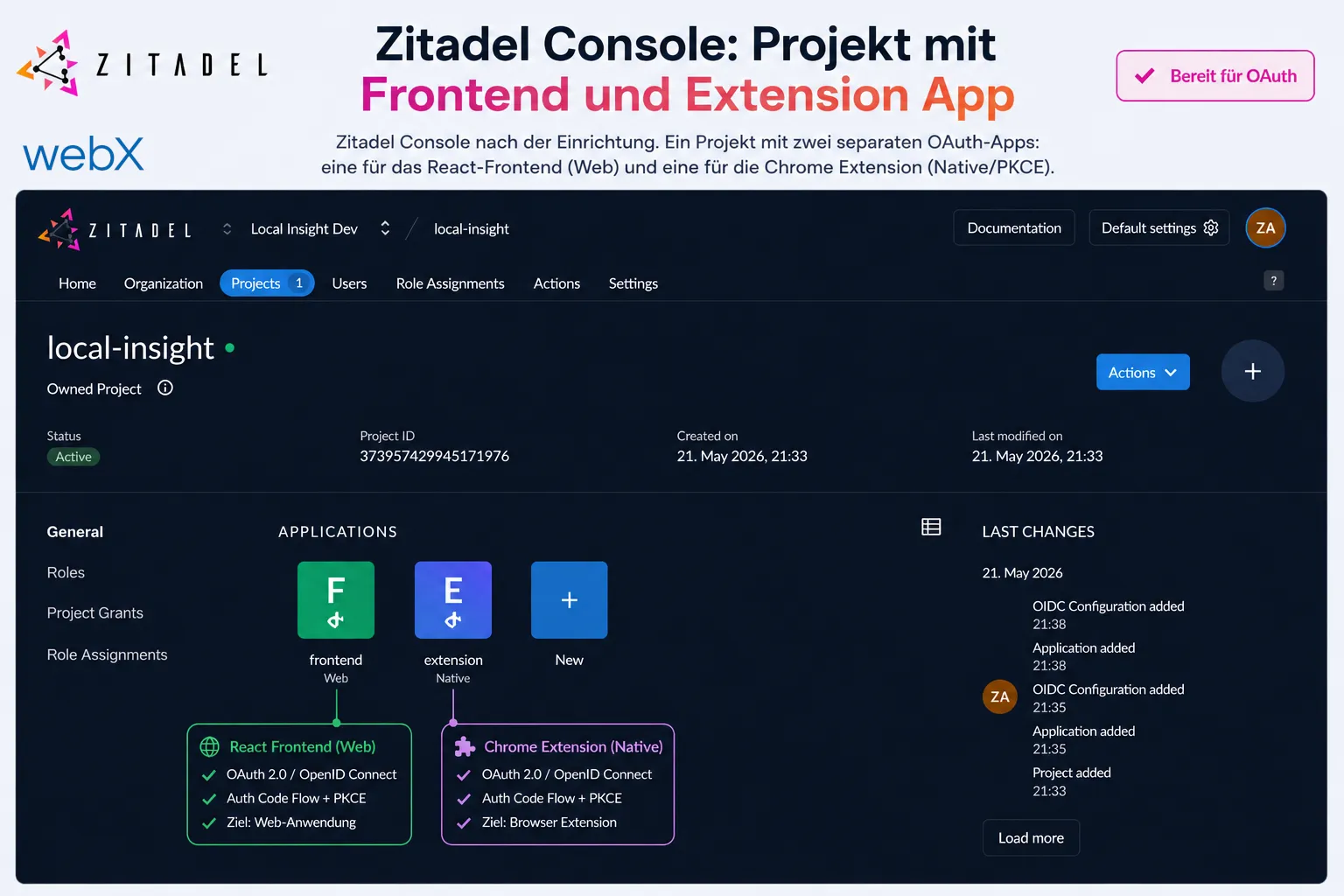 Figure: The original German Zitadel Console after setup. One project contains two separate OAuth apps: one for the React frontend (Web) and one for the Chrome Extension (Native/PKCE).
All articles in the series
- Vision and system overview: Chrome Extension, RAG architecture and project background: Read article
- Building a RAG system: Qdrant, embeddings and cosine similarity in TypeScript: Read article
- AI provider abstraction: Ollama vs. OpenAI, interface design and no vendor lock-in: Read article
- Chrome Extension MV3: Three isolated runtime contexts, message passing and Strategy Pattern: Read article
- Docker Compose strategy: The override pattern, from local development to Azure: Read article
- Ollama locally vs. Docker: The decision and its consequences: Read article
- Ollama auto-pull entrypoint: Automated model setup at container startup: Read article
- tsconfig and Vite:
Node16vs.bundler, and why Vite has its own rules: Read article - Load complete Instagram captions with MutationObserver: Read article
- Chrome Extension foundation with health indicator and retry queue: Read article
- Phase 2 features: Shadow DOM overlay, Tailwind v4 and duplicate detection: Read article
- Race condition in platform detection: How a UI event breaks Instagram detection: Read article
- Extracting PostId in two Instagram layouts: querySelector vs. ancestor traversal: Read article
- Capture a complete Instagram carousel with MutationObserver: Lazy loading, observer-before-click and timeout fallback: Read article
- Notes and tags when saving screenshots: Read article
- Instagram keyboard shortcuts block Chrome Extension input: Read article
- Lowercase normalization and duplicate detection in tag input: Read article
- Zitadel Login V2 in Docker Compose with three hidden errors: (this article)
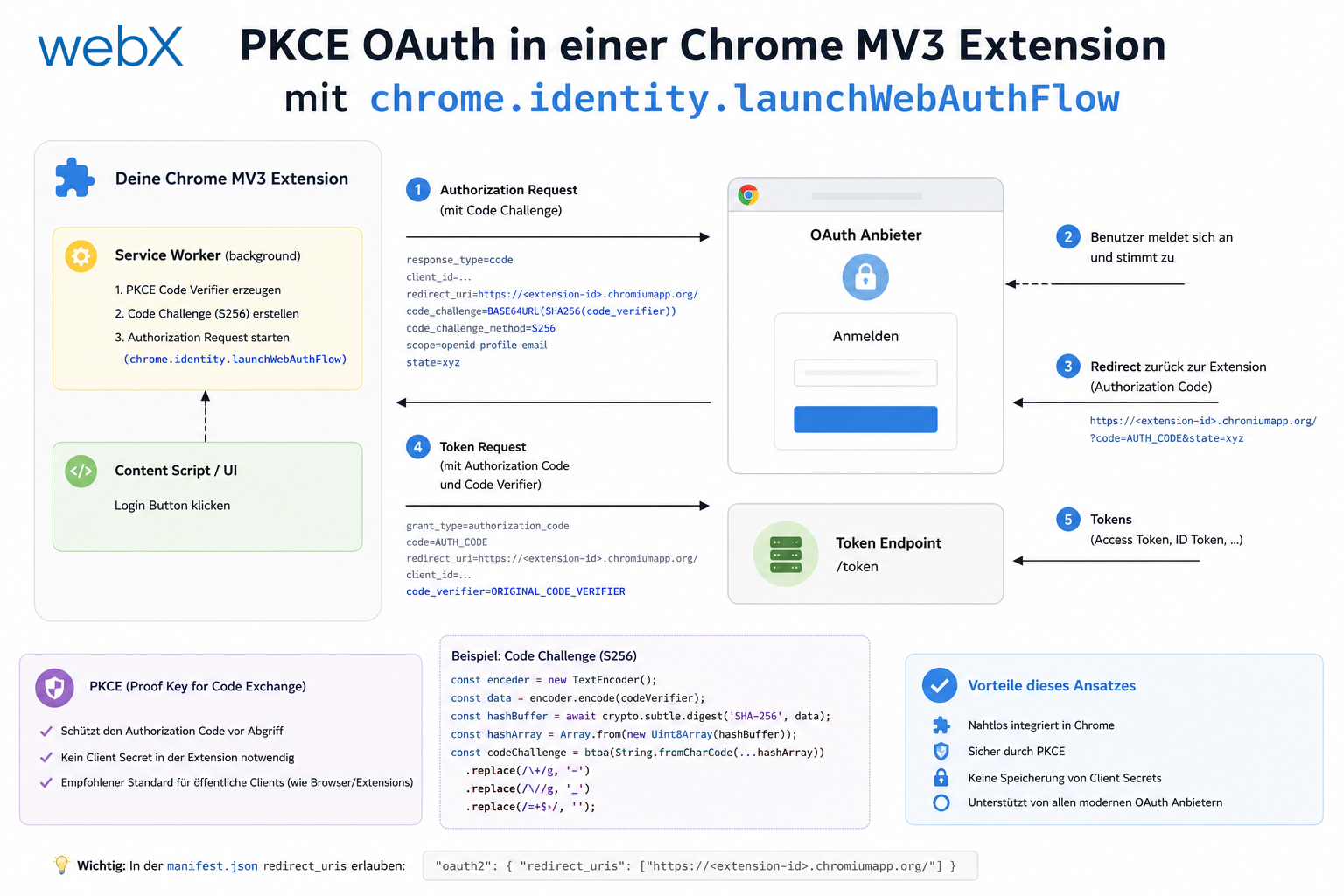
- PKCE OAuth in a Chrome MV3 extension: Read article
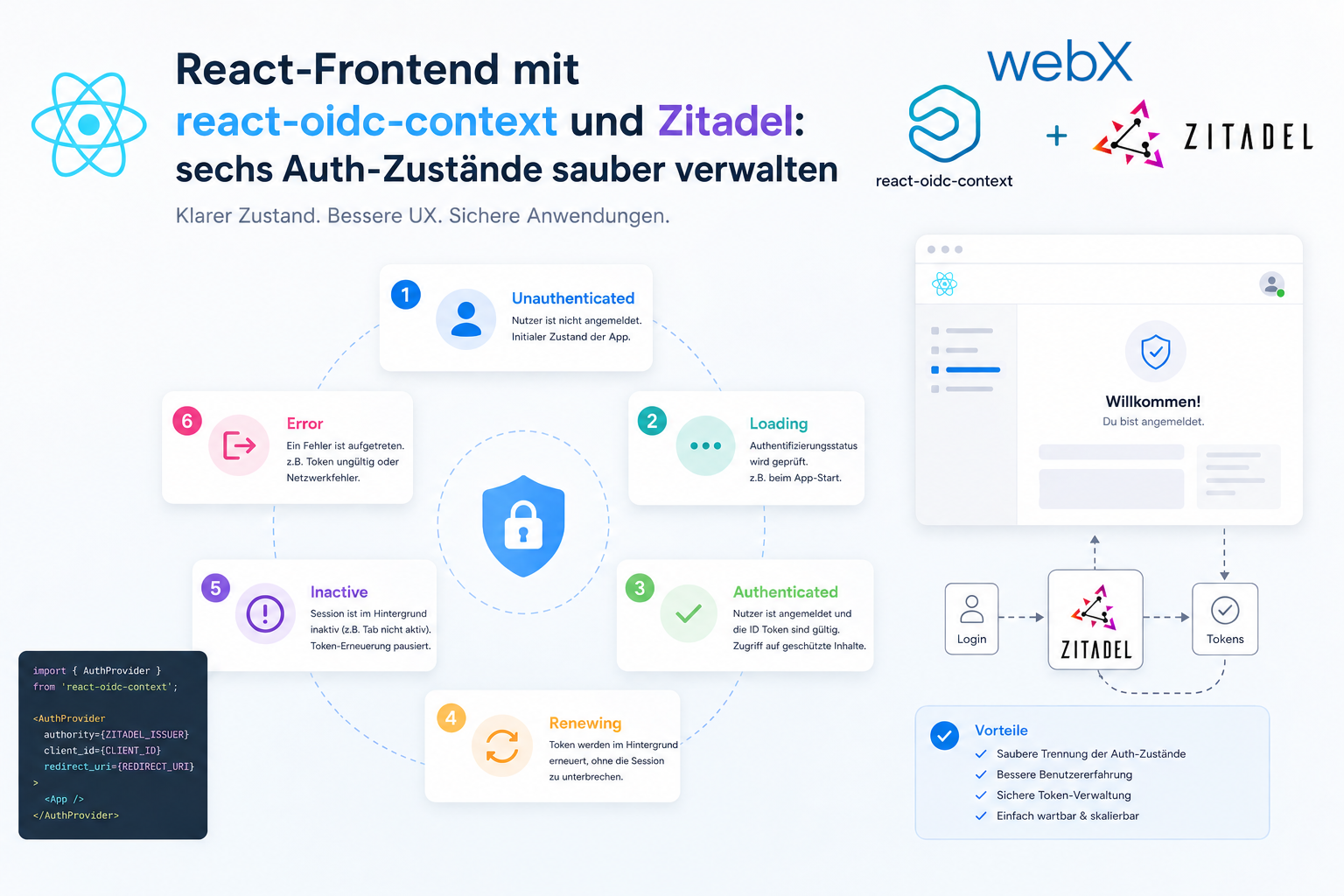
- React frontend with react-oidc-context and Zitadel: Read article
- Vite build-time environment variables in Docker: Read article
- Event-driven ingestion with BullMQ and Redis: Read article
- MinIO instead of Azurite: S3-compatible object storage locally and on Hetzner: Read article
- access_token, id_token and the Userinfo endpoint: Which belongs where: Read article
- Qdrant multi-tenancy with one collection per user: Read article
- When backend and frontend know different types: Read article
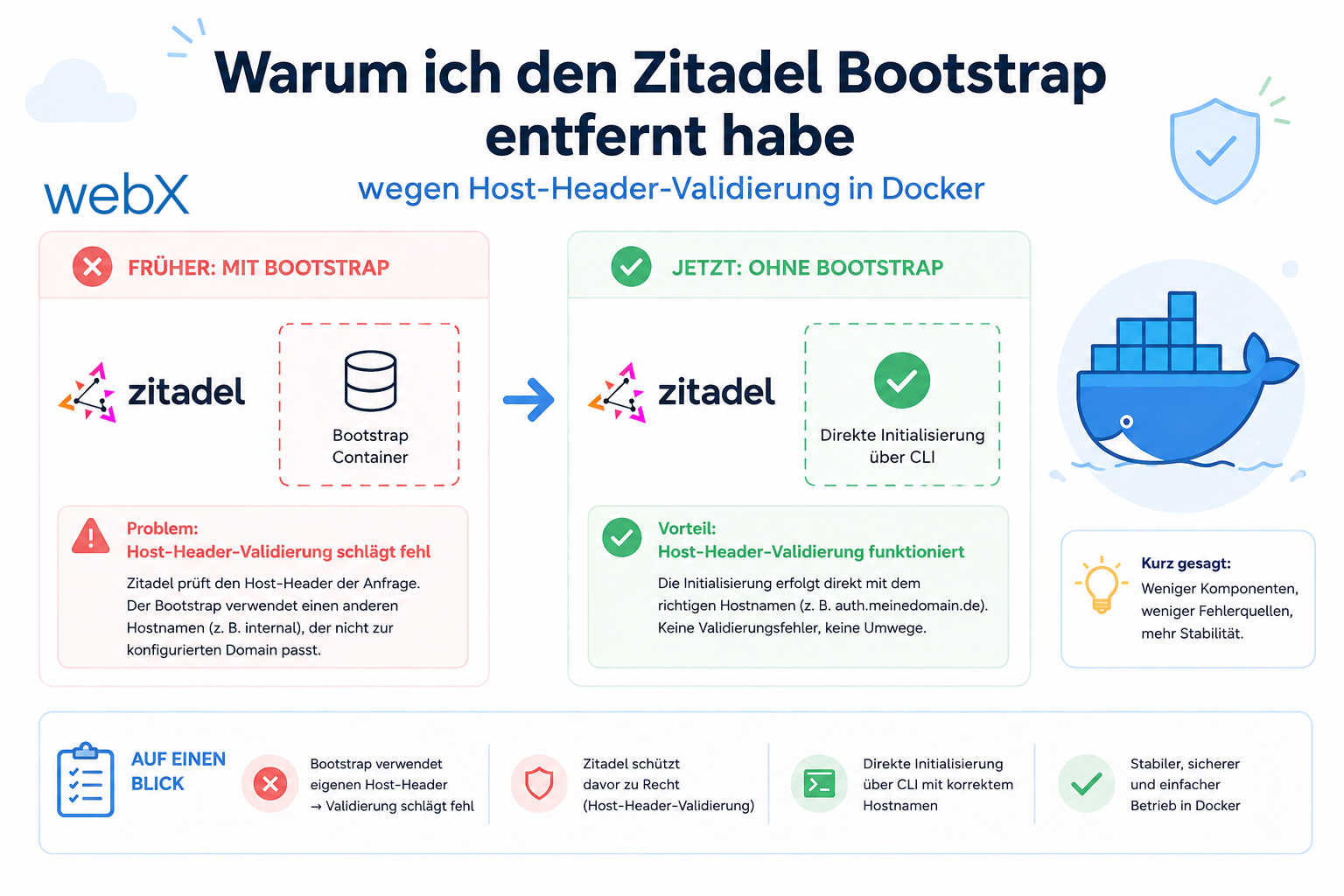
- Removing Zitadel bootstrap: Host header bug and manual setup: Read article
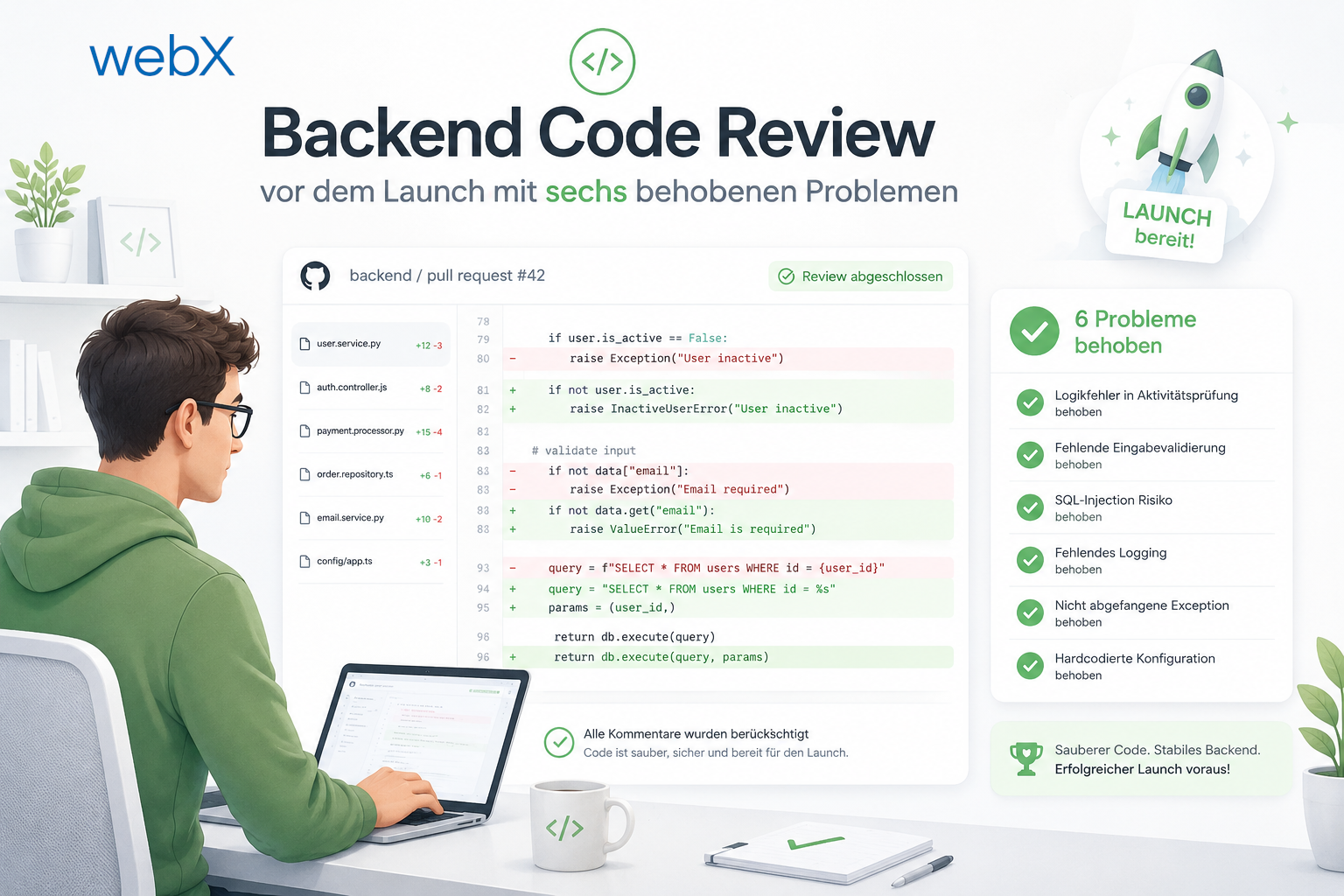
- Backend code review with six problems fixed before launch: Read article
- Traefik instead of NGINX: Reverse proxy for a growing Docker Compose stack: Read article
- Two-layer rate limiting: Traefik and express-rate-limit with Redis: Read article
- Implementing GDPR Article 17 correctly: Promise.allSettled and export batching: Read article
- Embedding model lock-in: Why mxbai-embed-large is a permanent production decision: Read article
- Docker volumes in production: Named volumes, bind mounts and the Hetzner volume approach: Read article
- Two vulnerabilities before launch: Redis without authentication and an exposed Qdrant admin port: Read article
- Traefik as the single entry point in the Docker Compose stack: Read article
- Connecting Zitadel behind Traefik with issuer, JWKS and Login V2: Read article
- Fixing the frontend when the nginx healthcheck fails on localhost: Read article
- Observability for my Docker Compose stack with Bull Board and Dozzle: Read article
- Open the Qdrant dashboard securely with local Traefik and an SSH tunnel: Read article
- Diagnosis of chunking failures despite tokenization: Read article
- Why I set the chunk size to 1500 tokens: Read article
- Splitting the embedding workflow into clear steps: Read article
- Bringing chunking, storage and search back together: Read article
- Capture Intake as a separate module, less orchestration in the Express endpoint: Read article
Are you building a GDPR-compliant auth setup with Zitadel and Docker? Let us assess it together.