Backend code review with six problems fixed before launch
Before going live, I read through the entire backend again. I found six concrete problems and fixed them all. Here is what I found, where I found it and why each issue mattered.
Contents
- Why I read through the backend again
- Problem 1 with S3Client as a disposable instance
- Problem 2 with VECTOR_SIZE as a hardcoded constant
- Problem 3 with rereading the admin PAT on every request
- Problem 4 with dead code in ternary operators
- Problem 5 with as any and an incorrect label
- Problem 6 with importing through a shim
- What was already good
- What remains open
- All articles in the series
Why I read through the backend again
The stack runs. TypeScript compiles. The features are implemented. But there is a gap between “works locally” and “goes into production”: code has to work under load, with real user data and without direct debugging access.
I set aside three hours to read the backend files systematically without changing anything. The goal was not to build features, but to find places that would cause problems in production.
I found six concrete problems. All are fixed.
Problem 1 with S3Client as a disposable instance
In blob-storage.ts, functions such as uploadScreenshot, getPresignedUrl and deleteObject each began with:
// S3 client was re-created on every function call
const client = new S3Client({
  endpoint: process.env.S3_ENDPOINT,
  region: process.env.AWS_REGION ?? "auto",
  credentials: { ... },
});
Every backend API call involving S3 created a new S3Client instance. The client internally maintains an HTTP connection pool. That pool was discarded after every call.
Under load, many TCP connections are opened and immediately closed rather than reused. If environment variables are missing, the constructor throws on the first request, not at startup.
The solution is a lazy singleton:
// Module-level variables, initialized on first use
let _client: S3Client | null = null;
let _presignClient: S3Client | null = null;

function getClient(): S3Client {
  if (!_client) {
    _client = new S3Client({
      /* config */
    });
  }
  return _client;
}
The instance is created once on first use. All subsequent calls receive the same instance. Connections in the pool stay open.
Problem 2 with VECTOR_SIZE as a hardcoded constant
In qdrant.ts:
// Hardcoded — env var VECTOR_SIZE had no effect
const VECTOR_SIZE = 768;
At the same time, docker-compose.yml set the VECTOR_SIZE=768 environment variable. This was a silent inconsistency. Changing the environment variable would go unnoticed until Qdrant returned a dimension error during an upsert.
If an embedding model produces 1536 dimensions, as OpenAI’s text-embedding-3-small does, but the collection was created with 768, every storage attempt silently fails or throws an incomprehensible error.
// Read from environment with safe fallback
const VECTOR_SIZE = parseInt(process.env.VECTOR_SIZE ?? '768', 10);
The environment variable now actually controls the value.
Problem 3 with rereading the admin PAT on every request
In account.ts, a DELETE /account endpoint implements GDPR Article 17, the right to erasure. It needs a Zitadel admin PAT to delete the user’s identity in Zitadel.
The original code called a function on every request that read the PAT file from the filesystem:
// Original: file system read on every DELETE request
router.delete('/', authMiddleware, async (req, res) => {
  const pat = await getAdminPat(); // reads file each time
  // ...
});
With a few requests per day, this is irrelevant. With a hundred concurrent requests, the backend reads the same file a hundred times. The filesystem is fast, but this is unnecessary work and suggests nobody considered the value’s lifecycle.
The PAT does not change at runtime. It should be loaded once at startup:
// Cached at module load, not per request
let _adminPat: string | null = null;

async function loadAdminPat(): Promise<string> {
  if (_adminPat) return _adminPat;
  const patPath = process.env.ZITADEL_ADMIN_PAT_PATH ?? '/run/secrets/zitadel_admin_pat';
  _adminPat = (await fs.readFile(patPath, 'utf-8')).trim();
  return _adminPat;
}
The first call at module startup reads the file. Every later call returns the cached value.
Problem 4 with dead code in ternary operators
Two places used a ternary operator with a condition that could never occur.
In the export endpoint in account.ts:
// Dead branch: items was always an array at this point
const records = items ? items.map(...) : [];
At that point, items was always an array, never null or undefined. The else branch was dead code.
In query.ts, when building the LLM context:
// Dead branch: platform was narrowed to "generic" at this point
const context = platform === 'instagram' ? buildInstagramContext(metadata) : buildGenericContext(metadata); // always this branch
TypeScript had already narrowed platform to "generic". The Instagram branch could never be reached.
Dead code near production is a warning sign. It suggests something can happen when it never does. It makes code harder to read and can misdirect later refactoring. Both places were simplified.
Problem 5 with as any and an incorrect label
In query.ts, a block built LLM context for generic websites, meaning sites other than Instagram:
// Wrong: cast to any and labelled as Instagram
const meta = metadata as any;
const contextString = `Originally posted on Instagram at ${meta.timestampISO}`;
There were two problems. First, GenericWebPagePayload.metadata has no timestampISO field. The any cast hid that type error. Second, the text said “Originally posted on Instagram” for every website.
Code had been copied from the Instagram path and adapted incompletely. The LLM would have displayed the wrong source for every saved link.
// Typed access, no cast, correct label
const meta = metadata as GenericWebPagePayload['metadata'];
const contextString = [`Page title: ${meta.pageTitle ?? 'unknown'}`, `Page URL: ${meta.pageUrl ?? 'unknown'}`].join(
  '\n'
);
No as any, no incorrect label and the correct fields from the type.
Problem 6 with importing through a shim
In query.ts:
import { generateEmbedding } from '../services/ollama';ollama.ts was a file that only re-exported:
// ollama.ts — misleading backward-compat shim
export { generateEmbedding } from './ai-provider';
This had grown historically. The function originally lived in ollama.ts, then moved to the more abstract ai-provider.ts, leaving ollama.ts as a shim. The import in query.ts suggested a direct connection to Ollama, which was no longer true after the move.
The shim was removed. query.ts imports directly from ai-provider.ts. The code now correctly describes what it actually uses.
What was already good
Not everything needed work. Some backend components were already in good shape.
The event-driven ingestion pattern through BullMQ is clean. Jobs are enqueued and processed by a worker. Errors end in the failed state, not silent data loss.
The Qdrant abstraction in qdrant.ts isolates every vector database operation behind clear functions. The rest of the code knows nothing about Qdrant’s internal concepts.
The AI provider abstraction layer in ai-provider.ts cleanly separates local Ollama from OpenAI in production. An environment variable controls the switch, rather than branching code in the query handler.
What remains open
I documented two problems but had not fixed them yet.
Rate limiting is missing on POST /query. Every request triggers embedding generation and an LLM call. A single script can exhaust the API key’s available budget.
The DELETE /account endpoint processes BullMQ, Qdrant, S3 and Zitadel sequentially. If one step fails, data remains in the other stores. This is a GDPR Article 17 risk and needs an idempotent retry path.
Both are documented in PRODUCTION_STRATEGY.md as blockers before going live.
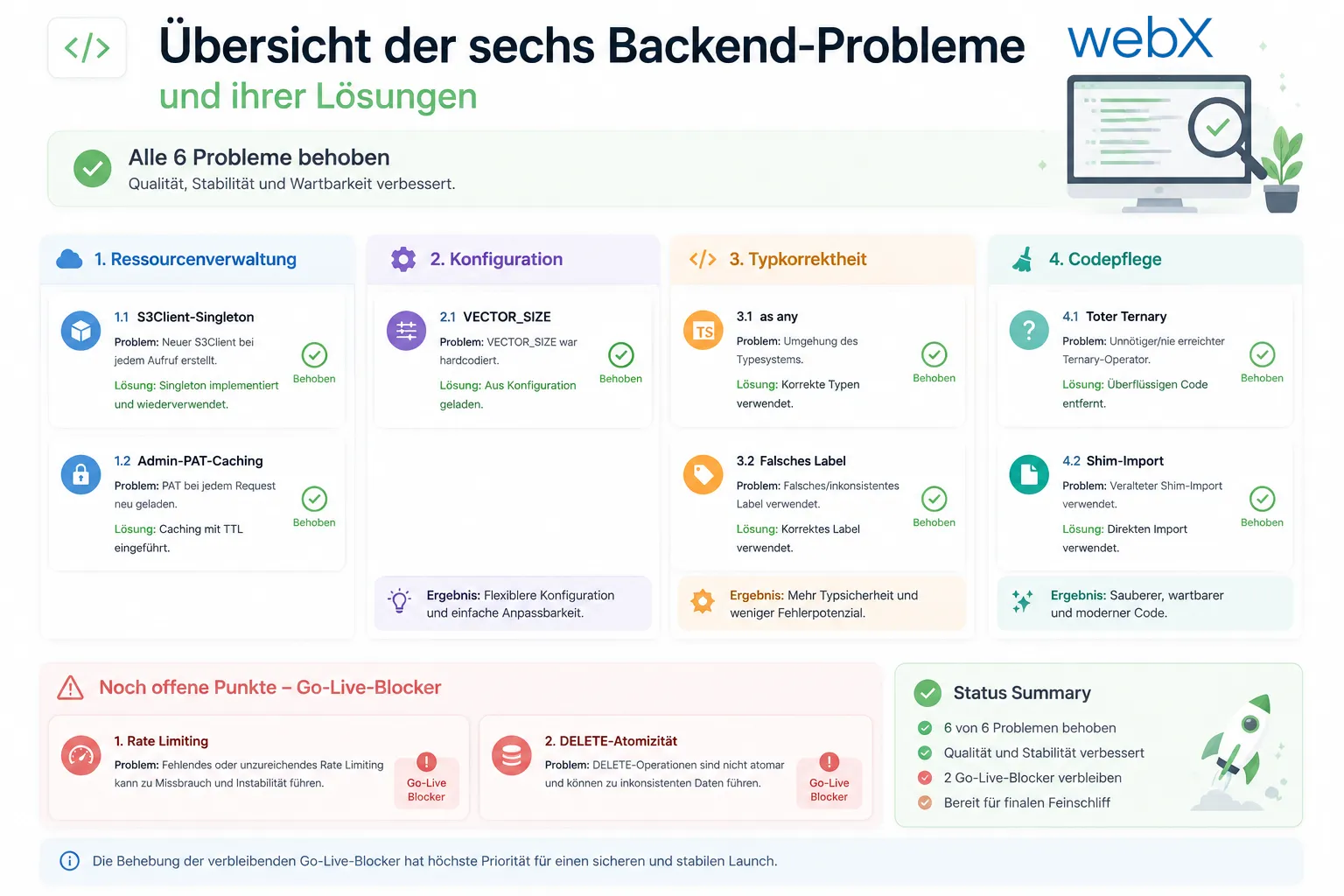
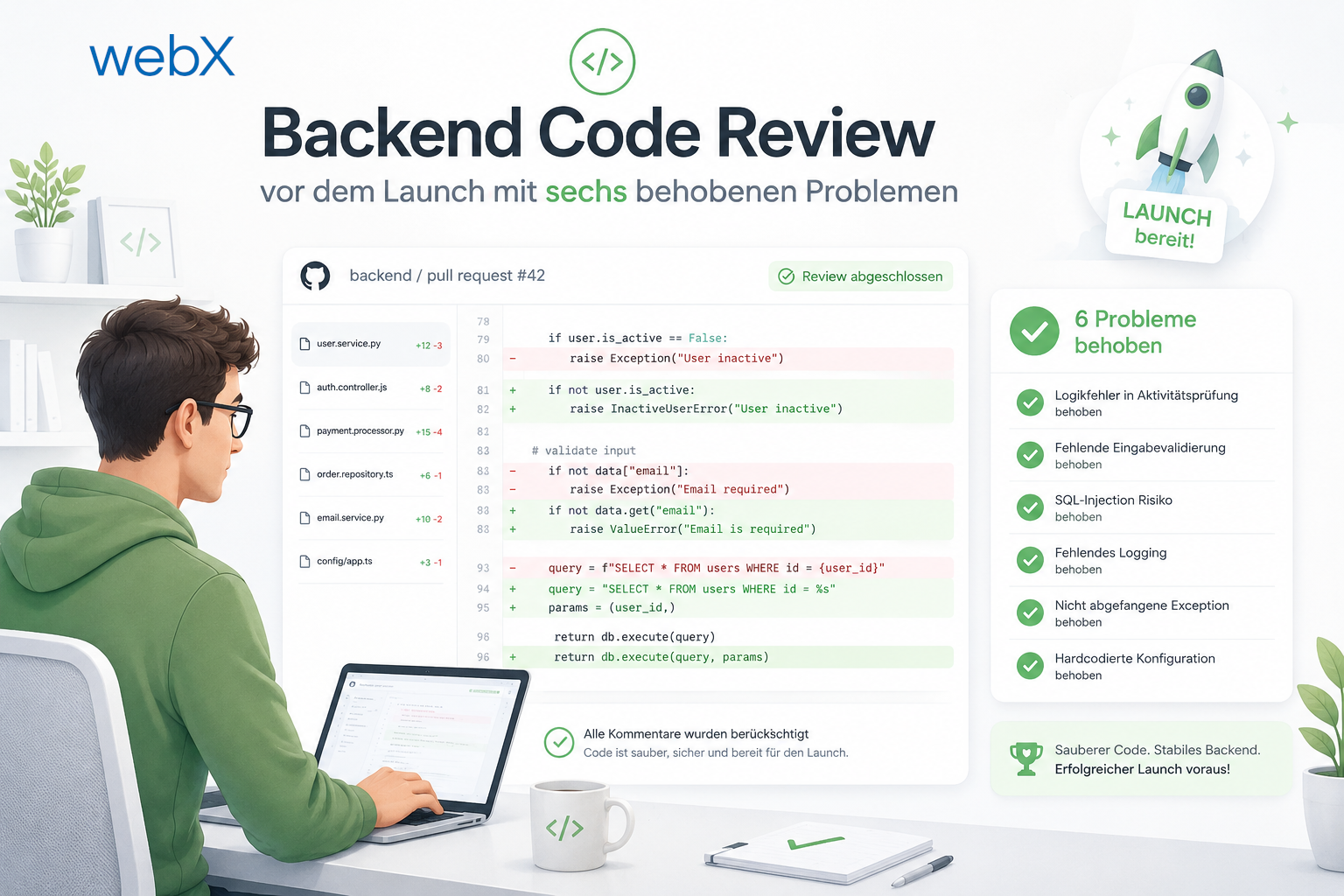
The diagram groups the six problems by category: resource management (S3Client singleton and admin PAT caching), configuration (VECTOR_SIZE), type correctness (as any and incorrect label) and code maintenance (dead ternary and shim import). All six are fixed. The two open issues, rate limiting and DELETE atomicity, are marked as go-live blockers. The original diagram retains its German labels.
All articles in the series
- Vision and system overview: Chrome Extension, RAG architecture and project background: Read article
- Building a RAG system: Qdrant, embeddings and cosine similarity in TypeScript: Read article
- AI provider abstraction: Ollama vs. OpenAI, interface design and no vendor lock-in: Read article
- Chrome Extension MV3: Three isolated runtime contexts, message passing and Strategy Pattern: Read article
- Docker Compose strategy: The override pattern, from local development to Azure: Read article
- Ollama locally vs. Docker: The decision and its consequences: Read article
- Ollama auto-pull entrypoint: Automated model setup at container startup: Read article
- tsconfig and Vite:
Node16vs.bundler, and why Vite has its own rules: Read article - Load complete Instagram captions with MutationObserver: Read article
- Chrome Extension foundation with health indicator and retry queue: Read article
- Phase 2 features: Shadow DOM overlay, Tailwind v4 and duplicate detection: Read article
- Race condition in platform detection: How a UI event breaks Instagram detection: Read article
- Extracting PostId in two Instagram layouts: querySelector vs. ancestor traversal: Read article
- Capture a complete Instagram carousel with MutationObserver: Lazy loading, observer-before-click and timeout fallback: Read article
- Notes and tags when saving screenshots: Read article
- Instagram keyboard shortcuts block Chrome Extension input: Read article
- Lowercase normalization and duplicate detection in tag input: Read article
- Zitadel Login V2 in Docker Compose with three hidden errors: Read article
- PKCE OAuth in a Chrome MV3 extension: Read article
- React frontend with react-oidc-context and Zitadel: Read article
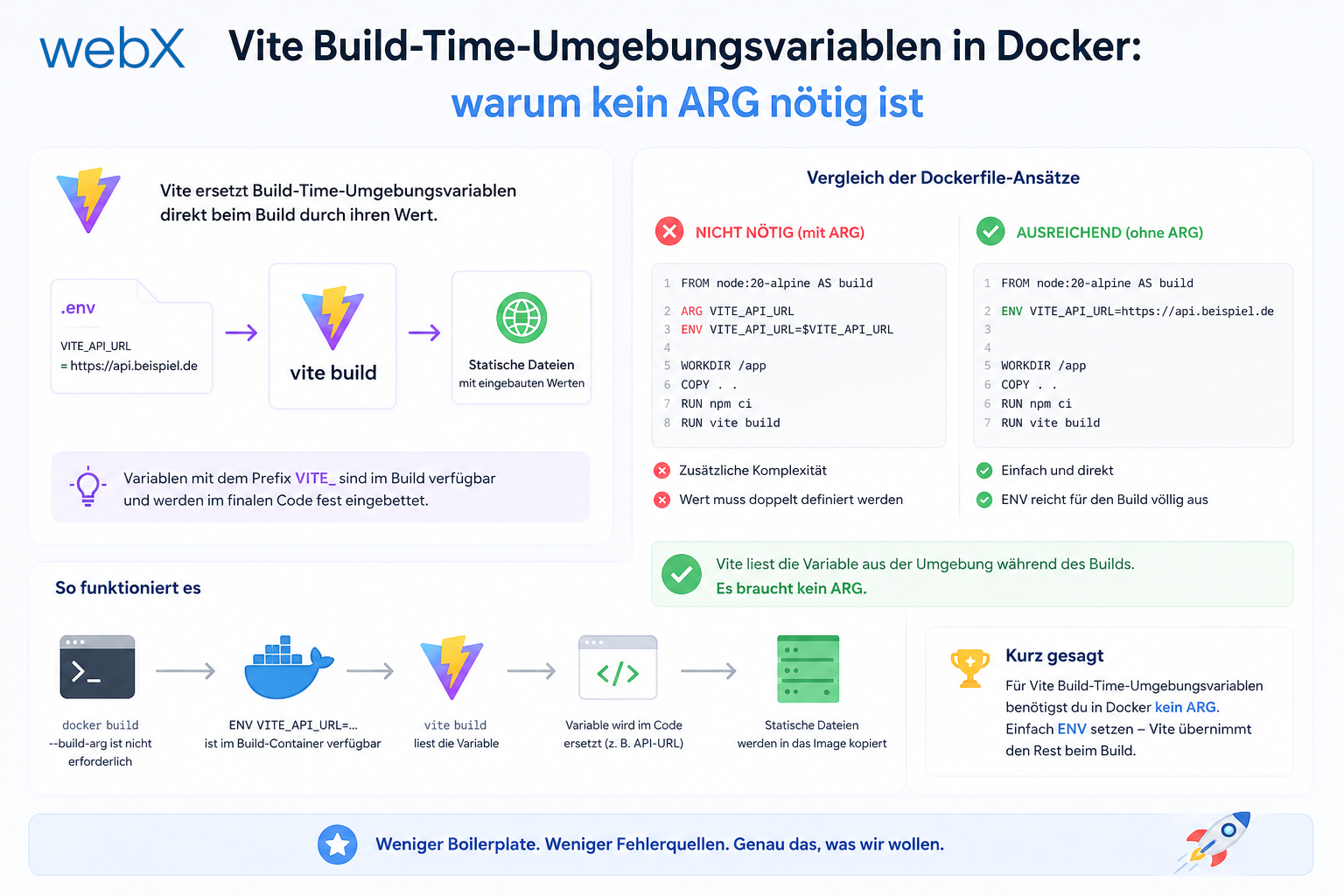
- Vite build-time environment variables in Docker: Read article
- Event-driven ingestion with BullMQ and Redis: Read article
- MinIO instead of Azurite: S3-compatible object storage locally and on Hetzner: Read article
- access_token, id_token and the Userinfo endpoint: Which belongs where: Read article
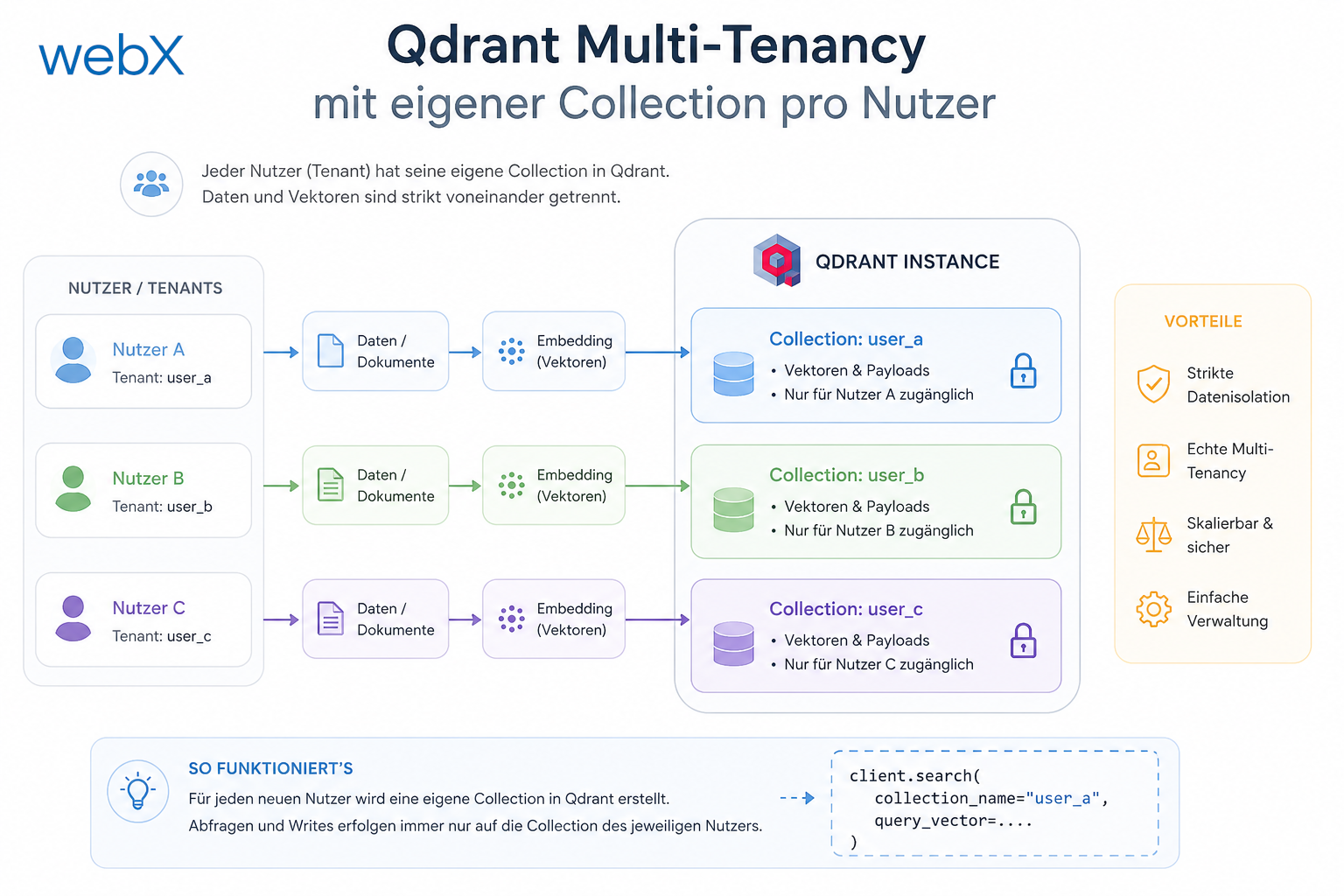
- Qdrant multi-tenancy with one collection per user: Read article
- When backend and frontend know different types: Read article
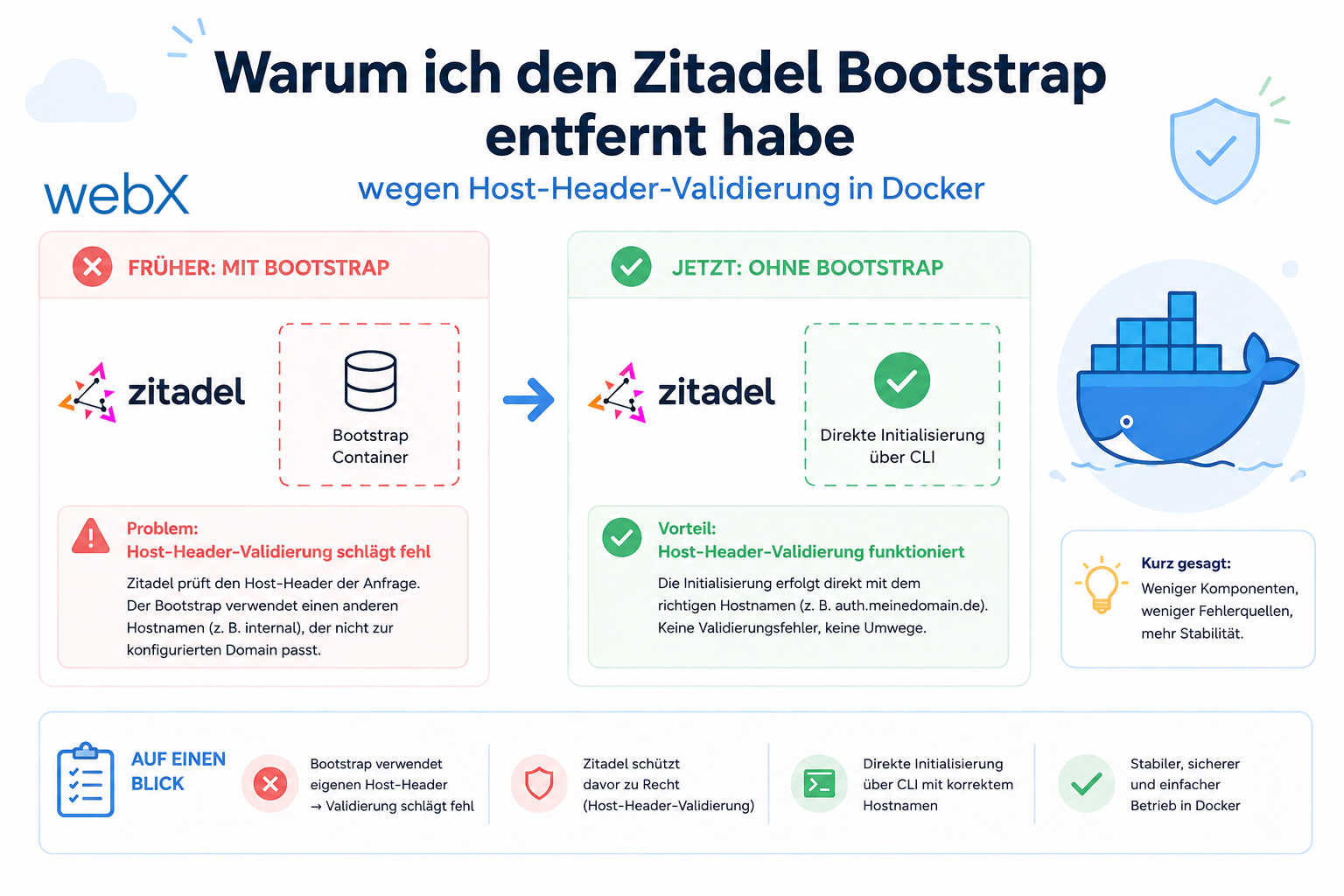
- Removing Zitadel bootstrap: Host header bug and manual setup: Read article
- Backend code review with six problems fixed before launch: (this article)
- Traefik instead of NGINX: Reverse proxy for a growing Docker Compose stack: Read article
- Two-layer rate limiting: Traefik and express-rate-limit with Redis: Read article
- Implementing GDPR Article 17 correctly: Promise.allSettled and export batching: Read article
- Embedding model lock-in: Why mxbai-embed-large is a permanent production decision: Read article
- Docker volumes in production: Named volumes, bind mounts and the Hetzner volume approach: Read article
- Two vulnerabilities before launch: Redis without authentication and an exposed Qdrant admin port: Read article
- Traefik as the single entry point in the Docker Compose stack: Read article
- Connecting Zitadel behind Traefik with issuer, JWKS and Login V2: Read article
- Fixing the frontend when the nginx healthcheck fails on localhost: Read article
- Observability for my Docker Compose stack with Bull Board and Dozzle: Read article
- Open the Qdrant dashboard securely with local Traefik and an SSH tunnel: Read article
- Diagnosis of chunking failures despite tokenization: Read article
- Why I set the chunk size to 1500 tokens: Read article
- Splitting the embedding workflow into clear steps: Read article
- Bringing chunking, storage and search back together: Read article
- Capture Intake as a separate module, less orchestration in the Express endpoint: Read article
Want to check your backend for similar weaknesses before going live? Let us assess it together.