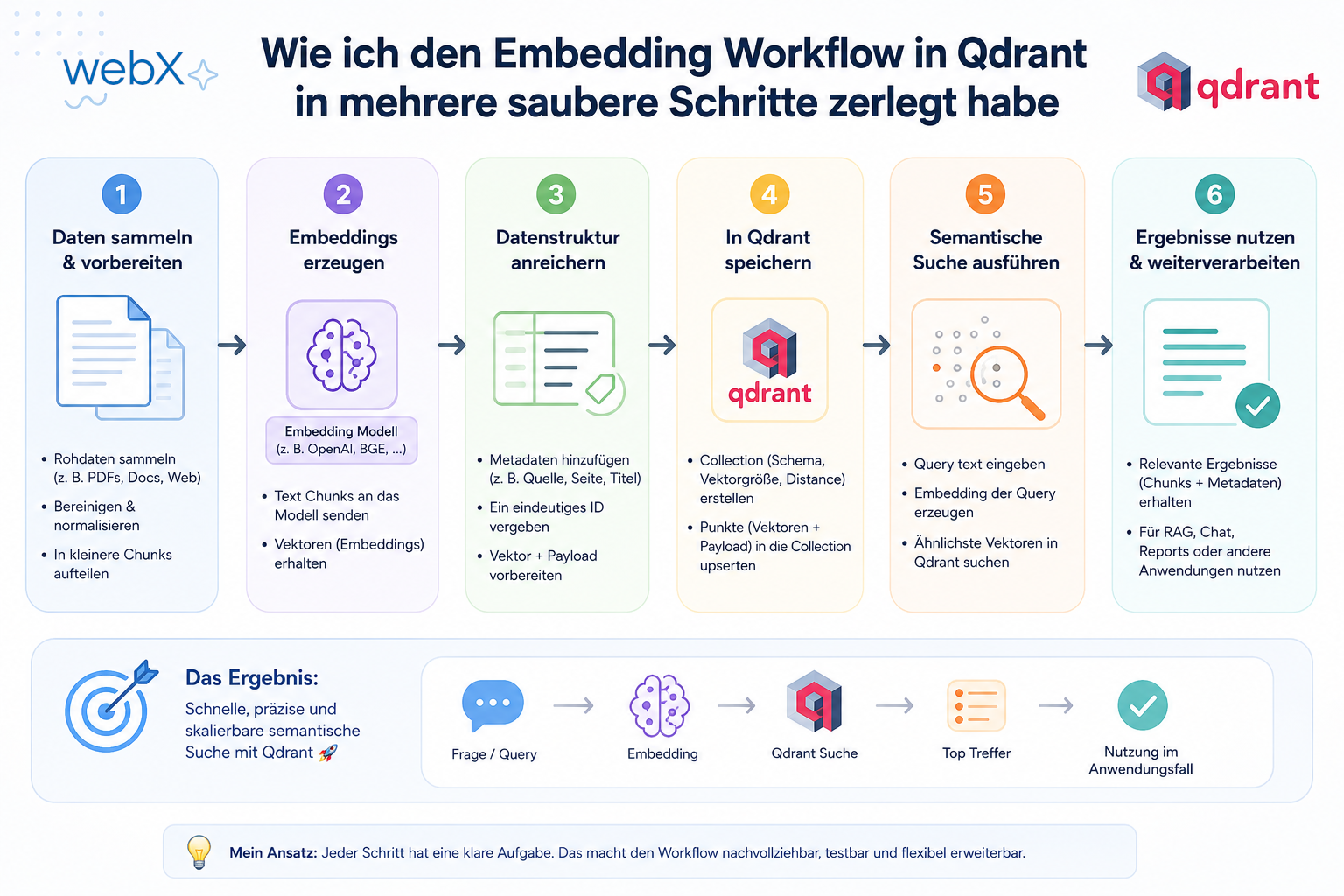
How I split the embedding workflow in Qdrant into clear steps
I rebuilt the worker so that one capture produces multiple token chunks, each chunk is embedded individually, and storage in Qdrant remains completely isolated.
Contents
- The new worker flow
- Why I store each chunk individually
- Single shared collection and tenant isolation
- Atomic rollbacks for maximum consistency
- All articles in the series
The new worker flow
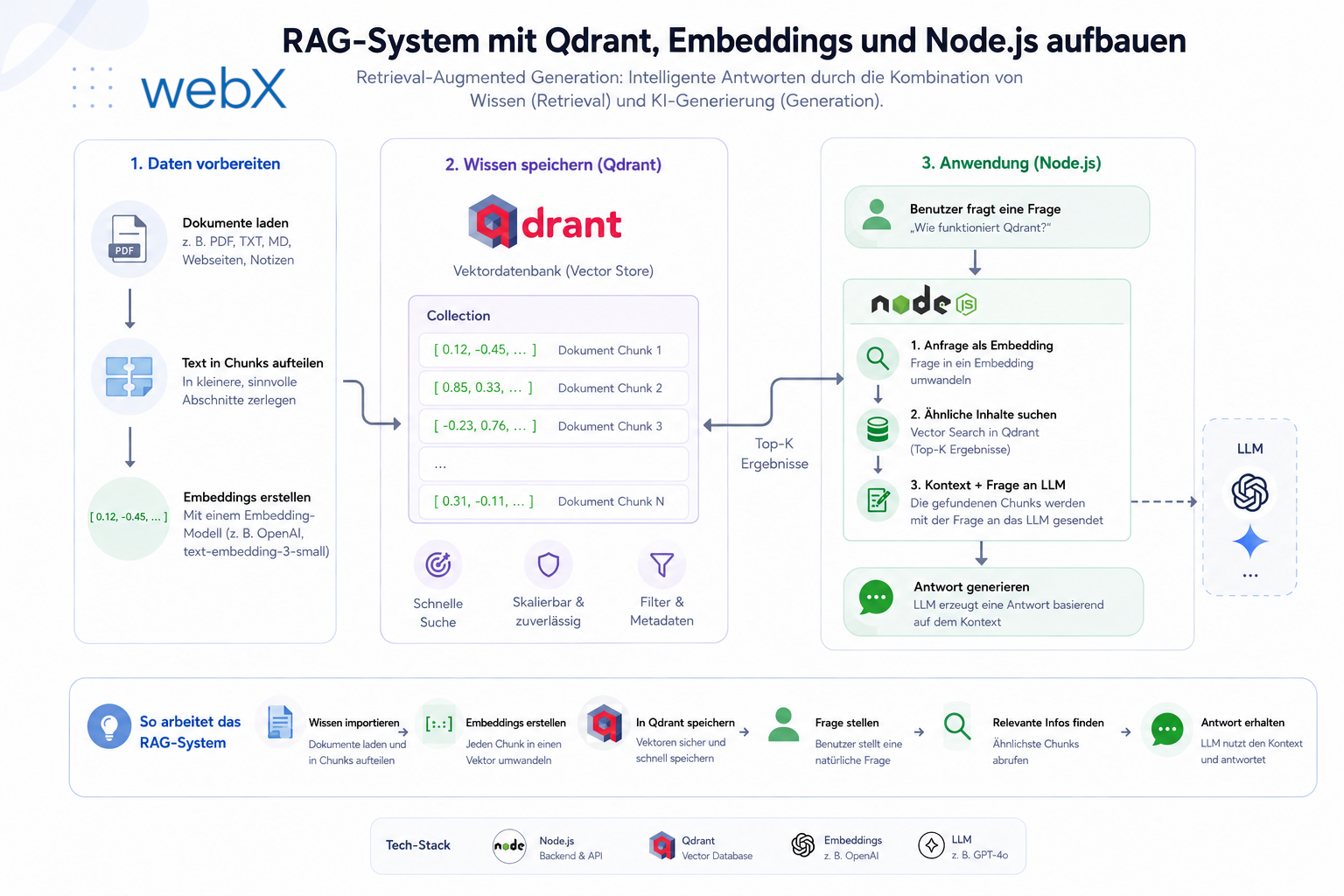
Once the diagnosis and strategic decision were clear, I moved on to refactoring the ingestion pipeline. Instead of handling everything in one error-prone step, I split the IngestWorker, powered by BullMQ, into a clean, multi-stage pipeline.
The flow can be summarized as follows:
1. Input text
2. Fetch Capture Record (PostgreSQL as source of truth)
3. Build Structured Document (platform-specific strategies)
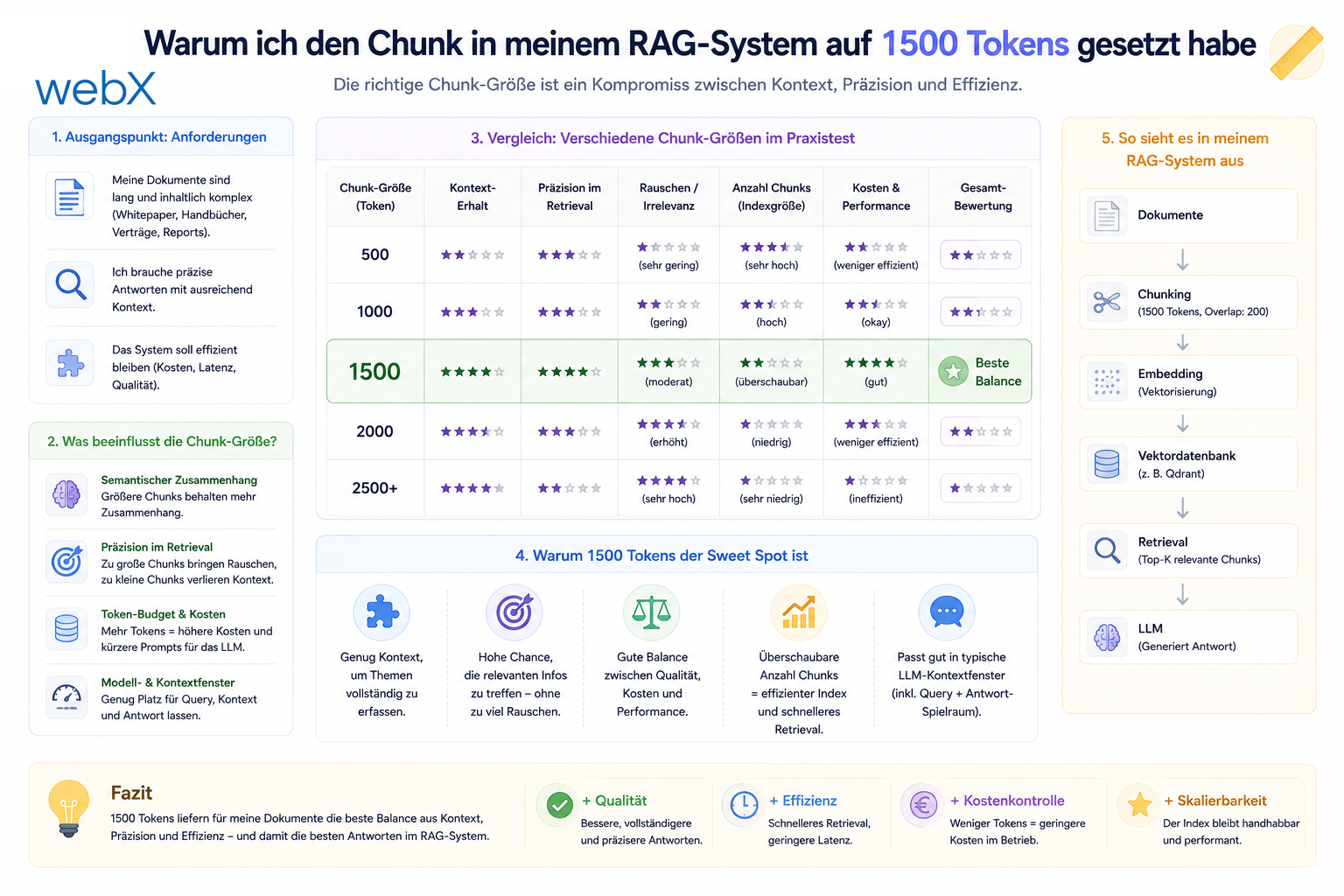
4. Token-based chunking (XLM-RoBERTa, 1500 tokens, 150 overlap)
5. Generate Embeddings (high-speed in-memory cache in ai-provider)
6. Atomically store points in Qdrant (shared collection, userId keyword index)
7. Update Database Status (marked as "done")
This finer-grained structure turns one large, unpredictable request into a sequence of manageable and fully controllable processing steps.
Why I store each chunk individually
Creating a single vector for a long post is imprecise. We would flatten valuable detail. If we instead embed each chunk individually and store it as a separate data point, a search query can identify the most relevant text section precisely.
To do that, we store the chunks in Qdrant with a shared reference:
// Storing chunked points with shared metadata for retrieval
const points = vectors.map((vector, index) => {
  return {
    id: randomUUID(),
    vector,
    payload: {
      ...payload,
      chunkIndex: index,
      chunkCount,
    },
  };
});
To keep CPU and API load low, we implemented a high-speed in-memory cache in the AI provider. If the same text section needs embedding again, for example during retries, the cache responds immediately and prevents unnecessary model inference.
Single shared collection and tenant isolation
A major part of the refactoring concerns the vector database design. Previously, we created a separate Qdrant collection for each user. Operationally, that scaled very poorly and caused substantial RAM and connection overhead.
We now use a single shared collection named local_insight_memory for all users. Data separation, or multi-tenancy, is enforced consistently at the application level:
- Every stored chunk object must have a
userIdattribute. - To ensure fast filtering in the O(1) range, we automatically create a keyword payload index on the
userIdfield in Qdrant at server startup. - All read and search operations enforce a filter on this
userIdon the server side. - To optimize Qdrant’s memory requirements, chunk payloads are reduced to the minimum necessary metadata: tags, notes, platform, source channel, timestamp,
captureIdanduserId.
Atomic rollbacks for maximum consistency
What happens if ingestion stops halfway through? If the S3 upload succeeds but enqueueing fails, orphaned data can remain.
To address this, we implemented a robust error rollback system in the /ingest orchestrator. If a later step fails, PostgreSQL rows already created and images uploaded to MinIO/S3 are deleted immediately with deleteCapture and deleteImage. Ingestion is considered successful only when all phases complete without errors.
All articles in the series
- Vision and system overview: Chrome Extension, RAG architecture and project background: Read article
- Building a RAG system: Qdrant, embeddings and cosine similarity in TypeScript: Read article
- AI provider abstraction: Ollama vs. OpenAI, interface design and no vendor lock-in: Read article
- Chrome Extension MV3: Three isolated runtime contexts, message passing and Strategy Pattern: Read article
- Docker Compose strategy: The override pattern, from local development to Azure: Read article
- Ollama locally vs. Docker: The decision and its consequences: Read article
- Ollama auto-pull entrypoint: Automated model setup at container startup: Read article
- tsconfig and Vite:
Node16vs.bundler, and why Vite has its own rules: Read article - Load complete Instagram captions with MutationObserver: Read article
- Chrome Extension foundation with health indicator and retry queue: Read article
- Phase 2 features: Shadow DOM overlay, Tailwind v4 and duplicate detection: Read article
- Race condition in platform detection: How a UI event breaks Instagram detection: Read article
- Extracting PostId in two Instagram layouts: querySelector vs. ancestor traversal: Read article
- Capture a complete Instagram carousel with MutationObserver: Lazy loading, observer-before-click and timeout fallback: Read article
- Notes and tags when saving screenshots: Read article
- Instagram keyboard shortcuts block Chrome Extension input: Read article
- Lowercase normalization and duplicate detection in tag input: Read article
- Zitadel Login V2 in Docker Compose with three hidden errors: Read article
- PKCE OAuth in a Chrome MV3 extension: Read article
- React frontend with react-oidc-context and Zitadel: Read article
- Vite build-time environment variables in Docker: Read article
- Event-driven ingestion with BullMQ and Redis: Read article
- MinIO instead of Azurite: S3-compatible object storage locally and on Hetzner: Read article
- access_token, id_token and the Userinfo endpoint: Which belongs where: Read article
- Qdrant multi-tenancy with one collection per user: Read article
- When backend and frontend know different types: Read article
- Removing Zitadel bootstrap: Host header bug and manual setup: Read article
- Backend code review with six problems fixed before launch: Read article
- Traefik instead of NGINX: Reverse proxy for a growing Docker Compose stack: Read article
- Two-layer rate limiting: Traefik and express-rate-limit with Redis: Read article
- Implementing GDPR Article 17 correctly: Promise.allSettled and export batching: Read article
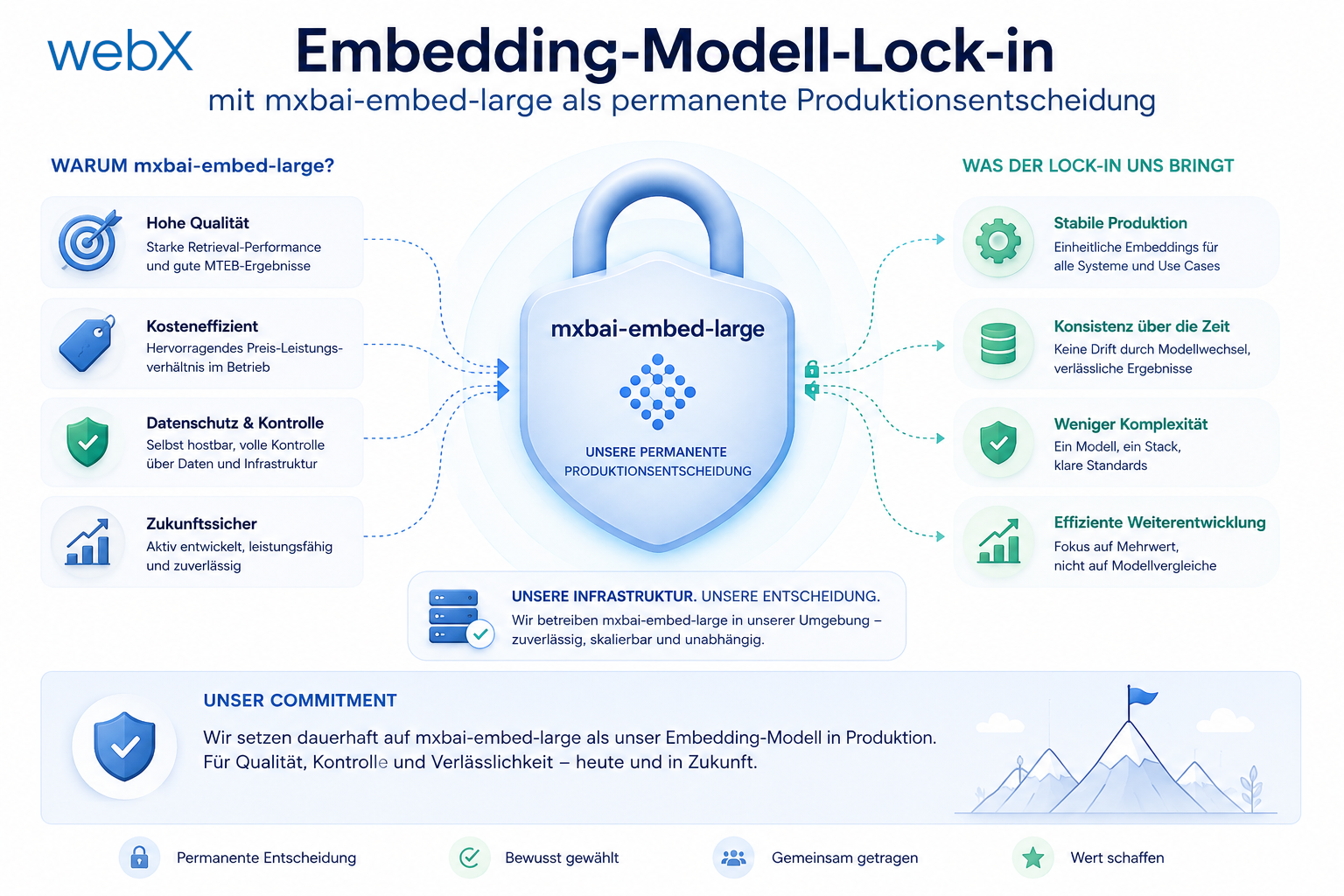
- Embedding model lock-in: Why mxbai-embed-large is a permanent production decision: Read article
- Docker volumes in production: Named volumes, bind mounts and the Hetzner volume approach: Read article
- Two vulnerabilities before launch: Redis without authentication and an exposed Qdrant admin port: Read article
- Traefik as the single entry point in the Docker Compose stack: Read article
- Connecting Zitadel behind Traefik with issuer, JWKS and Login V2: Read article
- Fixing the frontend when the nginx healthcheck fails on localhost: Read article
- Observability for my Docker Compose stack with Bull Board and Dozzle: Read article
- Open the Qdrant dashboard securely with local Traefik and an SSH tunnel: Read article
- Diagnosis of chunking failures despite tokenization: Read article
- Why I set the chunk size to 1500 tokens: Read article
- Splitting the embedding workflow into clear steps: (this article)
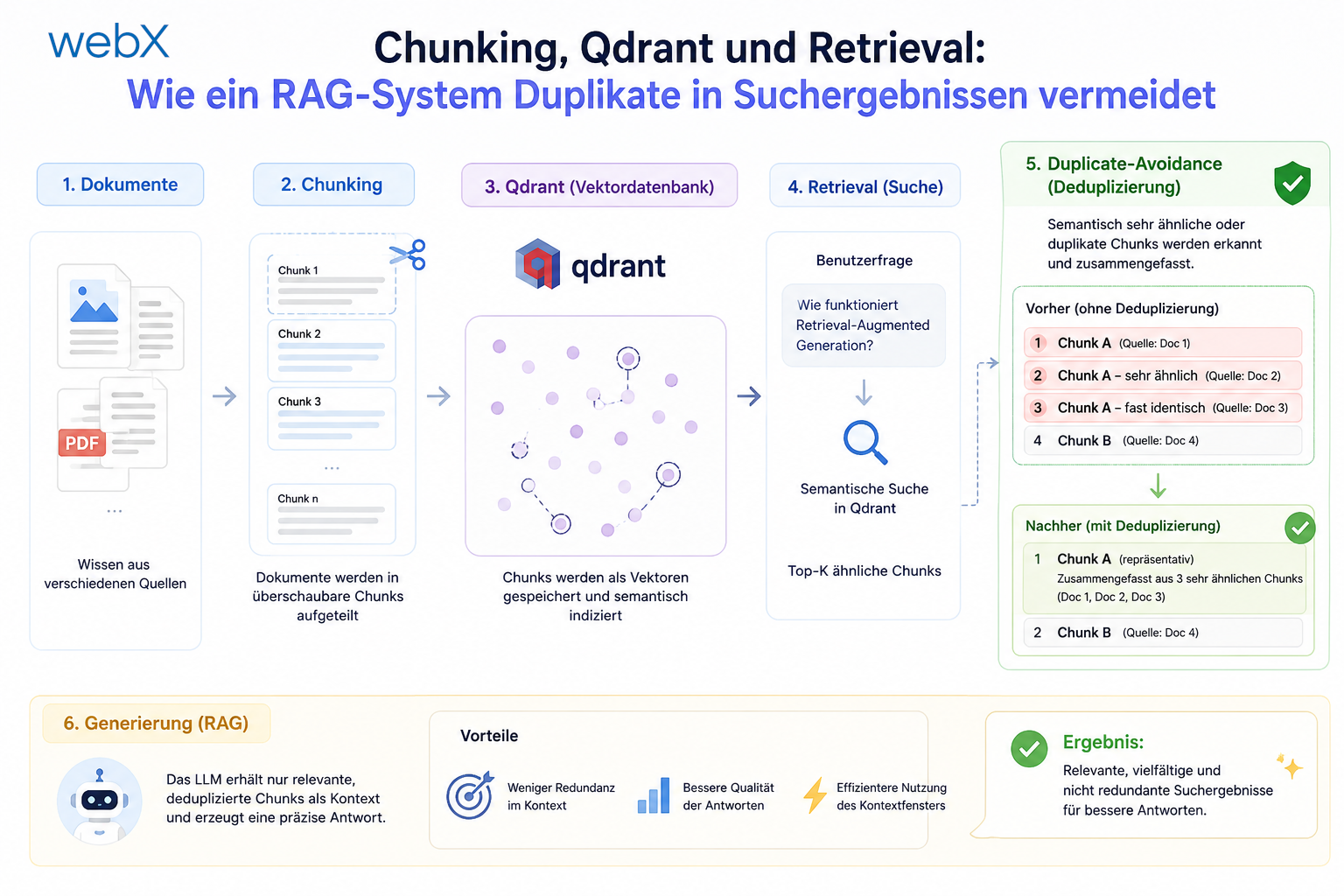
- Bringing chunking, storage and search back together: Read article
- Capture Intake as a separate module, less orchestration in the Express endpoint: Read article
Working on a similar RAG system and want to evaluate the same structure for your project? Let us assess it together.