Notes and tags when saving screenshots in a Shadow DOM overlay
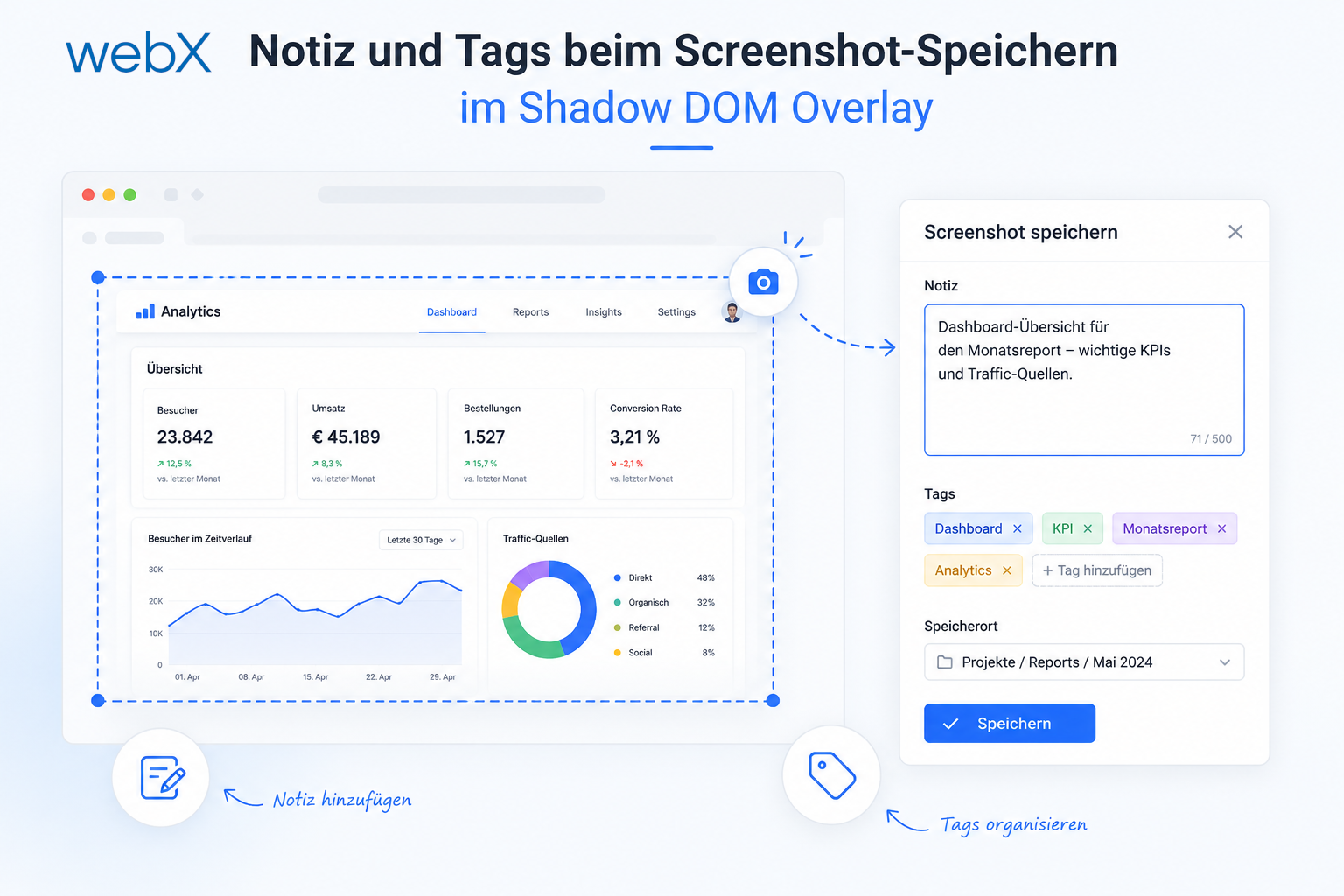
Notes and tags are entered directly in the capture overlay, persisted in Qdrant and included in the embedding. How types, Shadow DOM and a chip input make this work.
Contents
- Why notes and tags?
- Where the input happens
- Changing the types
- The Shadow DOM chip UI
- Creating tags with commitTagInput
- Keyboard routing
- Injecting notes and tags into the payload
- Embedding and LLM context
- All articles in the series
Why notes and tags?
The RAG system depends on embedding quality. The more semantic context a Qdrant point contains, the better a query can find the right post.
Instagram already provides alt text, captions and channel names. That is enough for content search. But searching by intent requires something else: what was the user thinking when saving the post? Why was it relevant? Which topic does it belong to in their mental model?
A free-text note and structured tags fill that gap.
Where the input happens
There are two possible locations: the capture overlay or a separate form afterwards.
The overlay has a clear advantage. At that moment, the user’s attention is on the post. The context is fresh. If the system forces them onto a separate page, notes typically get lost.
The overlay already exists, too. It displays the preview and waits for a decision. I previously described how I built the Shadow DOM preview overlay. Notes and tags fit directly into it without interrupting the workflow.
More importantly, carousel posts and individual posts use the same overlay. Carousel capture runs in the background after confirmation. The user therefore interacts with the same UI element in both cases.
Changing the types
The starting point is ShowPreviewResponse. Previously, it was a simple boolean wrapper:
export type ShowPreviewResponse = {
  confirmed: boolean;
};
After the change, it carries the note and tags from the overlay:
export type ShowPreviewResponse = {
  confirmed: boolean;
  note: string;
  tags: string[];
};
InstagramPostMetadata and InstagramAnalysisPayload.metadata receive two new fields:
note: string | null;  // null if the user did not enter anything
tags: string[];       // empty array when no tags were set
The note uses null because it makes a semantic statement in the payload: no value exists. An empty string would be ambiguous. Tags start as an empty array because that is easier to iterate over.
The Shadow DOM chip UI
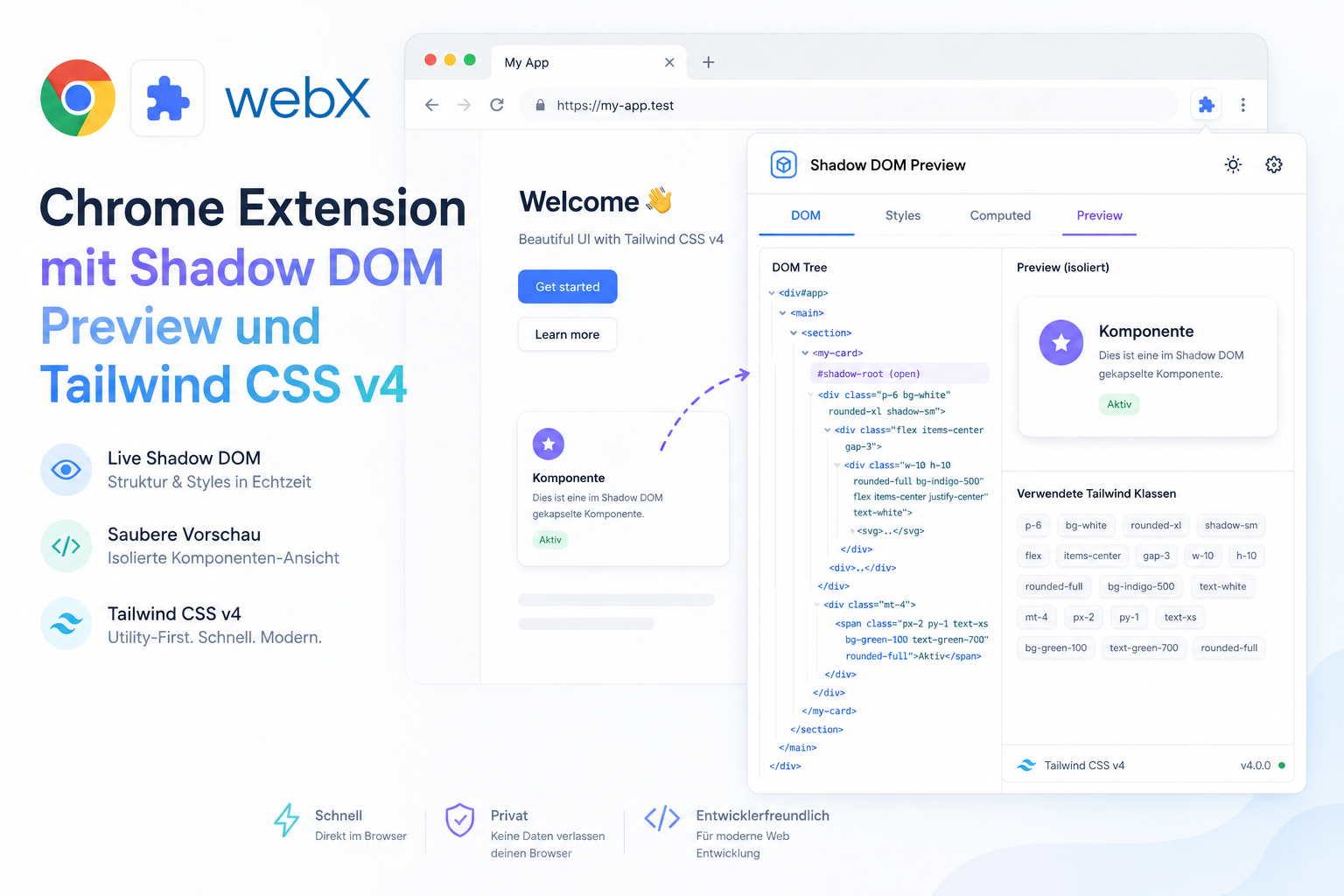
The overlay uses Shadow DOM for complete style encapsulation. No page CSS gets in, and no overlay CSS gets out.
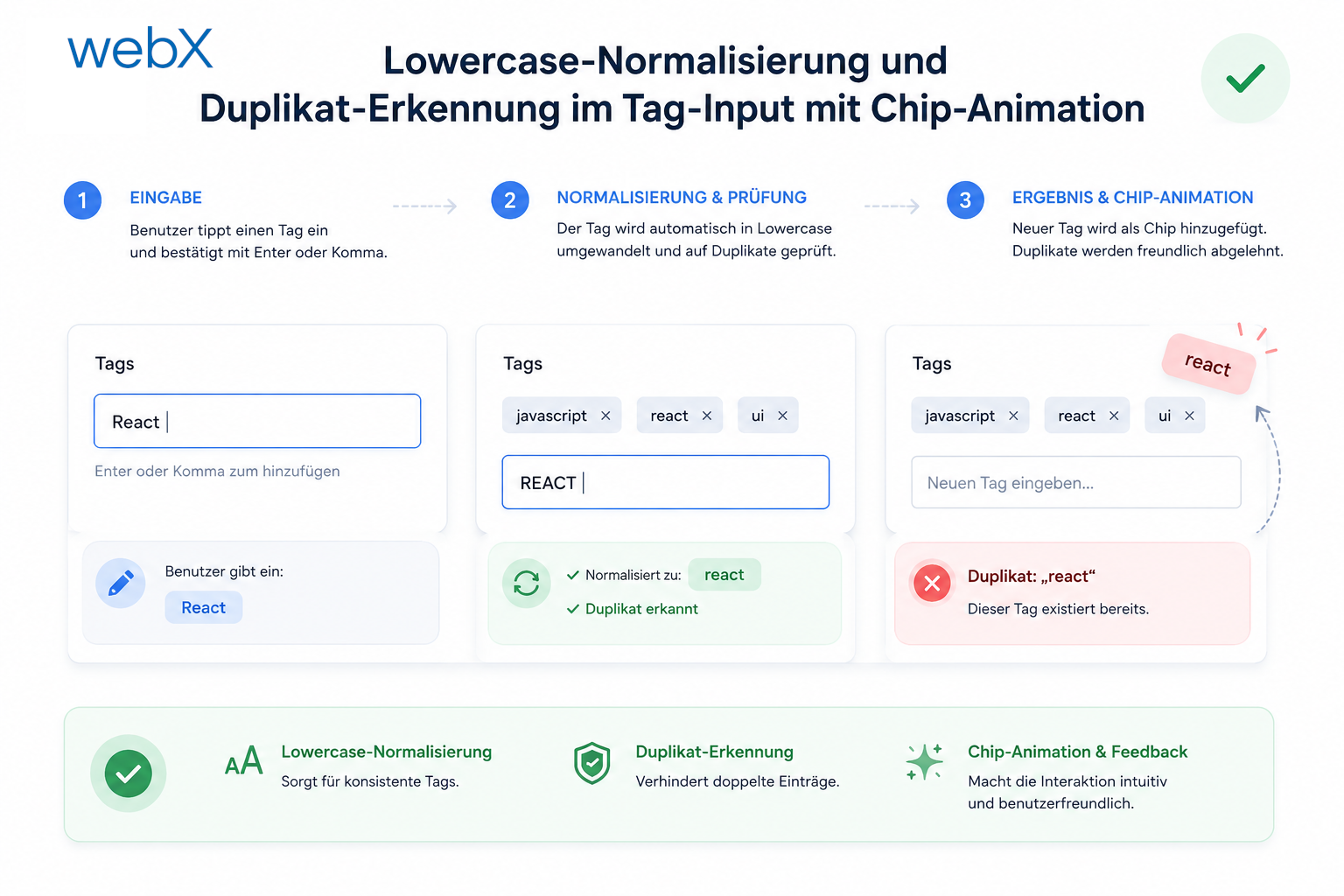
The note is a simple <input type="text">. Tags are chips: small pills displayed next to a text input inside a container.
const tagsBox = document.createElement('div');
tagsBox.className = 'tags-box';

const tagInput = document.createElement('input');
tagInput.className = 'tag-input';
tagInput.placeholder = 'Add a tag ...';

tagsBox.appendChild(tagInput);
The tags-box element renders as a flex-wrap container. Chips sit on the left and the input on the right. Clicking the container focuses tagInput. Users recognize this behavior from other tag interfaces.
.tags-box {
  display: flex;
  flex-wrap: wrap;
  gap: 6px;
  align-items: center;
  padding: 6px 8px;
  border: 1px solid #d1d5db;
  border-radius: 8px;
  cursor: text;
}

.tags-box:focus-within {
  border-color: #6366f1;
}
focus-within turns the border purple as soon as the input has focus. Pure CSS, no JavaScript.
Creating tags with commitTagInput
The chips live in a local string[]. renderChips() rebuilds their DOM from it.
const currentTags: string[] = [];

const renderChips = () => {
  tagsBox.querySelectorAll('.chip').forEach((c) => c.remove());
  currentTags.forEach((tag, index) => {
    const chip = document.createElement('span');
    chip.className = 'chip';
    chip.textContent = tag;

    const removeBtn = document.createElement('button');
    removeBtn.className = 'chip-remove';
    removeBtn.textContent = '×';
    removeBtn.addEventListener('click', (e) => {
      e.stopPropagation();
      currentTags.splice(index, 1);
      renderChips();
    });

    chip.appendChild(removeBtn);
    tagsBox.insertBefore(chip, tagInput);
  });
};

const commitTagInput = () => {
  const val = tagInput.value.replace(/,/g, '').trim().toLowerCase();
  if (!val) return;
  currentTags.push(val);
  tagInput.value = '';
  renderChips();
};
commitTagInput() runs on Enter when the field contains text, on a comma, and when saving. The tag enters the array in lowercase. The comma cleanup in replace() handles a user ending their input with a comma.
Keyboard routing
Four keyboard interactions need deliberate routing:
| Key | Context | Effect |
|---|---|---|
Enter | Note field has focus | Focus the tag input |
Enter + text | Tag input has focus | Commit the tag |
Enter + empty | Tag input has focus | Confirm the overlay |
Ctrl+Enter | Anywhere | Confirm the overlay |
In the note input:
noteInput.addEventListener('keydown', (e: KeyboardEvent) => {
  if (e.key === 'Enter') {
    e.preventDefault();
    e.stopPropagation();
    tagInput.focus();
  }
});
In the tag input:
tagInput.addEventListener('keydown', (e: KeyboardEvent) => {
  if (e.key === ',' || (e.key === 'Enter' && tagInput.value.trim())) {
    e.preventDefault();
    e.stopPropagation();
    commitTagInput();
    return;
  }
  if (e.key === 'Backspace' && tagInput.value === '' && currentTags.length > 0) {
    e.preventDefault();
    e.stopPropagation();
    currentTags.pop();
    renderChips();
    return;
  }
  // Enter on empty input: propagates to backdrop handler and confirms the overlay
});
Pressing Backspace in an empty tag input removes the last chip. This is standard behavior in modern tag inputs and is immediately intuitive.
Injecting notes and tags into the payload
After overlay confirmation, the background script calls buildPayloadContext(), which loads Instagram metadata from the DOM. Notes and tags, however, come from the overlay response. They are already fixed before DOM extraction starts.
const { note, tags } = previewResponse;

const payloadContext = await buildPayloadContext(tab.id);

if (payloadContext.platform === 'instagram') {
  payloadContext.metadata.note = note || null;
  payloadContext.metadata.tags = tags;
}

payload = await createPayload(croppedScreenshot.dataUrl, boundsResponse.bounds, payloadContext);
note || null converts the empty string to null. The overlay returns an empty string when the user enters nothing. null is more meaningful in the payload.
Embedding and LLM context
The backend includes both fields in the embedding text and in the LLM context for RAG answers. I explain how that becomes vectors in Qdrant in the article on building the embedding system.
// ingest.ts: buildEmbeddingText
const parts = [channel ?? '', caption ?? '', altTexts.join(' '), note ?? '', tags.join(' ')].filter(Boolean);
return parts.join(' ').trim() || 'instagram post';
This matters. The note and tags are now part of the vector. A query containing a tag or the note’s content directly matches the relevant point.
// query.ts - LLM context
if (m.note) lines.push(`Note: ${m.note}`);
if (m.tags?.length) lines.push(`Tags: ${m.tags.join(', ')}`);
The LLM receives the note and tags as explicit fields. It can answer directly when the user asks: “Show me all posts I saved with the tag ‘inspiration’.”
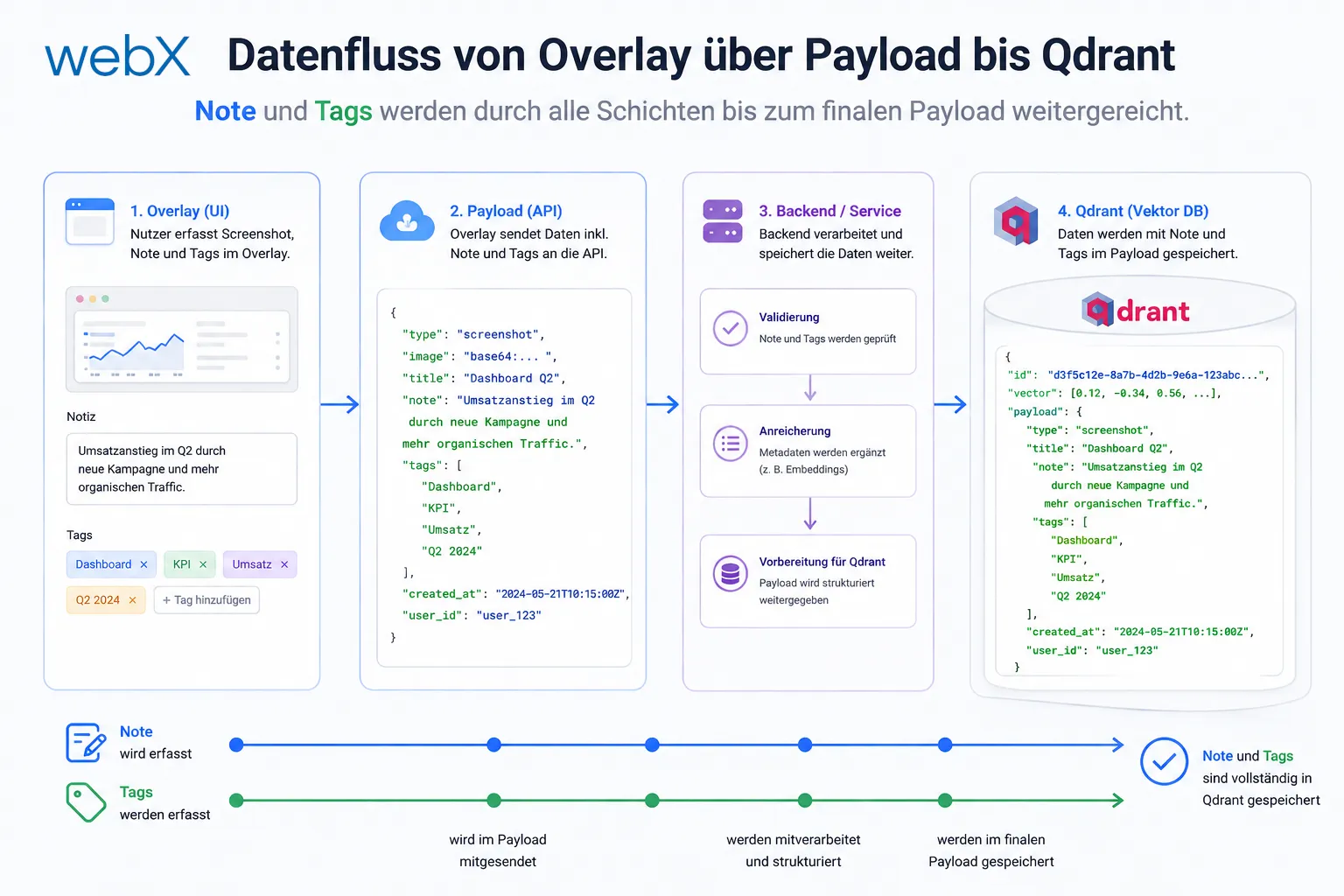
Figure: Data flow from the overlay to Qdrant. Notes and tags pass through every layer into the final payload. The original diagram retains its German labels.
The diagram shows the complete flow: the user types in the overlay, notes and tags enter PreviewResult, the background script injects them into the Instagram metadata, createPayload builds the final payload, and the backend embeds and stores everything together in Qdrant.
All articles in the series
- Vision and system overview: Chrome Extension, RAG architecture and project background: Read article
- Building a RAG system: Qdrant, embeddings and cosine similarity in TypeScript: Read article
- AI provider abstraction: Ollama vs. OpenAI, interface design and no vendor lock-in: Read article
- Chrome Extension MV3: Three isolated runtime contexts, message passing and Strategy Pattern: Read article
- Docker Compose strategy: The override pattern, from local development to Azure: Read article
- Ollama locally vs. Docker: The decision and its consequences: Read article
- Ollama auto-pull entrypoint: Automated model setup at container startup: Read article
- tsconfig and Vite:
Node16vs.bundler, and why Vite has its own rules: Read article - Load complete Instagram captions with MutationObserver: Read article
- Chrome Extension foundation with health indicator and retry queue: Read article
- Phase 2 features: Shadow DOM overlay, Tailwind v4 and duplicate detection: Read article
- Race condition in platform detection: How a UI event breaks Instagram detection: Read article
- Extracting PostId in two Instagram layouts: querySelector vs. ancestor traversal: Read article
- Capture a complete Instagram carousel with MutationObserver: Lazy loading, observer-before-click and timeout fallback: Read article
- Notes and tags when saving screenshots: (this article)
- Instagram keyboard shortcuts block Chrome Extension input: Read article
- Lowercase normalization and duplicate detection in tag input: Read article
- Zitadel Login V2 in Docker Compose with three hidden errors: Read article
- PKCE OAuth in a Chrome MV3 extension: Read article
- React frontend with react-oidc-context and Zitadel: Read article
- Vite build-time environment variables in Docker: Read article
- Event-driven ingestion with BullMQ and Redis: Read article
- MinIO instead of Azurite: S3-compatible object storage locally and on Hetzner: Read article
- access_token, id_token and the Userinfo endpoint: Which belongs where: Read article
- Qdrant multi-tenancy with one collection per user: Read article
- When backend and frontend know different types: Read article
- Removing Zitadel bootstrap: Host header bug and manual setup: Read article
- Backend code review with six problems fixed before launch: Read article
- Traefik instead of NGINX: Reverse proxy for a growing Docker Compose stack: Read article
- Two-layer rate limiting: Traefik and express-rate-limit with Redis: Read article
- Implementing GDPR Article 17 correctly: Promise.allSettled and export batching: Read article
- Embedding model lock-in: Why mxbai-embed-large is a permanent production decision: Read article
- Docker volumes in production: Named volumes, bind mounts and the Hetzner volume approach: Read article
- Two vulnerabilities before launch: Redis without authentication and an exposed Qdrant admin port: Read article
- Traefik as the single entry point in the Docker Compose stack: Read article
- Connecting Zitadel behind Traefik with issuer, JWKS and Login V2: Read article
- Fixing the frontend when the nginx healthcheck fails on localhost: Read article
- Observability for my Docker Compose stack with Bull Board and Dozzle: Read article
- Open the Qdrant dashboard securely with local Traefik and an SSH tunnel: Read article
- Diagnosis of chunking failures despite tokenization: Read article
- Why I set the chunk size to 1500 tokens: Read article
- Splitting the embedding workflow into clear steps: Read article
- Bringing chunking, storage and search back together: Read article
- Capture Intake as a separate module, less orchestration in the Express endpoint: Read article
Building a data capture system based on browser extensions with complex DOM interactions? Let us assess it together.