Redis without authentication and an exposed Qdrant admin port before launch
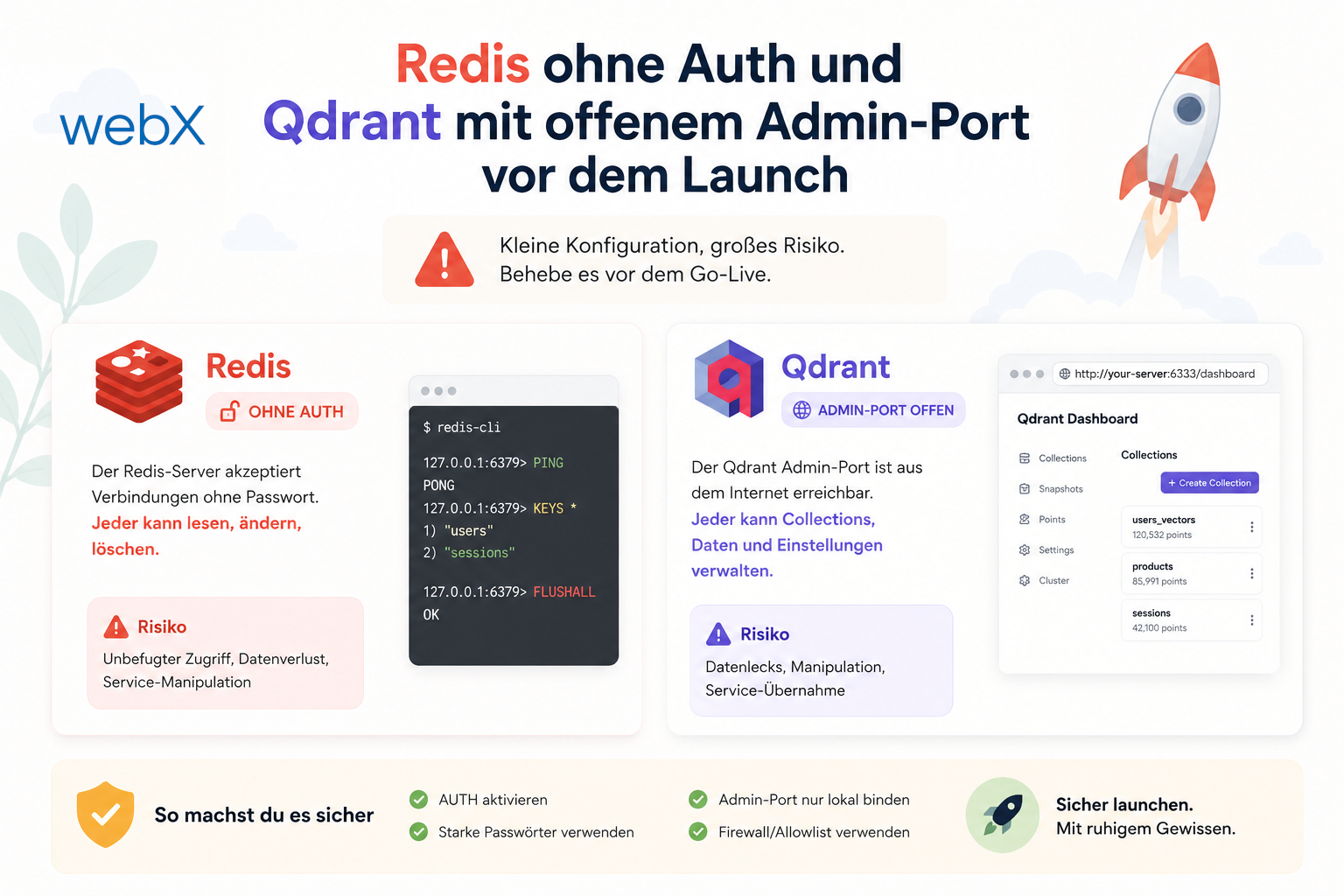
Before launch, I reviewed my architecture for more than scaling. I also examined implicit security assumptions and found two small gaps that could quickly become costly in production.
Contents
- The starting point for an architecture review
- Redis without a password
- requirepass with an environment-variable default
- Qdrant with an exposed admin port
- What remains
- Why this matters before launch
- The complete picture
- All articles in the series
The starting point for an architecture review
Before putting a system into production, I ask myself a simple question. Would this architecture still hold if tomorrow brought a hundred thousand users rather than a hundred, without fundamental infrastructure changes?
The question is deliberately uncomfortable. It forces me to look beyond CPU, RAM and horizontal scaling at assumptions that seem harmless today but could become risky tomorrow.
During exactly this kind of review, I noticed two issues. Both were small. Both worked cleanly locally. At first glance, neither had anything to do with performance. But both could become real production security problems.
Redis without a password
Redis started like this in my current docker-compose.yml:
redis:
  command: redis-server --appendonly yes
Within one Docker network on one VM, this is technically acceptable at first. The container is not directly accessible from the internet. Docker encapsulates the network internally. As long as every participating service runs on that host, it feels secure enough.
This is where dangerous reasoning begins. Secure because isolated is not a property of the service itself. It is only a property of the current topology.
As the architecture grows, this assumption becomes fragile. In a later phase with multiple VMs, for example when Qdrant moves to a separate host and perhaps Redis does too, the services no longer communicate over a purely internal Docker network. Traffic then crosses the infrastructure provider’s private network.
At that point, any process on that private network could theoretically try to connect to Redis. Without authentication, that means reading, manipulating or emptying the queue.
For BullMQ, this is not only an operational problem but also a data protection problem. Job payloads in Redis contain metadata that I do not want left exposed:
// Payload stored in Redis queue per job
{
  captureId: string,
  userId: string,
  blobName: string,
  // ... full QdrantPayload
}
Depending on the job, other parts of the QdrantPayload are stored there too. Anyone with Redis access can see which user saved which file, which S3 keys are used and which jobs are currently in the pipeline. In the worst case, an attacker empties the queue or selectively modifies jobs.
For me, this is no longer a harmless misconfiguration. An exposed Redis queue is a data leak.
requirepass with an environment-variable default
The clean solution was surprisingly small. I wanted to keep the same Compose file locally and in production, using only environment variables to control whether Redis requires authentication.
The Compose change looks like this:
# docker-compose.yml
redis:
  # REDIS_PASSWORD unset -> requirepass "" -> Redis accepts connections without auth (local dev).
  # REDIS_PASSWORD=<secret> -> Redis requires AUTH on every connection (production).
  command: redis-server --appendonly yes --appendfsync everysec --requirepass "${REDIS_PASSWORD:-}"
  healthcheck:
    # Pass password to redis-cli; works whether or not requirepass is set
    test: ['CMD', 'redis-cli', '-a', '${REDIS_PASSWORD:-}', 'ping']
The backend uses the same variable directly in the connection URL:
# docker-compose.yml
backend:
  environment:
    - REDIS_URL=redis://:${REDIS_PASSWORD:-}@redis:6379
The important part is :-, the default operator in Compose interpolation.
- Locally,
REDIS_PASSWORDis unset. - Compose replaces the expression with an empty string.
- Redis effectively receives
requirepass ""and therefore requires no password. - The URL becomes
redis://:@redis:6379. - The Redis client sees an empty password and sends no AUTH.
- Everything works as before.
Production follows the same process, but with the variable set:
REDIS_PASSWORDcontains a real secret.- Redis starts with
--requirepassand enforces authentication. - The backend URL contains the password.
- The client authenticates automatically.
For me, this is the elegant option. One Compose file, one code path, two environments. Only the variable changes the behavior.
I would document this explicitly in .env.example:
# REDIS_PASSWORD is optional in local dev (empty = no auth required).
# In production, always set a strong password.
# REDIS_PASSWORD=<generate with: openssl rand -hex 32>
The invisible infrastructure assumption has become a deliberate security configuration.
Qdrant with an exposed admin port
The second problem was even less obvious. Qdrant had the following Compose configuration:
qdrant:
  ports:
    - '6333:6333'
    - '6334:6334'
Port 6333 is the REST API. Port 6334 is Qdrant’s gRPC interface. It is mainly used for cluster communication between Qdrant nodes. In a single-node setup, it functionally provides the same data operations, but through gRPC instead of HTTP.
That is precisely why this port is unnecessary in my setup. I do not run a Qdrant cluster. There is no second node that needs to coordinate through it.
Specifying 6334:6334 in Compose binds the port to the host’s 0.0.0.0. It is then exposed on every network interface of the VM, including its public IP.
A firewall can block this port, of course. But I do not want to rely on that alone. Firewalls can be misconfigured. Rules can be widened accidentally. Infrastructure changes. For me, defense in depth means not publishing unnecessary attack surface in the first place.
There is also a structural problem. Qdrant OSS has no built-in authentication. Anyone who reaches port 6333 or 6334 can read, write and delete. Collections, vectors, payloads containing userId and metadata are all exposed.
The immediate correction is therefore straightforward:
qdrant:
  ports:
    - '6333:6333'
    # Port 6334 intentionally omitted. It is only needed for Qdrant cluster mode.
    # Exposing it on the host adds unnecessary attack surface.
The backend container already communicates internally with http://qdrant:6333. It does not need host port 6334. The host mapping was useful only for local diagnostics. These are exactly the conveniences I do not want to carry into production accidentally.
What remains
Even after this correction, an uncomfortable fact remains: Qdrant OSS has no native authentication.
If port 6333 were open to the internet in production, that would be a serious problem. In my setup, security therefore comes from several layers.
- The Hetzner firewall blocks direct internet access to port
6333. - Qdrant runs on the private network and is therefore not reachable by arbitrary external clients.
- Only the backend communicates with Qdrant and enforces per-user separation through individual collections.
These layers are good, but not perfect. They do not replace real database-level authentication. If this becomes more critical as user numbers grow, I see two obvious options: Qdrant Cloud with an API key in an EU location, or an additional reverse proxy accepting requests only from the backend context.
I want to state this openly. Removing port 6334 does not solve every problem. It removes unnecessary attack surface and makes the existing situation significantly better.
Why this matters before launch
Before launch, these changes look almost ridiculously small. A few YAML lines and one additional environment variable.
Before launch, that might mean twenty minutes of work. After launch, the same mistake can have an entirely different scale.
It is no longer only about configuration. It involves log analysis, reconstructing the incident, internal documentation, possible notification of affected people and, in a serious case, reporting to the responsible supervisory authority within 72 hours under GDPR Article 33.
That is why I take these issues seriously before go-live. GDPR Article 25 addresses data protection by design and by default. In practice, this means the default configuration must not merely be convenient. It must be secure in its target environment.
The complete picture
After both corrections, the relevant configuration looks like this:
# docker-compose.yml
redis:
  command: redis-server --appendonly yes --appendfsync everysec --requirepass "${REDIS_PASSWORD:-}"
  healthcheck:
    test: ['CMD', 'redis-cli', '-a', '${REDIS_PASSWORD:-}', 'ping']

backend:
  environment:
    - REDIS_URL=redis://:${REDIS_PASSWORD:-}@redis:6379

qdrant:
  ports:
    - '6333:6333'
    # 6334 removed
Locally, everything stays straightforward. I set no additional variable and the stack behaves as before.
In production, I set REDIS_PASSWORD, restart Redis and immediately have a much more robust starting point. At the same time, removing the exposed gRPC port eliminates an unnecessary entry point.
For me, this is exactly the kind of security work that must happen before launch. Not spectacular. Not marketing material. But potentially the difference between a clean start and a very unpleasant first incident.
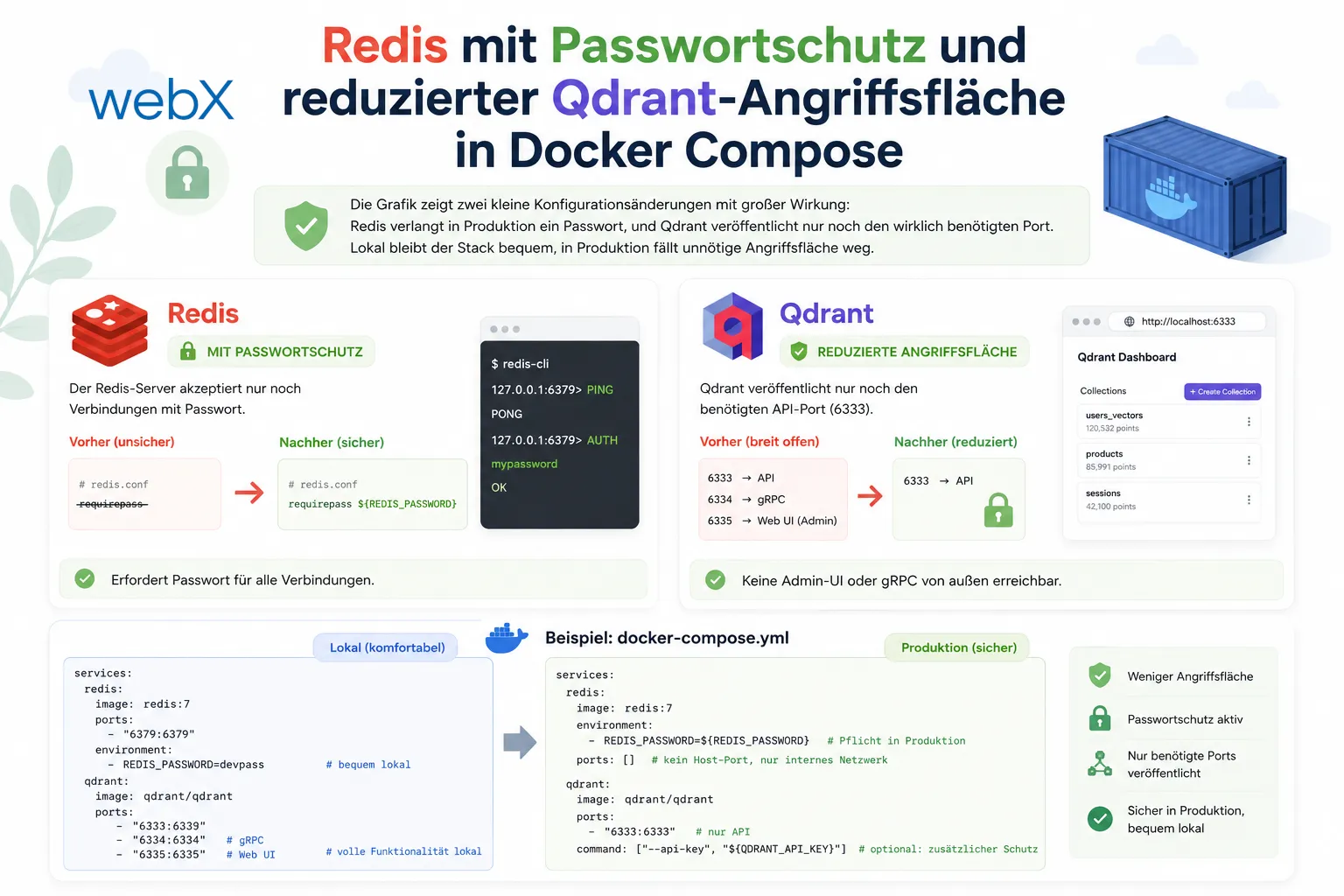
The illustration shows two small configuration changes with a major effect. Redis requires a password in production, and Qdrant publishes only the port actually needed. Local use stays convenient, while production loses unnecessary attack surface. The original illustration retains its German labels.
All articles in the series
- Vision and system overview: Chrome Extension, RAG architecture and project background: Read article
- Building a RAG system: Qdrant, embeddings and cosine similarity in TypeScript: Read article
- AI provider abstraction: Ollama vs. OpenAI, interface design and no vendor lock-in: Read article
- Chrome Extension MV3: Three isolated runtime contexts, message passing and Strategy Pattern: Read article
- Docker Compose strategy: The override pattern, from local development to Azure: Read article
- Ollama locally vs. Docker: The decision and its consequences: Read article
- Ollama auto-pull entrypoint: Automated model setup at container startup: Read article
- tsconfig and Vite:
Node16vs.bundler, and why Vite has its own rules: Read article - Load complete Instagram captions with MutationObserver: Read article
- Chrome Extension foundation with health indicator and retry queue: Read article
- Phase 2 features: Shadow DOM overlay, Tailwind v4 and duplicate detection: Read article
- Race condition in platform detection: How a UI event breaks Instagram detection: Read article
- Extracting PostId in two Instagram layouts: querySelector vs. ancestor traversal: Read article
- Capture a complete Instagram carousel with MutationObserver: Lazy loading, observer-before-click and timeout fallback: Read article
- Notes and tags when saving screenshots: Read article
- Instagram keyboard shortcuts block Chrome Extension input: Read article
- Lowercase normalization and duplicate detection in tag input: Read article
- Zitadel Login V2 in Docker Compose with three hidden errors: Read article
- PKCE OAuth in a Chrome MV3 extension: Read article
- React frontend with react-oidc-context and Zitadel: Read article
- Vite build-time environment variables in Docker: Read article
- Event-driven ingestion with BullMQ and Redis: Read article
- MinIO instead of Azurite: S3-compatible object storage locally and on Hetzner: Read article
- access_token, id_token and the Userinfo endpoint: Which belongs where: Read article
- Qdrant multi-tenancy with one collection per user: Read article
- When backend and frontend know different types: Read article
- Removing Zitadel bootstrap: Host header bug and manual setup: Read article
- Backend code review with six problems fixed before launch: Read article
- Traefik instead of NGINX: Reverse proxy for a growing Docker Compose stack: Read article
- Two-layer rate limiting: Traefik and express-rate-limit with Redis: Read article
- Implementing GDPR Article 17 correctly: Promise.allSettled and export batching: Read article
- Embedding model lock-in: Why mxbai-embed-large is a permanent production decision: Read article
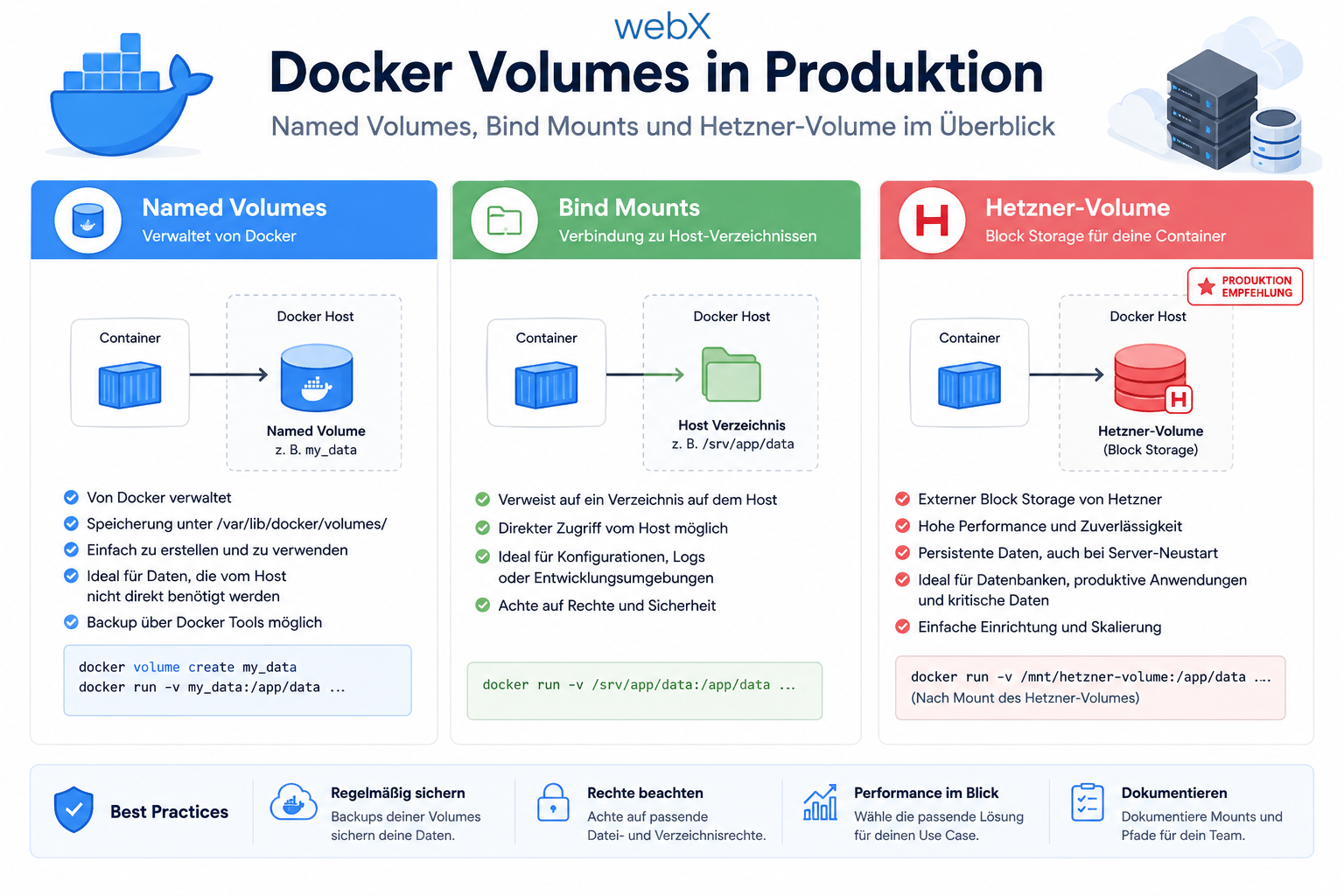
- Docker volumes in production: Named volumes, bind mounts and the Hetzner volume approach: Read article
- Two vulnerabilities before launch: Redis without authentication and an exposed Qdrant admin port: (this article)
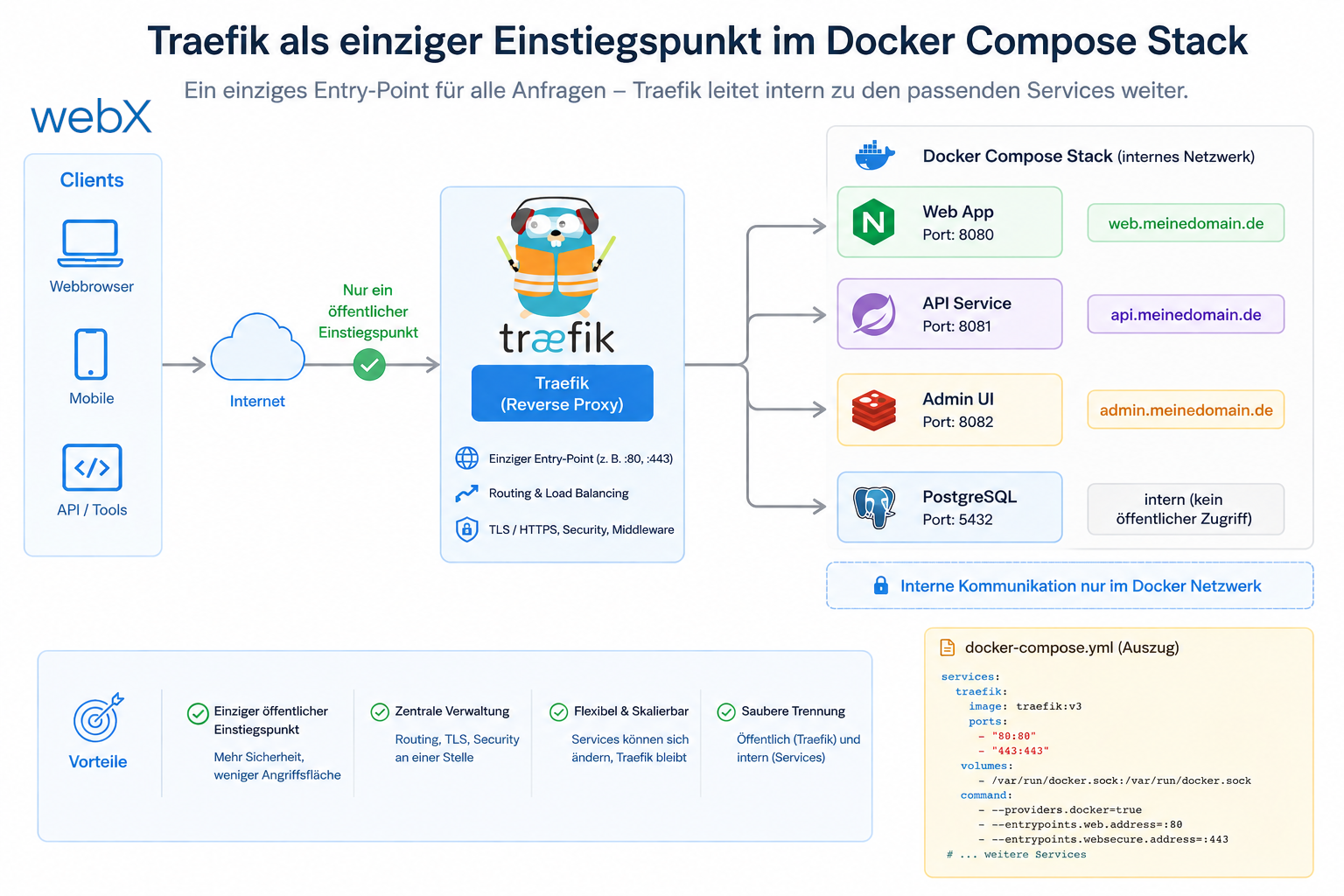
- Traefik as the single entry point in the Docker Compose stack: Read article
- Connecting Zitadel behind Traefik with issuer, JWKS and Login V2: Read article
- Fixing the frontend when the nginx healthcheck fails on localhost: Read article
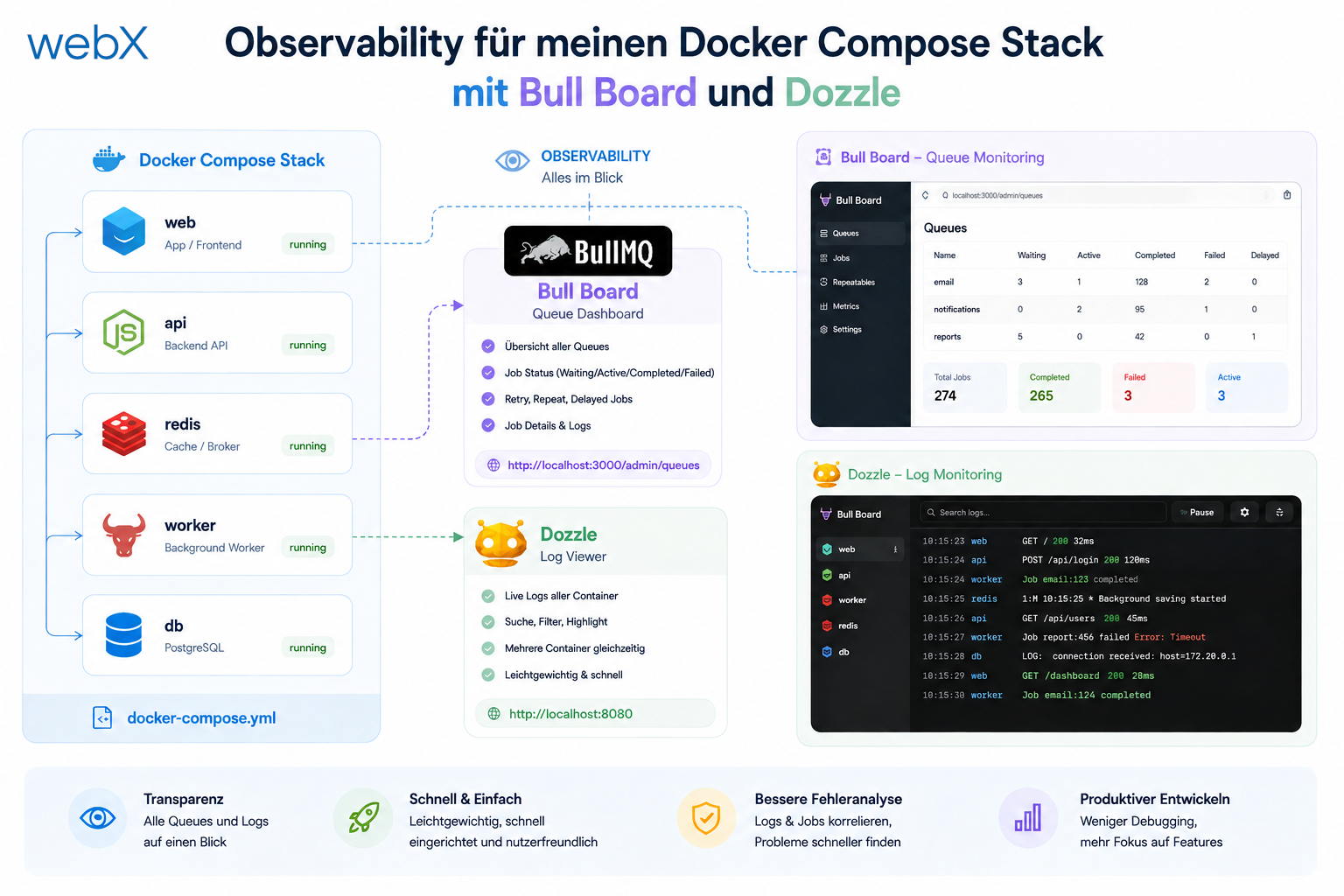
- Observability for my Docker Compose stack with Bull Board and Dozzle: Read article
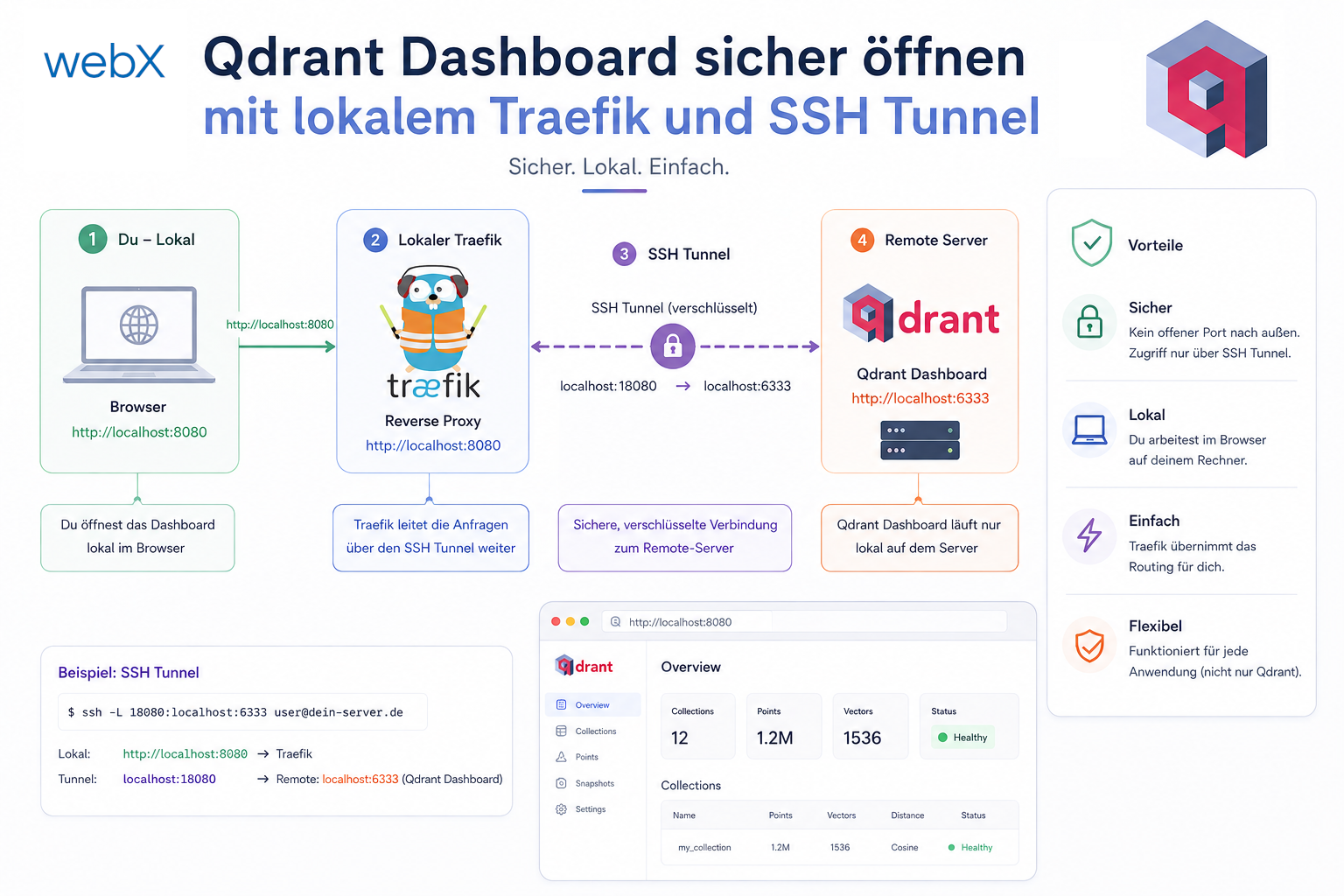
- Open the Qdrant dashboard securely with local Traefik and an SSH tunnel: Read article
- Diagnosis of chunking failures despite tokenization: Read article
- Why I set the chunk size to 1500 tokens: Read article
- Splitting the embedding workflow into clear steps: Read article
- Bringing chunking, storage and search back together: Read article
- Capture Intake as a separate module, less orchestration in the Express endpoint: Read article
Are you building a similar system and considering which decisions fit your project? Let us assess it together.