AI provider abstraction for a flexible RAG system with Ollama and OpenAI
I could have built Ollama directly into the backend. I could have built OpenAI directly into it. Instead, I built an abstraction layer that allows both, and understood why this is not overengineering but the only strategically sound decision.
Contents
- Local or cloud?
- A provider interface
- OllamaProvider
- OpenAIProvider
- Backward compatibility
- Switching in practice
- What this says about software architecture
- What this means for client projects
- All articles in the series
Local or cloud?
When building an AI system, this question eventually appears: Ollama or OpenAI?
Ollama is free, private and runs locally. No API costs, no privacy concerns, no external dependency. The trade-offs: hardware requirements, no automatic scaling and manual model management.
OpenAI scales immediately, performs well and requires no maintenance. The trade-offs: per-token costs, privacy questions and an external dependency.
Most developers make this decision once and live with the consequences. I asked it differently: why do I have to choose at all?
A provider interface
The principle is simple: I define what an AI provider must do and let an environment variable decide which implementation is loaded.
// src/services/ai-provider.ts
interface AIProvider {
  generateEmbedding(text: string): Promise<number[]>;
  generateAnswer(query: string, context: string): Promise<string>;
  checkHealth(): Promise<void>; // throws if provider is unreachable
}
This is deliberately minimal. No generic API, no over-abstracted framework. Three methods doing exactly what the backend needs.
The factory function:
let providerInstance: AIProvider | null = null;

export function getProvider(): AIProvider {
  if (providerInstance) return providerInstance;

  const providerName = process.env.PROVIDER ?? 'ollama';

  switch (providerName) {
    case 'ollama':
      providerInstance = new OllamaProvider();
      break;
    case 'openai':
      providerInstance = new OpenAIProvider();
      break;
    default:
      throw new Error(`Unknown provider: ${providerName}`);
  }

  console.log(`[AI] Provider initialized: ${providerName}`);
  return providerInstance;
}
Singleton pattern: getProvider() creates the instance only once. Every subsequent call returns the same instance. This matters for resource management because client initialization is not repeated on each request.
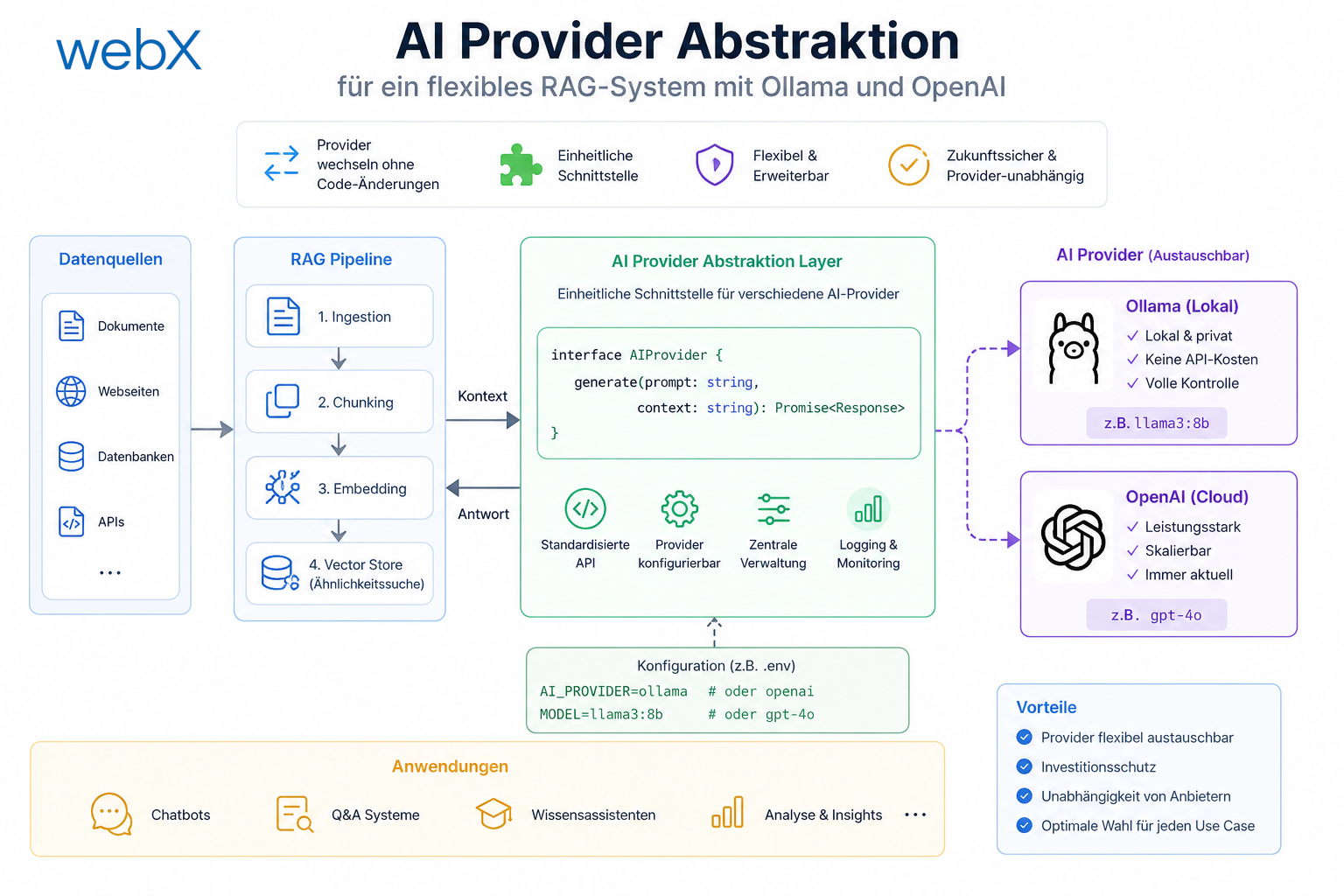
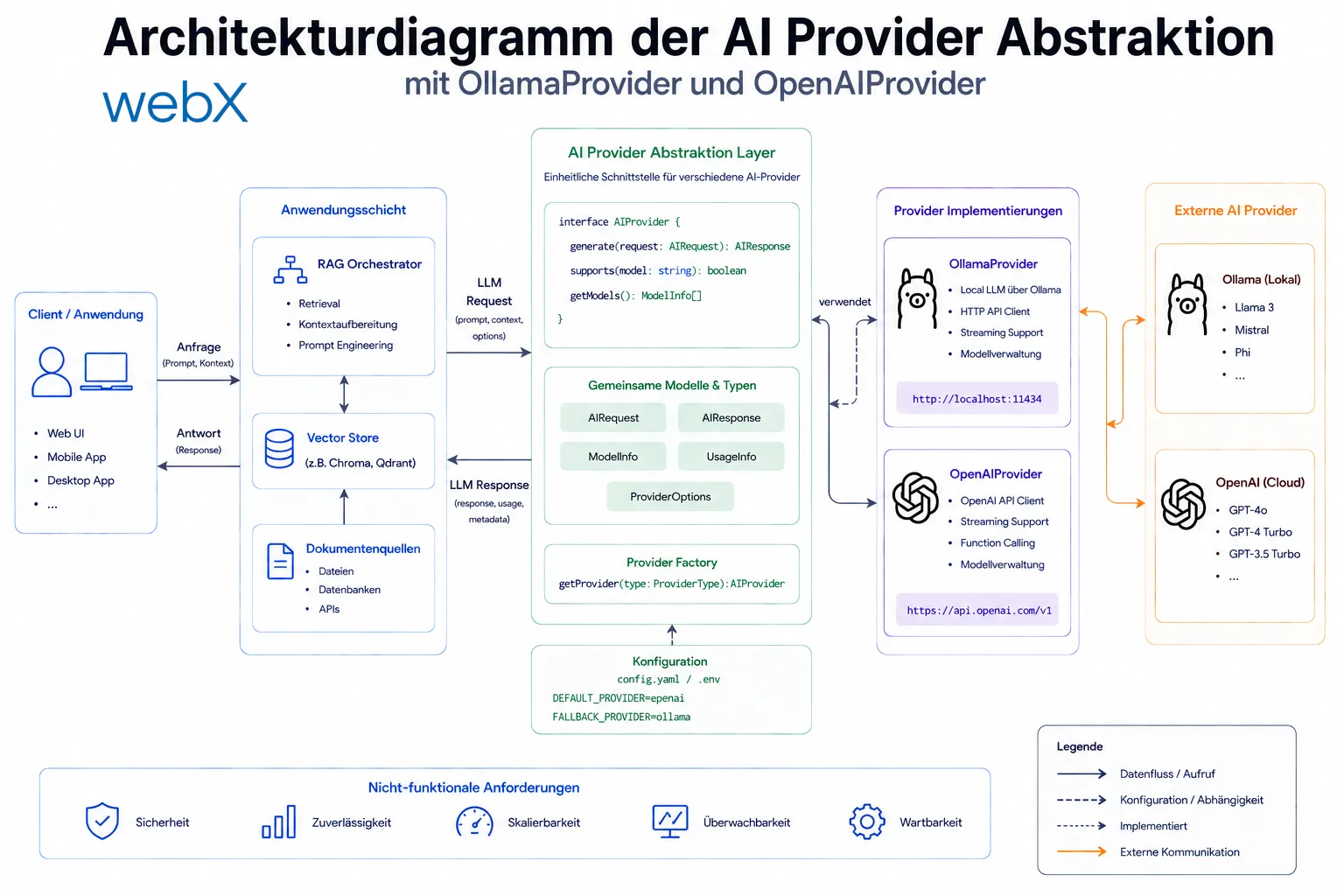 Figure: The interface completely separates consumers, the routes, from the implementations. An environment variable alone determines which provider is active. The original illustration retains its German labels.
OllamaProvider
// src/services/providers/ollama-provider.ts
export class OllamaProvider implements AIProvider {
  private readonly ollamaUrl: string;
  private readonly embeddingModel: string;
  private readonly generationModel: string;

  constructor() {
    this.ollamaUrl = process.env.OLLAMA_URL ?? 'http://ollama:11434';
    this.embeddingModel = process.env.EMBEDDING_MODEL ?? 'nomic-embed-text';
    this.generationModel = process.env.GENERATION_MODEL ?? 'llama3.2';
  }

  async generateEmbedding(text: string): Promise<number[]> {
    const response = await fetch(`${this.ollamaUrl}/api/embeddings`, {
      method: 'POST',
      headers: { 'Content-Type': 'application/json' },
      body: JSON.stringify({ model: this.embeddingModel, prompt: text }),
    });
    const data = await response.json();
    return data.embedding;
  }

  async generateAnswer(query: string, context: string): Promise<string> {
    const prompt = `You are an OSINT analysis assistant. Use the following context to answer the analyst's question accurately.\n\nContext:\n${context}\n\nQuestion: ${query}`;
    const response = await fetch(`${this.ollamaUrl}/api/generate`, {
      method: 'POST',
      body: JSON.stringify({
        model: this.generationModel,
        prompt,
        stream: false,
      }),
    });
    const data = await response.json();
    return data.response;
  }

  async checkHealth(): Promise<void> {
    const response = await fetch(`${this.ollamaUrl}/api/tags`);
    if (!response.ok) throw new Error('Ollama is not reachable');
  }
}
Direct HTTP calls to the Ollama REST API. No SDK, no overhead. Ollama’s API is stable and well documented.
OpenAIProvider
// src/services/providers/openai-provider.ts
import OpenAI from 'openai';

export class OpenAIProvider implements AIProvider {
  private readonly client: OpenAI;
  private readonly embeddingModel: string;
  private readonly generationModel: string;

  constructor() {
    const apiKey = process.env.OPENAI_API_KEY;
    if (!apiKey) {
      throw new Error('OPENAI_API_KEY is required when using the OpenAI provider');
    }
    this.client = new OpenAI({ apiKey });
    this.embeddingModel = process.env.EMBEDDING_MODEL ?? 'text-embedding-3-small';
    this.generationModel = process.env.GENERATION_MODEL ?? 'gpt-4o-mini';
  }

  async generateEmbedding(text: string): Promise<number[]> {
    const response = await this.client.embeddings.create({
      model: this.embeddingModel,
      input: text,
      dimensions: 768, // Matches vector size only, not another model's embedding space
    });
    return response.data[0].embedding;
  }

  async generateAnswer(query: string, context: string): Promise<string> {
    const completion = await this.client.chat.completions.create({
      model: this.generationModel,
      messages: [
        { role: 'system', content: 'You are an OSINT analysis assistant for stored social media posts.' },
        { role: 'user', content: `Context:\n${context}\n\nQuestion: ${query}` },
      ],
    });
    return completion.choices[0]?.message?.content ?? '';
  }

  async checkHealth(): Promise<void> {
    // minimal API call for health verification
    await this.client.models.list();
  }
}
Two details are decisive here:
1. Fail fast in the constructor
if (!apiKey) {
  throw new Error('OPENAI_API_KEY is required when using the OpenAI provider');
}
If PROVIDER=openai is set but the API key is missing, the server does not start at all. No silent runtime failures. That is fail-fast behavior: make problems visible as early as possible.
2. dimensions: 768
OpenAI’s text-embedding-3-small produces 1536-dimensional vectors by default. With dimensions: 768, I match the vector size to the collection schema. That does not make the embeddings compatible with nomic-embed-text. Equal dimensions do not mean the same semantic vector space. I need to evaluate how reducing dimensions affects retrieval quality using my own queries.
When changing the embedding model, I must re-embed stored texts and generate query embeddings with the same model and preprocessing. Old and new vectors stay separate during migration. Qdrant’s embedding-model migration guide describes approaches including parallel collections and a controlled switch of search traffic. Changing only the provider without re-embedding is possible only if the model version, preprocessing and embedding contract genuinely remain unchanged.
Backward compatibility
Before the abstraction, the backend accessed Ollama functions directly through services/ollama.ts. Instead of rewriting every route handler, I turned ollama.ts into a re-export:
// src/services/ollama.ts (after refactoring)
export { generateEmbedding, generateAnswer, checkProviderHealth } from './ai-provider';
All route handlers still import from services/ollama.ts. They do not notice the abstraction beneath them.
Switching in practice
Local development (default)
# docker-compose.override.yml is loaded automatically
docker-compose up -d
# PROVIDER=ollama (default), Ollama runs as a container
Production (OpenAI)
export OPENAI_API_KEY=sk-...
docker-compose -f docker-compose.yml -f docker-compose.prod.yml up -d
# PROVIDER=openai, no Ollama container
This selects the provider implementation without changing route handlers. If the embedding model also changes, a different Compose file is not enough. Existing data needs the migration described above before searches use the new model.
What this says about software architecture
This abstraction is not a clever trick. It directly applies two fundamental principles:
Dependency Inversion Principle: High-level modules, the routes, should not depend on low-level modules, Ollama and OpenAI. Both should depend on abstractions.
Open/Closed Principle: The system is open for extension, with a new class and a new case line for a new provider, and closed for modification. Existing routes, tests and logic remain untouched.
What this means for client projects
When I add AI search to a Power Pages portal, the provider question is always present:
- Development: Ollama locally, no costs and no privacy problem with real client data.
- Staging: Ollama in Docker, identical to production but inexpensive.
- Production: OpenAI or Azure OpenAI, scalable and backed by an SLA.
Provider selection stays a configuration decision. That does not remove the work required for data migration, model evaluation and operations.
If a client later wants to switch to Azure OpenAI, I also check model availability, deployment region and the embedding contract. Those determine the actual migration effort, not the number of changed environment variables.
That is the difference between building a feature and building an architecture.
All articles in the series
- Vision and system overview: Chrome Extension, RAG architecture and project background: Read article
- Building a RAG system: Qdrant, embeddings and cosine similarity in TypeScript: Read article
- AI provider abstraction: Ollama vs. OpenAI, interface design and no vendor lock-in: (this article)
- Chrome Extension MV3: Three isolated runtime contexts, message passing and Strategy Pattern: Read article
- Docker Compose strategy: The override pattern, from local development to Azure: Read article
- Ollama locally vs. Docker: The decision and its consequences: Read article
- Ollama auto-pull entrypoint: Automated model setup at container startup: Read article
- tsconfig and Vite:
Node16vs.bundler, and why Vite has its own rules: Read article - Load complete Instagram captions with MutationObserver: Read article
- Chrome Extension foundation with health indicator and retry queue: Read article
- Phase 2 features: Shadow DOM overlay, Tailwind v4 and duplicate detection: Read article
- Race condition in platform detection: How a UI event breaks Instagram detection: Read article
- Extracting PostId in two Instagram layouts: querySelector vs. ancestor traversal: Read article
- Capture a complete Instagram carousel with MutationObserver: Lazy loading, observer-before-click and timeout fallback: Read article
- Notes and tags when saving screenshots: Read article
- Instagram keyboard shortcuts block Chrome Extension input: Read article
- Lowercase normalization and duplicate detection in tag input: Read article
- Zitadel Login V2 in Docker Compose with three hidden errors: Read article
- PKCE OAuth in a Chrome MV3 extension: Read article
- React frontend with react-oidc-context and Zitadel: Read article
- Vite build-time environment variables in Docker: Read article
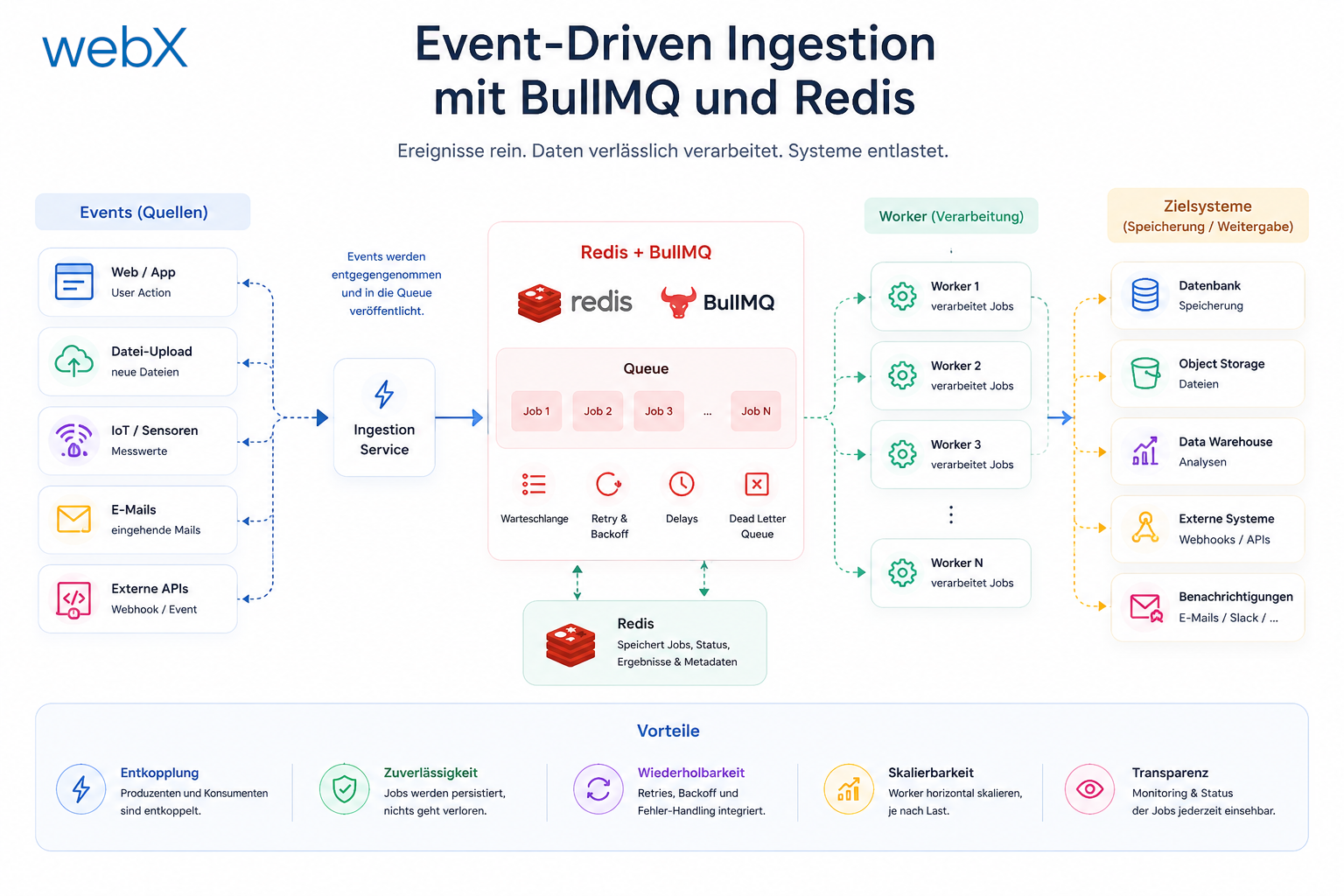
- Event-driven ingestion with BullMQ and Redis: Read article
- MinIO instead of Azurite: S3-compatible object storage locally and on Hetzner: Read article
- access_token, id_token and the Userinfo endpoint: Which belongs where: Read article
- Qdrant multi-tenancy with one collection per user: Read article
- When backend and frontend know different types: Read article
- Removing Zitadel bootstrap: Host header bug and manual setup: Read article
- Backend code review with six problems fixed before launch: Read article
- Traefik instead of NGINX: Reverse proxy for a growing Docker Compose stack: Read article
- Two-layer rate limiting: Traefik and express-rate-limit with Redis: Read article
- Implementing GDPR Article 17 correctly: Promise.allSettled and export batching: Read article
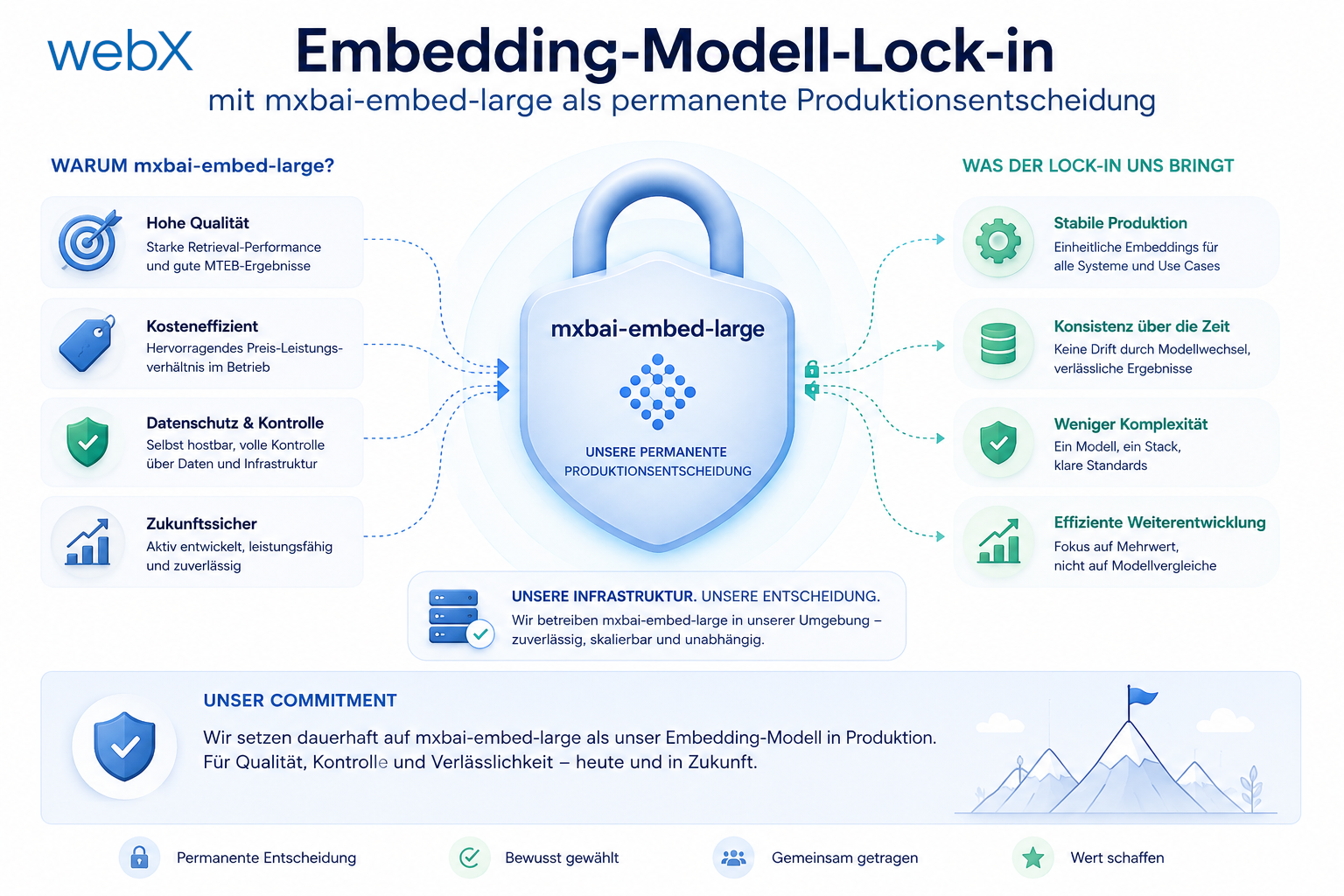
- Embedding model lock-in: Why mxbai-embed-large is a permanent production decision: Read article
- Docker volumes in production: Named volumes, bind mounts and the Hetzner volume approach: Read article
- Two vulnerabilities before launch: Redis without authentication and an exposed Qdrant admin port: Read article
- Traefik as the single entry point in the Docker Compose stack: Read article
- Connecting Zitadel behind Traefik with issuer, JWKS and Login V2: Read article
- Fixing the frontend when the nginx healthcheck fails on localhost: Read article
- Observability for my Docker Compose stack with Bull Board and Dozzle: Read article
- Open the Qdrant dashboard securely with local Traefik and an SSH tunnel: Read article
- Diagnosis of chunking failures despite tokenization: Read article
- Why I set the chunk size to 1500 tokens: Read article
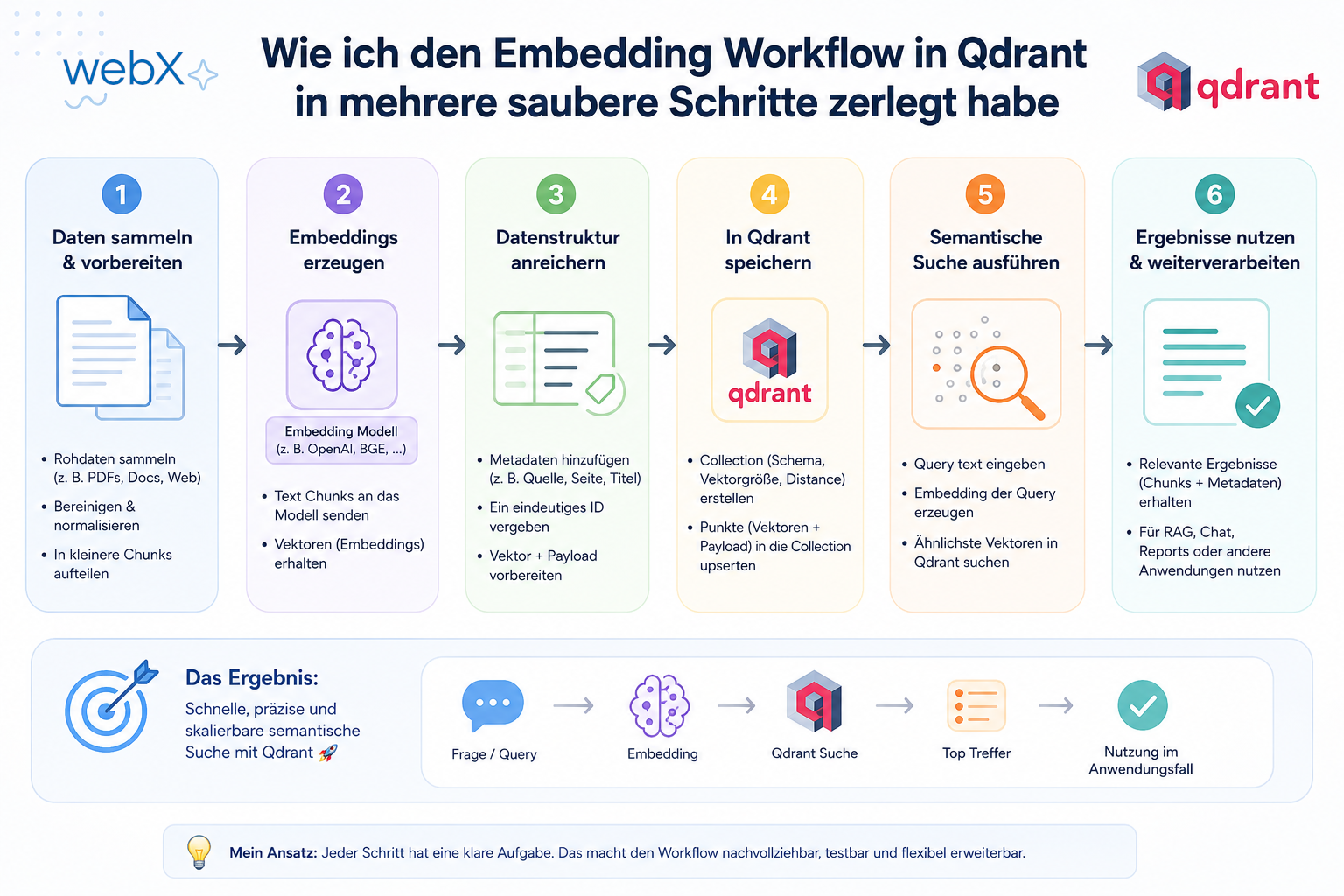
- Splitting the embedding workflow into clear steps: Read article
- Bringing chunking, storage and search back together: Read article
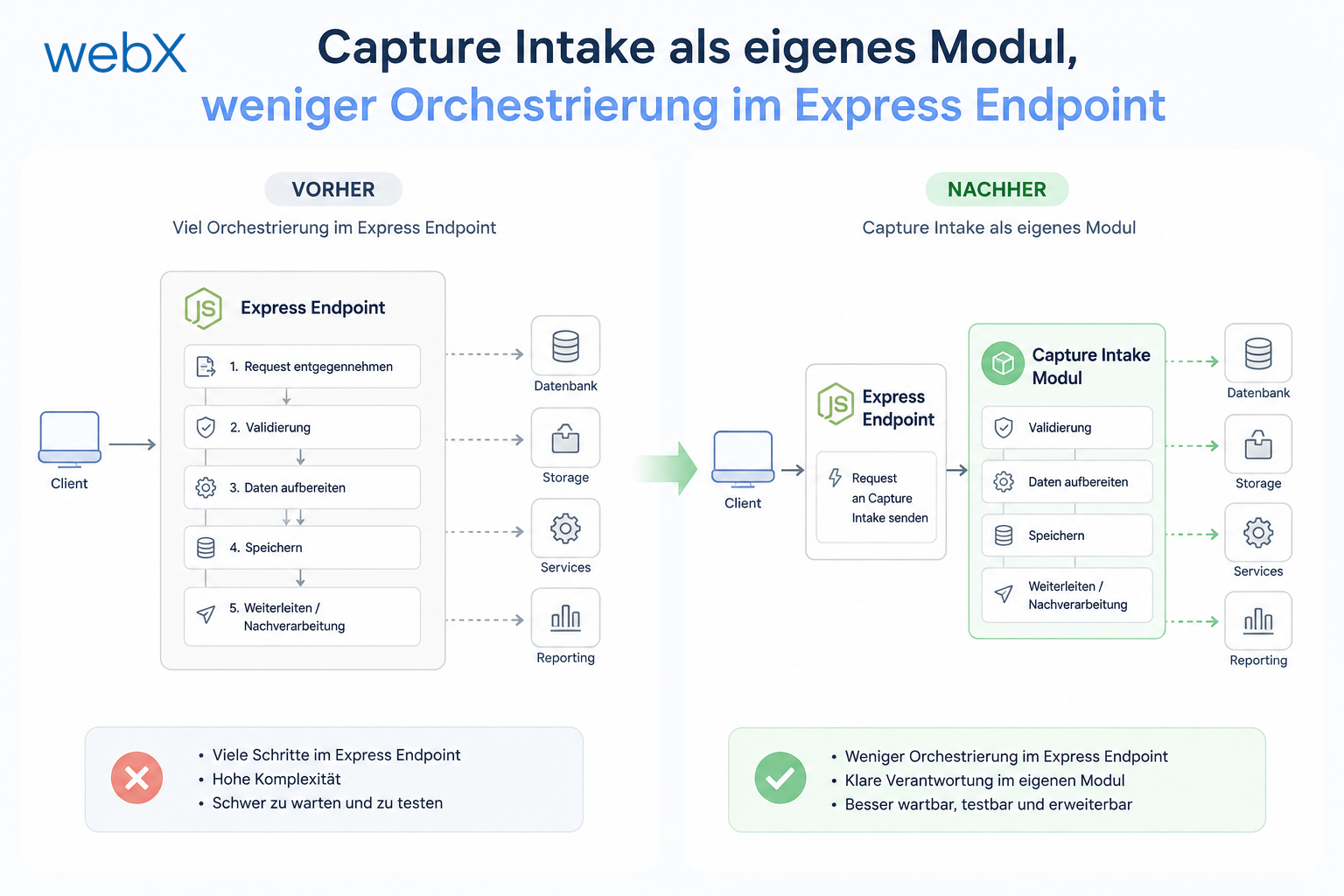
- Capture Intake as a separate module, less orchestration in the Express endpoint: Read article
Planning a Power Pages portal with AI-powered search and considering which provider approach fits your project? Let us assess it together.