access_token, id_token and the Userinfo endpoint
OAuth 2.0 and OIDC return two tokens at login, and almost every implementation reads the email address from the wrong one. Why access_token and id_token serve fundamentally different purposes, and why the Userinfo endpoint is the more reliable source for user profile data.
The problem
After a successful login, the Chrome Extension showed a green indicator. Logged in, but no email address. The React frontend displayed the fallback value "Dev-Nutzer" instead of the user’s name.
The code looked correct. It requested the openid profile email scopes. It received the token. But the email field was empty.
The cause was that the code read email from the access token. Zitadel puts the email address in the ID token, but only if that address has been verified.
This is not a Zitadel bug. It is how OIDC is designed.
Two tokens, two purposes
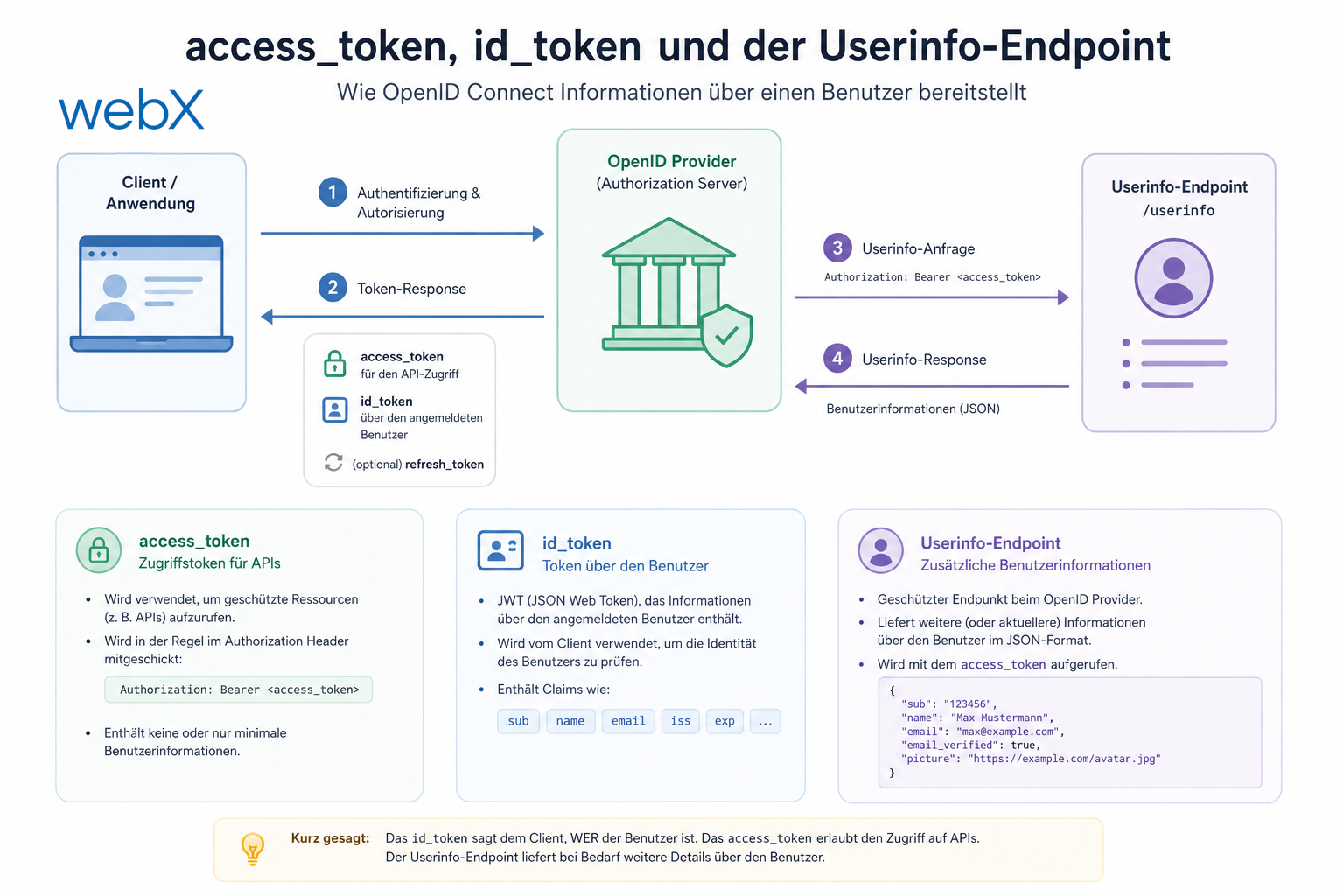
OAuth 2.0 and OIDC return at least two tokens after a successful login:
access_token | id_token | |
|---|---|---|
| Question | What is this caller allowed to do? | Who just logged in? |
| Intended recipient | Your backend server | Your frontend application |
| Contents | Permissions, scopes, sub (user ID) | User profile: email, name, preferred_username |
| Standard | OAuth 2.0 | OpenID Connect (OIDC), built on OAuth 2.0 |
| Where you send it | To your backend in the Authorization: Bearer header | Nowhere. You read it locally |
The access_token is proof of authorization for resources. The backend validates it against the identity provider’s JWKS endpoint on every API call. It answers the question: “Does this caller have permission to retrieve this resource?”
The id_token is proof of identity. It answers the question: “Who just logged in?” It belongs to the frontend, not the backend.
Why OIDC separates profile data
A JWT passes through many places: the URL fragment during a redirect, browser history, server logs, referrer headers and load balancer logs. The more personal data a JWT contains, the greater the risk if it leaks.
OIDC addresses this as follows:
- The
id_tokencontains only the minimum needed for login (sub,iss,aud,exp) - Additional profile data (
email,name,phone_number) comes from the Userinfo endpoint - The Userinfo endpoint is called through a direct HTTPS request. It never appears in logs or URLs
This is not a theoretical detail. The distinction matters for GDPR-compliant systems: personal data should appear in transit as little as possible.
The Userinfo endpoint
Every OIDC-compliant identity provider exposes a Userinfo endpoint. In Zitadel:
GET /oidc/v1/userinfo
Authorization: ******
Here, the access_token provides authorization. Rather than protecting an external resource, the endpoint returns the current user’s own profile. The identity provider validates the token and returns only data belonging to its holder. You cannot use your token to retrieve another user’s profile.
The response contains all claims defined by the requested scopes (profile, email):
{
  "sub": "374907089107025923",
  "email": "user@example.com",
  "email_verified": true,
  "preferred_username": "user@example.com",
  "name": "Max Mustermann",
  "given_name": "Max",
  "family_name": "Mustermann"
}
What this looks like in practice
The React frontend and the extension retrieve these profile claims in different ways.
React frontend with react-oidc-context
By default, react-oidc-context decodes the id_token locally and exposes its claims through auth.user.profile. That is not enough for Zitadel, because email may be absent from the id_token.
The solution is loadUserInfo: true in the OIDC configuration:
// frontend/src/lib/auth.ts
export const oidcConfig: AuthProviderProps = {
  authority: ZITADEL_DOMAIN,
  client_id: CLIENT_ID,
  scope: 'openid profile email offline_access',
  // Fetch /oidc/v1/userinfo after login and merge claims into auth.user.profile.
  // Reliable for email even when the address is unverified in Zitadel.
  loadUserInfo: true,
  // ...
};
After this change, auth.user.profile.email is always populated. The library automatically calls the Userinfo endpoint after login and merges the claims.
Chrome Extension with a manual PKCE flow
The extension manages tokens itself through chrome.storage.sync. After exchanging the code for tokens, it calls the Userinfo endpoint directly:
// extension/src/auth/zitadel.ts

async function fetchUserEmail(accessToken: string): Promise<string> {
  try {
    const res = await fetch(`${ZITADEL_DOMAIN}/oidc/v1/userinfo`, {
      headers: { Authorization: `****** },
    });
    if (!res.ok) return "";
    const profile = (await res.json()) as Record<string, unknown>;
    return (profile.email as string) ?? (profile.preferred_username as string) ?? "";
  } catch {
    return "";
  }
}

async function exchangeCodeForTokens(/* ... */): Promise<StoredTokens> {
  // ... token exchange ...
  const email = await fetchUserEmail(data.access_token);
  return { accessToken, refreshToken, expiresAt, userId, email };
}
During a token refresh, Zitadel does not return a new id_token. Calling Userinfo with the new access_token still works. The email stored after the last successful login acts as a fallback:
const email = (await fetchUserEmail(data.access_token)) || existingTokens?.email || '';Is this secure?
Yes. Authorizing the Userinfo endpoint with the access_token is exactly what the OIDC Core standard specifies in section 5.3. It is not a workaround.
The important security points:
- The
access_tokenis short-lived, typically one hour. The identity provider immediately rejects an expired token - The Userinfo endpoint is read-only and returns only the token holder’s data
- The request is a direct HTTPS fetch. It does not enter browser history or URL logs
- The
access_tokenmust not be stored inlocalStoragebecause of the XSS attack surface. The frontend configuration therefore usessessionStorage(userStore: undefinedinreact-oidc-context)
The only drawback is one extra HTTP request after login. For an application that logs in once and then runs for hours, that is negligible.
What changed
The error was in the mental model, not the code. Reading email from the access_token or id_token relies on an implementation detail of the identity provider. The Userinfo endpoint provides the guarantee, specified in the standard and consistent across OIDC providers.
The rule is straightforward:
Send
access_tokento the backend. Useid_tokenminimally for session management. Always retrieve profile data from the Userinfo endpoint.
All articles in the series
- Vision and system overview: Chrome Extension, RAG architecture and project background: Read article
- Building a RAG system: Qdrant, embeddings and cosine similarity in TypeScript: Read article
- AI provider abstraction: Ollama vs. OpenAI, interface design and no vendor lock-in: Read article
- Chrome Extension MV3: Three isolated runtime contexts, message passing and Strategy Pattern: Read article
- Docker Compose strategy: The override pattern, from local development to Azure: Read article
- Ollama locally vs. Docker: The decision and its consequences: Read article
- Ollama auto-pull entrypoint: Automated model setup at container startup: Read article
- tsconfig and Vite:
Node16vs.bundler, and why Vite has its own rules: Read article - Load complete Instagram captions with MutationObserver: Read article
- Chrome Extension foundation with health indicator and retry queue: Read article
- Phase 2 features: Shadow DOM overlay, Tailwind v4 and duplicate detection: Read article
- Race condition in platform detection: How a UI event breaks Instagram detection: Read article
- Extracting PostId in two Instagram layouts: querySelector vs. ancestor traversal: Read article
- Capture a complete Instagram carousel with MutationObserver: Lazy loading, observer-before-click and timeout fallback: Read article
- Notes and tags when saving screenshots: Read article
- Instagram keyboard shortcuts block Chrome Extension input: Read article
- Lowercase normalization and duplicate detection in tag input: Read article
- Zitadel Login V2 in Docker Compose with three hidden errors: Read article
- PKCE OAuth in a Chrome MV3 extension: Read article
- React frontend with react-oidc-context and Zitadel: Read article
- Vite build-time environment variables in Docker: Read article
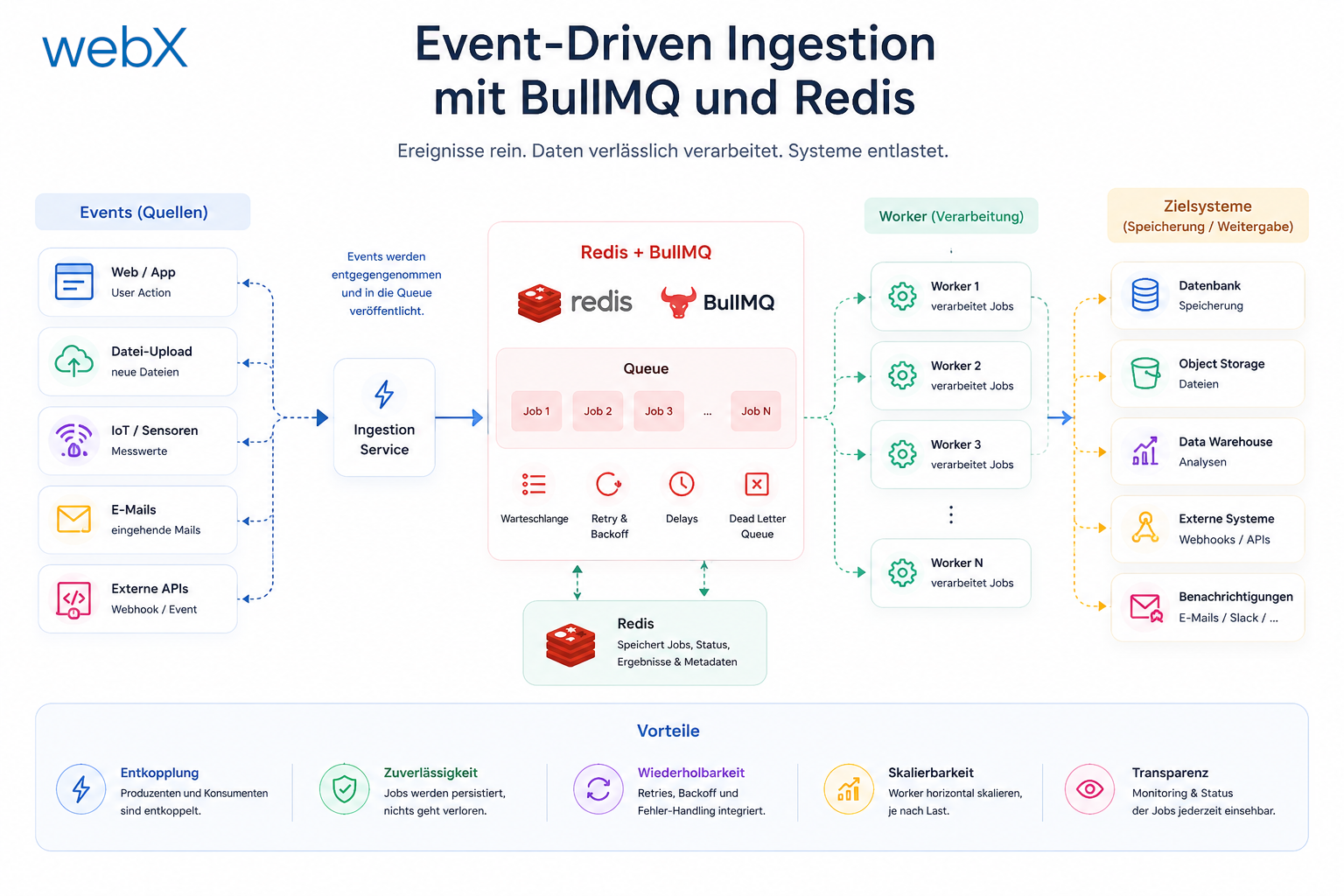
- Event-driven ingestion with BullMQ and Redis: Read article
- MinIO instead of Azurite: S3-compatible object storage locally and on Hetzner: Read article
- access_token, id_token and the Userinfo endpoint: Which belongs where: (this article)
- Qdrant multi-tenancy with one collection per user: Read article
- When backend and frontend know different types: Read article
- Removing Zitadel bootstrap: Host header bug and manual setup: Read article
- Backend code review with six problems fixed before launch: Read article
- Traefik instead of NGINX: Reverse proxy for a growing Docker Compose stack: Read article
- Two-layer rate limiting: Traefik and express-rate-limit with Redis: Read article
- Implementing GDPR Article 17 correctly: Promise.allSettled and export batching: Read article
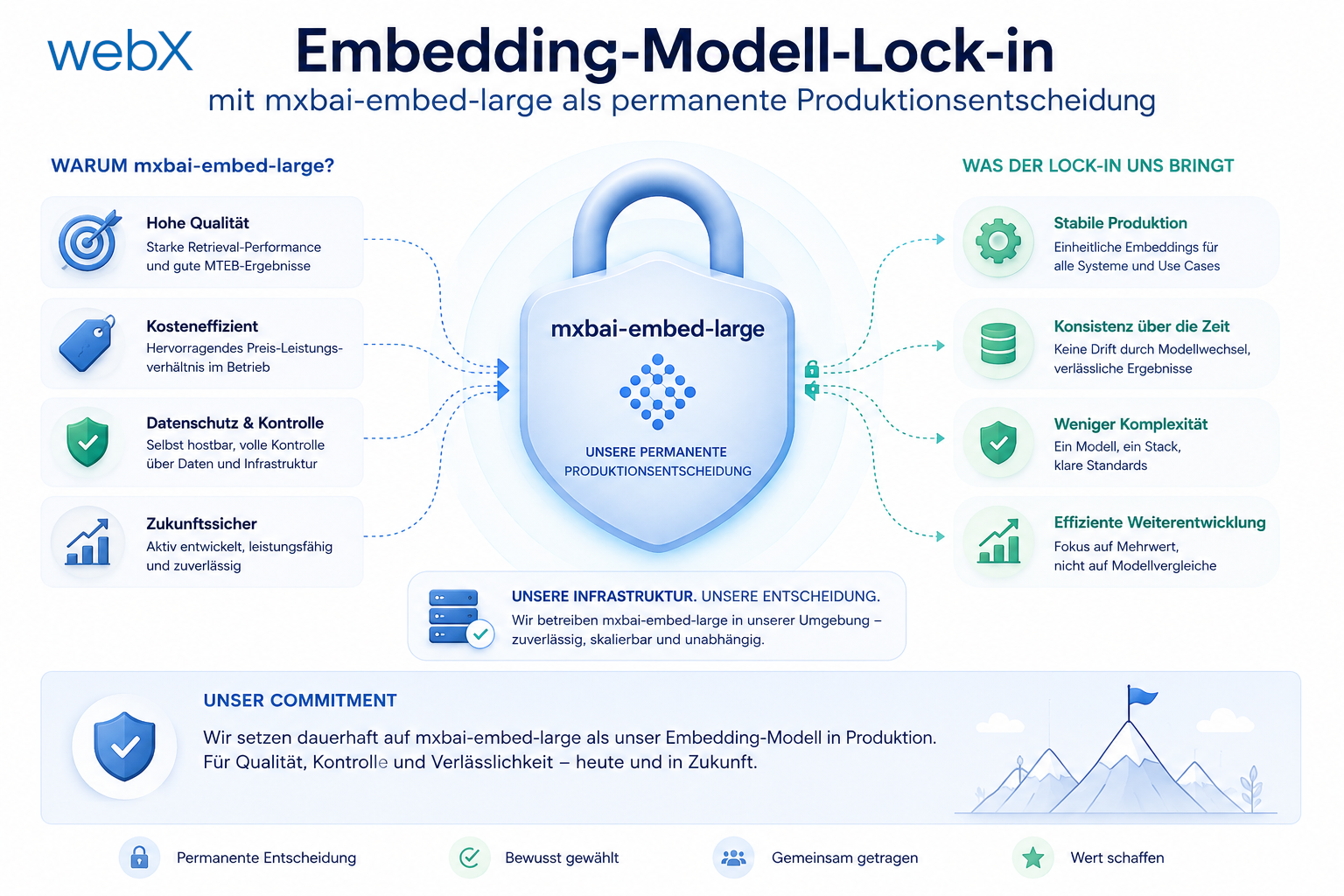
- Embedding model lock-in: Why mxbai-embed-large is a permanent production decision: Read article
- Docker volumes in production: Named volumes, bind mounts and the Hetzner volume approach: Read article
- Two vulnerabilities before launch: Redis without authentication and an exposed Qdrant admin port: Read article
- Traefik as the single entry point in the Docker Compose stack: Read article
- Connecting Zitadel behind Traefik with issuer, JWKS and Login V2: Read article
- Fixing the frontend when the nginx healthcheck fails on localhost: Read article
- Observability for my Docker Compose stack with Bull Board and Dozzle: Read article
- Open the Qdrant dashboard securely with local Traefik and an SSH tunnel: Read article
- Diagnosis of chunking failures despite tokenization: Read article
- Why I set the chunk size to 1500 tokens: Read article
- Splitting the embedding workflow into clear steps: Read article
- Bringing chunking, storage and search back together: Read article
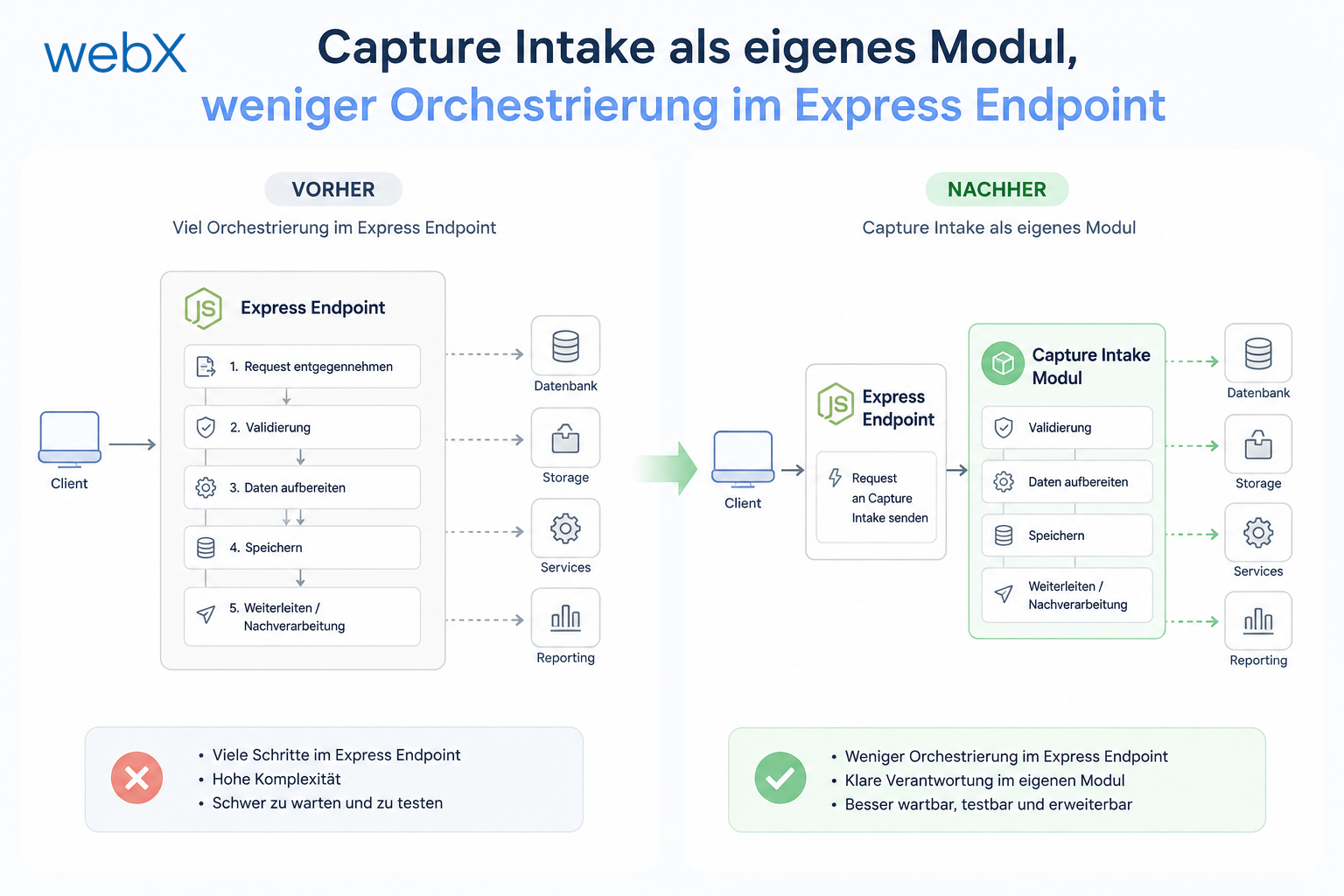
- Capture Intake as a separate module, less orchestration in the Express endpoint: Read article
Are you building a system with OIDC and wondering which token belongs where? Let us look at it together.