PKCE OAuth in a Chrome MV3 Extension with chrome.identity.launchWebAuthFlow
chrome.identity.launchWebAuthFlow is the right entry point for PKCE OAuth in Chrome Extensions. How token storage in chrome.storage.sync, automatic renewal and the extension-specific redirect URI work together.
Contents
- Why a Chrome Extension needs its own auth logic
- The PKCE implementation
- The redirect URI
- The login flow
- Interactive PKCE flow and container topology
- Token storage in chrome.storage.sync
- Automatic token renewal
- Bearer token in API calls
- Auth state in the popup
- VITE_AUTH_ENABLED flag
- All articles in the series
Why a Chrome Extension needs its own auth logic
A normal web app uses redirects: the browser leaves the page, goes to the login UI, returns with a code, and the app exchanges that code for a token.
A Chrome Extension has no “leave and return” mechanism. The background service worker has no DOM. The content script has no controlled lifecycle that can reliably wait for an auth flow. The popup closes on every interaction. The three-context architecture of a Chrome Extension MV3 makes OAuth a separate problem.
The solution is chrome.identity.launchWebAuthFlow. The Chrome API opens a controlled browser tab for the OAuth flow, intercepts the redirect and returns the redirect URI with all query parameters, without the extension having to provide its own public URL.
The PKCE implementation
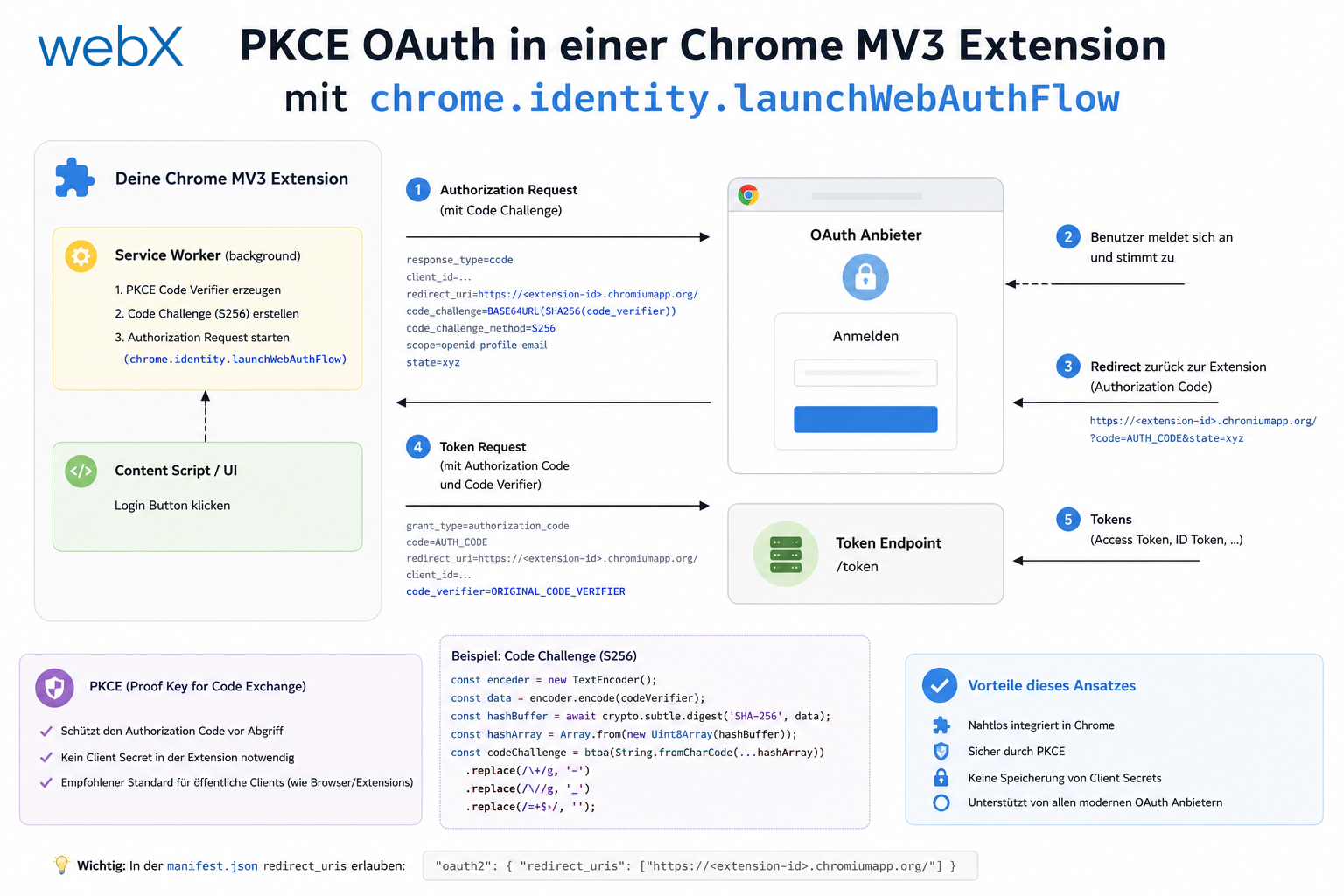
PKCE, Proof Key for Code Exchange, is the right flow for native apps and extensions because no client secret needs to be stored. The flow works as follows:
- The extension generates a
code_verifier, a random string. - The extension calculates the
code_challenge, the SHA-256 hash of the verifier, base64url-encoded. - The extension opens the authorization URL with
code_challengeandcode_challenge_method=S256. - The user logs in, and Zitadel redirects to the
redirect_uriwith acode. - The extension exchanges
code+code_verifierfor an access token and refresh token.
// code_verifier: cryptographically random string
const generateCodeVerifier = (): string => {
  const array = new Uint8Array(32);
  crypto.getRandomValues(array);
  return base64UrlEncode(array);
};

// code_challenge: SHA-256 of the verifier
const generateCodeChallenge = async (verifier: string): Promise<string> => {
  const encoder = new TextEncoder();
  const data = encoder.encode(verifier);
  const hash = await crypto.subtle.digest('SHA-256', data);
  return base64UrlEncode(new Uint8Array(hash));
};
The redirect URI
Zitadel needs to know where to redirect after login. For Chrome Extensions, this is not an http://localhost URL but an extension URL:
https://{extension-id}.chromiumapp.org/callbackchrome.identity.getRedirectURL() returns this URL. It is stable for an extension ID but changes with each new extension. Each unpublished extension has a different random ID.
const REDIRECT_URI = chrome.identity.getRedirectURL('callback');
// Example: "https://abcdefghijklmnop.chromiumapp.org/callback"
This URL must be entered in the Zitadel console as an allowed redirect URI for the Native/PKCE app. Otherwise, Zitadel rejects the authorization request.
The login flow
export const signIn = async (): Promise<void> => {
  const codeVerifier = generateCodeVerifier();
  const codeChallenge = await generateCodeChallenge(codeVerifier);

  const authUrl = new URL(`${ZITADEL_DOMAIN}/oauth/v2/authorize`);
  authUrl.searchParams.set('response_type', 'code');
  authUrl.searchParams.set('client_id', CLIENT_ID);
  authUrl.searchParams.set('redirect_uri', REDIRECT_URI);
  authUrl.searchParams.set('scope', 'openid profile email offline_access');
  authUrl.searchParams.set('code_challenge', codeChallenge);
  authUrl.searchParams.set('code_challenge_method', 'S256');

  const responseUrl = await chrome.identity.launchWebAuthFlow({
    url: authUrl.toString(),
    interactive: true,
  });

  if (!responseUrl) throw new Error('Auth flow cancelled');

  const url = new URL(responseUrl);
  const code = url.searchParams.get('code');
  if (!code) throw new Error('No authorization code in response');

  const tokens = await exchangeCodeForTokens(code, codeVerifier);
  await storeTokens(tokens);
};
launchWebAuthFlow with interactive: true opens a popup window for login. The window closes automatically as soon as Zitadel forwards to the redirect URI. The return value is the complete redirect URL with the code.
Interactive PKCE flow and container topology
The following sandbox shows the flow step by step in the browser and displays the compact container details only on desktop. This shared illustrative sandbox retains its German interface text.
Token storage in chrome.storage.sync
Tokens are stored in chrome.storage.sync, not localStorage. The difference: chrome.storage.sync synchronizes the state across all Chrome instances using the same Google account. Users are logged in on all devices at once.
const storeTokens = async (tokens: TokenResponse): Promise<void> => {
  await chrome.storage.sync.set({
    accessToken: tokens.access_token,
    refreshToken: tokens.refresh_token,
    expiresAt: Date.now() + tokens.expires_in * 1000,
    idToken: tokens.id_token,
  });
};
The expiresAt timestamp matters for automatic token renewal.
Automatic token renewal
Access tokens are short-lived, typically 1 hour. Refresh tokens are long-lived. Before every API call, the extension checks whether the access token is still valid:
export const getValidAccessToken = async (): Promise<string | null> => {
  const { accessToken, refreshToken, expiresAt } = await chrome.storage.sync.get([
    'accessToken',
    'refreshToken',
    'expiresAt',
  ]);

  if (!accessToken || !refreshToken) return null;

  // Token still valid (60s buffer for clock drift)
  if (expiresAt && Date.now() < expiresAt - 60_000) {
    return accessToken;
  }

  // Token expired: refresh with the refresh token
  try {
    const tokens = await refreshAccessToken(refreshToken);
    await storeTokens(tokens);
    return tokens.access_token;
  } catch {
    // Refresh token invalid: user must sign in again
    await clearTokens();
    return null;
  }
};
The 60-second buffer prevents a token from expiring at the moment the API call is sent.
Bearer token in API calls
All API calls from the background service worker attach the token automatically:
const token = await getValidAccessToken();
const headers: Record<string, string> = {
  'Content-Type': 'application/json',
};
if (token) {
  headers['Authorization'] = `Bearer ${token}`;
}

const response = await fetch(`${API_BASE_URL}/ingest`, {
  method: 'POST',
  headers,
  body: JSON.stringify(payload),
});
If getValidAccessToken() returns null, the request is sent without a token. The backend rejects it with 401. The extension then shows the login status in the popup.
Auth state in the popup
The popup shows the current auth status and a login/logout button. Because the popup has no persistent state, it reads the status directly from chrome.storage.sync:
const loadAuthState = async () => {
  const { accessToken, expiresAt } = await chrome.storage.sync.get(['accessToken', 'expiresAt']);
  const isAuthenticated = !!accessToken && expiresAt > Date.now();

  if (isAuthenticated) {
    statusEl.textContent = 'Signed in';
    loginBtn.textContent = 'Sign out';
  } else {
    statusEl.textContent = 'Not signed in';
    loginBtn.textContent = 'Sign in';
  }
};
The login button delegates the actual OAuth flow to the background service worker because chrome.identity.launchWebAuthFlow requires a user gesture and has reliability issues in the popup context:
loginBtn.addEventListener('click', async () => {
  await chrome.runtime.sendMessage({ action: 'sign-in' });
  await loadAuthState();
});
The background service worker keeps the auth state context more stable than the popup.
VITE_AUTH_ENABLED flag
A feature flag supports local development without a running Zitadel container:
const AUTH_ENABLED = import.meta.env.VITE_AUTH_ENABLED === 'true';When false, no tokens are checked, no login is shown, and all API calls go out without a bearer token. The backend then injects a synthetic identity, dev-user-local.
This allows local development of features unrelated to auth without starting the full Zitadel stack.
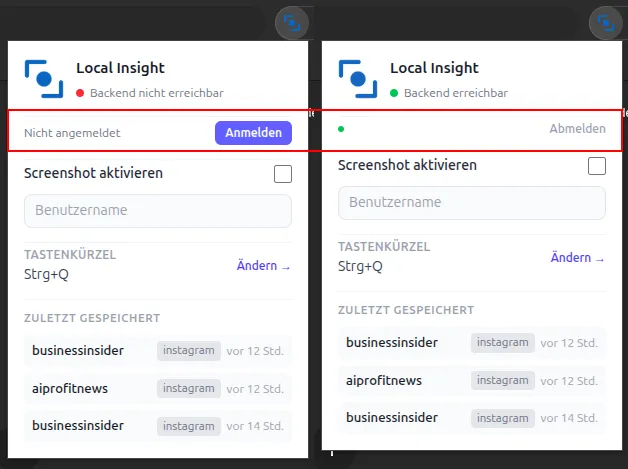 Figure: The original German popup shows two states: on the left, “Nicht angemeldet” means “Not signed in”, with a sign-in button. On the right, “Angemeldet” means “Signed in”, with a username and sign-out button. The status is read directly from chrome.storage.sync.
All articles in the series
- Vision and system overview: Chrome Extension, RAG architecture and project background: Read article
- Building a RAG system: Qdrant, embeddings and cosine similarity in TypeScript: Read article
- AI provider abstraction: Ollama vs. OpenAI, interface design and no vendor lock-in: Read article
- Chrome Extension MV3: Three isolated runtime contexts, message passing and Strategy Pattern: Read article
- Docker Compose strategy: The override pattern, from local development to Azure: Read article
- Ollama locally vs. Docker: The decision and its consequences: Read article
- Ollama auto-pull entrypoint: Automated model setup at container startup: Read article
- tsconfig and Vite:
Node16vs.bundler, and why Vite has its own rules: Read article - Load complete Instagram captions with MutationObserver: Read article
- Chrome Extension foundation with health indicator and retry queue: Read article
- Phase 2 features: Shadow DOM overlay, Tailwind v4 and duplicate detection: Read article
- Race condition in platform detection: How a UI event breaks Instagram detection: Read article
- Extracting PostId in two Instagram layouts: querySelector vs. ancestor traversal: Read article
- Capture a complete Instagram carousel with MutationObserver: Lazy loading, observer-before-click and timeout fallback: Read article
- Notes and tags when saving screenshots: Read article
- Instagram keyboard shortcuts block Chrome Extension input: Read article
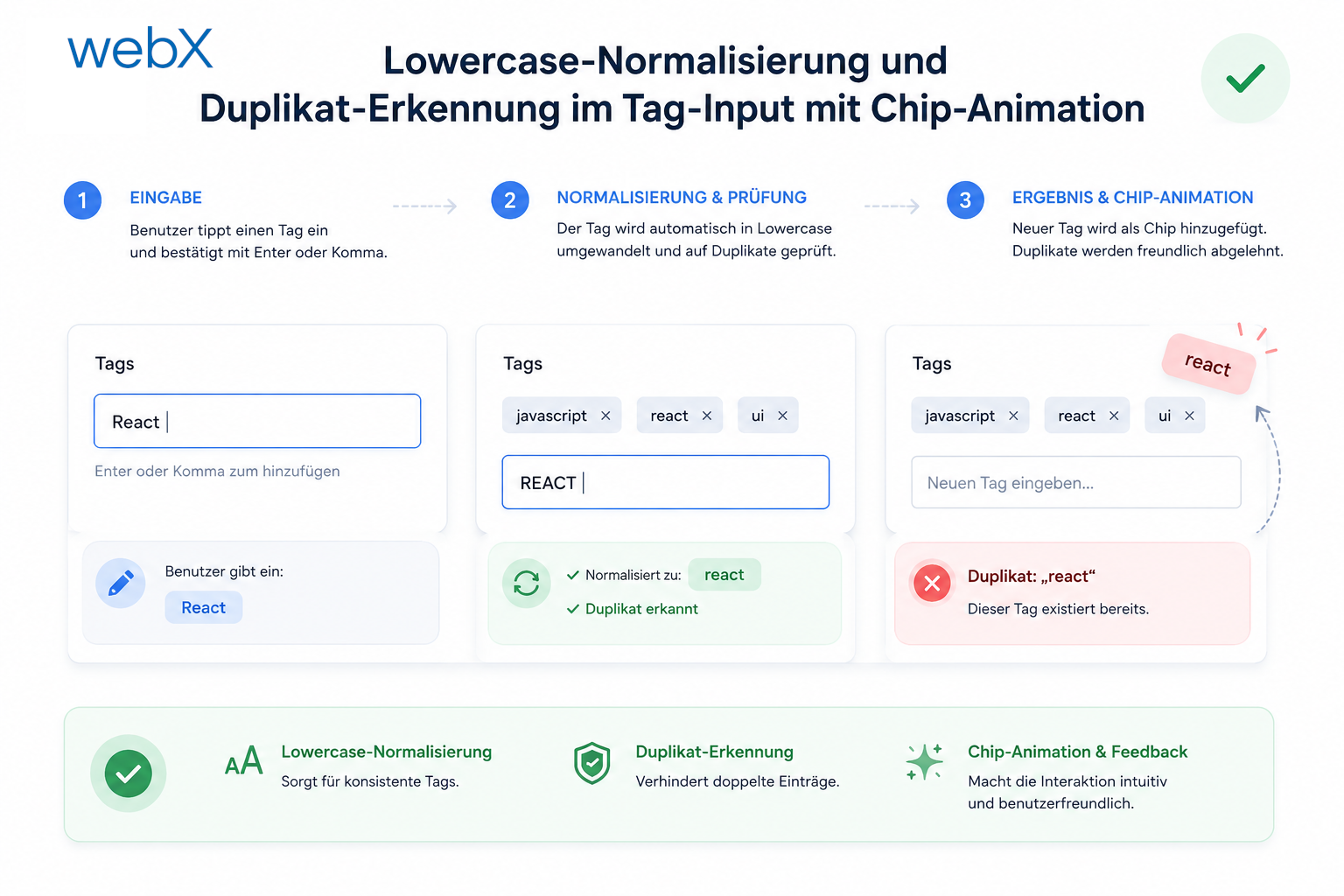
- Lowercase normalization and duplicate detection in tag input: Read article
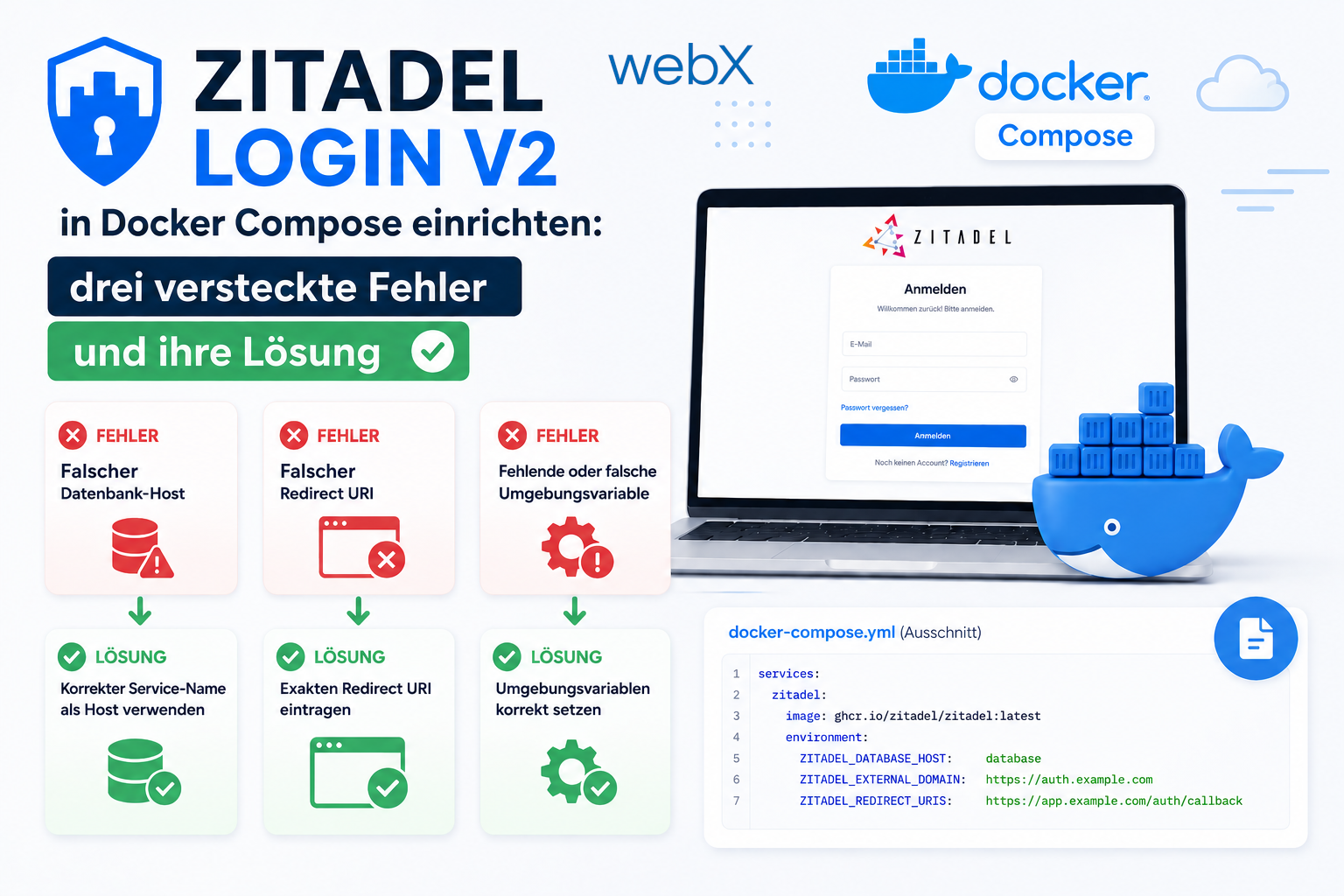
- Zitadel Login V2 in Docker Compose with three hidden errors: Read article
- PKCE OAuth in a Chrome MV3 extension: (this article)
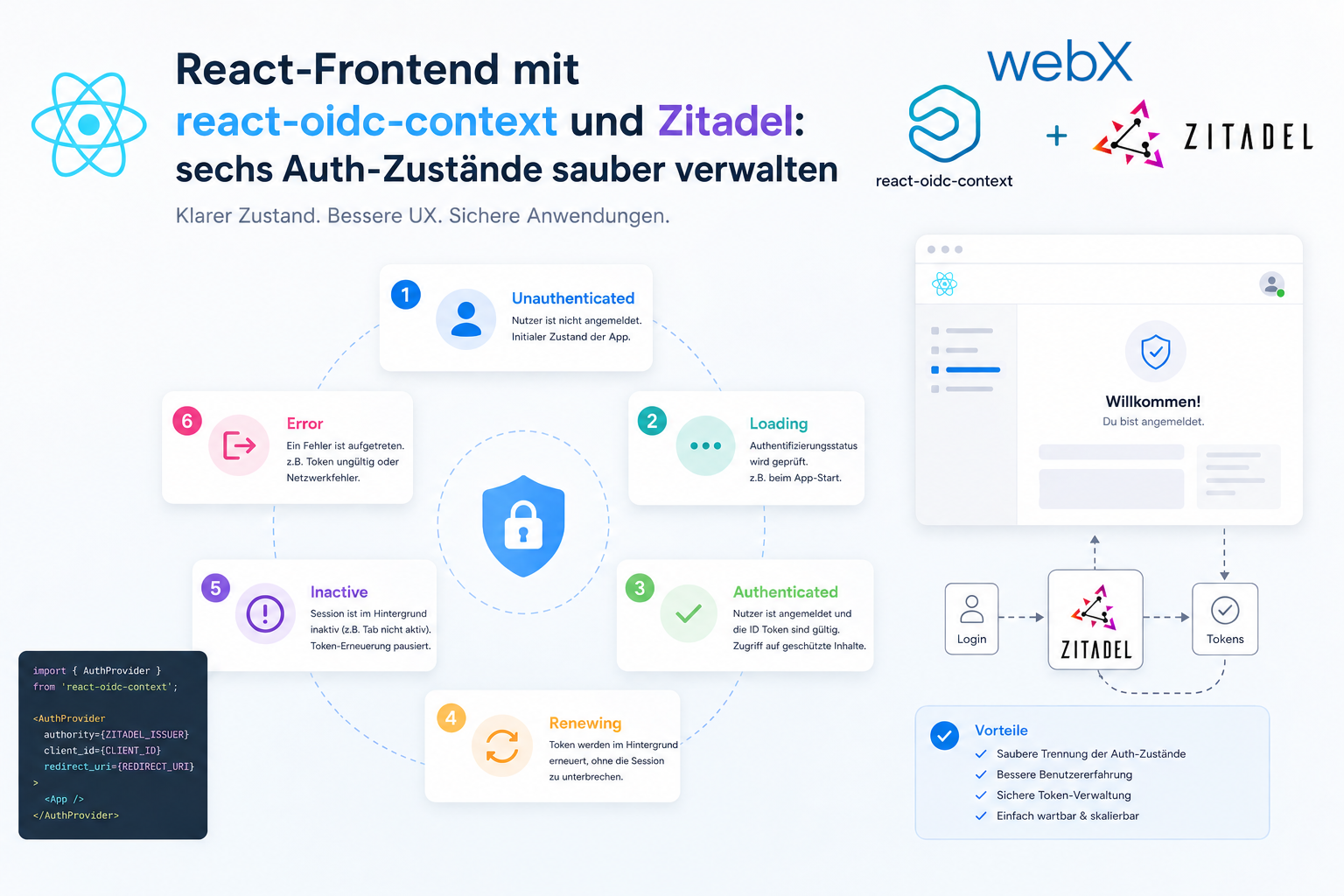
- React frontend with react-oidc-context and Zitadel: Read article
- Vite build-time environment variables in Docker: Read article
- Event-driven ingestion with BullMQ and Redis: Read article
- MinIO instead of Azurite: S3-compatible object storage locally and on Hetzner: Read article
- access_token, id_token and the Userinfo endpoint: Which belongs where: Read article
- Qdrant multi-tenancy with one collection per user: Read article
- When backend and frontend know different types: Read article
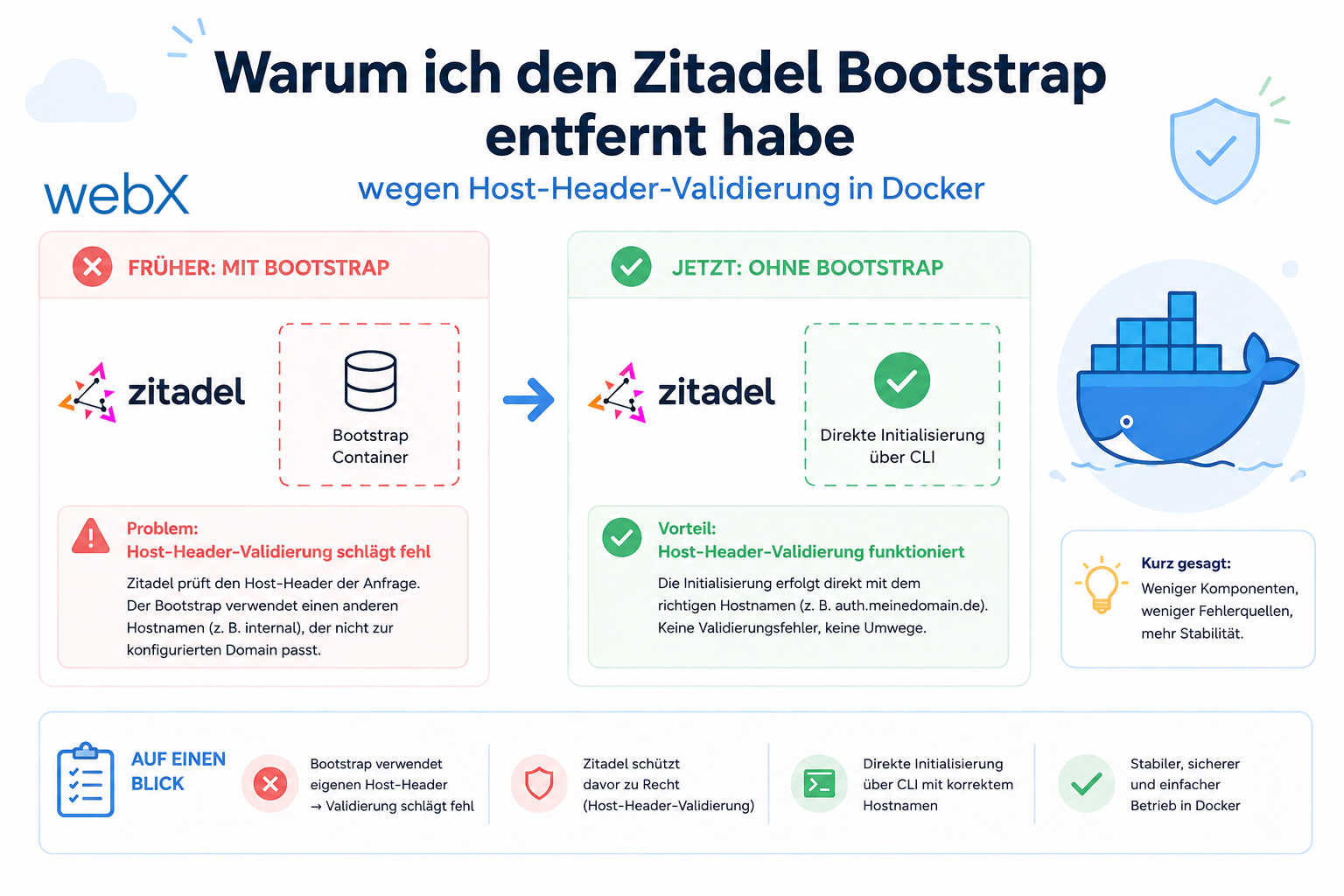
- Removing Zitadel bootstrap: Host header bug and manual setup: Read article
- Backend code review with six problems fixed before launch: Read article
- Traefik instead of NGINX: Reverse proxy for a growing Docker Compose stack: Read article
- Two-layer rate limiting: Traefik and express-rate-limit with Redis: Read article
- Implementing GDPR Article 17 correctly: Promise.allSettled and export batching: Read article
- Embedding model lock-in: Why mxbai-embed-large is a permanent production decision: Read article
- Docker volumes in production: Named volumes, bind mounts and the Hetzner volume approach: Read article
- Two vulnerabilities before launch: Redis without authentication and an exposed Qdrant admin port: Read article
- Traefik as the single entry point in the Docker Compose stack: Read article
- Connecting Zitadel behind Traefik with issuer, JWKS and Login V2: Read article
- Fixing the frontend when the nginx healthcheck fails on localhost: Read article
- Observability for my Docker Compose stack with Bull Board and Dozzle: Read article
- Open the Qdrant dashboard securely with local Traefik and an SSH tunnel: Read article
- Diagnosis of chunking failures despite tokenization: Read article
- Why I set the chunk size to 1500 tokens: Read article
- Splitting the embedding workflow into clear steps: Read article
- Bringing chunking, storage and search back together: Read article
- Capture Intake as a separate module, less orchestration in the Express endpoint: Read article
Building OAuth authentication for a Chrome Extension? Let us assess it together.