Docker Compose override pattern for local development and Azure deployment
Most projects have one docker-compose.yml for local development and a completely different one for the cloud. That creates drift, errors and "works on my machine" problems. I show how the Docker Compose override pattern manages both environments with the same base files.
Contents
- The problem with two docker-compose files
- The base configuration
- The local override
- The production override
- Starting the environments
- The path to Azure
- What this pattern says about software development
- Local or cloud AI
- All articles in the series
The problem with two docker-compose files
Everyone knows the scenario: docker-compose.yml for local development, docker-compose.prod.yml for the cloud, and at some point nobody knows exactly what differs where.
Services that run locally are missing in production. Environment variables set in production are missing locally. Healthchecks, volumes and networks all start to drift apart.
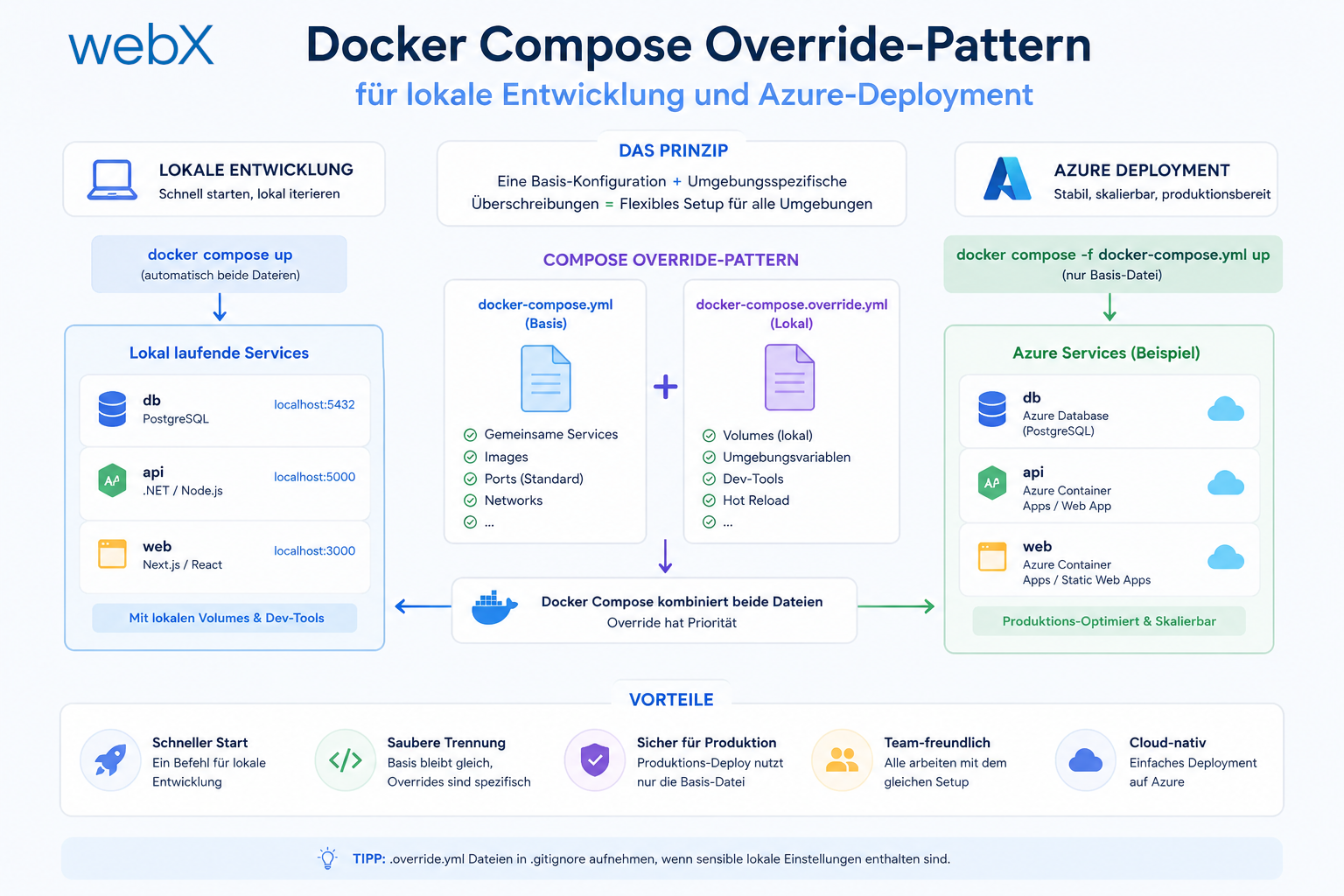
The Docker Compose override pattern solves this problem with a clear hierarchy:
docker-compose.yml          # base: always applies
docker-compose.override.yml # local: merged automatically (no -f flag needed)
docker-compose.prod.yml     # production: specified explicitly with -f
The result: a single source of truth for the base configuration, with environment-specific differences in dedicated override files.
The base configuration
services:
  qdrant:
    image: qdrant/qdrant:latest
    ports:
      - '6333:6333'
    volumes:
      - qdrant_storage:/qdrant/storage
    healthcheck:
      test: ['CMD', 'curl', '-f', 'http://localhost:6333/healthz']
      interval: 10s
      timeout: 5s
      retries: 5

  backend:
    build: ./backend
    ports:
      - '3000:3000'
    environment:
      - QDRANT_URL=http://qdrant:6333
      - PROVIDER=${PROVIDER:-ollama}
      - OLLAMA_URL=http://ollama:11434
      - VECTOR_SIZE=768
      - COLLECTION_NAME=instagram_memory
    depends_on:
      qdrant:
        condition: service_healthy

  frontend:
    build: ./frontend
    ports:
      - '5173:80'
    depends_on:
      - backend

volumes:
  qdrant_storage:
This file is environment-agnostic. It defines the services, their dependencies and their ports. What it does not define: which AI provider is used and whether Ollama is included.
The ${PROVIDER:-ollama} syntax is a Docker Compose default: if the environment variable is not set, ollama is used. That is a safe default for local development.
The local override
Docker Compose loads docker-compose.override.yml automatically when docker-compose up is called without additional flags. No -f flag is needed.
# automatically loaded for local development
services:
  ollama:
    image: ollama/ollama:latest
    volumes:
      - ollama_data:/root/.ollama
    # No host port mapping: backend reaches Ollama via internal Docker network.
    # Enable only if no local Ollama service is running on port 11434
    # and Ollama needs to be reachable from the host:
    # ports:
    #   - "11434:11434"
    # GPU support (optional, uncomment if available):
    # deploy:
    #   resources:
    #     reservations:
    #       devices:
    #         - driver: nvidia
    #           count: 1
    #           capabilities: [gpu]

  backend:
    environment:
      - PROVIDER=ollama
      - OLLAMA_URL=http://ollama:11434
    depends_on:
      - ollama

volumes:
  ollama_data:
What this override does:
- Adds the Ollama service. It runs as a container, with no local installation needed.
- Explicitly overrides
PROVIDER=ollamain the backend. - Creates a persistent volume named
ollama_data. Models remain available once downloaded. - Provides GPU support, commented out for anyone with NVIDIA hardware.
- No host port mapping for Ollama. The backend reaches Ollama internally through
http://ollama:11434. A host port mapping would conflict with an existing local Ollama service (address already in use). The mapping is commented out and can be enabled when needed.
Docker Compose merges intelligently: services from the override file are merged with the base services. The backend service in the override extends the backend service in the base rather than replacing it.
The production override
# explicitly loaded for production with -f
services:
  backend:
    environment:
      - PROVIDER=openai
      - OPENAI_API_KEY=${OPENAI_API_KEY}
    # no OLLAMA_URL needed for OpenAI

  # no Ollama service: saves resources and cost in the cloud
This override:
- Sets
PROVIDER=openai. The backend starts with the OpenAI provider. - Injects
OPENAI_API_KEYfrom the shell environment. - Contains no Ollama service. In the cloud, you pay for compute, so there is no container that is not needed.
Starting the environments
# local (automatic override): models are downloaded automatically on first start
docker-compose up --build -d

# production (explicit override):
export OPENAI_API_KEY=sk-...
docker-compose -f docker-compose.yml -f docker-compose.prod.yml up -d
On the first local startup, the Ollama container automatically downloads nomic-embed-text and llama3.2 through ollama/entrypoint.sh. No manual docker exec step is needed.
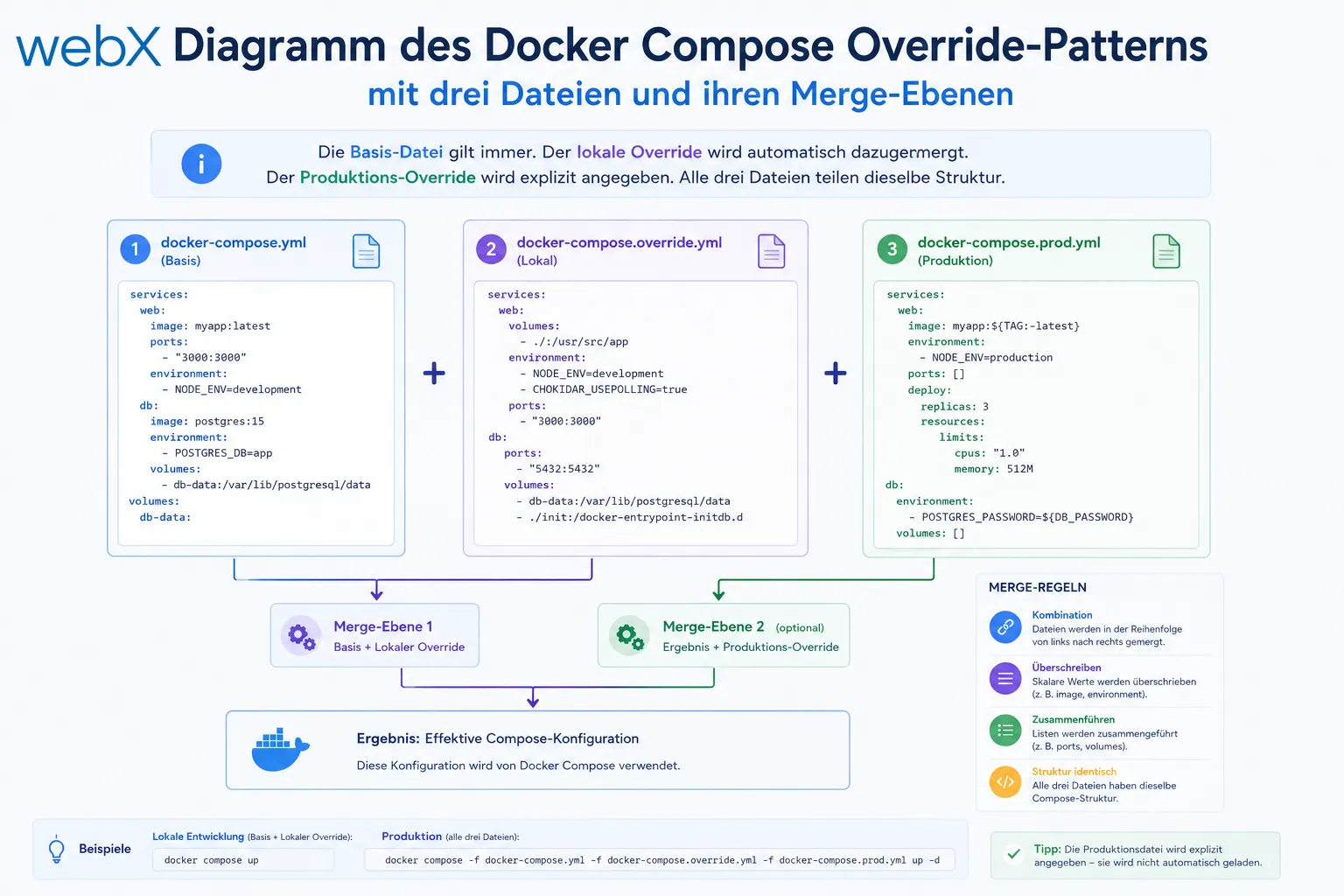 The base file always applies. The local override is merged automatically. The production override is specified explicitly. All three files share the same structure. The original illustration retains its German labels.
The path to Azure
Several options are available when deploying this system to Azure:
Azure Container Apps
Azure Container Apps supports Docker Compose natively through the containerapp compose CLI. That means the existing Compose files can be used directly.
az containerapp compose create \
  --resource-group myRG \
  --environment myEnv \
  --compose-file-path docker-compose.yml \
  --compose-file-path docker-compose.prod.yml
Qdrant is deployed as a container app, the backend as a container app, and the frontend as a static web app or container app. No Kubernetes complexity, automatic scaling and managed certificates.
Azure Container Instances
For smaller deployments without automatic scaling, Azure Container Instances is suitable, using a YAML deployment definition derived from the Compose files.
AKS
When Kubernetes is needed, for example for enterprise scaling or existing AKS clusters, the Compose files can be converted into Kubernetes manifests with kompose convert. The provider abstraction stays identical. Only the deployment platform changes.
What this pattern says about software development
The override pattern is not a Docker-specific technique. It applies the same principle I see throughout good systems:
Separation of concerns through layering.
A base that always applies. Layers above it that add environment-specific behavior without changing the base. Each layer is small, readable and understandable.
In practice, that means:
- A developer joining the project runs
docker-compose up. It works. - A DevOps engineer deploying production uses the same base file plus an override. No hidden state, no surprises.
- When production changes, for example when switching from OpenAI to Azure OpenAI, you change the override. The base stays untouched.
Local or cloud AI
This was one of the first questions I asked myself: should I host Ollama locally or in the cloud?
The answer depends on the use case:
| Factor | Ollama locally/Docker | OpenAI cloud |
|---|---|---|
| Cost at low volume | Free | Minimal (~$0.02/1000 requests) |
| Cost at high volume | Fixed (hardware) | Scales with usage |
| Privacy | Everything local | Data goes to OpenAI |
| Availability | Own infrastructure | 99.9% SLA |
| Maintenance effort | Model updates needed | Managed |
| Performance (cold start) | Slow on CPU | Fast |
For proofs of concept and development: Ollama. For production systems with many users: OpenAI or Azure OpenAI. For systems with strict privacy requirements: Ollama on your own server or Azure OpenAI in a private deployment configuration.
The override pattern makes this switch an operational decision, not an architectural one. That is the point.
All articles in the series
- Vision and system overview: Chrome Extension, RAG architecture and project background: Read article
- Building a RAG system: Qdrant, embeddings and cosine similarity in TypeScript: Read article
- AI provider abstraction: Ollama vs. OpenAI, interface design and no vendor lock-in: Read article
- Chrome Extension MV3: Three isolated runtime contexts, message passing and Strategy Pattern: Read article
- Docker Compose strategy: The override pattern, from local development to Azure: (this article)
- Ollama locally vs. Docker: The decision and its consequences: Read article
- Ollama auto-pull entrypoint: Automated model setup at container startup: Read article
- tsconfig and Vite:
Node16vs.bundler, and why Vite has its own rules: Read article - Load complete Instagram captions with MutationObserver: Read article
- Chrome Extension foundation with health indicator and retry queue: Read article
- Phase 2 features: Shadow DOM overlay, Tailwind v4 and duplicate detection: Read article
- Race condition in platform detection: How a UI event breaks Instagram detection: Read article
- Extracting PostId in two Instagram layouts: querySelector vs. ancestor traversal: Read article
- Capture a complete Instagram carousel with MutationObserver: Lazy loading, observer-before-click and timeout fallback: Read article
- Notes and tags when saving screenshots: Read article
- Instagram keyboard shortcuts block Chrome Extension input: Read article
- Lowercase normalization and duplicate detection in tag input: Read article
- Zitadel Login V2 in Docker Compose with three hidden errors: Read article
- PKCE OAuth in a Chrome MV3 extension: Read article
- React frontend with react-oidc-context and Zitadel: Read article
- Vite build-time environment variables in Docker: Read article
- Event-driven ingestion with BullMQ and Redis: Read article
- MinIO instead of Azurite: S3-compatible object storage locally and on Hetzner: Read article
- access_token, id_token and the Userinfo endpoint: Which belongs where: Read article
- Qdrant multi-tenancy with one collection per user: Read article
- When backend and frontend know different types: Read article
- Removing Zitadel bootstrap: Host header bug and manual setup: Read article
- Backend code review with six problems fixed before launch: Read article
- Traefik instead of NGINX: Reverse proxy for a growing Docker Compose stack: Read article
- Two-layer rate limiting: Traefik and express-rate-limit with Redis: Read article
- Implementing GDPR Article 17 correctly: Promise.allSettled and export batching: Read article
- Embedding model lock-in: Why mxbai-embed-large is a permanent production decision: Read article
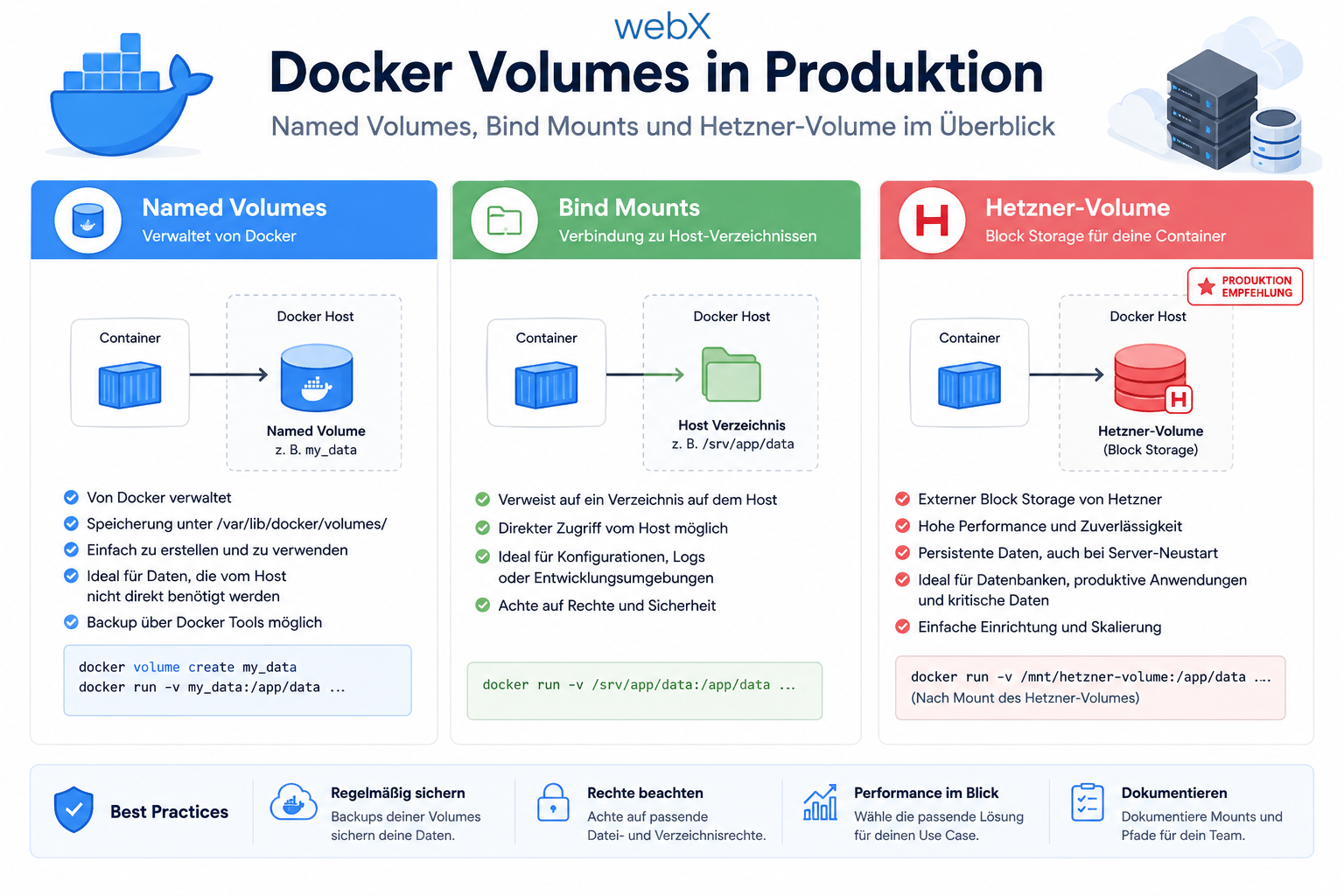
- Docker volumes in production: Named volumes, bind mounts and the Hetzner volume approach: Read article
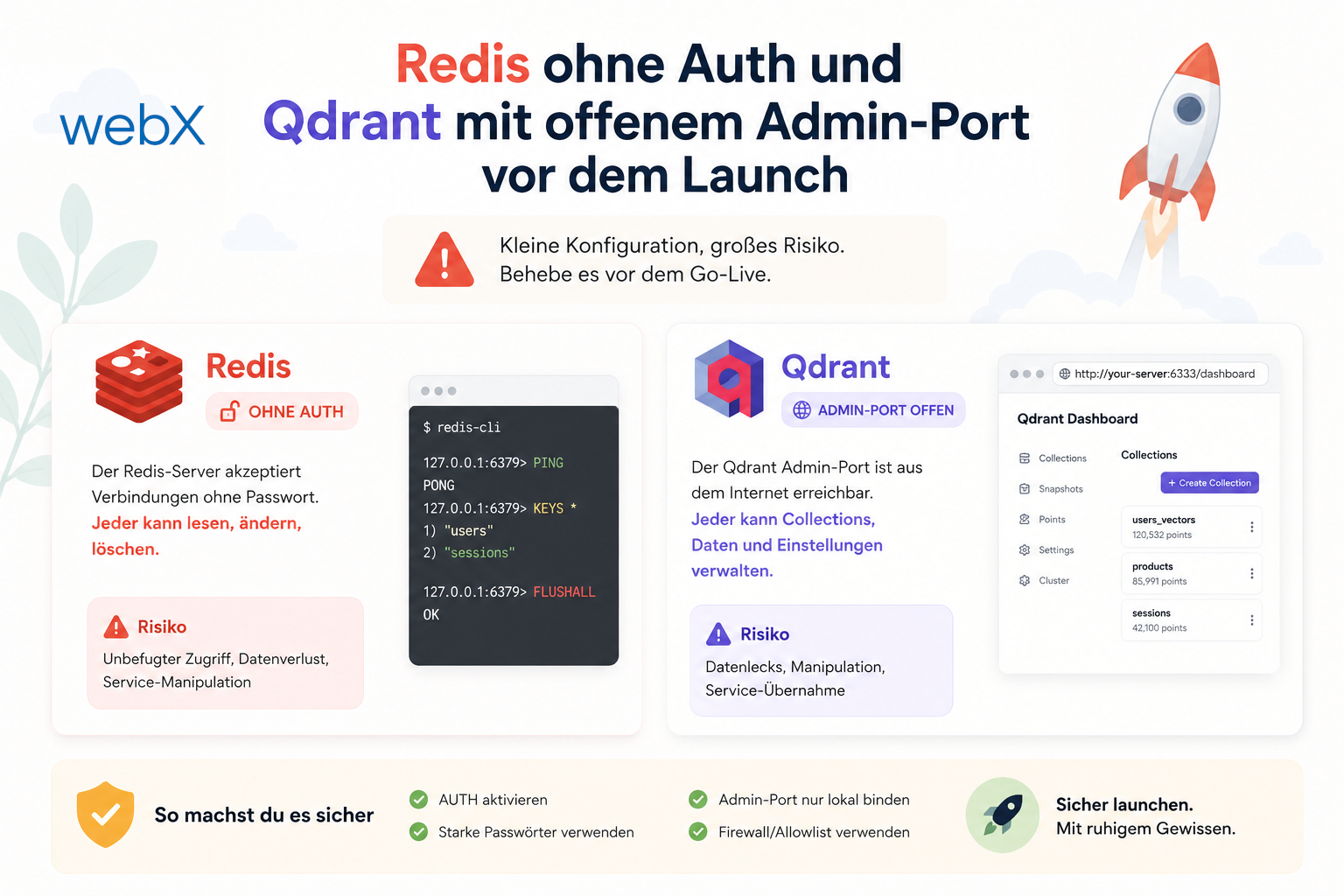
- Two vulnerabilities before launch: Redis without authentication and an exposed Qdrant admin port: Read article
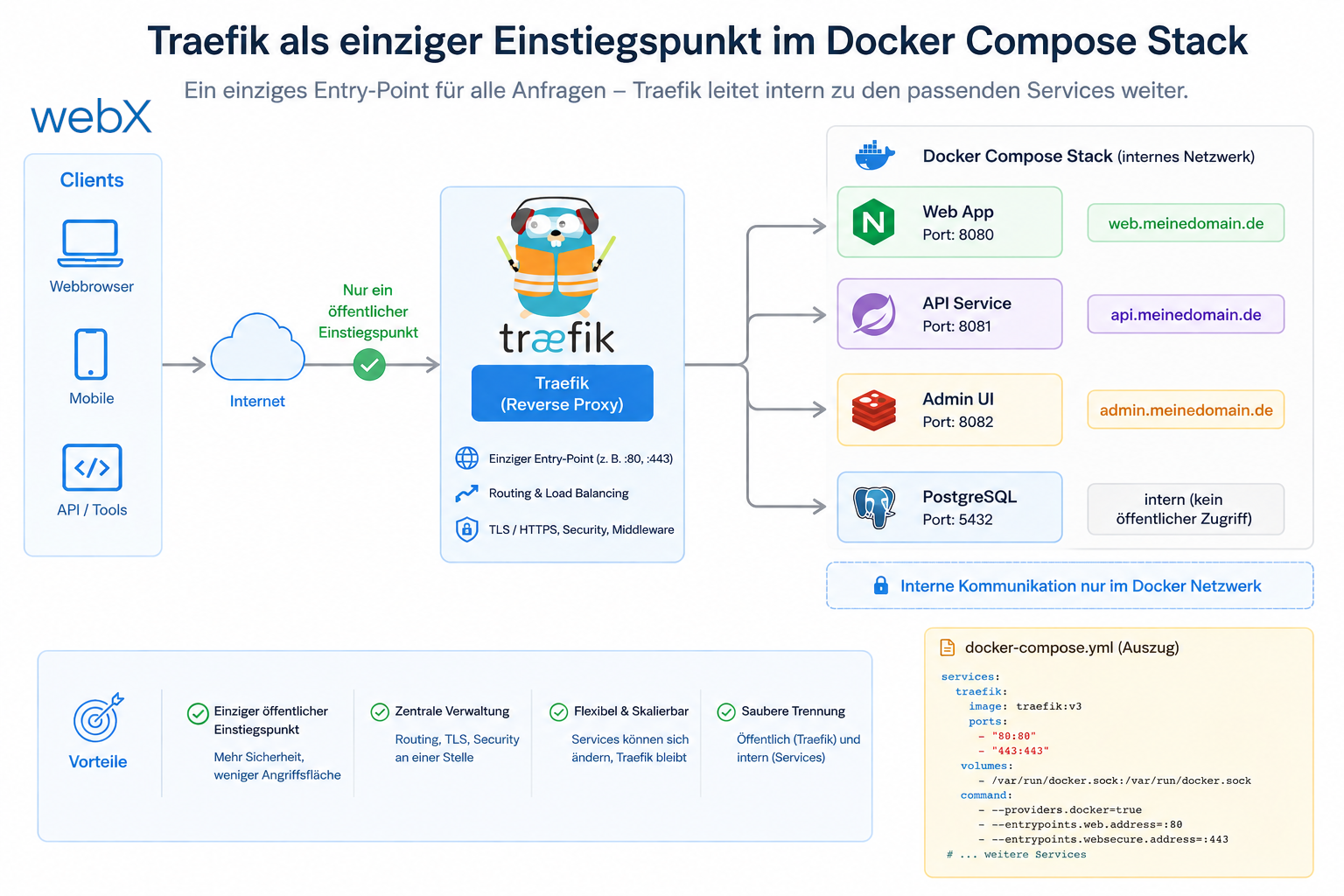
- Traefik as the single entry point in the Docker Compose stack: Read article
- Connecting Zitadel behind Traefik with issuer, JWKS and Login V2: Read article
- Fixing the frontend when the nginx healthcheck fails on localhost: Read article
- Observability for my Docker Compose stack with Bull Board and Dozzle: Read article
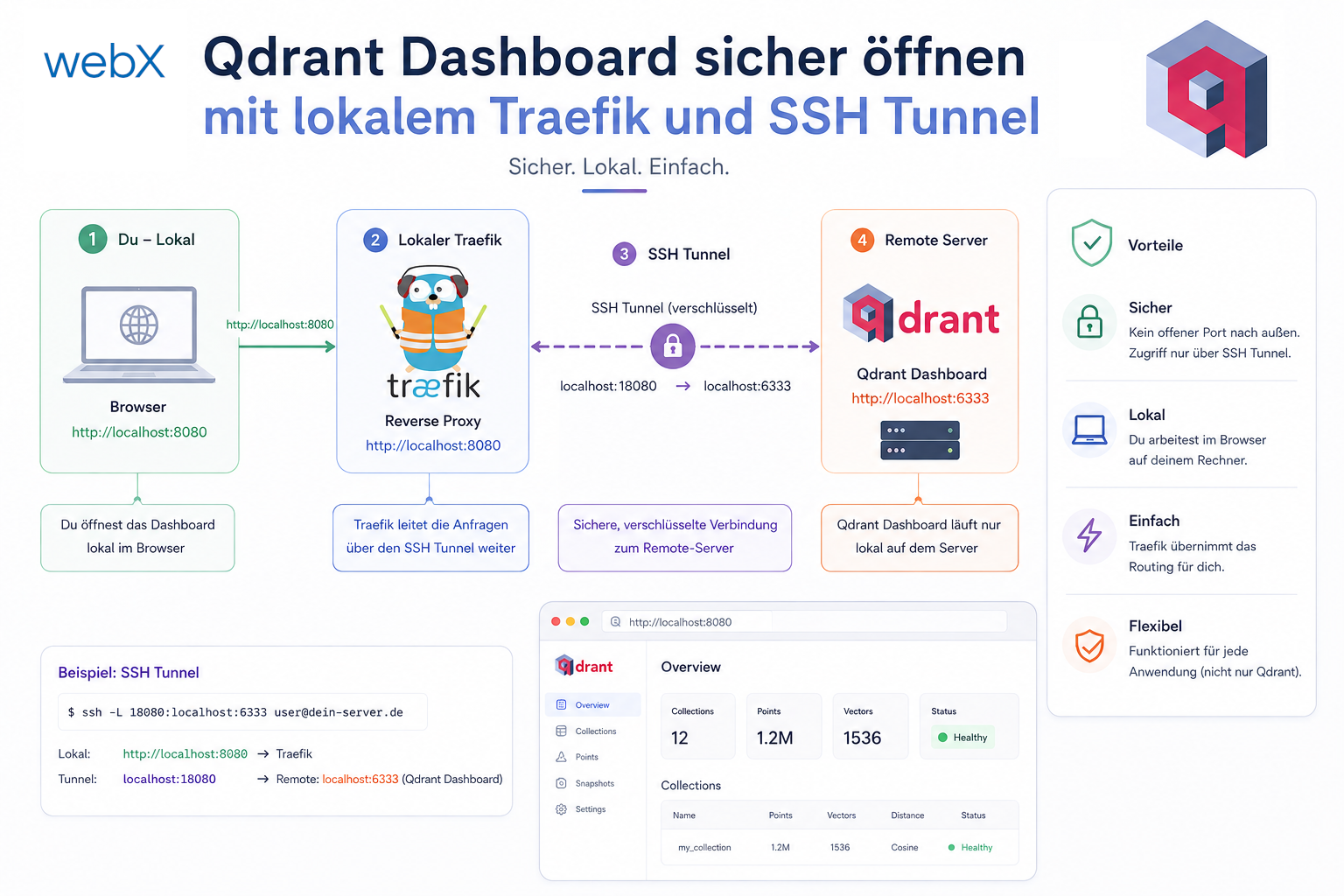
- Open the Qdrant dashboard securely with local Traefik and an SSH tunnel: Read article
- Diagnosis of chunking failures despite tokenization: Read article
- Why I set the chunk size to 1500 tokens: Read article
- Splitting the embedding workflow into clear steps: Read article
- Bringing chunking, storage and search back together: Read article
- Capture Intake as a separate module, less orchestration in the Express endpoint: Read article
Planning a cloud deployment strategy for an AI system and want to separate development and production cleanly? Let us assess it together.