Docker volumes in production with named volumes, bind mounts and the Hetzner volume approach
I learned that a Docker named volume does not automatically end up on a Hetzner volume in production. Only when I deliberately control the path do I really know where Qdrant, Redis and certificates are written.
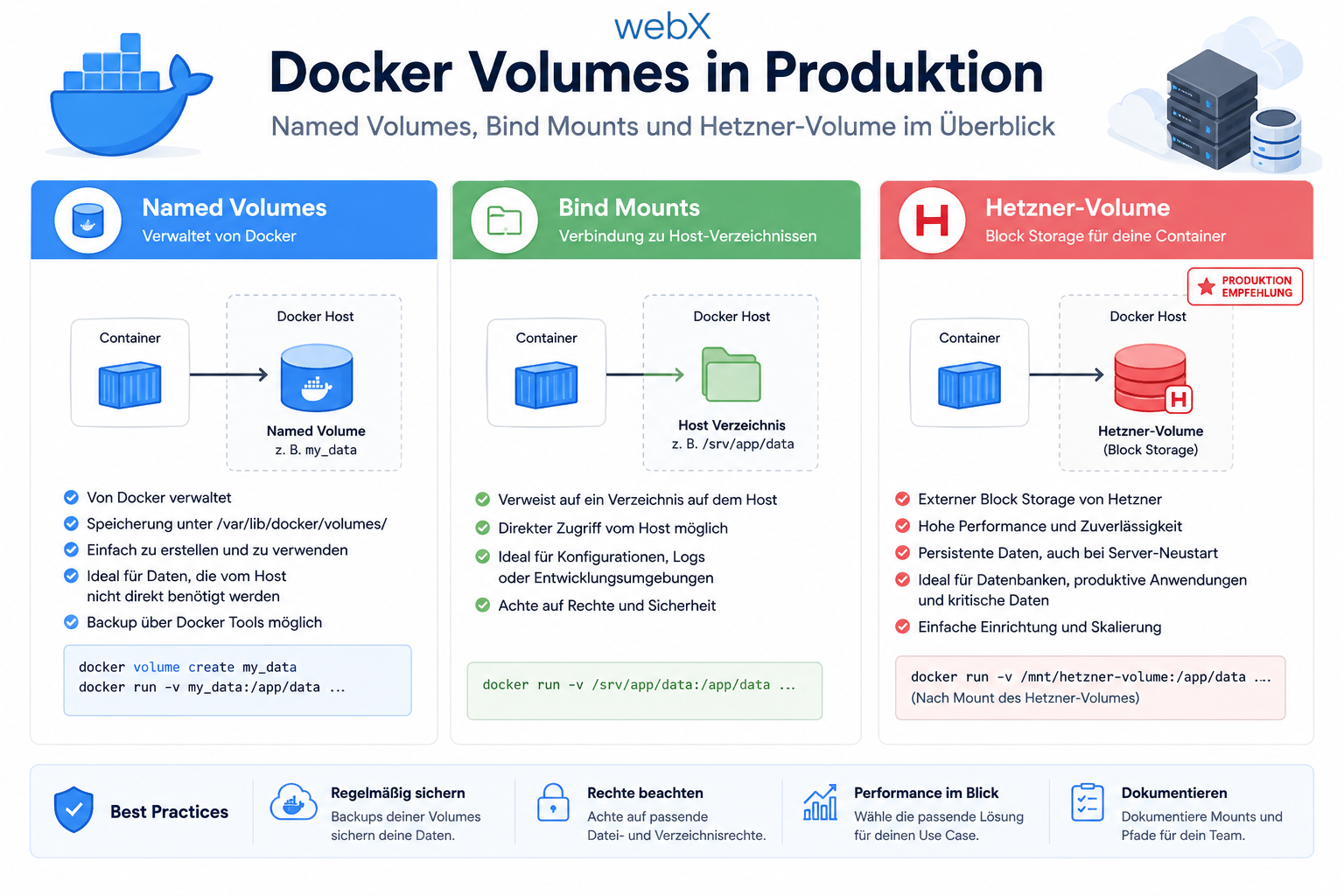
Contents
- The problem with named volumes in production
- Bind mounts with an explicit path
- The driver_opts alternative
- The environment variable approach for the best of both worlds
- Redis AOF persistence
- A Hetzner volume as the foundation
- restart unless-stopped
- The deployment runbook
- Server backups as a second protection layer
- All articles in the series
The problem with named volumes in production
Named volumes are great locally. I write qdrant_data:/qdrant/storage and Docker handles the rest. That is exactly right for local development because I get persistent data without maintaining a path.
In production, however, this convenience has a blind spot. Docker manages the volume internally and typically stores the data under /var/lib/docker/volumes/.../_data on the server’s root disk. Mounting an additional Hetzner volume at /mnt/data on a Hetzner VM initially changes nothing for Docker named volumes. They keep writing to the VM’s local root disk.
That is exactly the misconception I want to avoid. Attaching an additional Hetzner volume does not automatically protect my data. It only protects the data if my containers actually write there.
This is what the convenient local configuration looks like today:
# docker-compose.yml
services:
  qdrant:
    volumes:
      - qdrant_data:/qdrant/storage
Locally, that is good. In production, it is too opaque for me.
Bind mounts with an explicit path
A bind mount is the straightforward option. I specify the destination path myself and can immediately see where the data ends up.
services:
  qdrant:
    volumes:
      - ./data/qdrant:/qdrant/storage
Or explicitly in production:
services:
  qdrant:
    volumes:
      - /mnt/data/qdrant:/qdrant/storage
The advantage is obvious: no magic, no Docker-internal storage location and no false assumptions about the root disk. The downside is just as clear. If I hardcode the production path directly in docker-compose.yml, the same file no longer fits local development cleanly. I quickly end up with several nearly identical Compose files or manual adjustments for each environment.
The driver_opts alternative
Docker also offers a middle ground. I can define a named volume and tell it internally that it is really just a bind mount to a fixed path.
volumes:
  qdrant_data:
    driver: local
    driver_opts:
      type: none
      o: bind
      device: /mnt/data/qdrant
Technically, that works well. I get a volume name and still have an explicit path. For me, however, it remains harder to read than necessary. Anyone who does not use this syntax regularly first has to remember exactly what type: none, o: bind and device mean here.
The environment variable approach for the best of both worlds
For me, the cleanest option is therefore a simple Compose expression with a default value:
services:
  qdrant:
    volumes:
      - ${QDRANT_DATA_DIR:-qdrant_data}:/qdrant/storage
    restart: unless-stopped

  redis:
    command: redis-server --appendonly yes --appendfsync everysec
    volumes:
      - ${REDIS_DATA_DIR:-redis_data}:/data
    restart: unless-stopped

  traefik:
    volumes:
      - /var/run/docker.sock:/var/run/docker.sock:ro
      - ${LETSENCRYPT_DATA_DIR:-letsencrypt_data}:/letsencrypt
    restart: unless-stopped

  loki:
    volumes:
      - ${LOKI_DATA_DIR:-loki_data}:/loki
    restart: unless-stopped

  grafana:
    volumes:
      - ${GRAFANA_DATA_DIR:-grafana_data}:/var/lib/grafana
    restart: unless-stopped

  ollama:
    volumes:
      - ${OLLAMA_DATA_DIR:-ollama_data}:/root/.ollama
    restart: unless-stopped

volumes:
  qdrant_data:
  redis_data:
  letsencrypt_data:
  loki_data:
  grafana_data:
  ollama_data:
The important part is :-. If QDRANT_DATA_DIR is not set, Docker uses the named volume qdrant_data. That is ideal locally. If I set QDRANT_DATA_DIR=/mnt/data/qdrant in production, it automatically becomes a bind mount to that exact path.
This gives me both advantages at once: simple named volumes locally and full path control in production. And I do not have to duplicate the Compose file.
Redis AOF persistence
With Redis, the mistake is even more subtle because it often only becomes visible after the first crash. Redis lives primarily in RAM. Without persistence enabled, a restart is as if the queue had never existed for BullMQ. Waiting jobs disappear, active jobs are gone, and afterward the failure looks like an unexplained hiccup.
That is why I would never run Redis in production without AOF.
redis:
  command: redis-server --appendonly yes --appendfsync everysec
  volumes:
    - ${REDIS_DATA_DIR:-redis_data}:/data
appendonly yes continuously writes every change to disk. appendfsync everysec is a good compromise between data safety and I/O load. This lets the BullMQ queue survive reboots and container crashes far more reliably.
A Hetzner volume as the foundation
For me, a Hetzner volume is the actual foundation of this strategy. Technically, it is detachable block storage. In practice, it feels like an external SSD for the server. I mount the volume once at /mnt/data and store all persistent service data there.
The decisive advantage appears not during normal operation, but on a bad day. If I need to rebuild the server, for example for resizing, an operating system reinstall or recovery after a major failure, I do not have to export my data and import it again later. I detach the volume, attach it to the new server and mount /mnt/data again. Qdrant, Redis, certificates and logs are then immediately back in the same location.
For 60 GB, that currently costs approximately EUR 2.88 per month. For a production environment, I consider that inexpensive peace of mind.
restart unless-stopped
In my view, stateful services almost always need restart: unless-stopped. Without that line, even a scheduled reboot after a kernel update can leave parts of the stack stopped. The data is not broken, but the application is still offline.
restart: unless-stopped means containers automatically start again after a crash or server restart unless I deliberately stopped them myself. That is exactly the behavior I want for Qdrant, Redis, Traefik, Grafana, Loki and similar infrastructure components.
The deployment runbook
One manual step still remains: the destination directories must exist on the mounted Hetzner volume before I start the stack for the first time.
# Run once after mounting the Hetzner Volume at /mnt/data
mkdir -p /mnt/data/{qdrant,redis,letsencrypt,loki,grafana,ollama}
Docker can often create relative bind mounts itself. I do not want to rely on that for absolute production paths. I deliberately create the structure, check the mount and only then run docker-compose up -d.
Server backups as a second protection layer
A Hetzner volume provides strong real-time persistence, but for me it is not the only safeguard. I add Hetzner Server Backups above it. These backups are complete VM snapshots at a specific point in time.
That gives me two independent layers. The volume protects me during ongoing operation and server changes. The server backup protects me against operator mistakes, corrupt deployments or a problem noticed only hours later. For a CX21, this second layer costs approximately another EUR 1.50 per month.
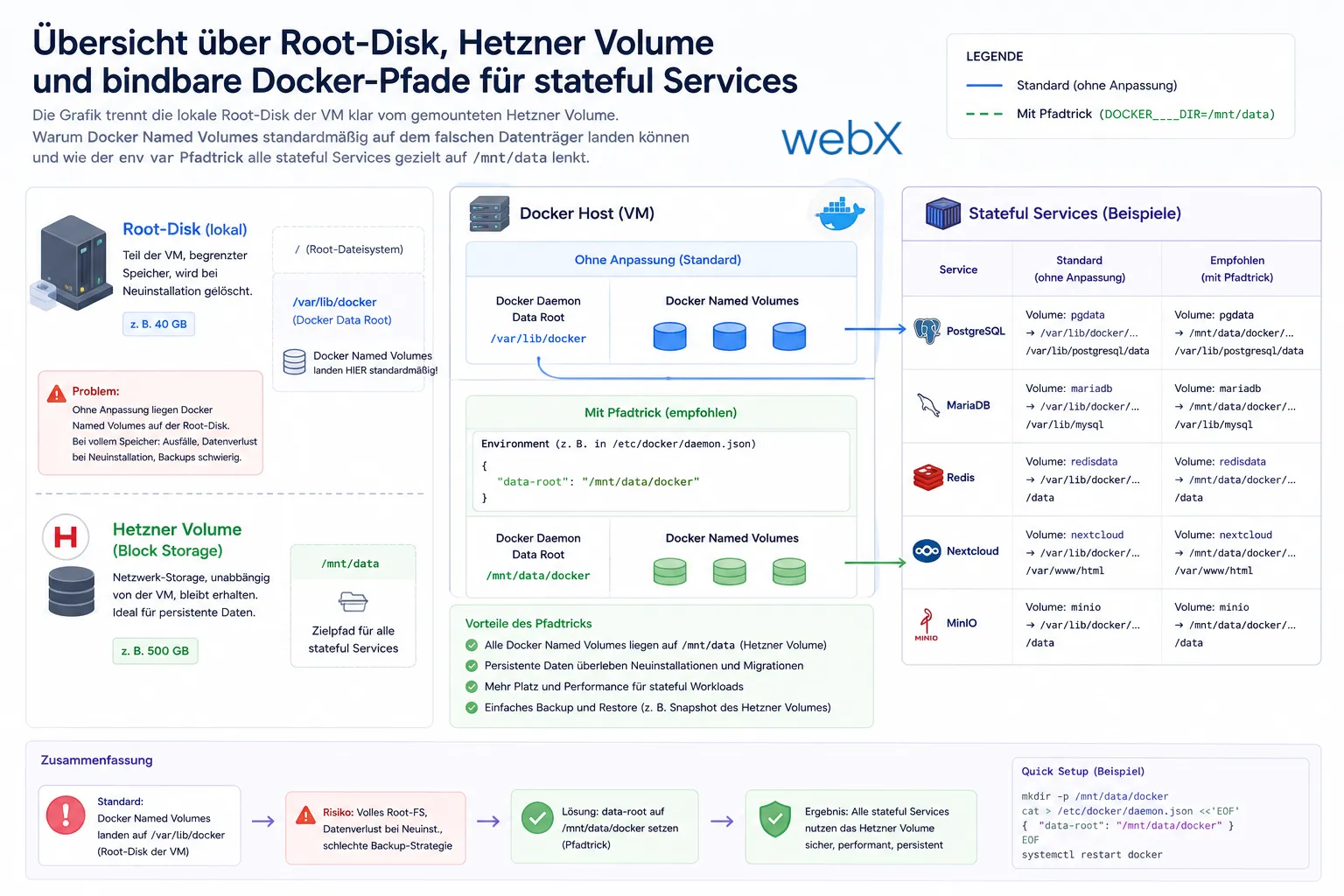
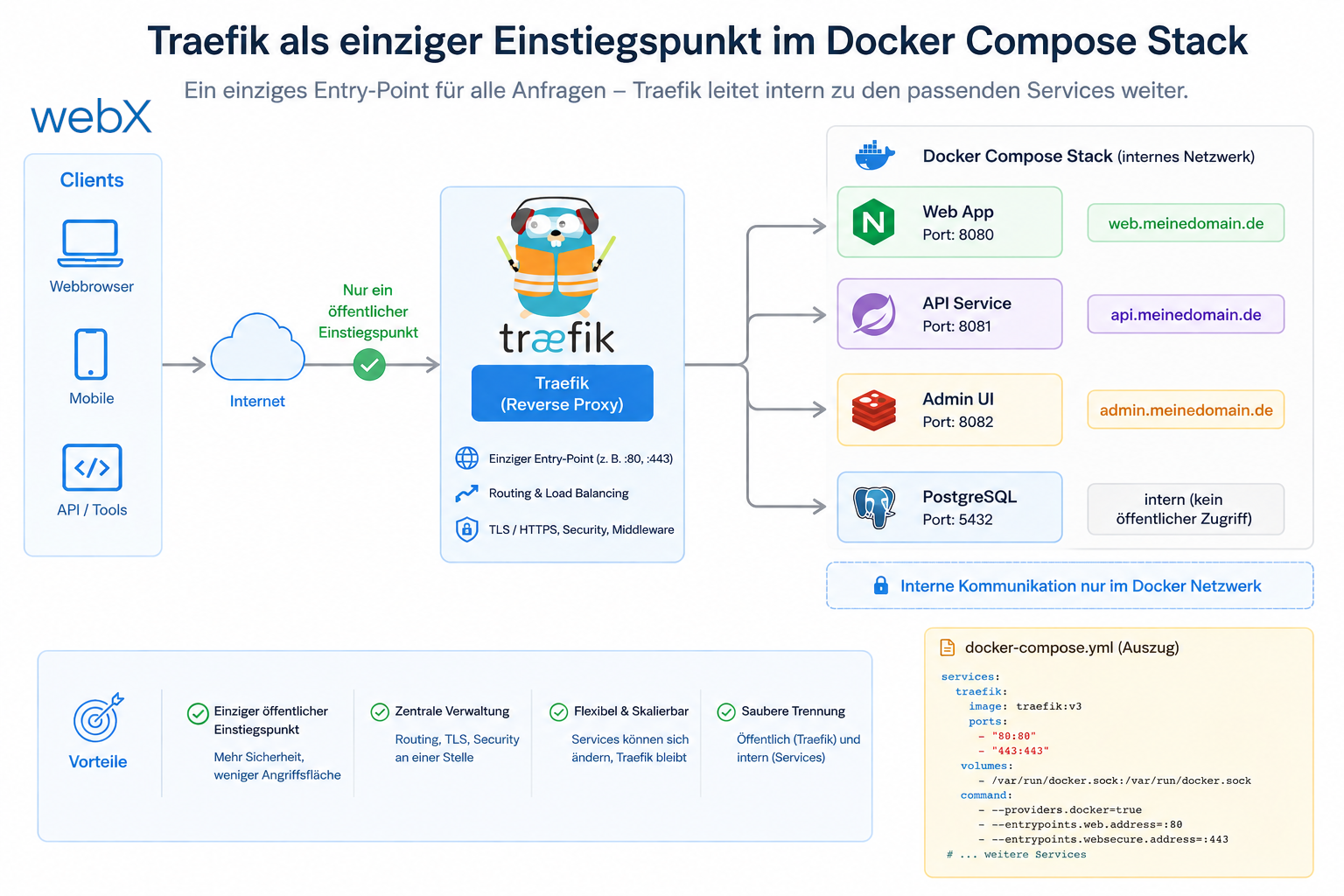
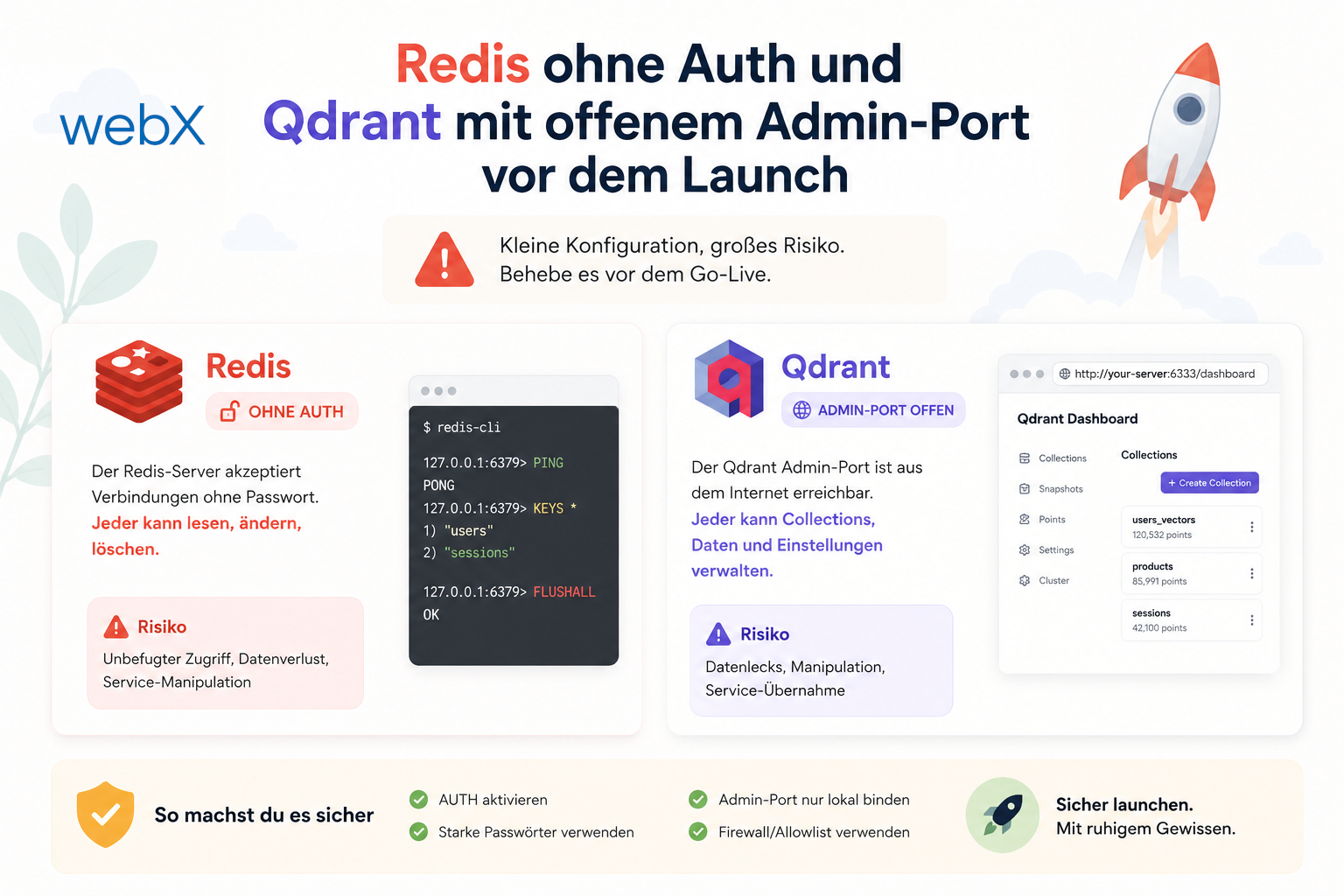
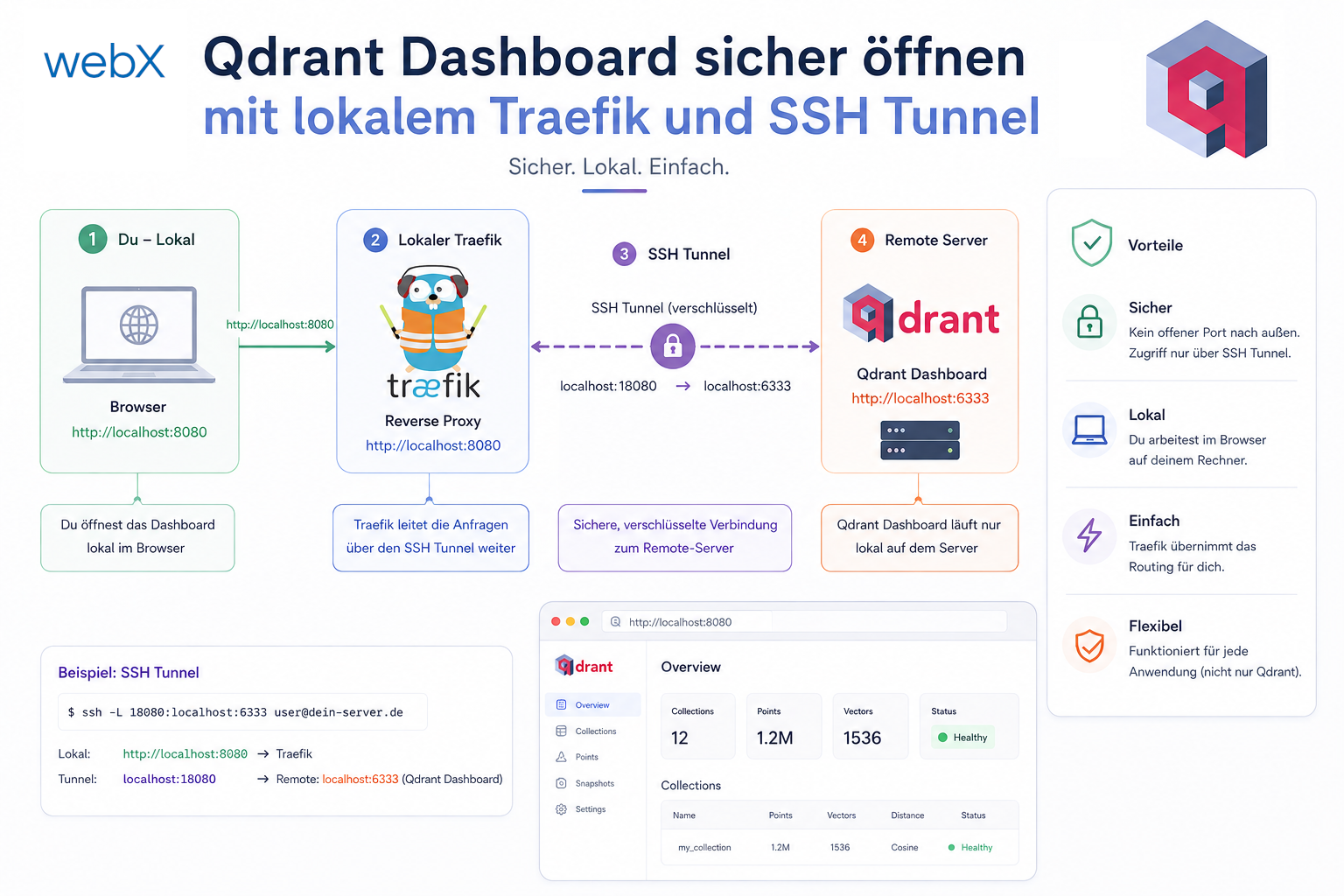
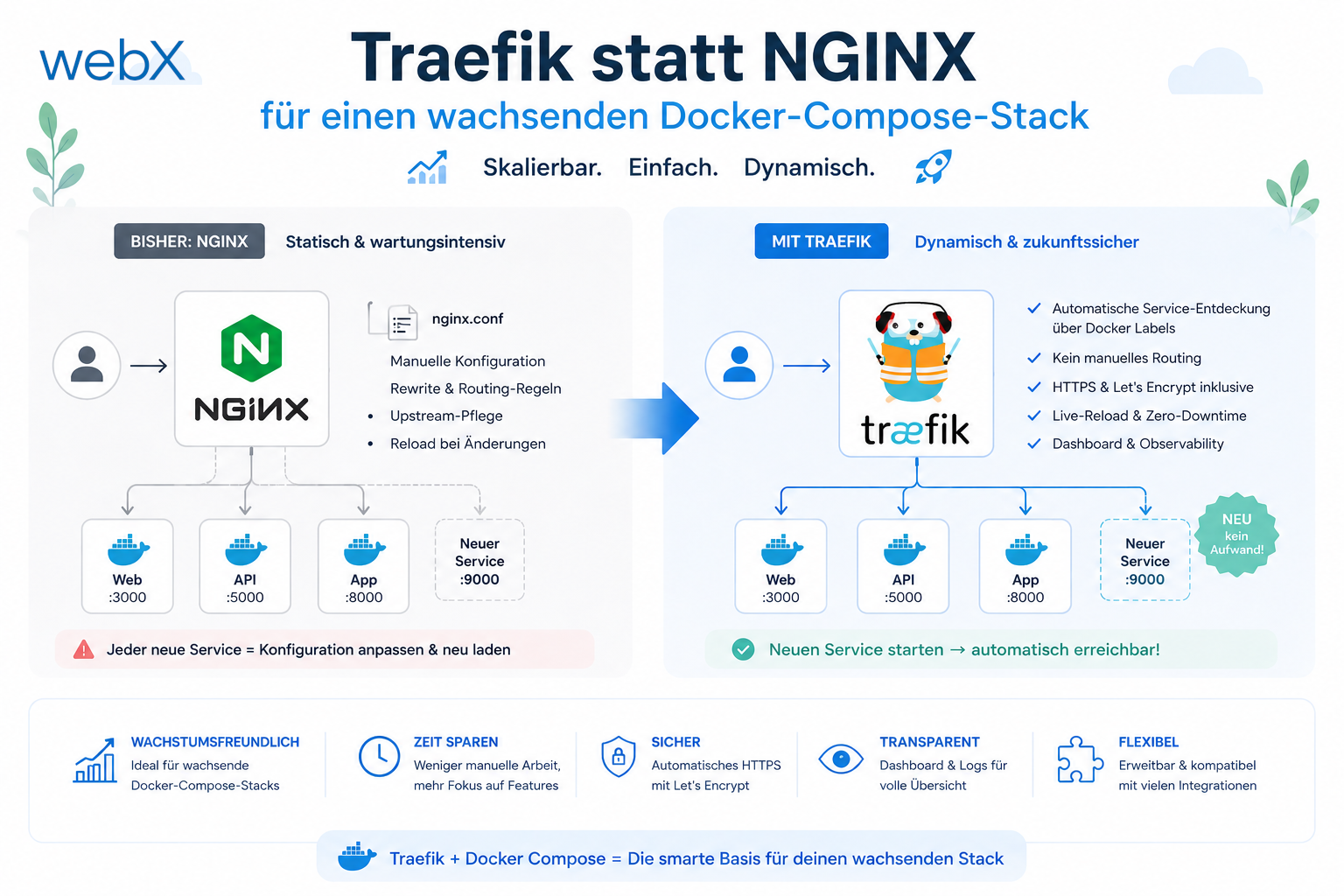
The graphic clearly separates the VM’s local root disk from the mounted Hetzner volume. It shows why Docker named volumes can end up on the wrong disk by default and how the environment variable path approach directs all stateful services to /mnt/data. The original graphic retains its German labels.
For me, that is what production readiness in a Docker setup really means: containers not only start reliably, but data is demonstrably stored on the disk I can actually take with me during recovery.
All articles in the series
- Vision and system overview: Chrome Extension, RAG architecture and project background: Read article
- Building a RAG system: Qdrant, embeddings and cosine similarity in TypeScript: Read article
- AI provider abstraction: Ollama vs. OpenAI, interface design and no vendor lock-in: Read article
- Chrome Extension MV3: Three isolated runtime contexts, message passing and Strategy Pattern: Read article
- Docker Compose strategy: The override pattern, from local development to Azure: Read article
- Ollama locally vs. Docker: The decision and its consequences: Read article
- Ollama auto-pull entrypoint: Automated model setup at container startup: Read article
- tsconfig and Vite:
Node16vs.bundler, and why Vite has its own rules: Read article - Load complete Instagram captions with MutationObserver: Read article
- Chrome Extension foundation with health indicator and retry queue: Read article
- Phase 2 features: Shadow DOM overlay, Tailwind v4 and duplicate detection: Read article
- Race condition in platform detection: How a UI event breaks Instagram detection: Read article
- Extracting PostId in two Instagram layouts: querySelector vs. ancestor traversal: Read article
- Capture a complete Instagram carousel with MutationObserver: Lazy loading, observer-before-click and timeout fallback: Read article
- Notes and tags when saving screenshots: Read article
- Instagram keyboard shortcuts block Chrome Extension input: Read article
- Lowercase normalization and duplicate detection in tag input: Read article
- Zitadel Login V2 in Docker Compose with three hidden errors: Read article
- PKCE OAuth in a Chrome MV3 extension: Read article
- React frontend with react-oidc-context and Zitadel: Read article
- Vite build-time environment variables in Docker: Read article
- Event-driven ingestion with BullMQ and Redis: Read article
- MinIO instead of Azurite: S3-compatible object storage locally and on Hetzner: Read article
- access_token, id_token and the Userinfo endpoint: Which belongs where: Read article
- Qdrant multi-tenancy with one collection per user: Read article
- When backend and frontend know different types: Read article
- Removing Zitadel bootstrap: Host header bug and manual setup: Read article
- Backend code review with six problems fixed before launch: Read article
- Traefik instead of NGINX: Reverse proxy for a growing Docker Compose stack: Read article
- Two-layer rate limiting: Traefik and express-rate-limit with Redis: Read article
- Implementing GDPR Article 17 correctly: Promise.allSettled and export batching: Read article
- Embedding model lock-in: Why mxbai-embed-large is a permanent production decision: Read article
- Docker volumes in production: Named volumes, bind mounts and the Hetzner volume approach: (this article)
- Two vulnerabilities before launch: Redis without authentication and an exposed Qdrant admin port: Read article
- Traefik as the single entry point in the Docker Compose stack: Read article
- Connecting Zitadel behind Traefik with issuer, JWKS and Login V2: Read article
- Fixing the frontend when the nginx healthcheck fails on localhost: Read article
- Observability for my Docker Compose stack with Bull Board and Dozzle: Read article
- Open the Qdrant dashboard securely with local Traefik and an SSH tunnel: Read article
- Diagnosis of chunking failures despite tokenization: Read article
- Why I set the chunk size to 1500 tokens: Read article
- Splitting the embedding workflow into clear steps: Read article
- Bringing chunking, storage and search back together: Read article
- Capture Intake as a separate module, less orchestration in the Express endpoint: Read article
Working on a similar system and considering which decisions fit your project? Let us assess it together.