Vite build-time environment variables in Docker and why ARG is unnecessary
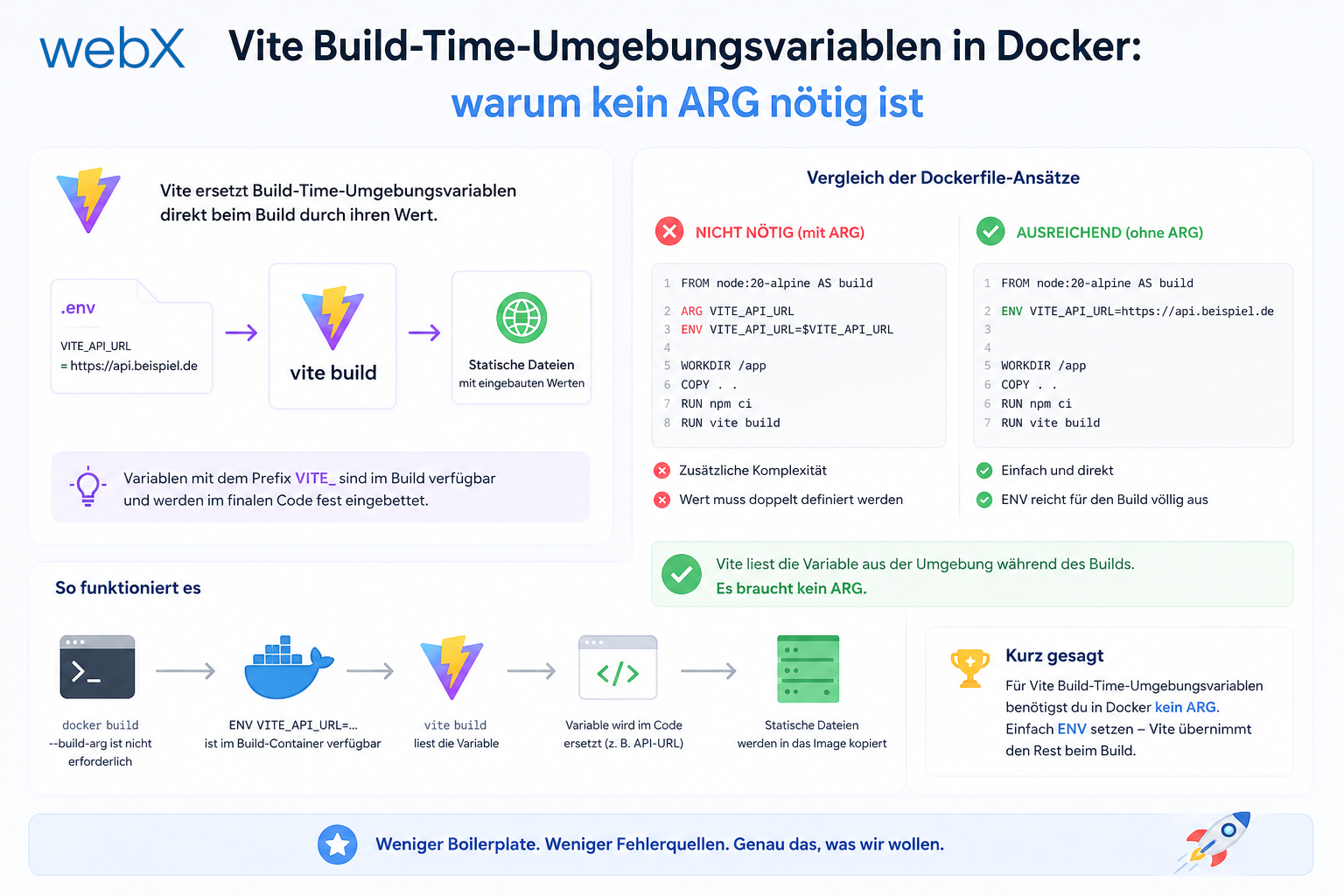
Vite embeds import.meta.env variables at build time instead of reading them at runtime. In Docker, this works through the build context, not ARG/ENV. A common mistake with a surprisingly simple solution.
Contents
- The misunderstanding about Vite environment variables
- The problem with Docker ARG
- Docker Compose does not allow env_file under build
- The correct solution using the build context
- The only pitfall with no-cache after changes
- Verification
- Does this mean .env should not be in .gitignore for Docker projects?
- Why there is no root .env
- All articles in the series
The misunderstanding about Vite environment variables
When you use import.meta.env.VITE_SOMETHING in a React + Vite project, it has a property that fundamentally differs from classic Node.js environment variables:
The value is embedded at build time, not read at runtime.
Vite replaces every import.meta.env.VITE_* reference with its value during npm run build. The generated JavaScript bundle contains those values directly as strings, without any remaining reference to environment variables. My article on moduleResolution: bundler and noEmit explains why Vite, rather than tsc, handles the build.
// Source code:
const apiUrl = import.meta.env.VITE_API_URL;

// After the build (in dist/):
const apiUrl = 'http://localhost:3000';
This is a feature, not a bug. It enables tree shaking: code paths that are active only with VITE_AUTH_ENABLED=false do not end up in the production bundle.
The problem with Docker ARG
If you know Vite’s behavior, Docker ARG/ENV seems intuitive:
# Attempt 1: ARG approach
FROM node:20-alpine AS builder
ARG VITE_AUTH_ENABLED=false
ENV VITE_AUTH_ENABLED=$VITE_AUTH_ENABLED
COPY . .
RUN npm run build
# docker-compose.yml
services:
frontend:
build:
context: .
args:
VITE_AUTH_ENABLED: ${VITE_AUTH_ENABLED:-false}This looks right. It is not, however, when the variables should come from a per-project .env file.
The problem is that the shell resolves ${VITE_AUTH_ENABLED:-false} in Docker Compose before Docker Compose processes the file. If the shell has no VITE_AUTH_ENABLED environment variable, the default value false applies. Docker Compose does not read a per-project .env here. It reads only shell environment variables and an optional root .env file.
The result: VITE_AUTH_ENABLED is always false in the Docker build, regardless of what frontend/.env contains.
Docker Compose does not allow env_file under build
A natural next attempt:
# Attempt 2: env_file under build (not supported)
services:
  frontend:
    build:
      context: ./frontend
      env_file: ./frontend/.env # Error
Docker Compose v2.38.2, and all current versions, do not support env_file under the build block:
additional properties 'env_file' not allowedenv_file works at service level for runtime variables, not under build for build-time variables. This is a known limitation.
The correct solution using the build context
The solution is surprisingly simple and requires no changes to Docker Compose or the Dockerfile.
Step 1: check what ends up in the build context.
frontend/
  .dockerignore
  Dockerfile
  package.json
  src/
  .env          # Included by COPY . .?
# frontend/.dockerignore
node_modules/
dist/node_modules/ and dist/ are excluded. .env is not listed in .dockerignore, so COPY . . copies it into the container.
Step 2: Vite reads .env automatically.
FROM node:20-alpine AS builder
WORKDIR /app
COPY . .             # .env is now in the container
RUN npm ci
RUN npm run build    # Vite reads .env and embeds the values
When Vite runs npm run build, it automatically looks for .env, .env.local, .env.production and similar files in the working directory. It finds frontend/.env, because the container WORKDIR is /app and COPY . . copied everything there, and reads the values.
No ARG, no ENV and no Compose configuration needed.
The only pitfall with no-cache after changes
Docker caches build layers. If frontend/.env changes but no other files do, Docker may reuse the cached layer without reading the new .env.
Always build with --no-cache after changes to frontend/.env:
docker compose build --no-cache frontend && docker compose up -d frontendAlternatively, invalidate the relevant layer by changing another file, such as package.json. That is less practical.
Verification
To ensure the correct values ended up in the bundle:
# Check whether AUTH_ENABLED is set correctly
grep -r "auth-disabled" dist/assets/

# Or positively: check whether the real client ID is in the bundle
grep -r "VITE_ZITADEL_CLIENT_ID" dist/assets/  # Should return no matches
grep -r "your-client-id-value" dist/assets/     # Should return matches
If "auth-disabled" appears in the bundle even though .env contains VITE_AUTH_ENABLED=true, Docker used the cached layer. --no-cache fixes this.
Does this mean .env should not be in .gitignore for Docker projects?
No. The .env file contains secrets, such as client IDs and API keys, and does not belong in the Git repository.
The approach is to commit .env.example, put .env in .gitignore and have the CI/CD pipeline inject values through real secrets. GitHub Actions Secrets are written to frontend/.env before the build.
# GitHub Actions example
- name: Create frontend .env
  run: |
    echo "VITE_AUTH_ENABLED=true" > frontend/.env
    echo "VITE_ZITADEL_CLIENT_ID=${{ secrets.ZITADEL_CLIENT_ID }}" >> frontend/.env
    echo "VITE_ZITADEL_DOMAIN=${{ secrets.ZITADEL_DOMAIN }}" >> frontend/.env
The Docker build then works just as it does locally, except that the CI pipeline generates .env instead of someone creating it manually.
Why there is no root .env
Many projects have a root .env configuring all services. This is convenient initially. This project deliberately uses per-project .env files:
frontend/.env: Vite variables for the frontendextension/.env: Vite variables for the Chrome Extensionbackend/.env: Node.js variables for the backend
Each service has its own scope. Changes to frontend variables do not affect the backend Dockerfile. Running docker compose build frontend is sufficient; no rebuild of all services is needed.
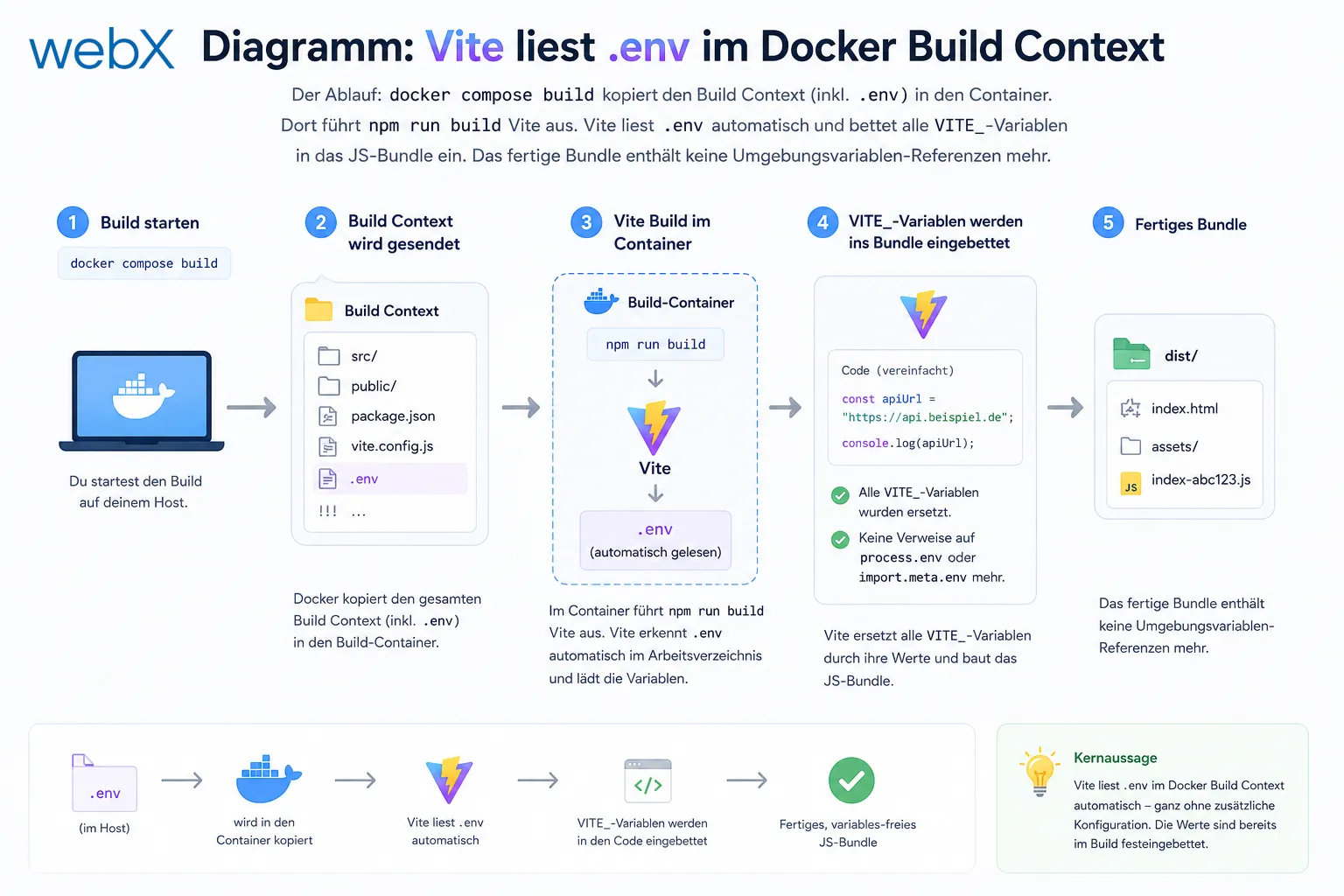 _Figure: Docker Compose copies the build context, including
 .env, into the container. There, npm run build runs Vite. Vite automatically reads .env and embeds all VITE_\* variables in the JavaScript bundle. The finished bundle no longer contains environment-variable references. The original diagram retains its German text._
All articles in the series
- Vision and system overview: Chrome Extension, RAG architecture and project background: Read article
- Building a RAG system: Qdrant, embeddings and cosine similarity in TypeScript: Read article
- AI provider abstraction: Ollama vs. OpenAI, interface design and no vendor lock-in: Read article
- Chrome Extension MV3: Three isolated runtime contexts, message passing and Strategy Pattern: Read article
- Docker Compose strategy: The override pattern, from local development to Azure: Read article
- Ollama locally vs. Docker: The decision and its consequences: Read article
- Ollama auto-pull entrypoint: Automated model setup at container startup: Read article
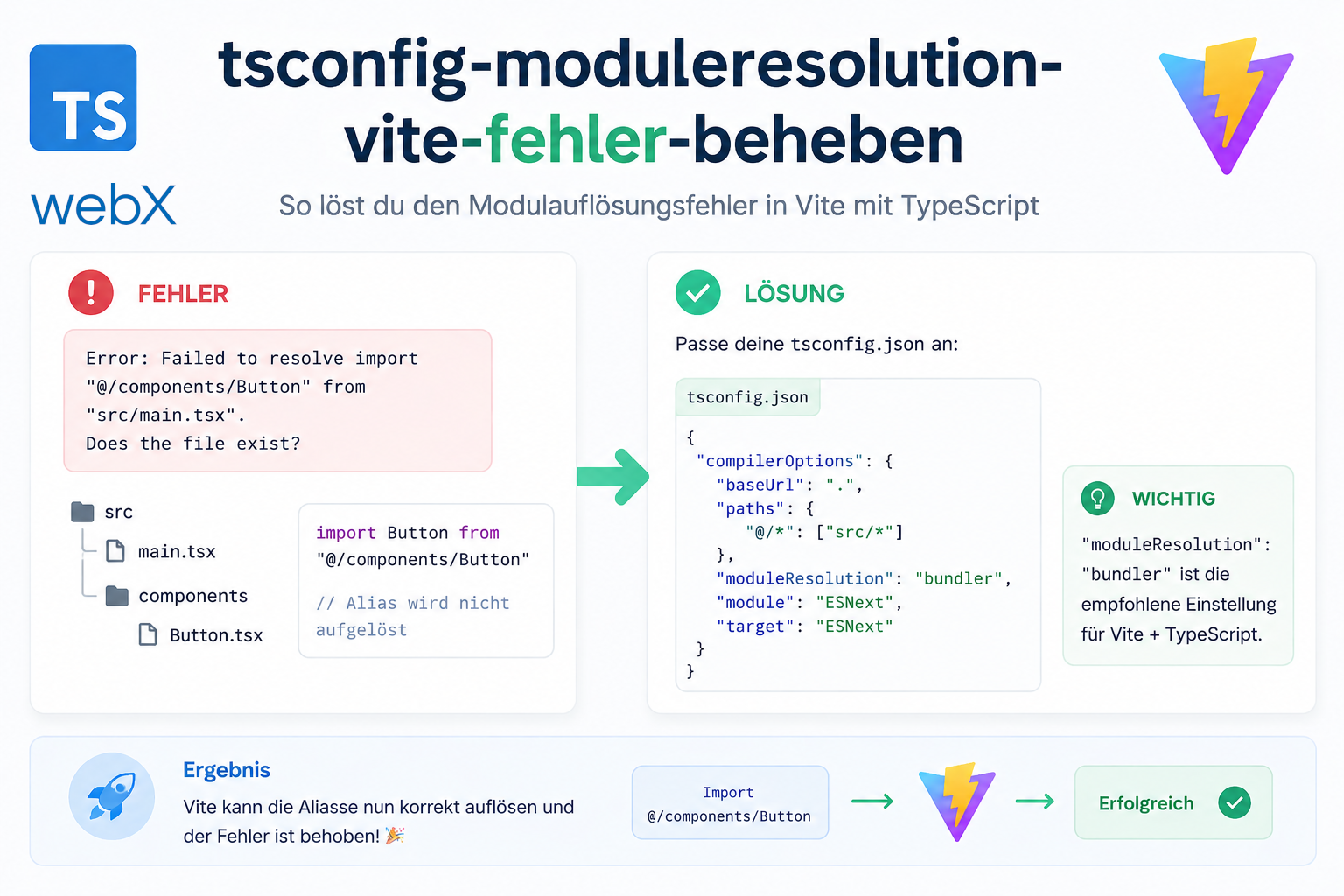
- tsconfig and Vite:
Node16vs.bundler, and why Vite has its own rules: Read article - Load complete Instagram captions with MutationObserver: Read article
- Chrome Extension foundation with health indicator and retry queue: Read article
- Phase 2 features: Shadow DOM overlay, Tailwind v4 and duplicate detection: Read article
- Race condition in platform detection: How a UI event breaks Instagram detection: Read article
- Extracting PostId in two Instagram layouts: querySelector vs. ancestor traversal: Read article
- Capture a complete Instagram carousel with MutationObserver: Lazy loading, observer-before-click and timeout fallback: Read article
- Notes and tags when saving screenshots: Read article
- Instagram keyboard shortcuts block Chrome Extension input: Read article
- Lowercase normalization and duplicate detection in tag input: Read article
- Zitadel Login V2 in Docker Compose with three hidden errors: Read article
- PKCE OAuth in a Chrome MV3 extension: Read article
- React frontend with react-oidc-context and Zitadel: Read article
- Vite build-time environment variables in Docker: (this article)
- Event-driven ingestion with BullMQ and Redis: Read article
- MinIO instead of Azurite: S3-compatible object storage locally and on Hetzner: Read article
- access_token, id_token and the Userinfo endpoint: Which belongs where: Read article
- Qdrant multi-tenancy with one collection per user: Read article
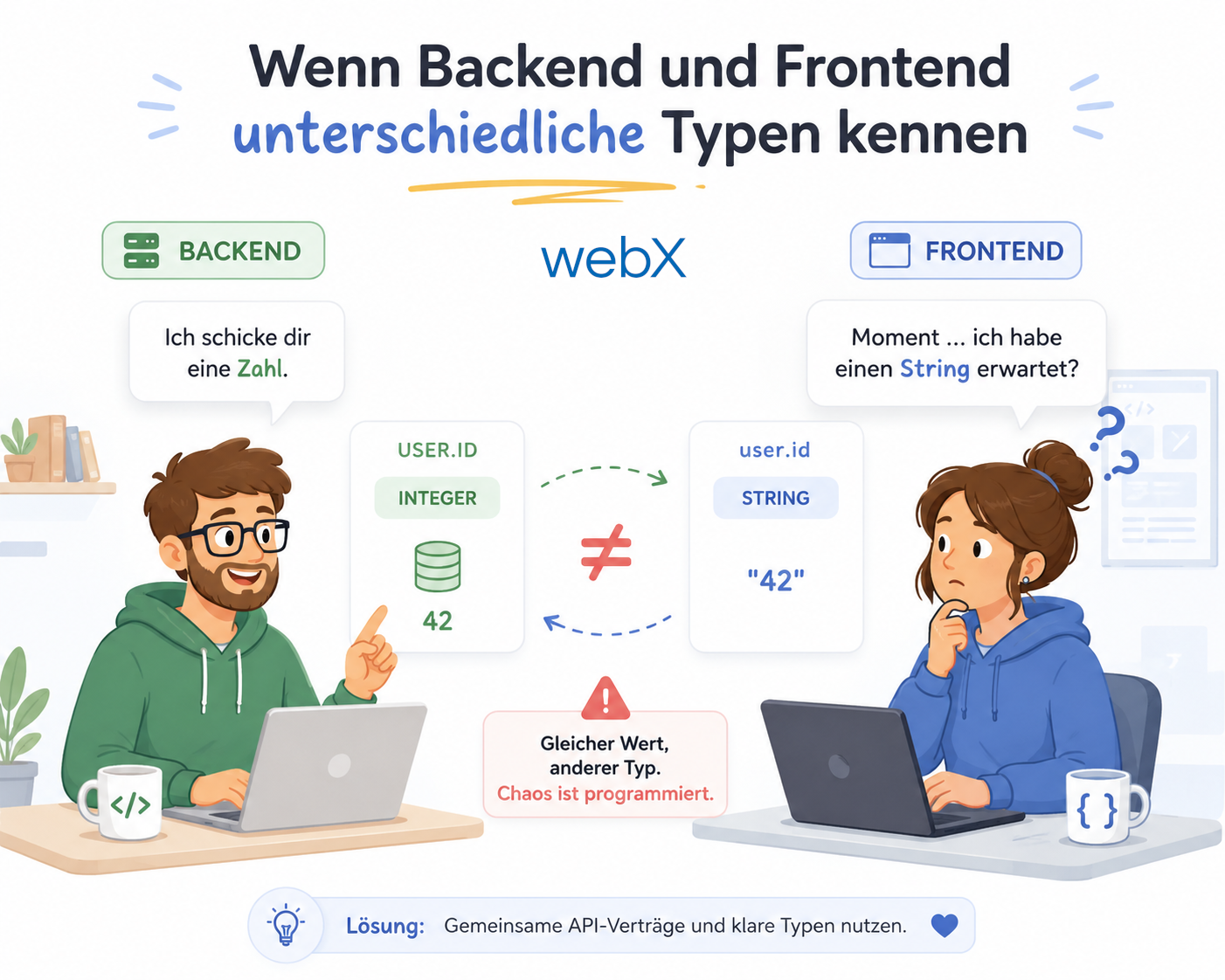
- When backend and frontend know different types: Read article
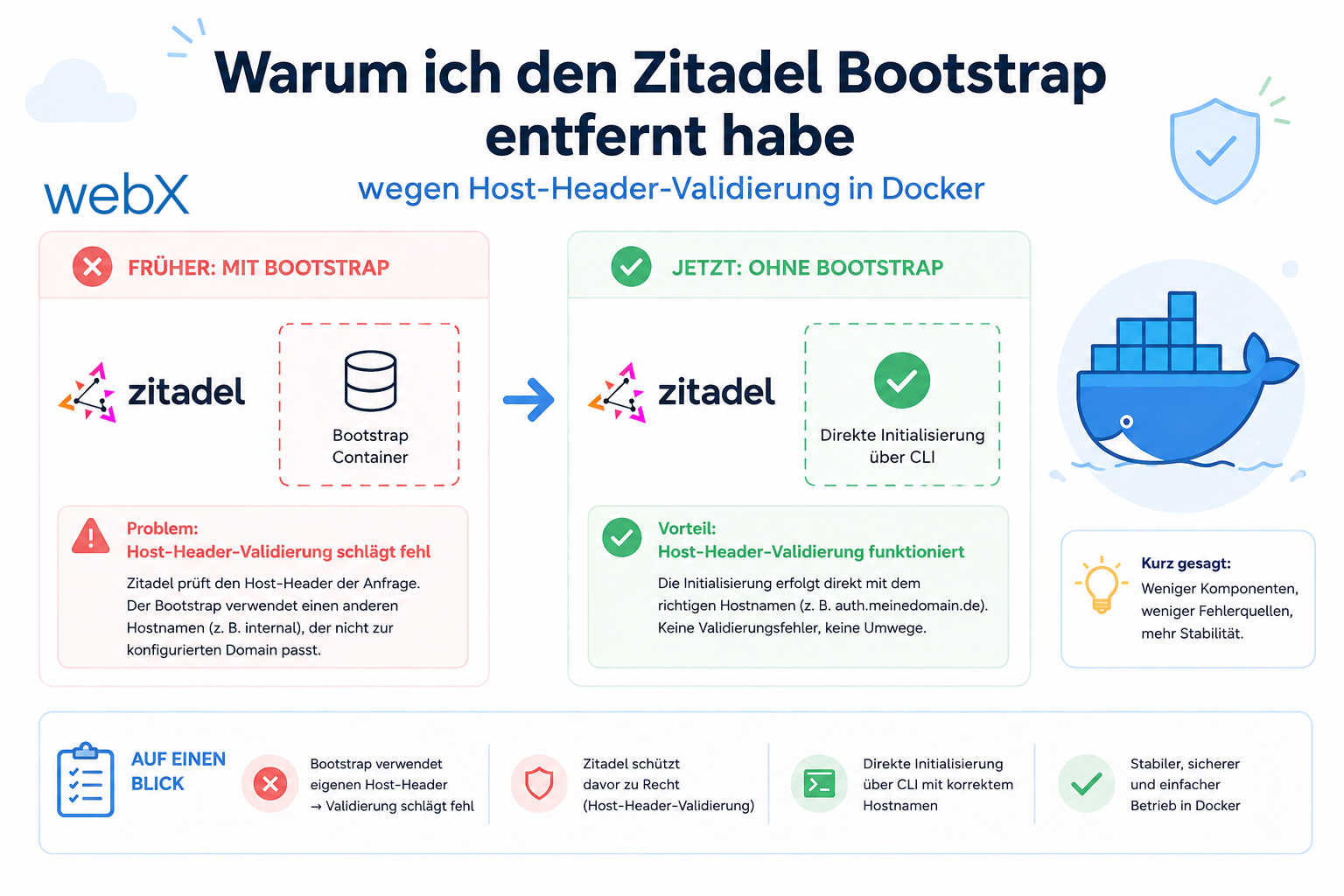
- Removing Zitadel bootstrap: Host header bug and manual setup: Read article
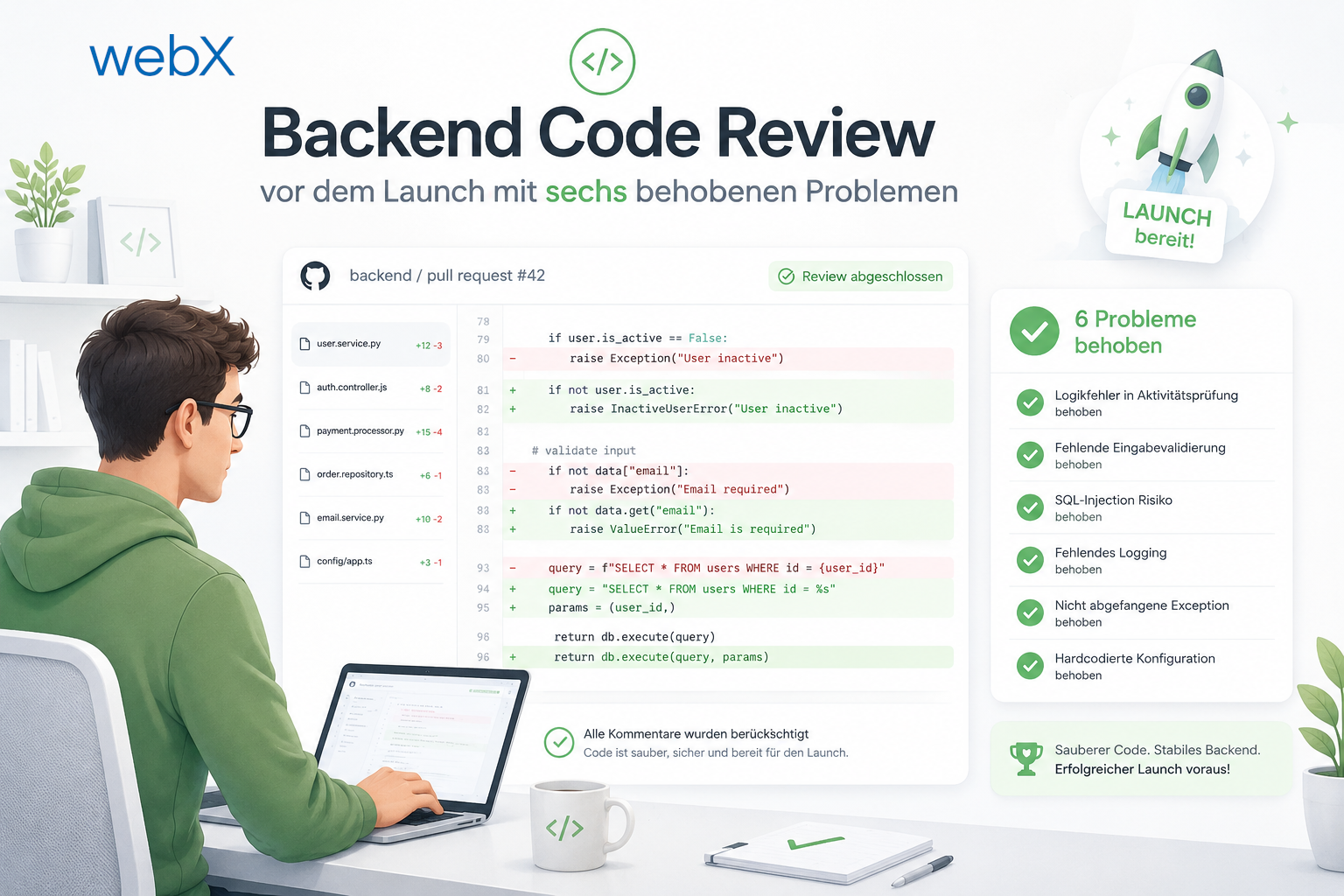
- Backend code review with six problems fixed before launch: Read article
- Traefik instead of NGINX: Reverse proxy for a growing Docker Compose stack: Read article
- Two-layer rate limiting: Traefik and express-rate-limit with Redis: Read article
- Implementing GDPR Article 17 correctly: Promise.allSettled and export batching: Read article
- Embedding model lock-in: Why mxbai-embed-large is a permanent production decision: Read article
- Docker volumes in production: Named volumes, bind mounts and the Hetzner volume approach: Read article
- Two vulnerabilities before launch: Redis without authentication and an exposed Qdrant admin port: Read article
- Traefik as the single entry point in the Docker Compose stack: Read article
- Connecting Zitadel behind Traefik with issuer, JWKS and Login V2: Read article
- Fixing the frontend when the nginx healthcheck fails on localhost: Read article
- Observability for my Docker Compose stack with Bull Board and Dozzle: Read article
- Open the Qdrant dashboard securely with local Traefik and an SSH tunnel: Read article
- Diagnosis of chunking failures despite tokenization: Read article
- Why I set the chunk size to 1500 tokens: Read article
- Splitting the embedding workflow into clear steps: Read article
- Bringing chunking, storage and search back together: Read article
- Capture Intake as a separate module, less orchestration in the Express endpoint: Read article
Are you building a Vite frontend in Docker and struggling with environment variables? Let us assess it together.