
Complex content
Multiple linked entities with demanding relationships required clear navigation and content discovery.
No central search
The lack of a search across multiple content types made it harder to find suitable offerings.
Limited design options
Standard Power Pages templates could not deliver the required design specifications and responsive layouts.
Modern user expectations
Portal users expected fast interaction and clear filtering within the existing platform.
DAI portal with search.
Enterprise portal for the Deutsches Anwaltsinstitut on Microsoft Power Pages.
Developing a standard portal into a modern web application with cross-content search, taxonomy filters and responsive design.
On this page
The challenge
The existing portal had to go beyond the standard capabilities of Power Pages to accommodate its complex content.
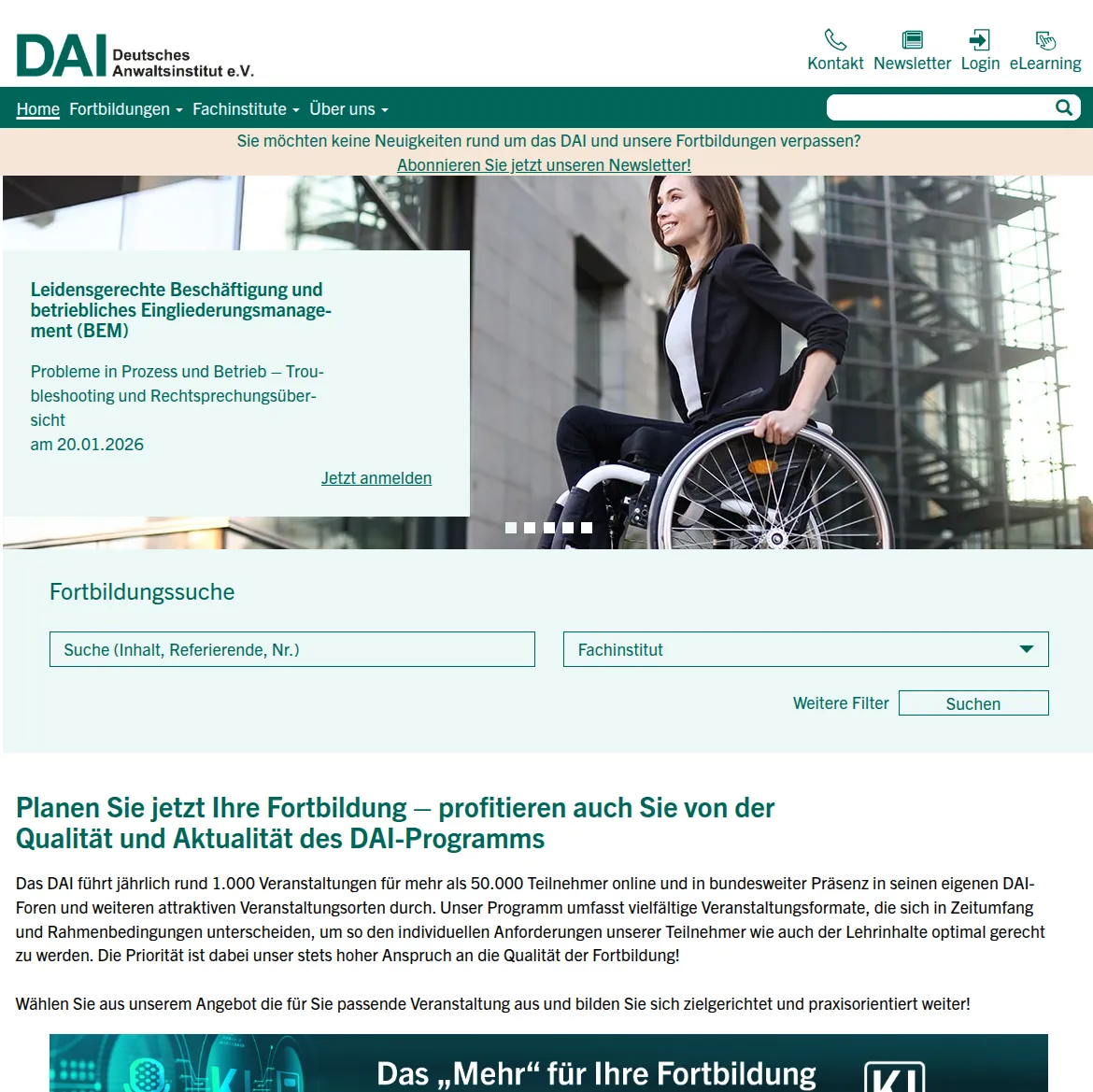
Responsive design
Precise implementation of external design specifications within the Power Pages platform through structured frontend code.
Precise implementation of the design specifications
Fully responsive layout
The design specifications were implemented with structured HTML, CSS and Bootstrap, providing a consistent experience on desktop, tablet and smartphone.
Embedding in Power Pages
The frontend code fits cleanly into Power Pages templates, fully preserving maintainability and platform features.
Clear user guidance
Clear typography and structured components make the extensive professional training offering easier to access.
Intelligent search
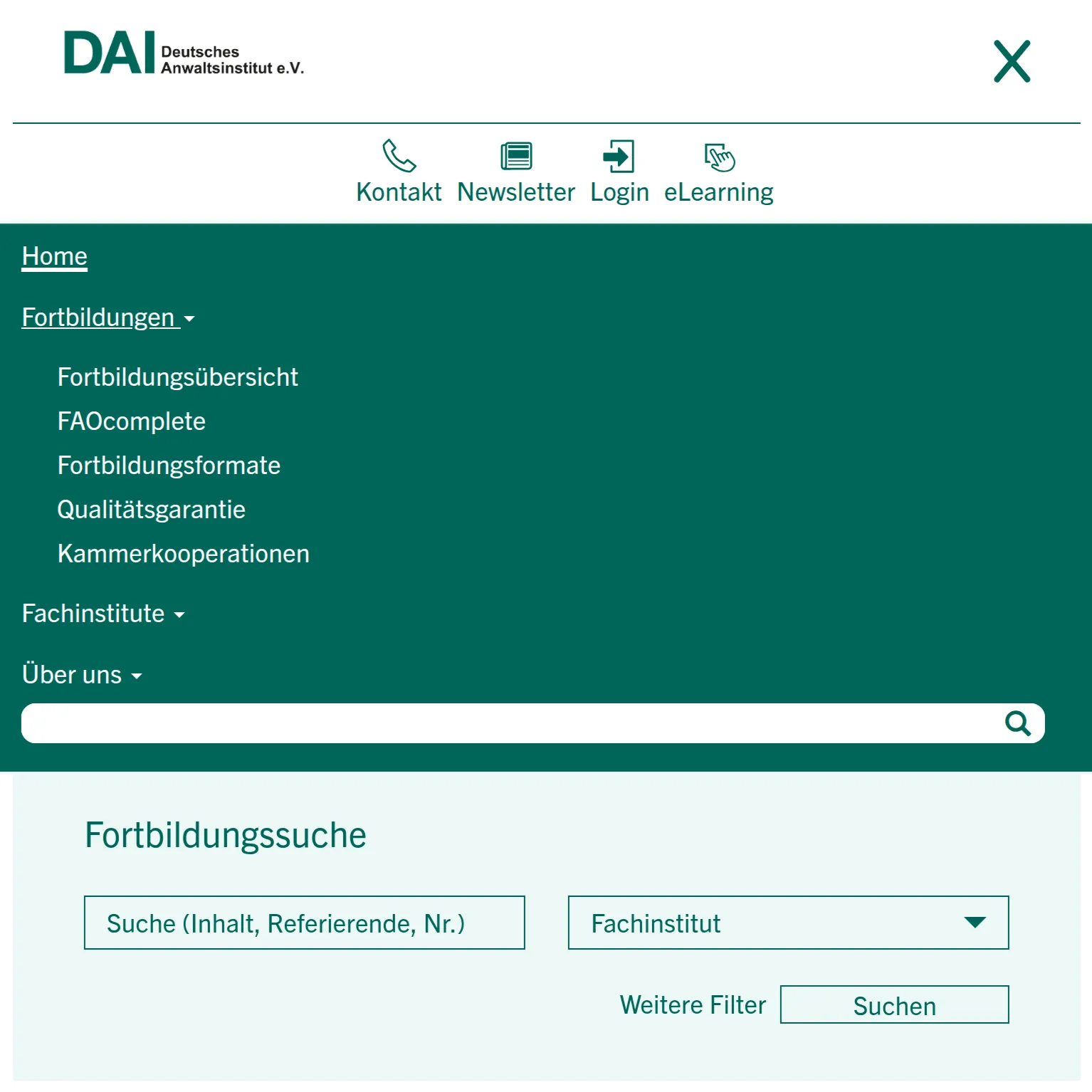
Cross-content real-time search across multiple Dataverse tables where standard search was insufficient.
Search architecture across multiple entities
Autocomplete search
Search starts after three characters and runs FetchXML queries across multiple tables simultaneously.
Multi-entity coverage
A shared search interface covers articles, events and frequently asked questions through structured JSON responses.
Contextual result display
Results are grouped by type and shown with relevant text excerpts so users can quickly find what they need.
Taxonomy and filters
Targeted discovery of professional events and content beyond full-text search.
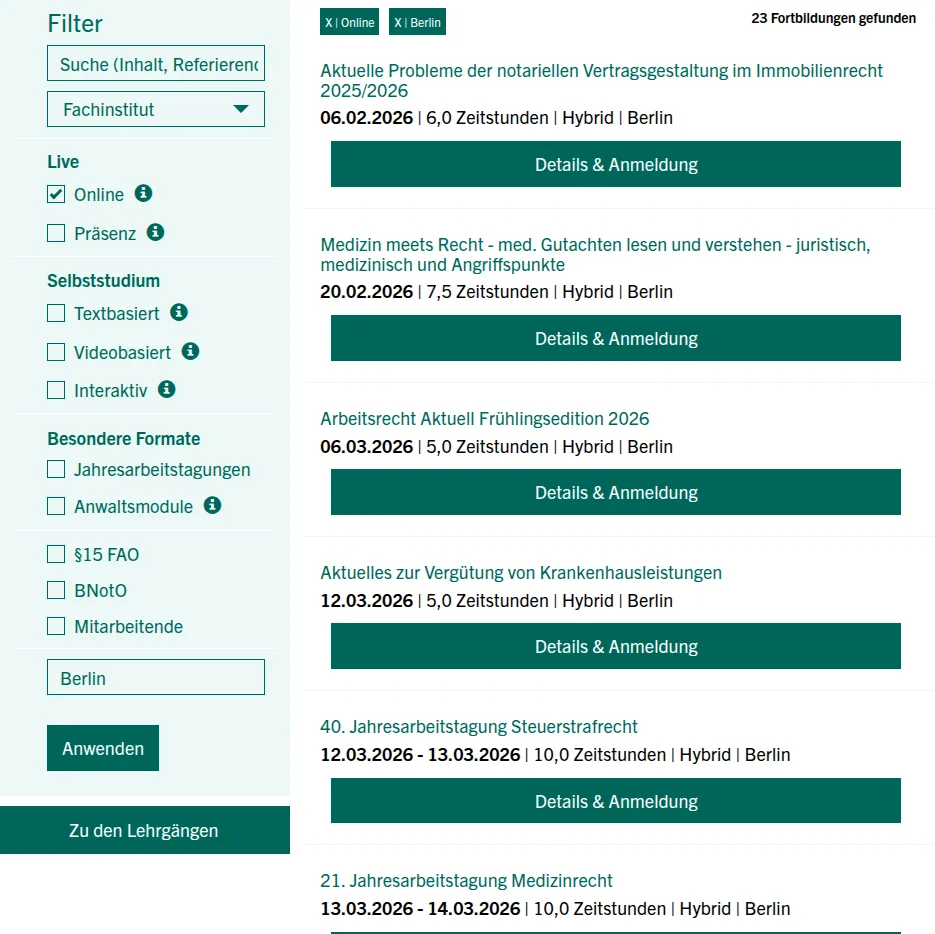
Advanced filters for precise results
Taxonomy-based navigation
Content is organised through a structured taxonomy system and can be narrowed down by area of law, category or format.
Multi-criteria filtering
Full-text search and filter criteria work together to quickly reduce large result sets to relevant events.
Accessible filter controls
Clear filter controls help users navigate quickly on desktop and mobile devices.
Search logic in detail
Technical implementation of query generation and result processing in Power Pages.
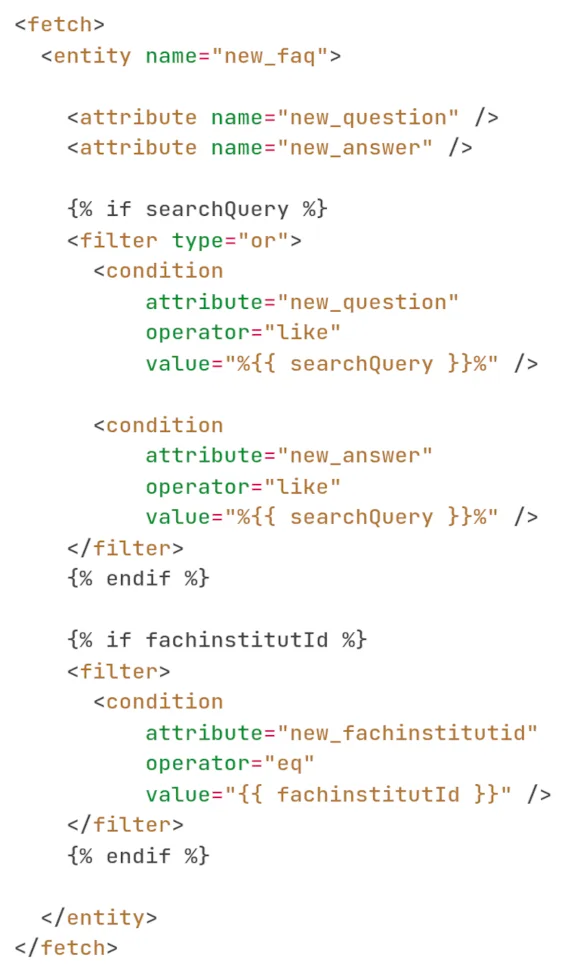
Dynamic query generation
FetchXML queries are built dynamically from user input and search across multiple columns and entities.
Structured data responses
Results are returned as structured JSON, enabling clear client-side processing and presentation.
Visual differentiation
Results are grouped by content type, such as articles, events and questions, and clearly highlighted.
Performance optimisation
Asynchronous loading with clear feedback keeps interaction smooth even with larger result sets.
Technical implementation
Structured frontend architecture closely connected to the security and data mechanisms of Power Pages.
Dynamic FetchXML queries
Targeted query construction across multiple entities with combinable filter conditions.
Asynchronous processing
Non-blocking loading of search results with clear loading states and error handling.
Structured JSON responses
Clear data contracts for maintainable client-side logic and display components.
Clear separation of layers
Clear boundaries between presentation, search logic and data access within the portal.
Progressive enhancement
Core content remains directly accessible, while interactive search filters improve convenience.
Platform integration
Uses native authentication, the security model and entity relationships in Power Pages.
Operational impact
Noticeable improvements in content discovery, usability and collaboration between design and engineering.
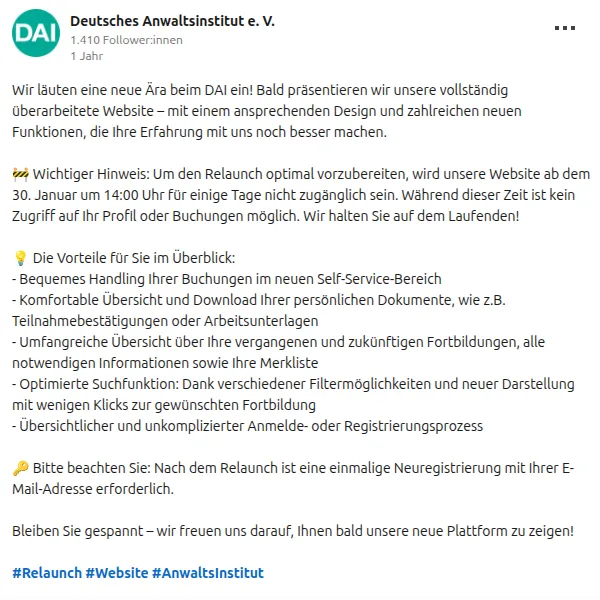
Successful service portal relaunch
High satisfaction within the project team
The business team and design agency received the planned user experience entirely within the existing Power Pages environment.
Improved content discovery
Users can find training courses, events and professional information through a central search.
Positive user feedback
The uncluttered interface and fast filtering make everyday access to the portal offering easier.
Confirmation of the platform choice
Targeted pro-code extensions addressed functional limitations without triggering a costly platform migration.
Strategic business value
Sustainable portal architecture for long-term development on Microsoft Power Pages.
Modern UX on the existing platform
Modern usability without giving up the existing Power Pages investment.
Cross-domain search
Unified search and navigation across previously separate content areas and subject domains.
Long-term extensibility
Clear architectural patterns allow future feature extensions without unstable workarounds.
Protecting the licence investment
Targeted extensions make full use of existing Power Pages and Dataverse structures.
Planning a similar search?
Describe your workflow. Together, we will identify the right next step.
Discuss your workflow