Why a manual docker exec led to an automated Ollama entrypoint setup
After the first successful start of my RAG system, I thought it was finished. Then I saw a docker exec step in the Quick Start and could not leave it alone. How a small source of friction led to a better architecture.
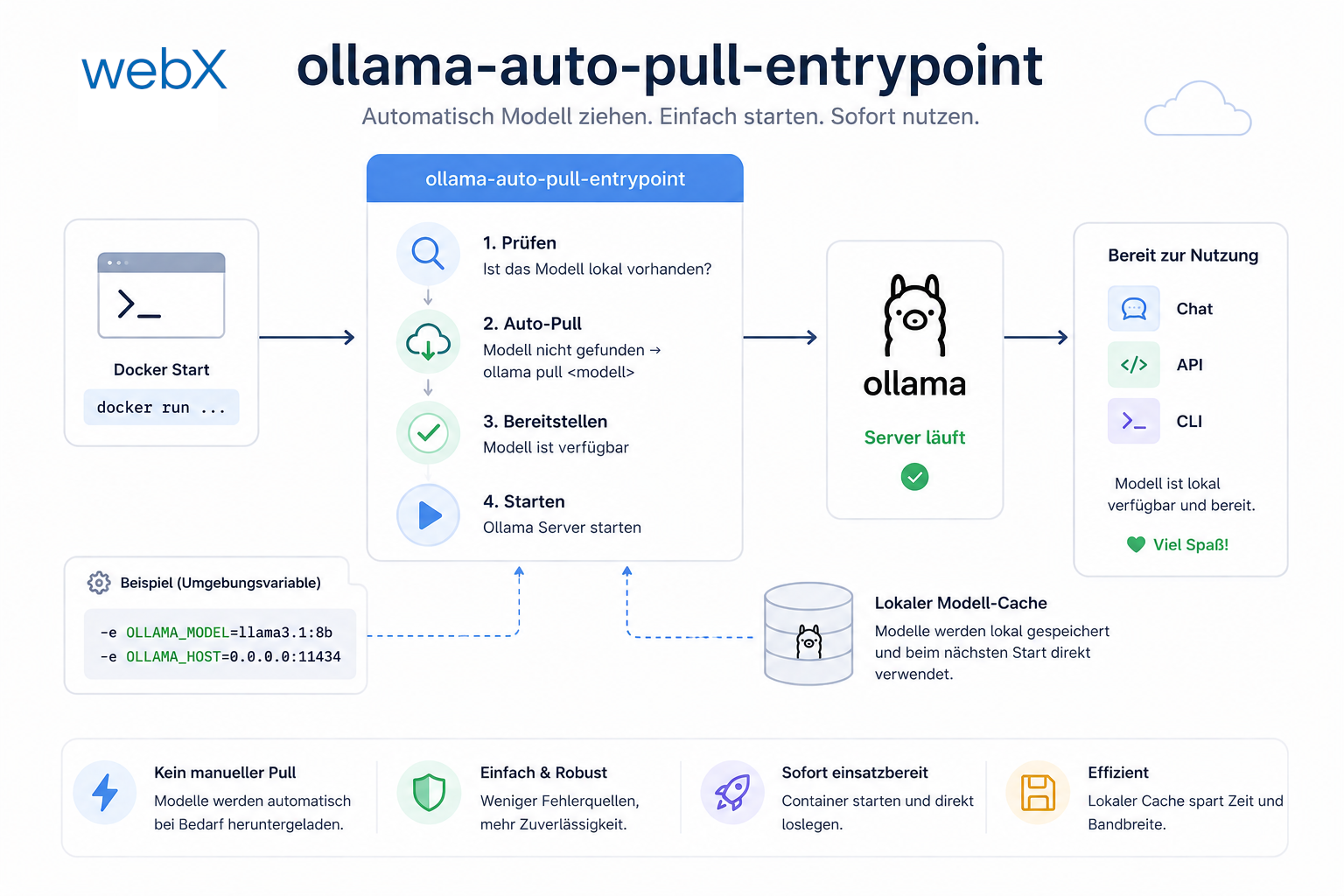
Contents
- The Quick Start that bothered me
- What is the actual problem?
- The entrypoint as the place for initialization
- The entrypoint.sh script
- Idempotence
- The result in docker-compose.override.yml
- What this moment says about developer experience
- The underlying principle
- All articles in the series
The Quick Start that bothered me
The system was running. Docker Compose started. Backend connected. The Chrome Extension sends metadata, Qdrant stores embeddings. First success.
Then I had Copilot write the README and stumbled over these lines:
# after first start: pull models manually
docker exec ollama_local ollama pull nomic-embed-text
docker exec ollama_local ollama pull llama3.2
Copilot wrote the lines. I committed them.
This is where most developers move on. I did not.
Not because I am pedantic. But because I eventually want to share this project publicly. And because every additional line in the Quick Start represents someone who closes the project again.
What is the actual problem?
On the surface: two extra commands after startup.
Underneath: a fundamental break in the mental model.
docker-compose up means the system is ready. Finished. It works now.
If manual steps are still needed afterward, such as pulling models, restarting services or adjusting configuration, the first command is lying. The system is not ready. It has started halfway and is waiting for the developer to finish the rest.
That is technical debt. Not in the form of bad code, but implicit knowledge documented nowhere except in the Quick Start nobody reads completely.
The entrypoint as the place for initialization
The solution was obvious once I stopped framing the problem incorrectly.
Docker containers have entrypoints. Entrypoints run at startup. If initialization logic should run at startup, why not put it there?
I created a custom ollama/Dockerfile:
FROM ollama/ollama:latest

RUN apt-get update && apt-get install -y curl && rm -rf /var/lib/apt/lists/*

COPY entrypoint.sh /entrypoint.sh
RUN chmod +x /entrypoint.sh

ENTRYPOINT ["/entrypoint.sh"]
The official ollama/ollama:latest image does not contain curl. Without curl, waiting for the API is not possible. So curl is installed. Three lines.
The entrypoint.sh script
#!/bin/bash
set -e

MODELS=("nomic-embed-text" "llama3.2")

# start server in background
ollama serve &
OLLAMA_PID=$!

# wait for API
echo "Waiting for Ollama API..."
until curl -sf http://localhost:11434/api/tags > /dev/null 2>&1; do
  sleep 1
done
echo "Ollama API ready."

# idempotently pull models
for model in "${MODELS[@]}"; do
  if ollama show "$model" > /dev/null 2>&1; then
    echo "Model '$model' already present. Skipping."
  else
    echo "Pulling model '$model'..."
    ollama pull "$model"
    echo "Model '$model' pulled successfully."
  fi
done

# keep main process alive
wait $OLLAMA_PID
The script has three parts. Each solves a specific problem.
Part 1: Start the server in the background. ollama serve &. The & is decisive. Without it, the process blocks and the script never reaches the models. Save the PID with OLLAMA_PID=$!. It is needed at the end.
Part 2: Wait for the API. Ollama needs a second to start. If ollama pull runs immediately, the API is not ready and the command fails. The until loop checks every second whether /api/tags responds. Only then does it continue.
Part 3: Check models idempotently. ollama show "$model" returns exit code 0 if the model exists, nonzero otherwise. No pull unless needed. On the second start, with models in the volume, the loop skips everything. Startup in seconds, not minutes.
And then: wait $OLLAMA_PID. If the script ends here, the container ends. wait keeps the container alive as long as ollama serve runs. And it forwards signals correctly: docker stop works cleanly.
Idempotence
The term sounds cumbersome. Its meaning is simple: running the same command multiple times has the same effect as running it once.
First start: no models, download.
Second start: models present, skip.
After docker-compose down without -v: models in the volume, skip.
After docker-compose down -v: volume deleted, download.
That is the expected behavior. No “I forgot to pull the models.” No “Why is it downloading again?” The system knows what it has and responds accordingly.
The result in docker-compose.override.yml
Instead of:
ollama:
  image: ollama/ollama:latest
Now:
ollama:
  build: ./ollama
One line changed. Completely different startup behavior.
The complexity lives in the container, not the documentation.
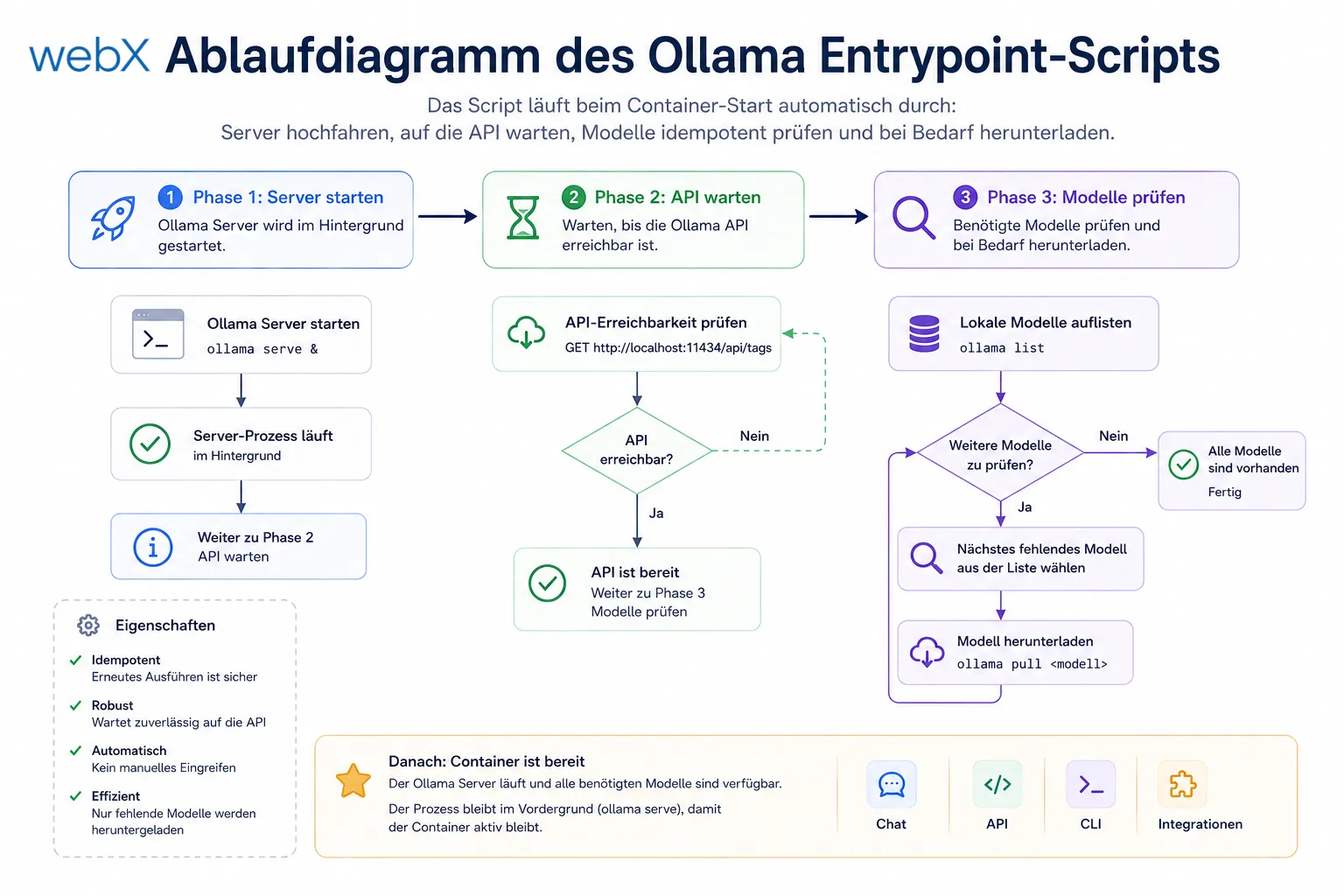 Figure: The script runs automatically at container startup: start the server, wait for the API, check models idempotently and download them if needed. The original illustration retains its German labels.
What this moment says about developer experience
Product development has a term: time to value. The time from first contact to the first “It works!” moment.
For developer tools, that is time to first docker-compose up.
Every Quick Start line after up extends time to value. Every manual step is an obstacle. Not because developers are lazy, but because obstacles accumulate. Two extra commands, a restart and an unclear error message turn a five-minute setup into a thirty-minute puzzle.
I am building this system for myself. But I build it as if it were for others. Because in three months, “I” will also be someone who no longer remembers what I was thinking.
The underlying principle
Make the right thing easy and the wrong thing hard.
Here, the right thing is for the system to run completely on the first docker-compose up --build. The wrong thing is having to intervene manually after startup.
By moving initialization logic into the container, the right thing becomes automatic. No developer can forget to pull the models because there is no step to forget.
This is not overengineering. It is respect for other people’s time.
All articles in the series
- Vision and system overview: Chrome Extension, RAG architecture and project background: Read article
- Building a RAG system: Qdrant, embeddings and cosine similarity in TypeScript: Read article
- AI provider abstraction: Ollama vs. OpenAI, interface design and no vendor lock-in: Read article
- Chrome Extension MV3: Three isolated runtime contexts, message passing and Strategy Pattern: Read article
- Docker Compose strategy: The override pattern, from local development to Azure: Read article
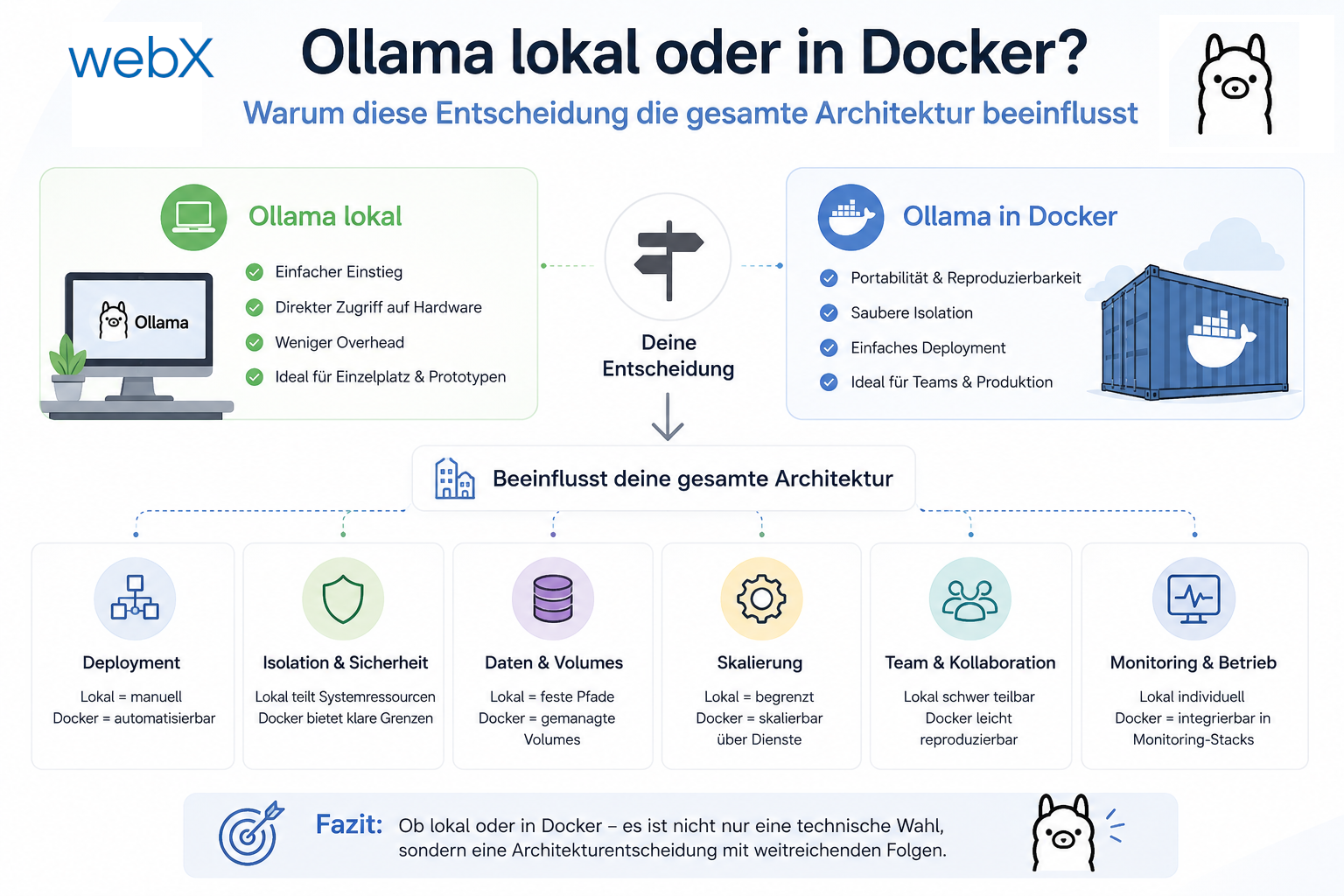
- Ollama locally vs. Docker: The decision and its consequences: Read article
- Ollama auto-pull entrypoint: Automated model setup at container startup: (this article)
- tsconfig and Vite:
Node16vs.bundler, and why Vite has its own rules: Read article - Load complete Instagram captions with MutationObserver: Read article
- Chrome Extension foundation with health indicator and retry queue: Read article
- Phase 2 features: Shadow DOM overlay, Tailwind v4 and duplicate detection: Read article
- Race condition in platform detection: How a UI event breaks Instagram detection: Read article
- Extracting PostId in two Instagram layouts: querySelector vs. ancestor traversal: Read article
- Capture a complete Instagram carousel with MutationObserver: Lazy loading, observer-before-click and timeout fallback: Read article
- Notes and tags when saving screenshots: Read article
- Instagram keyboard shortcuts block Chrome Extension input: Read article
- Lowercase normalization and duplicate detection in tag input: Read article
- Zitadel Login V2 in Docker Compose with three hidden errors: Read article
- PKCE OAuth in a Chrome MV3 extension: Read article
- React frontend with react-oidc-context and Zitadel: Read article
- Vite build-time environment variables in Docker: Read article
- Event-driven ingestion with BullMQ and Redis: Read article
- MinIO instead of Azurite: S3-compatible object storage locally and on Hetzner: Read article
- access_token, id_token and the Userinfo endpoint: Which belongs where: Read article
- Qdrant multi-tenancy with one collection per user: Read article
- When backend and frontend know different types: Read article
- Removing Zitadel bootstrap: Host header bug and manual setup: Read article
- Backend code review with six problems fixed before launch: Read article
- Traefik instead of NGINX: Reverse proxy for a growing Docker Compose stack: Read article
- Two-layer rate limiting: Traefik and express-rate-limit with Redis: Read article
- Implementing GDPR Article 17 correctly: Promise.allSettled and export batching: Read article
- Embedding model lock-in: Why mxbai-embed-large is a permanent production decision: Read article
- Docker volumes in production: Named volumes, bind mounts and the Hetzner volume approach: Read article
- Two vulnerabilities before launch: Redis without authentication and an exposed Qdrant admin port: Read article
- Traefik as the single entry point in the Docker Compose stack: Read article
- Connecting Zitadel behind Traefik with issuer, JWKS and Login V2: Read article
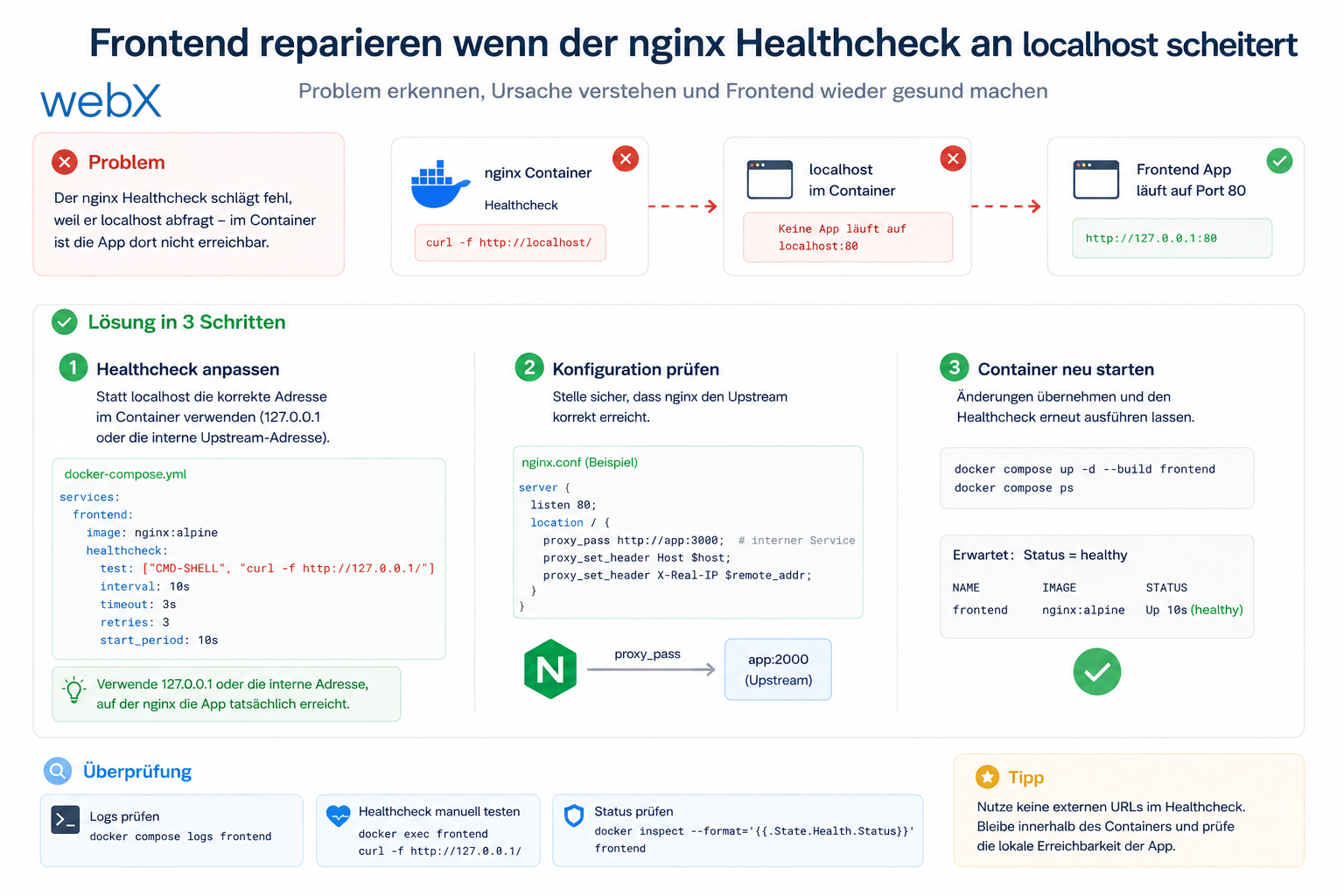
- Fixing the frontend when the nginx healthcheck fails on localhost: Read article
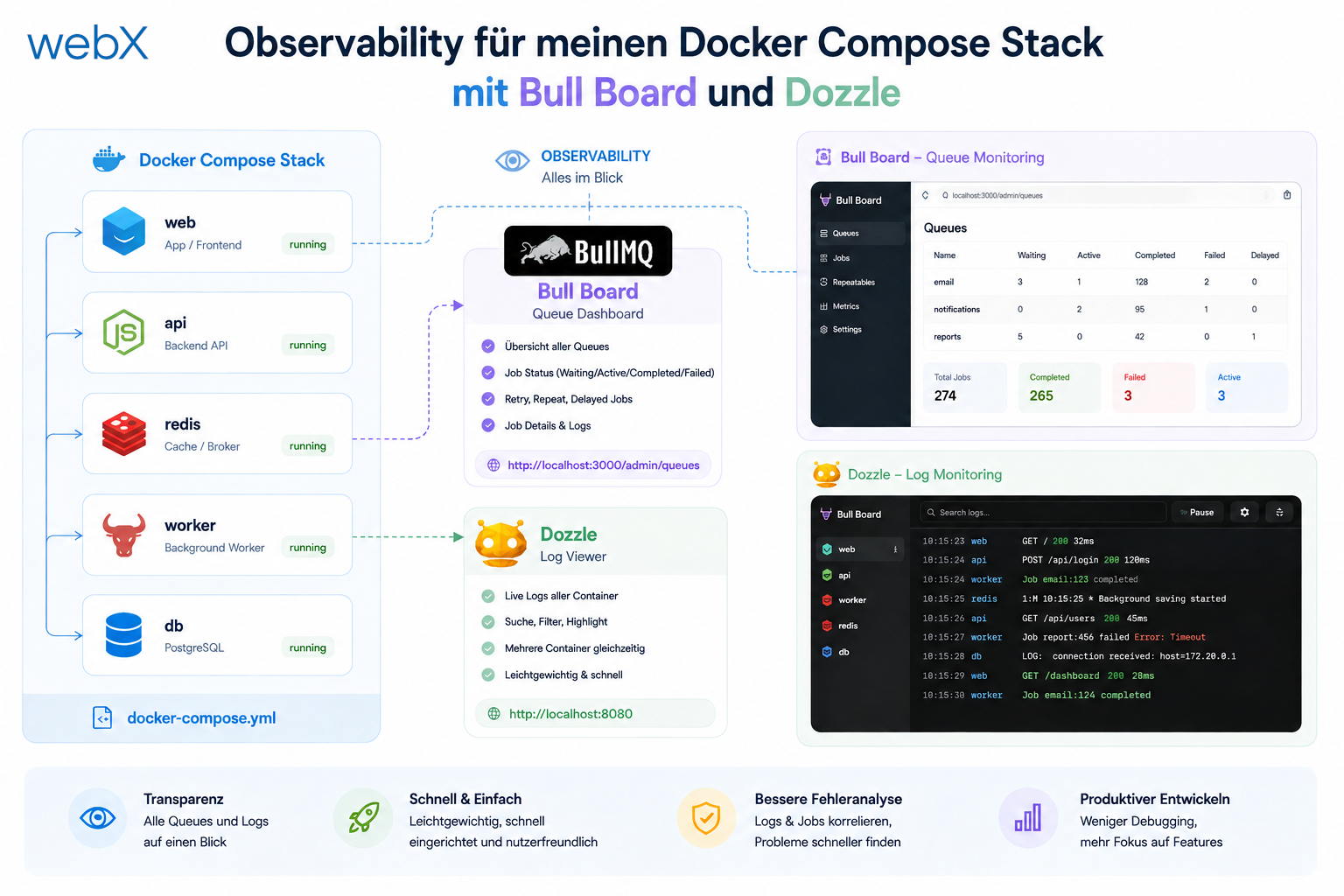
- Observability for my Docker Compose stack with Bull Board and Dozzle: Read article
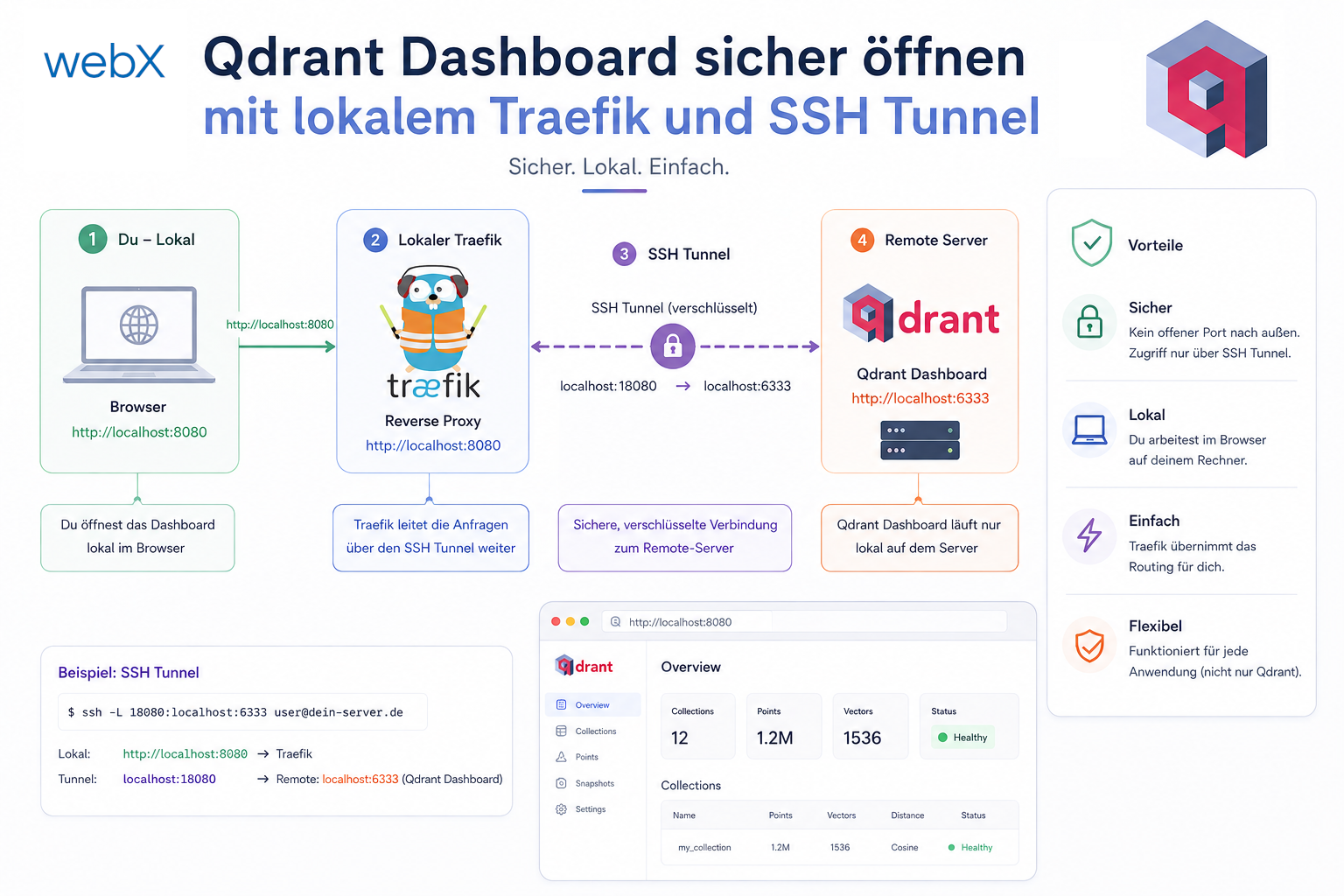
- Open the Qdrant dashboard securely with local Traefik and an SSH tunnel: Read article
- Diagnosis of chunking failures despite tokenization: Read article
- Why I set the chunk size to 1500 tokens: Read article
- Splitting the embedding workflow into clear steps: Read article
- Bringing chunking, storage and search back together: Read article
- Capture Intake as a separate module, less orchestration in the Express endpoint: Read article
Building a system with local AI inference and want to minimize setup effort for new developers? Let us assess it together.