Chrome Extension with Shadow DOM preview and Tailwind CSS v4
Phase 2 adds three features: a Shadow DOM preview overlay before saving, color-coded duplicate detection on hover, and a popup styled with Tailwind CSS v4.
Contents
- What Phase 1 had left unresolved
- Tailwind CSS v4 in the extension popup
- Shadow DOM for the preview overlay
- Duplicate detection with colored hover highlights
- What Phase 2 changes about the extension
- All articles in the series
What Phase 1 had left unresolved
I had built a Chrome Extension that worked. Hover over an element, press Ctrl+Q, and the screenshot is cropped and sent to the RAG backend with Instagram metadata. I described the extension and its three isolated runtime contexts in the article on Chrome Extension MV3 architecture.
But after a few weeks of use, it became clear: working and being usable are two different things.
The popup had no real visual design. There was no way to inspect a screenshot before saving a post. And the biggest issue: the extension did not know whether a post was already stored in the database. Every hover looked the same, whether the post was new or had already been captured five times.
Phase 2 addresses exactly these three points.
Tailwind CSS v4 in the extension popup
The first problem was cosmetic, but not unimportant. Visual quality contributes to trust in a tool. A popup that looks like an HTML page from 2012 does not communicate professionalism.
I chose Tailwind CSS v4 with the @tailwindcss/vite plugin, which adds the Tailwind compiler directly to the Vite build pipeline. It works with @crxjs/vite-plugin without configuration changes. A single entry in vite.config.ts is enough:
import tailwindcss from '@tailwindcss/vite';

export default defineConfig({
  plugins: [tailwindcss(), crx({ manifest })],
});
The popup’s CSS file now contains just one line:
@import 'tailwindcss';Dynamically applied classes, meaning states that JavaScript attaches to an element at runtime, cannot all be expressed as utility classes in HTML. For these cases, @apply in the CSS file remains the cleaner solution:
.health-dot.ok {
  @apply bg-emerald-500;
}
.health-dot.error {
  @apply bg-red-500;
}
The popup now shows the backend healthcheck with a status dot, active capture shortcuts with a remapping link, a retry queue with a badge count, and the last five captures as a history list.
Shadow DOM for the preview overlay
The second feature was more demanding architecturally. After pressing Ctrl+Q, a preview overlay should display the cropped screenshot before any data reaches the backend.
That sounds simple. It is not.
The problem: an extension Content Script injects elements directly into the page DOM. If the page has its own styles, CSS resets or z-index problems, the overlay either looks inconsistent or fails entirely. This is especially relevant on Instagram, which uses a strongly opinionated CSS framework.
The solution is Shadow DOM. A Shadow Root is completely isolated from the host document. No page CSS reaches in. No extension styles leak out. Later, I extended this overlay with notes and tags directly in the capture overlay.
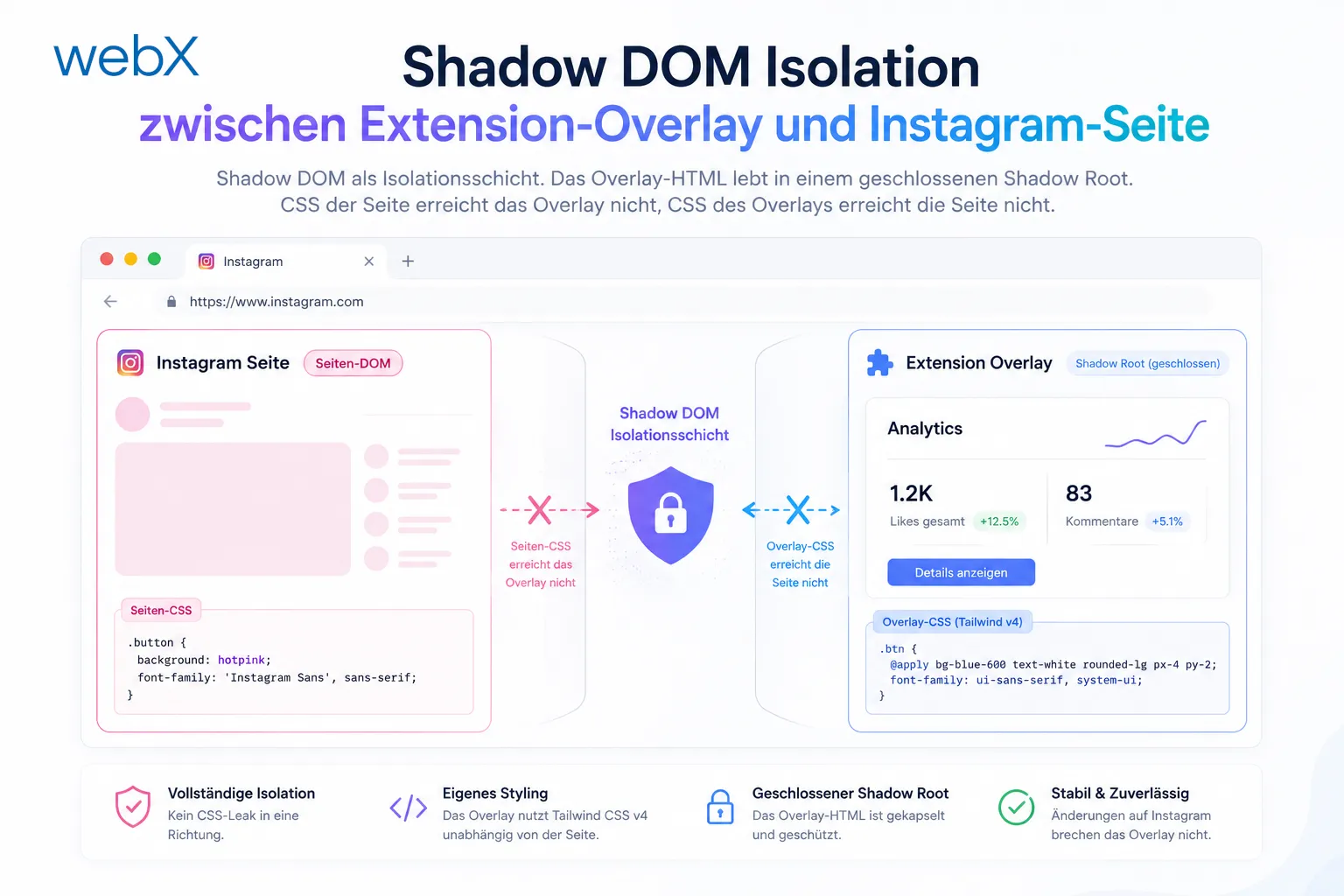 Figure: Shadow DOM as an isolation layer. The overlay HTML lives in a closed Shadow Root. Page CSS does not reach the overlay, and overlay CSS does not reach the page. The original illustration retains its German labels.
// src/content/preview-overlay.ts
export const showCapturePreview = (dataUrl: string, width: number, height: number): Promise<boolean> => {
  return new Promise((resolve) => {
    const host = document.createElement('div');
    const shadow = host.attachShadow({ mode: 'closed' });

    // Fully isolated overlay DOM in the Shadow Root
    shadow.innerHTML = `
      <style>/* own styles, invisible from outside */</style>
      <div class="backdrop">
        <div class="card">
          <img src="${dataUrl}" />
          <button id="save">Save</button>
          <button id="cancel">Cancel</button>
        </div>
      </div>
    `;

    shadow.getElementById('save')?.addEventListener('click', () => {
      host.remove();
      resolve(true);
    });

    shadow.getElementById('cancel')?.addEventListener('click', () => {
      host.remove();
      resolve(false);
    });

    document.body.appendChild(host);
  });
};
The overlay is a Promise<boolean>. The Background Service Worker waits for it. If the user cancels, the entire capture flow ends silently. If they confirm, extraction continues.
Keyboard support (Enter to confirm, Escape to cancel) and backdrop clicks are implemented as well. The overlay behaves like a modal dialog without actually being one.
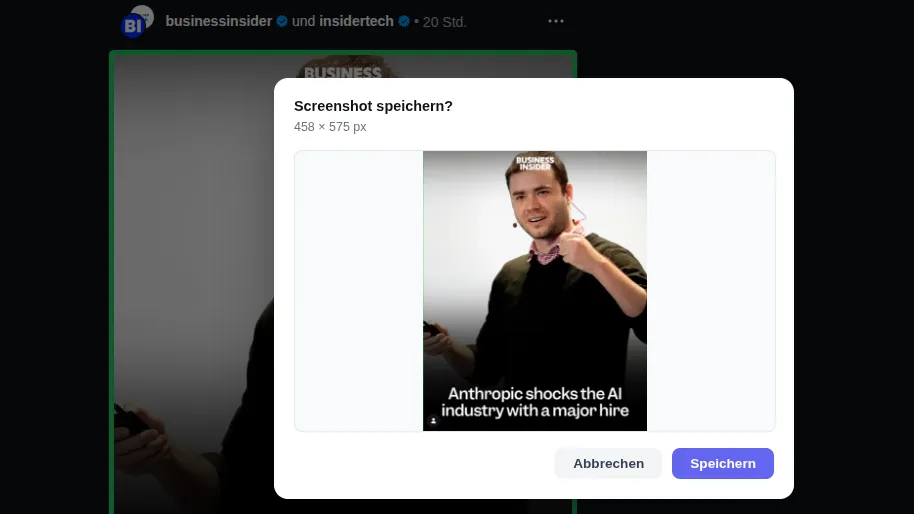 Figure: The overlay appears directly on the Instagram page, isolated in Shadow DOM. The cropped image is on the left, with two actions on the right. The page remains visible behind it, but dimmed. Attention stays on the decision: save or discard. The original screenshot retains its German interface.
Duplicate detection with colored hover highlights
The third feature makes the biggest practical difference.
Without duplicate detection, every hover is identical. The extension does not know whether a post has already been saved 20 times. The analyst has to remember or check manually each time.
With Phase 2, the extension communicates the status directly through the outline color on hover:
| Color | Meaning |
|---|---|
| Green | New post, not yet in Qdrant |
| Yellow | Duplicate, already captured |
| Red | No Instagram post detected |
The backend gets a new endpoint: GET /exists?postId=X. It uses Qdrant’s Scroll API with a payload filter, without calculating an embedding. No similarity search is needed, only an exact match:
// backend/src/routes/exists.ts
const { points } = await qdrantClient.scroll(COLLECTION_NAME, {
  filter: { must: [{ key: 'metadata.postId', match: { value: postId } }] },
  limit: 1,
  with_payload: false,
  with_vector: false,
});
return res.json({ exists: points.length > 0 });
On hover, the Content Script extracts the PostId from the article link and sends a request through the Background Service Worker. Why not directly from the Content Script? Content Scripts cannot call fetch() on localhost directly when the page has a restrictive CSP. The Background Worker acts as a proxy. This is an established MV3 pattern that I described in the MV3 architecture article.
The result: when hovering over an Instagram post, the analyst immediately knows whether it is new or already in the database. No manual checks. No opening the backend.
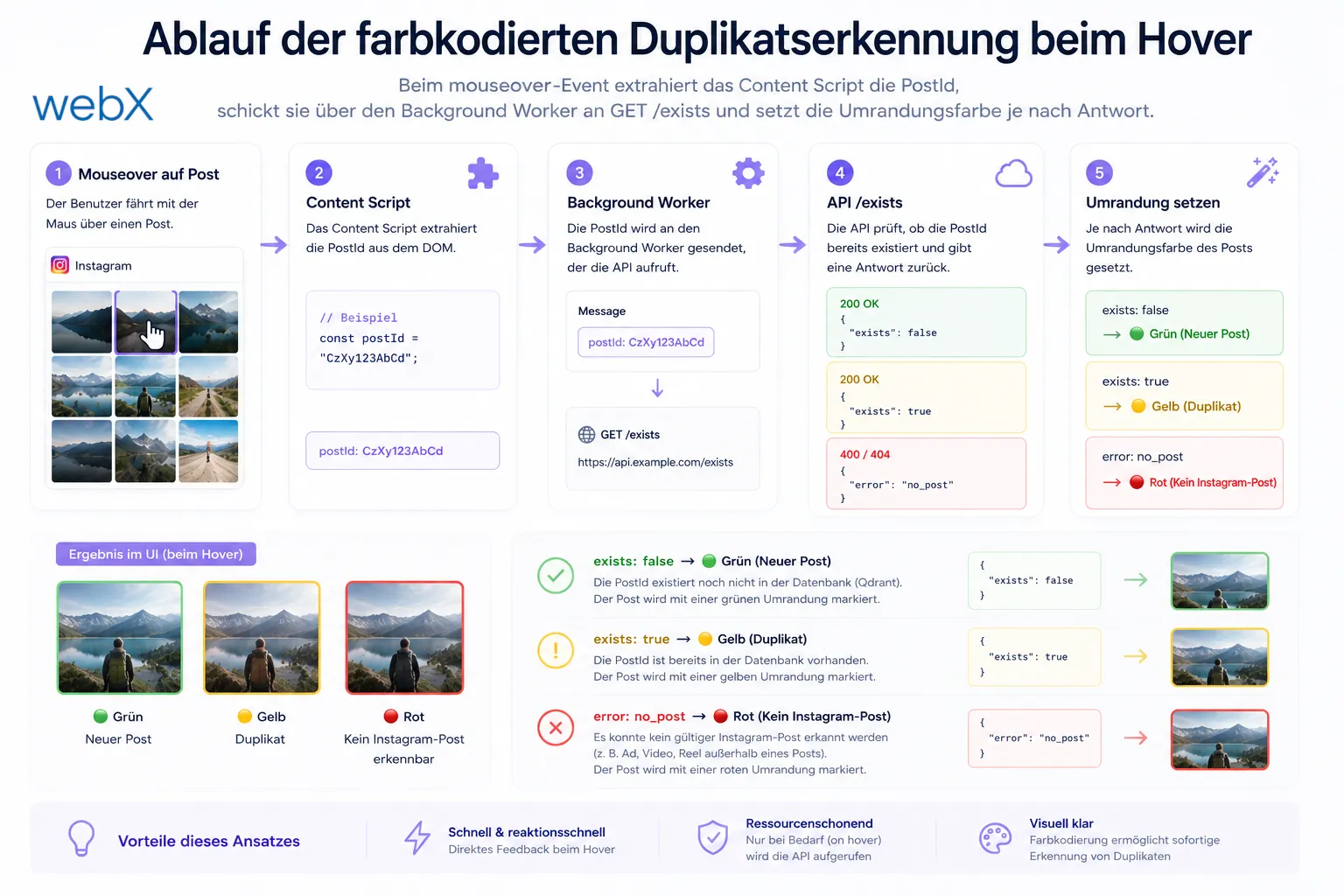 Figure: Duplicate detection flow. On a mouseover event, the Content Script extracts the PostId, sends it through the Background Worker to GET /exists, and sets the outline color according to the response. The original diagram retains its German labels.
What Phase 2 changes about the extension
Phase 1 was a working extension. Phase 2 makes it a practical work tool.
The difference is subtle but real. A tool that shows you what you are saving before you save it, and tells you on hover whether saving is necessary at all, reduces mental overhead. This is especially relevant when analysts review hundreds of posts every day.
The next two articles in the series explain the unexpected problems these decisions exposed during testing and what that meant for the architecture.
All articles in the series
- Vision and system overview: Chrome Extension, RAG architecture and project background: Read article
- Building a RAG system: Qdrant, embeddings and cosine similarity in TypeScript: Read article
- AI provider abstraction: Ollama vs. OpenAI, interface design and no vendor lock-in: Read article
- Chrome Extension MV3: Three isolated runtime contexts, message passing and Strategy Pattern: Read article
- Docker Compose strategy: The override pattern, from local development to Azure: Read article
- Ollama locally vs. Docker: The decision and its consequences: Read article
- Ollama auto-pull entrypoint: Automated model setup at container startup: Read article
- tsconfig and Vite:
Node16vs.bundler, and why Vite has its own rules: Read article - Load complete Instagram captions with MutationObserver: Read article
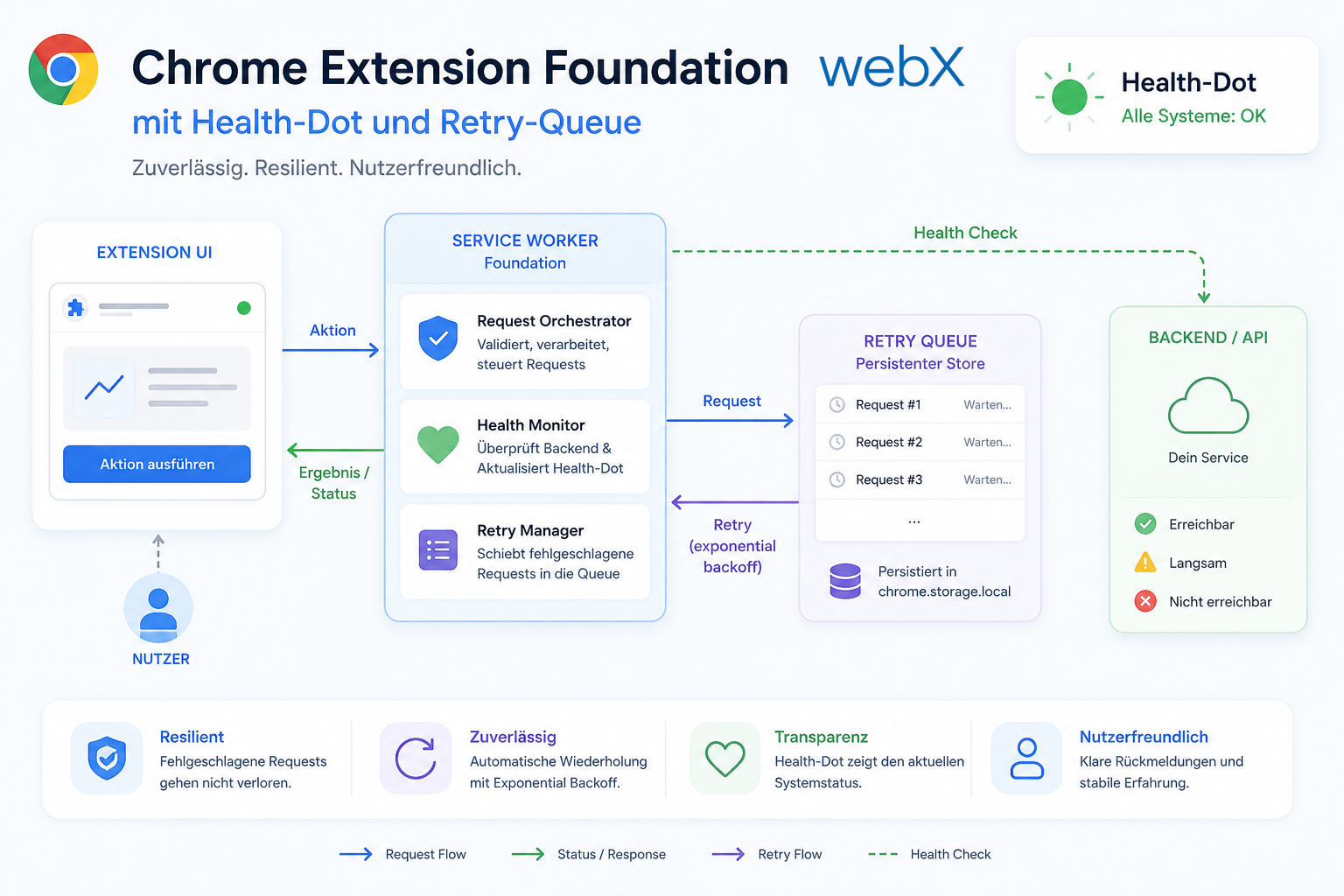
- Chrome Extension foundation with health indicator and retry queue: Read article
- Phase 2 features: Shadow DOM overlay, Tailwind v4 and duplicate detection: (this article)
- Race condition in platform detection: How a UI event breaks Instagram detection: Read article
- Extracting PostId in two Instagram layouts: querySelector vs. ancestor traversal: Read article
- Capture a complete Instagram carousel with MutationObserver: Lazy loading, observer-before-click and timeout fallback: Read article
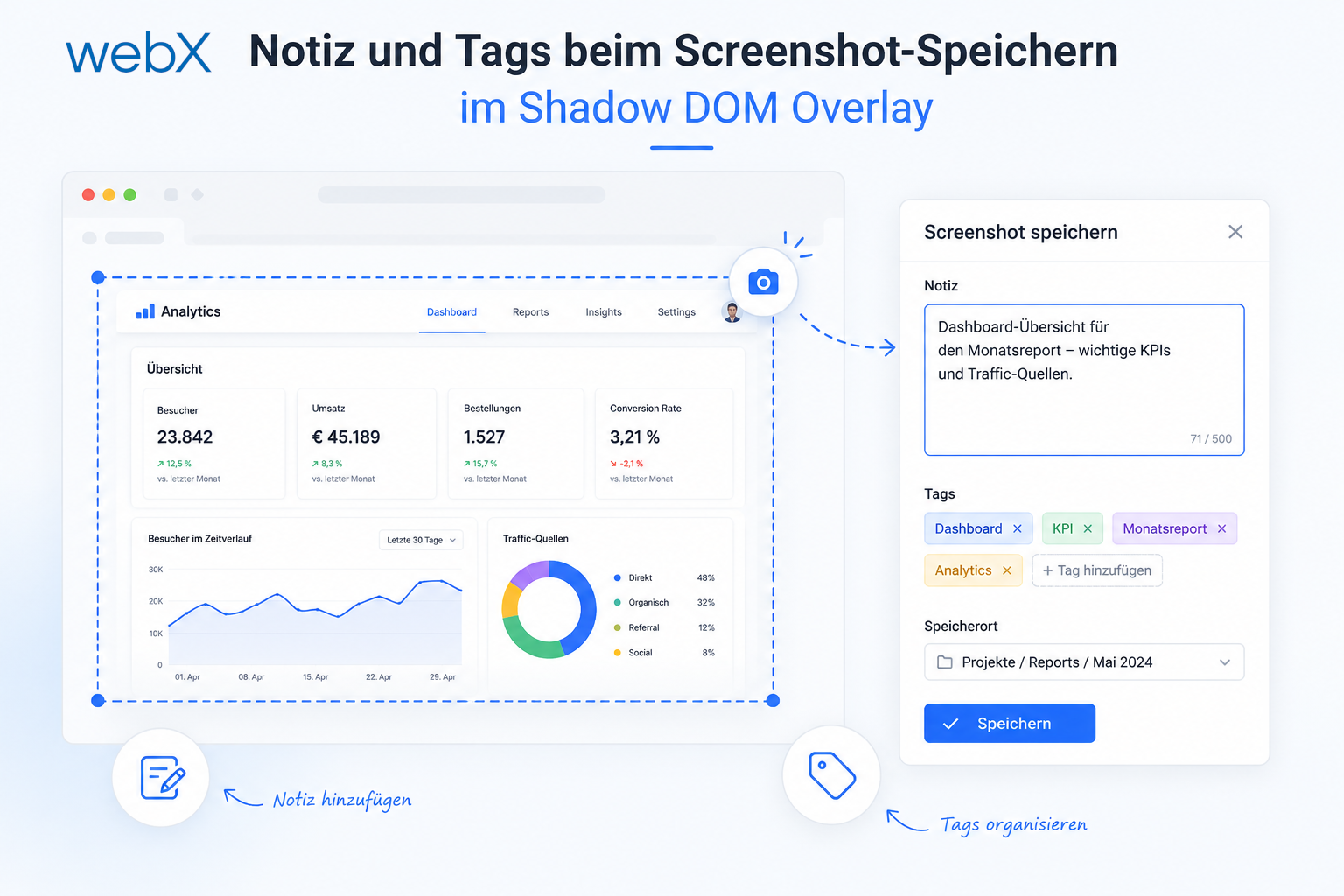
- Notes and tags when saving screenshots: Read article
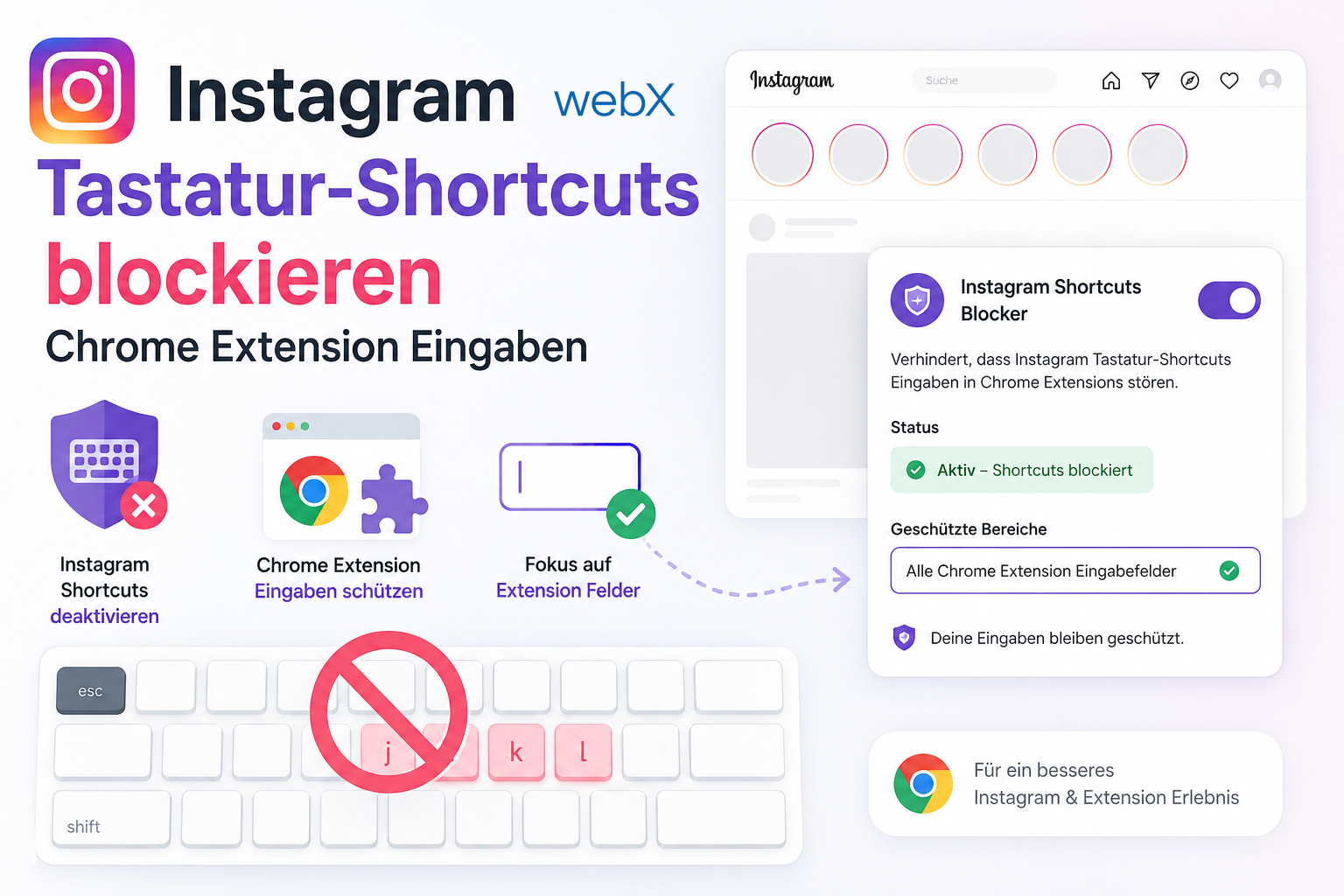
- Instagram keyboard shortcuts block Chrome Extension input: Read article
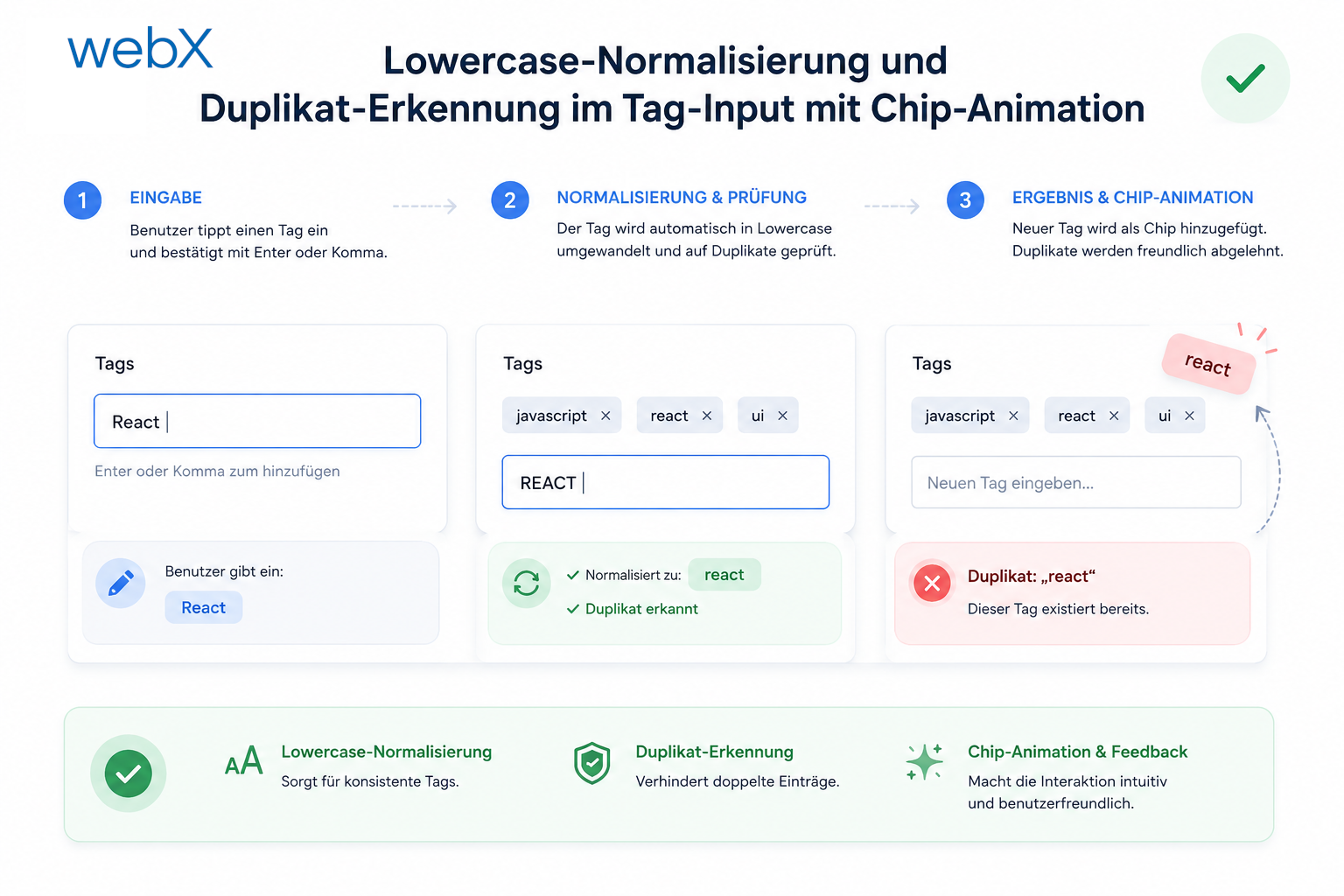
- Lowercase normalization and duplicate detection in tag input: Read article
- Zitadel Login V2 in Docker Compose with three hidden errors: Read article
- PKCE OAuth in a Chrome MV3 extension: Read article
- React frontend with react-oidc-context and Zitadel: Read article
- Vite build-time environment variables in Docker: Read article
- Event-driven ingestion with BullMQ and Redis: Read article
- MinIO instead of Azurite: S3-compatible object storage locally and on Hetzner: Read article
- access_token, id_token and the Userinfo endpoint: Which belongs where: Read article
- Qdrant multi-tenancy with one collection per user: Read article
- When backend and frontend know different types: Read article
- Removing Zitadel bootstrap: Host header bug and manual setup: Read article
- Backend code review with six problems fixed before launch: Read article
- Traefik instead of NGINX: Reverse proxy for a growing Docker Compose stack: Read article
- Two-layer rate limiting: Traefik and express-rate-limit with Redis: Read article
- Implementing GDPR Article 17 correctly: Promise.allSettled and export batching: Read article
- Embedding model lock-in: Why mxbai-embed-large is a permanent production decision: Read article
- Docker volumes in production: Named volumes, bind mounts and the Hetzner volume approach: Read article
- Two vulnerabilities before launch: Redis without authentication and an exposed Qdrant admin port: Read article
- Traefik as the single entry point in the Docker Compose stack: Read article
- Connecting Zitadel behind Traefik with issuer, JWKS and Login V2: Read article
- Fixing the frontend when the nginx healthcheck fails on localhost: Read article
- Observability for my Docker Compose stack with Bull Board and Dozzle: Read article
- Open the Qdrant dashboard securely with local Traefik and an SSH tunnel: Read article
- Diagnosis of chunking failures despite tokenization: Read article
- Why I set the chunk size to 1500 tokens: Read article
- Splitting the embedding workflow into clear steps: Read article
- Bringing chunking, storage and search back together: Read article
- Capture Intake as a separate module, less orchestration in the Express endpoint: Read article
Building a Chrome Extension for internal tools or automated content monitoring? Let us assess it together.