Why I removed Zitadel bootstrap because of Host header validation in Docker
The bootstrap container exited with code 22. The cause was not an incorrect API URL, but Zitadel Host header validation inside the Docker network.
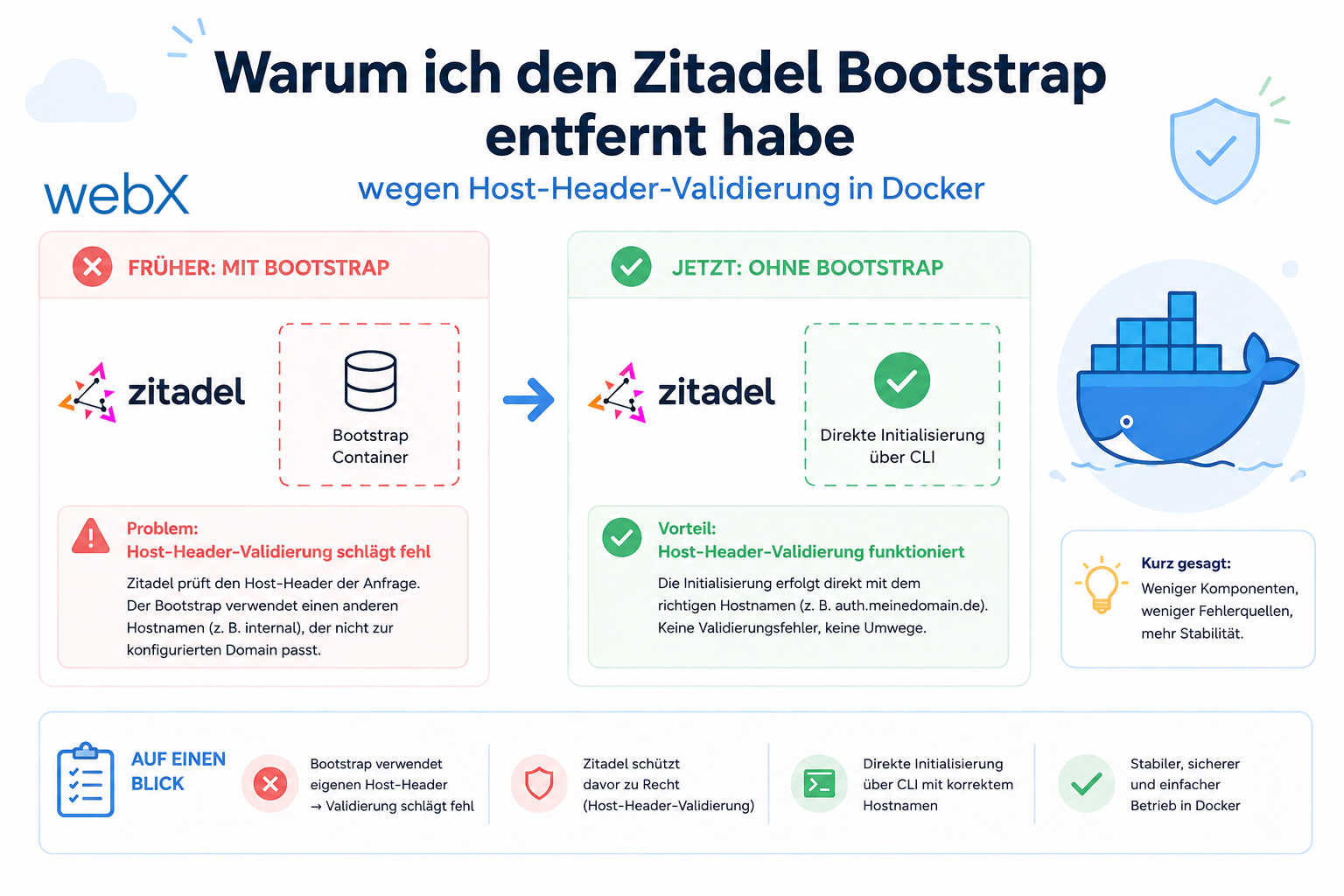
Contents
- The goal is a one-time setup without manual steps
- Exit code 22
- The cause is Host header validation
- Attempted fix using a shell function instead of a variable
- Why I rejected the fix anyway
- The alternative using ZITADEL_SETUP.md and AUTH_ENABLED=false
- All articles in the series
The goal is a one-time setup without manual steps
The idea was straightforward. A single docker-compose up --build should start the entire stack, including Zitadel as the identity provider. At startup, Zitadel writes an admin PAT, a Personal Access Token, into a volume. A bootstrap container reads this PAT, creates the project, creates the OIDC applications for the frontend and extension, and writes the generated client IDs into the .env files.
After that, everything runs. Nobody has to enter the Zitadel console manually.
The bootstrap container failed from the start.
Exit code 22
curl returns exit code 22 when the server sends an HTTP error and the --fail option is set. The script used set -e, which terminates the entire process at the first failed command before any diagnostic information can be printed.
The log was not helpful:
zitadel-bootstrap exited with code 22I had to remove --fail and capture the response body manually:
# Show full response body and HTTP status for debugging
curl -s -o /tmp/response.json -w "\nHTTP %{http_code}\n" \
  -H "Authorization: Bearer ${PAT}" \
  http://zitadel:8080/management/v1/projects

cat /tmp/response.json
The result was HTTP 404 for every Management API call.
The cause is Host header validation
Zitadel v4 is a multi-instance platform. Internally, Zitadel distinguishes instances using the HTTP Host header. If an instance is configured with ZITADEL_EXTERNALDOMAIN=localhost, Zitadel expects every request to have a Host header containing localhost.
The bootstrap container sent requests to http://zitadel:8080. The HTTP client automatically sets the Host header to the hostname from the URL. This produces Host: zitadel:8080.
Zitadel sees a request for the instance zitadel:8080, which does not exist. No matching instance means a 404.
Request target:  http://zitadel:8080/management/v1/projects
Host header set: zitadel:8080     <- Docker internal alias
Host expected:   localhost        <- ZITADEL_EXTERNALDOMAIN value
Result:          HTTP 404         <- no matching instance
This is expected behavior, not a Zitadel bug. The zitadel_login container in the same setup explicitly works around it:
# docker-compose.override.yml
environment:
  - CUSTOM_REQUEST_HEADERS=Host:localhost:8080,X-Zitadel-Public-Host:localhost:8080
The bootstrap container never had a corresponding header.
Attempted fix using a shell function instead of a variable
Shell variables cannot directly be used as commands with multiple parameters. CURL="curl -H 'Host: localhost'" followed by $CURL http://... does not work because shell expansion does not split the string into separate arguments.
The correct solution is a shell function:
ZITADEL_HOST="localhost:8080"

# Shell function avoids argument-splitting issue with stored flags
zcurl() {
  curl -sf -H "Host: ${ZITADEL_HOST}" "$@"
}

# Works: Host header is correctly set to "localhost:8080"
zcurl -X POST http://zitadel:8080/management/v1/projects \
  -H "Authorization: Bearer ${PAT}" \
  -H "Content-Type: application/json" \
  -d '{"name": "Local Insight"}'
This works technically. Zitadel finds the instance and the API calls return 200.
Why I rejected the fix anyway
The script became more fragile with every additional step. It had to:
- Wait for Zitadel to be ready, using its own retry loop with a timeout
- Read and validate the PAT from the volume
- Create the project without aborting if it already exists
- Create two OIDC applications
- Parse client IDs from JSON responses
- Patch
.envfiles without overwriting existing values
Each step had its own failure cases. The script was not idempotent: if step 3 succeeded but step 4 failed, what would happen on the next startup was unclear. Does the project already exist? Are there conflicts with the OIDC apps?
Then came the decisive question: how often does this bootstrap actually run?
Once in a fresh development environment. Once in production on Hetzner. That does not justify a complex, error-prone automation mechanism. The complexity exceeded the problem it was meant to solve.
The alternative using ZITADEL_SETUP.md and AUTH_ENABLED=false
I performed the necessary steps once in the Zitadel console at http://localhost:8080/ui/console/ and documented them as a step-by-step guide in the repository’s ZITADEL_SETUP.md:
- Create a project in the console
- Frontend app: select type “Web”, enable PKCE and enter the redirect URI
- Extension app: select type “Native”, enable PKCE and enter the extension URL
- Change the token type to JWT. Zitadel sends opaque tokens by default, while the backend expects JWT
- Enter the client IDs in the
.envfiles and restart the stack
This takes about five minutes. There is no container that can fail with exit code 22.
The second part of the solution is AUTH_ENABLED=false as a safe default. The backend then injects a synthetic identity, dev-user-local. Anyone who wants to develop immediately can do so without auth overhead. Anyone who wants to set up auth follows the guide and enables it afterward.
# docker-compose.override.yml
backend:
  environment:
    # Disabled by default. Enable after completing ZITADEL_SETUP.md
    - AUTH_ENABLED=false
# frontend/.env and extension/.env
# Set to "true" only after completing the Zitadel setup
VITE_AUTH_ENABLED=falseThe stack now starts without errors. No bootstrap container, no shell function and no exit code 22.
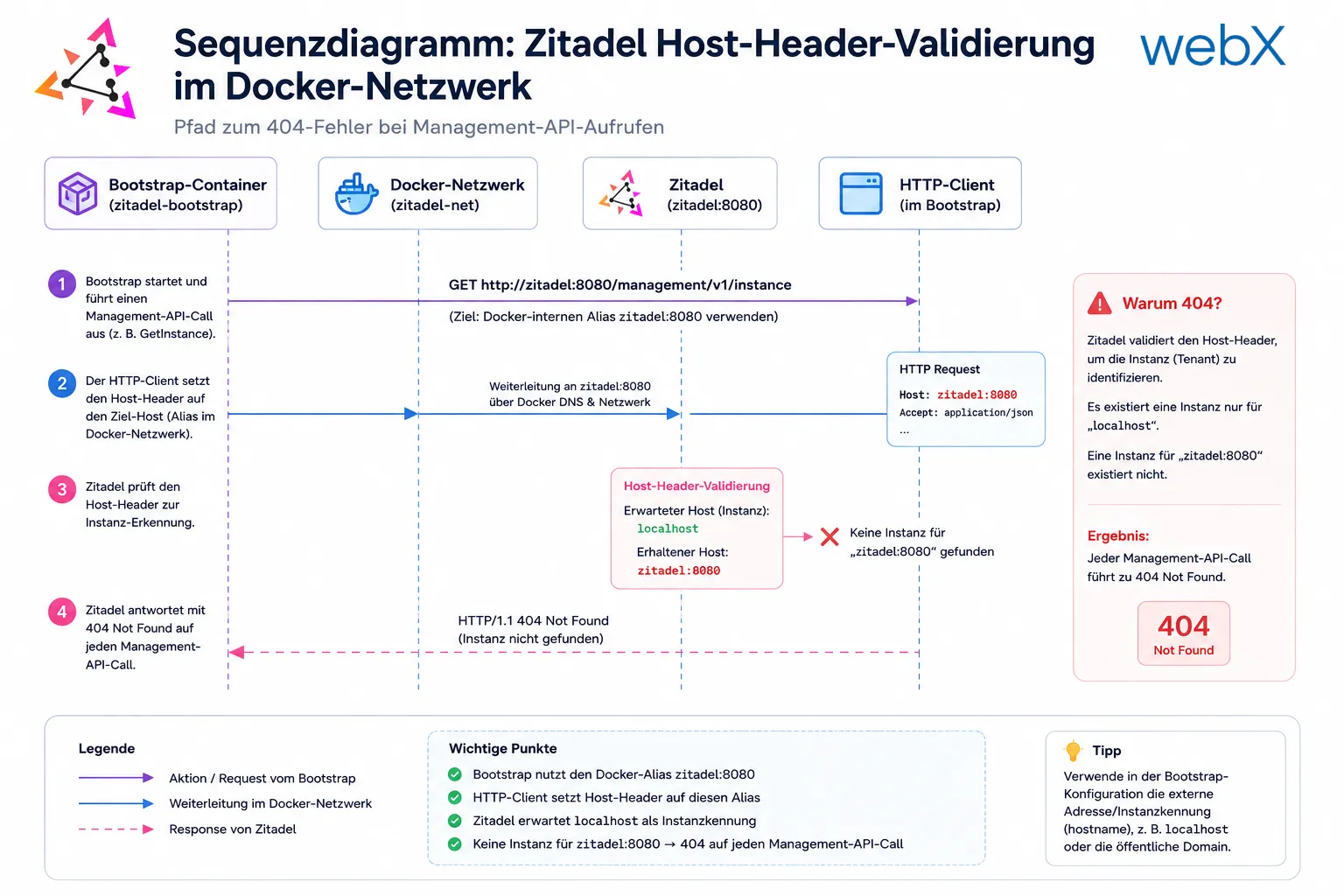
The original German diagram shows the path leading to the 404 error. The bootstrap container addresses Zitadel through the internal Docker alias zitadel:8080. The HTTP client sets the Host header to that alias, but Zitadel expects localhost as its instance identifier. No instance exists for zitadel:8080, so Zitadel responds with 404 to every Management API call.
All articles in the series
- Vision and system overview: Chrome Extension, RAG architecture and project background: Read article
- Building a RAG system: Qdrant, embeddings and cosine similarity in TypeScript: Read article
- AI provider abstraction: Ollama vs. OpenAI, interface design and no vendor lock-in: Read article
- Chrome Extension MV3: Three isolated runtime contexts, message passing and Strategy Pattern: Read article
- Docker Compose strategy: The override pattern, from local development to Azure: Read article
- Ollama locally vs. Docker: The decision and its consequences: Read article
- Ollama auto-pull entrypoint: Automated model setup at container startup: Read article
- tsconfig and Vite:
Node16vs.bundler, and why Vite has its own rules: Read article - Load complete Instagram captions with MutationObserver: Read article
- Chrome Extension foundation with health indicator and retry queue: Read article
- Phase 2 features: Shadow DOM overlay, Tailwind v4 and duplicate detection: Read article
- Race condition in platform detection: How a UI event breaks Instagram detection: Read article
- Extracting PostId in two Instagram layouts: querySelector vs. ancestor traversal: Read article
- Capture a complete Instagram carousel with MutationObserver: Lazy loading, observer-before-click and timeout fallback: Read article
- Notes and tags when saving screenshots: Read article
- Instagram keyboard shortcuts block Chrome Extension input: Read article
- Lowercase normalization and duplicate detection in tag input: Read article
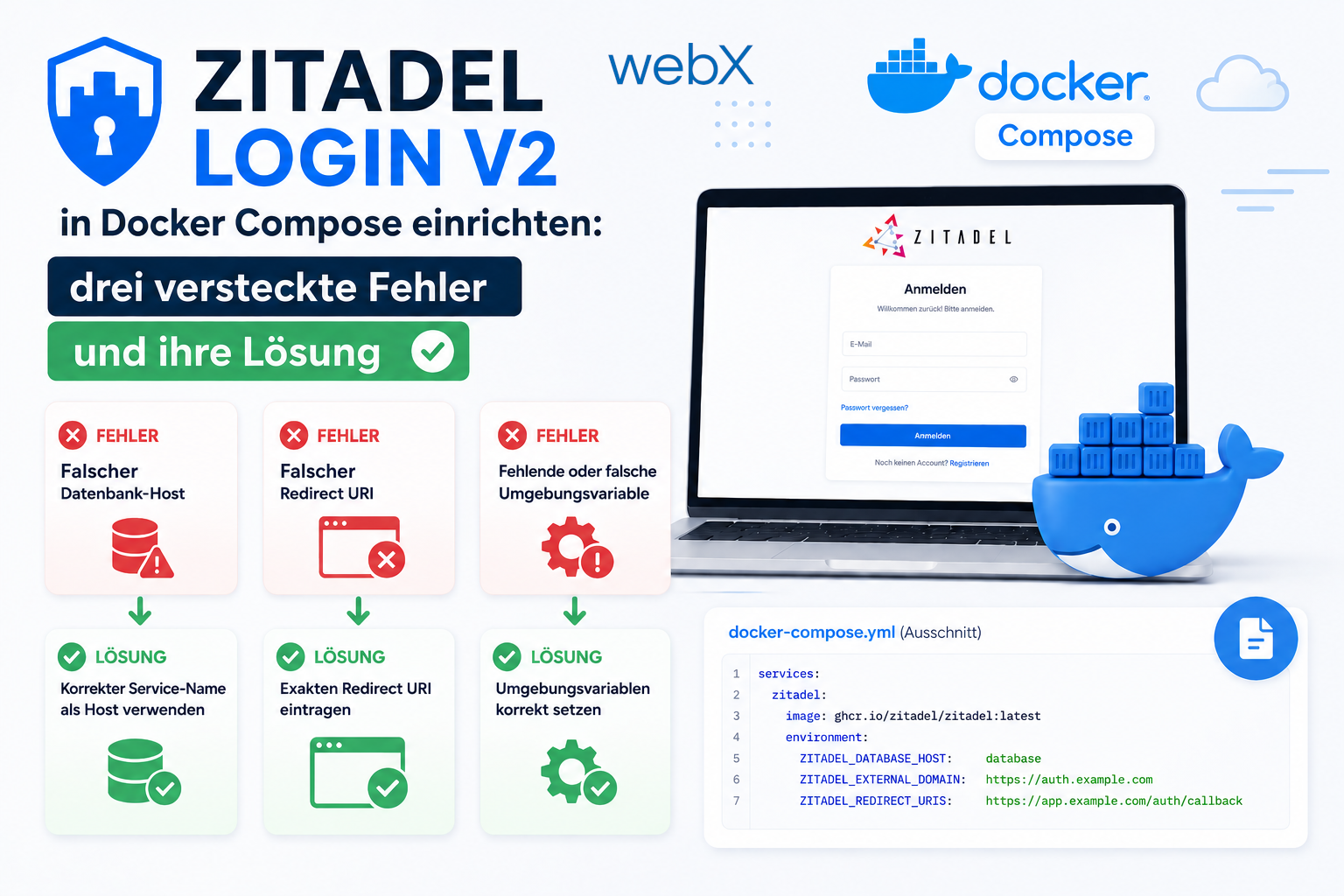
- Zitadel Login V2 in Docker Compose with three hidden errors: Read article
- PKCE OAuth in a Chrome MV3 extension: Read article
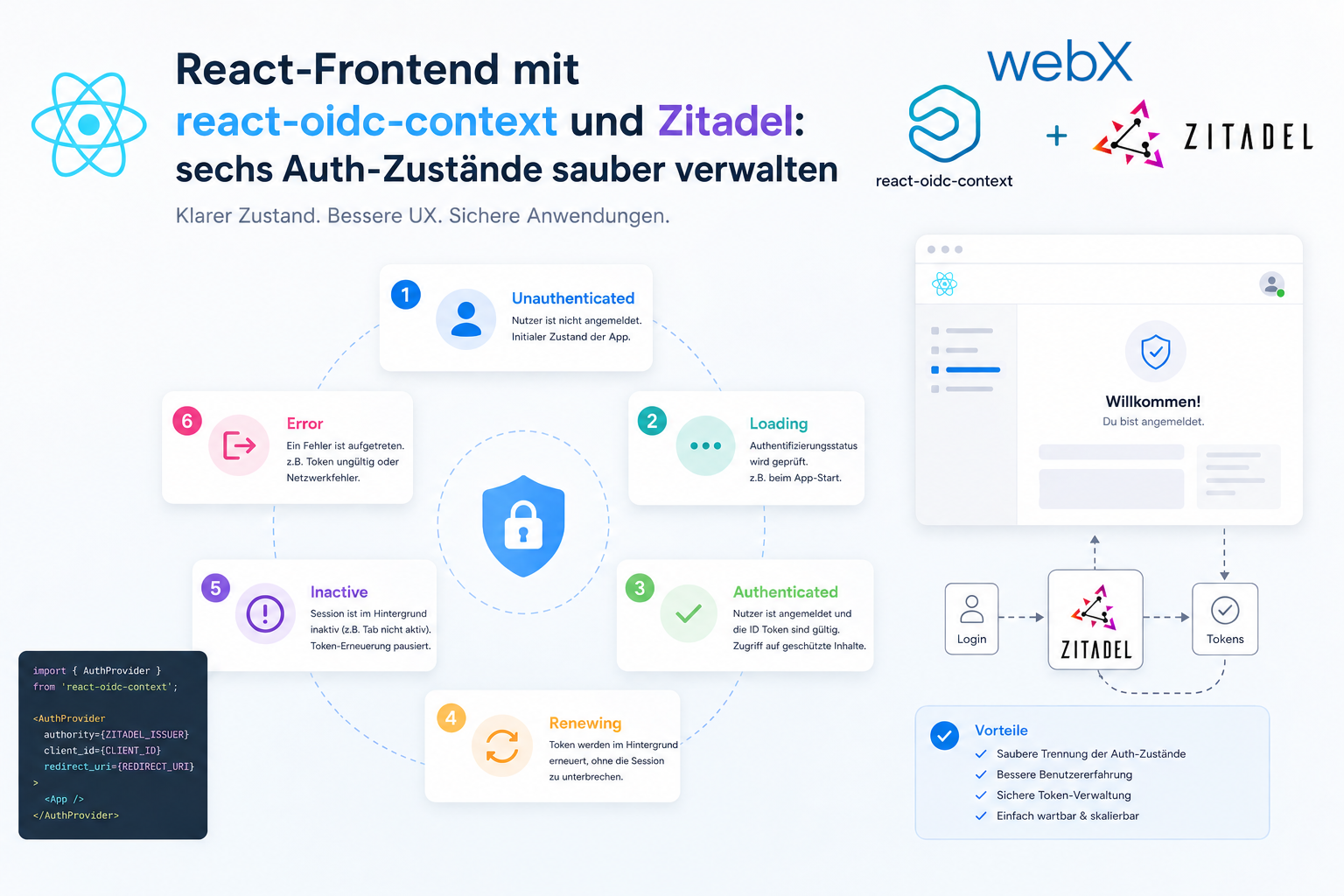
- React frontend with react-oidc-context and Zitadel: Read article
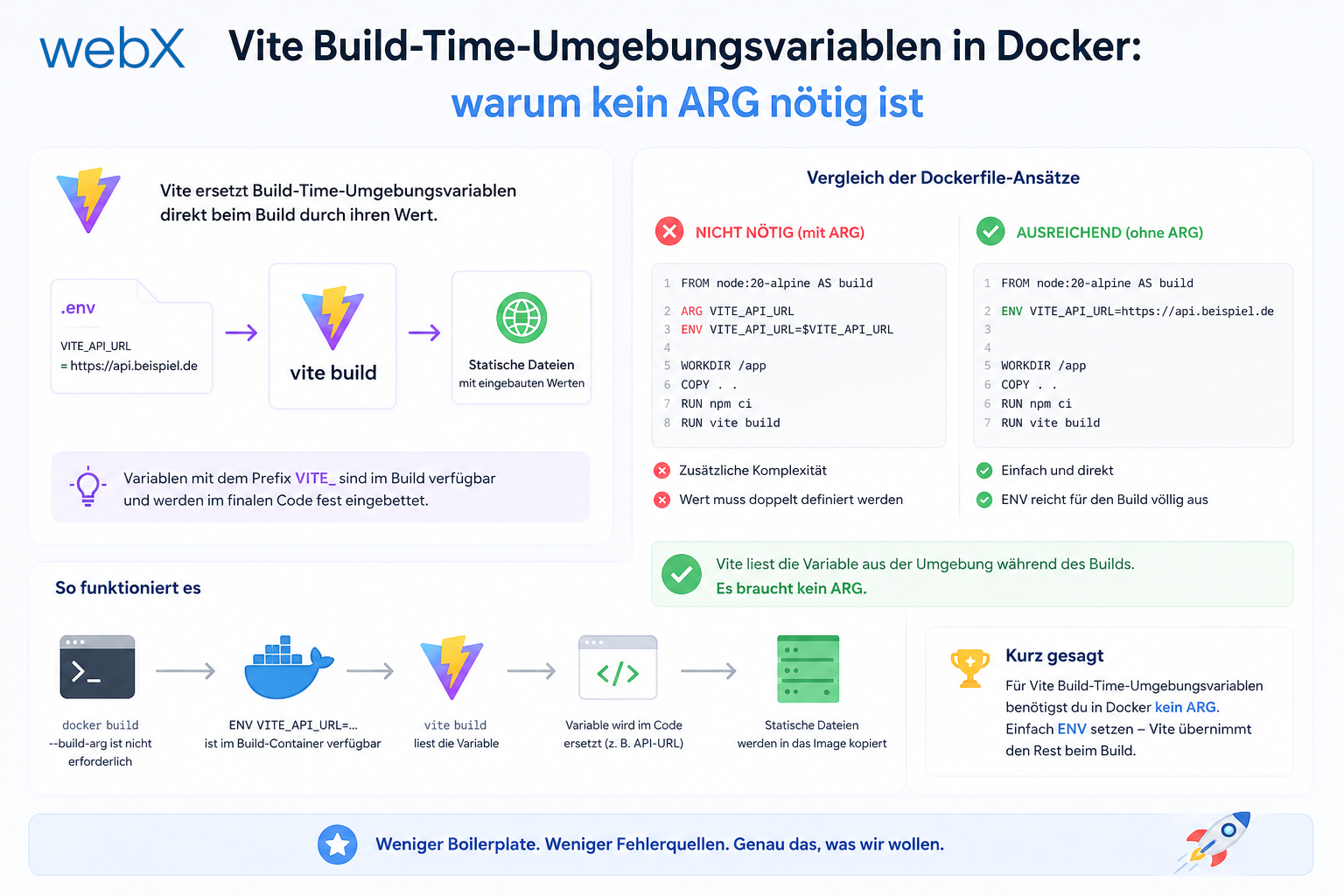
- Vite build-time environment variables in Docker: Read article
- Event-driven ingestion with BullMQ and Redis: Read article
- MinIO instead of Azurite: S3-compatible object storage locally and on Hetzner: Read article
- access_token, id_token and the Userinfo endpoint: Which belongs where: Read article
- Qdrant multi-tenancy with one collection per user: Read article
- When backend and frontend know different types: Read article
- Removing Zitadel bootstrap: Host header bug and manual setup: (this article)
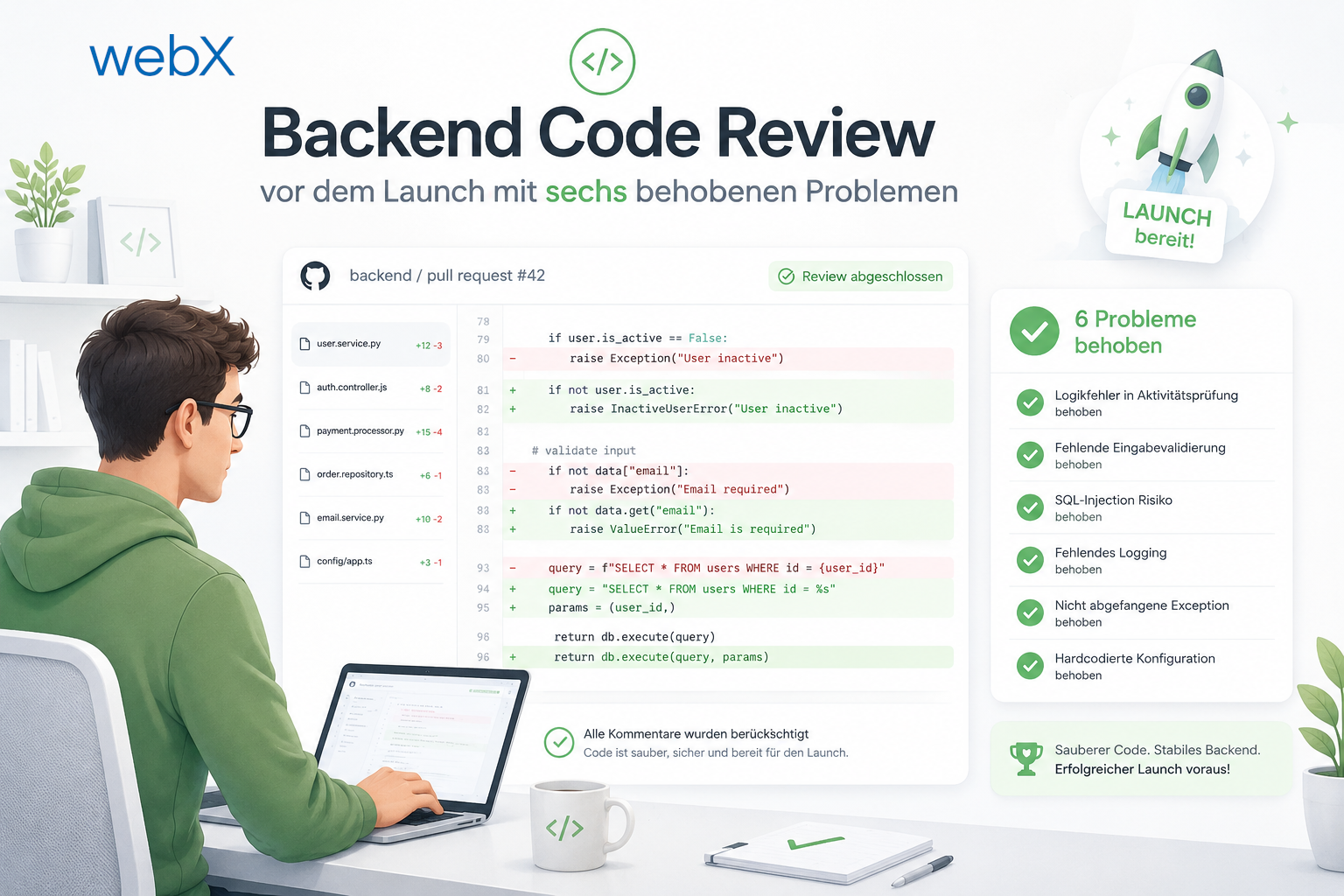
- Backend code review with six problems fixed before launch: Read article
- Traefik instead of NGINX: Reverse proxy for a growing Docker Compose stack: Read article
- Two-layer rate limiting: Traefik and express-rate-limit with Redis: Read article
- Implementing GDPR Article 17 correctly: Promise.allSettled and export batching: Read article
- Embedding model lock-in: Why mxbai-embed-large is a permanent production decision: Read article
- Docker volumes in production: Named volumes, bind mounts and the Hetzner volume approach: Read article
- Two vulnerabilities before launch: Redis without authentication and an exposed Qdrant admin port: Read article
- Traefik as the single entry point in the Docker Compose stack: Read article
- Connecting Zitadel behind Traefik with issuer, JWKS and Login V2: Read article
- Fixing the frontend when the nginx healthcheck fails on localhost: Read article
- Observability for my Docker Compose stack with Bull Board and Dozzle: Read article
- Open the Qdrant dashboard securely with local Traefik and an SSH tunnel: Read article
- Diagnosis of chunking failures despite tokenization: Read article
- Why I set the chunk size to 1500 tokens: Read article
- Splitting the embedding workflow into clear steps: Read article
- Bringing chunking, storage and search back together: Read article
- Capture Intake as a separate module, less orchestration in the Express endpoint: Read article
Are you setting up Zitadel in Docker and facing similar problems? Let us assess it together.