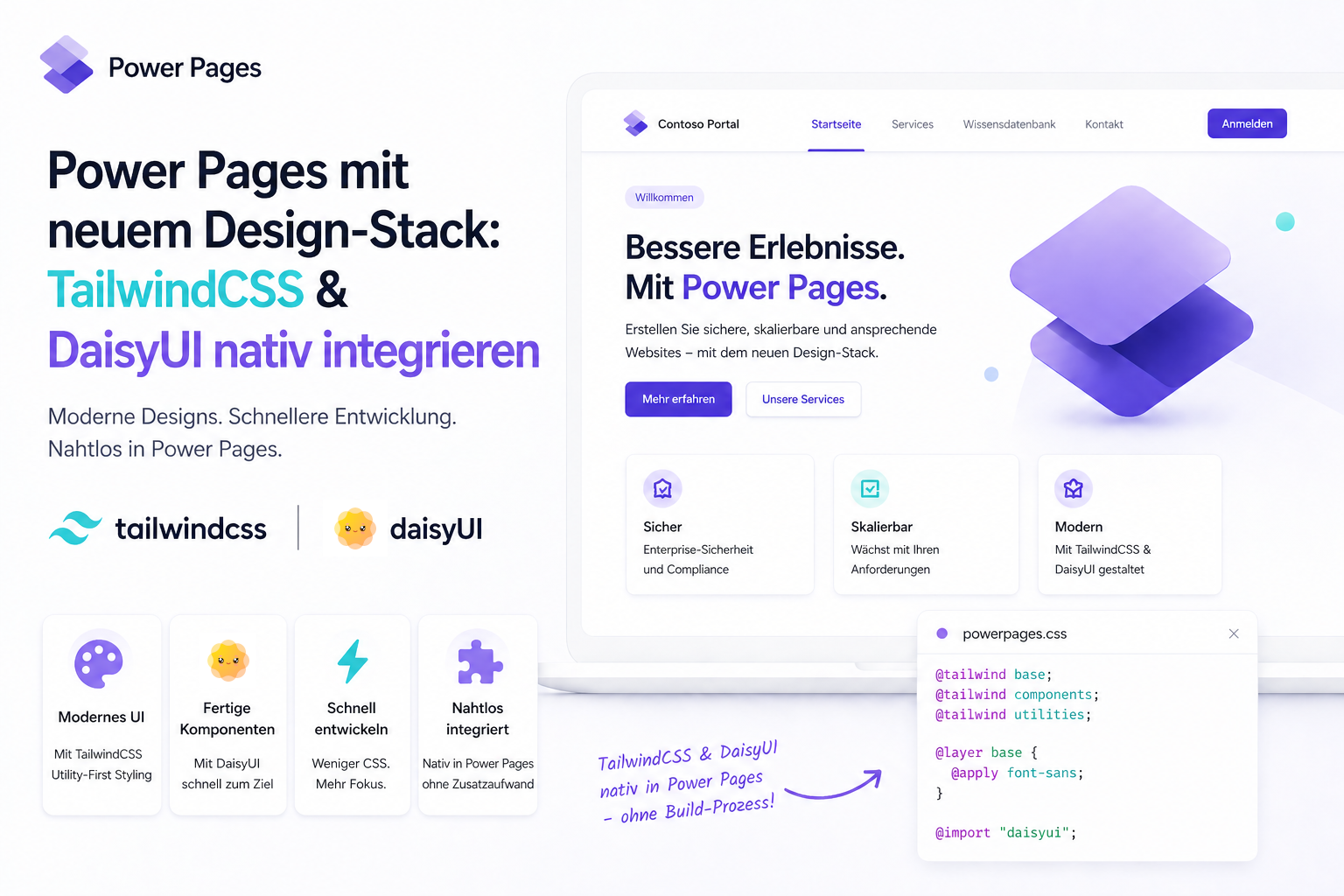
A new design stack for Power Pages with native TailwindCSS and DaisyUI
Standard portal applications often reach their visual limits. Native TailwindCSS and DaisyUI integration creates a modern user experience without compromising the core architecture.
Contents
- The backend is enterprise-ready but the frontend often is not
- The limitations of standard styles
- Rebuilding the header architecture
- Low-code backend with a high-end frontend
The backend is enterprise-ready but the frontend often is not
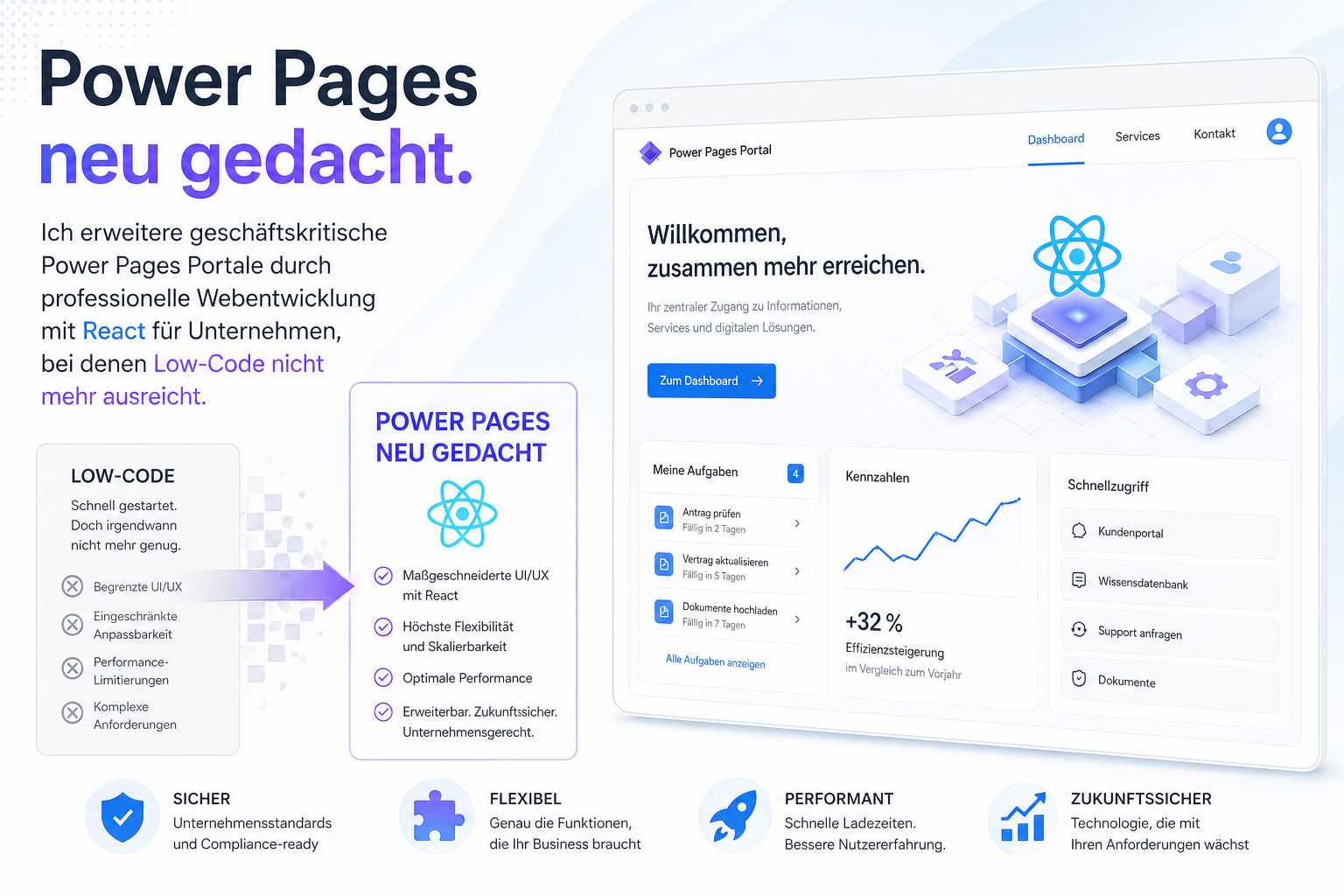
Microsoft Power Pages is a powerful enterprise platform on the backend. Its seamless connection to Microsoft Dataverse, robust identity management and built-in security concepts provide a highly stable foundation.
The platform often presents a different picture when it comes to the frontend and user experience. By default, developers and designers are forced into a rigid Bootstrap grid. Predefined CSS structures and ready-made out-of-the-box components often leave portals looking like site builders from years ago.
This limitation prompted our latest e-commerce showcase project. We wanted to develop a modern, tailored user experience without compromising the core platform or building technical debt through workarounds.
The goal was clearly defined: establish a modern frontend stack with TailwindCSS v4 and DaisyUI v5 natively within Power Pages. The frontend redesign section shows the result.
The limitations of standard styles
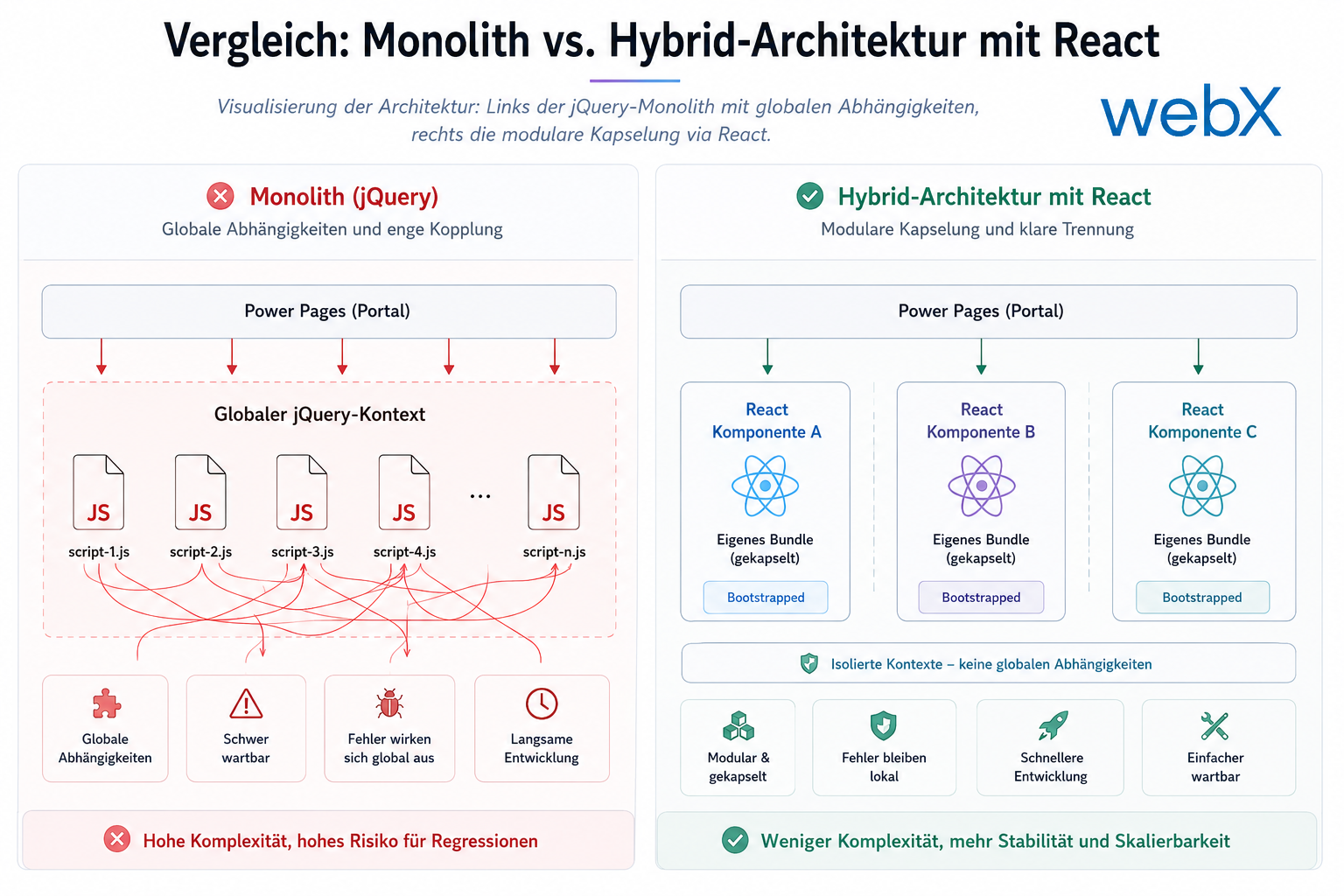
Adding a modern CSS framework such as Tailwind to Power Pages inevitably means dealing with the platform’s native styles. Standard lists, forms and containers bring substantial CSS of their own. We have already analyzed why these standard files are always loaded and how they affect system stability.
A shortsighted solution is to override the existing Bootstrap HTML with countless !important CSS rules. This patchwork approach inevitably creates unmaintainable code and unstable layouts. Understanding how to override CSS cleanly without breaking platform logic requires a detailed grasp of the loading order. A headless approach with a completely decoupled frontend would be another option, but it would eliminate many out-of-the-box benefits of the Power Platform.
Our architectural approach did not ignore the platform standards. Instead, we selectively replaced them with structured custom implementations where necessary. We use a three-layer strategy for CSS isolation to ensure that our modern design system does not collide with legacy styles.
Rebuilding the header architecture
The main navigation, or header, is the clearest example. In Power Pages, the header is one of the most complex standard components. It contains substantial business logic, including the distinction between authenticated and anonymous users, dynamic dropdown menus and responsive mobile navigation. The header redevelopment section explains the details.
Rather than laboriously restyling the existing component, we discarded the entire header and rebuilt its architecture. By analyzing the underlying Liquid templates, we extracted the navigation’s pure data structure. We then developed the user interface from scratch on that basis.
The result is a fully tailored component. Instead of rigid Bootstrap layouts, the portal now has a fluid, responsive design that feels native, including modern hover states, clean transitions and performant mobile navigation.
Low-code backend with a high-end frontend
The most important architectural lesson from this project is that low-code platforms do not force companies to accept a second-rate user experience.
The platform is often used as an excuse for outdated interfaces. But developers who understand its architecture and rendering through Liquid templates can use almost any modern frontend stack. Deliberately separating data through Liquid from design through TailwindCSS makes it possible to build tailored enterprise portals with high visual and technical standards. The technology stack provides a complete list of the tools used.
Adding TailwindCSS and DaisyUI natively to Power Pages is a matter of choosing the right architecture. Using the platform as a robust backend and orchestrating the frontend with modern web technologies creates portals that are both functional and visually convincing, without compromising Power Platform scalability or security.