Power Pages design and why standard files always load
Learn why Microsoft Power Pages automatically loads standard CSS and JavaScript files even when you disable or delete them, how they affect your portal design, and how a small JavaScript snippet lets you regain control over loaded resources.
Note: This is part 1 of our three-part series on Power Pages design.
Contents
- Standard files in a Power Pages portal
- How standard files affect the design
- Why deleting files in Power Pages does not help
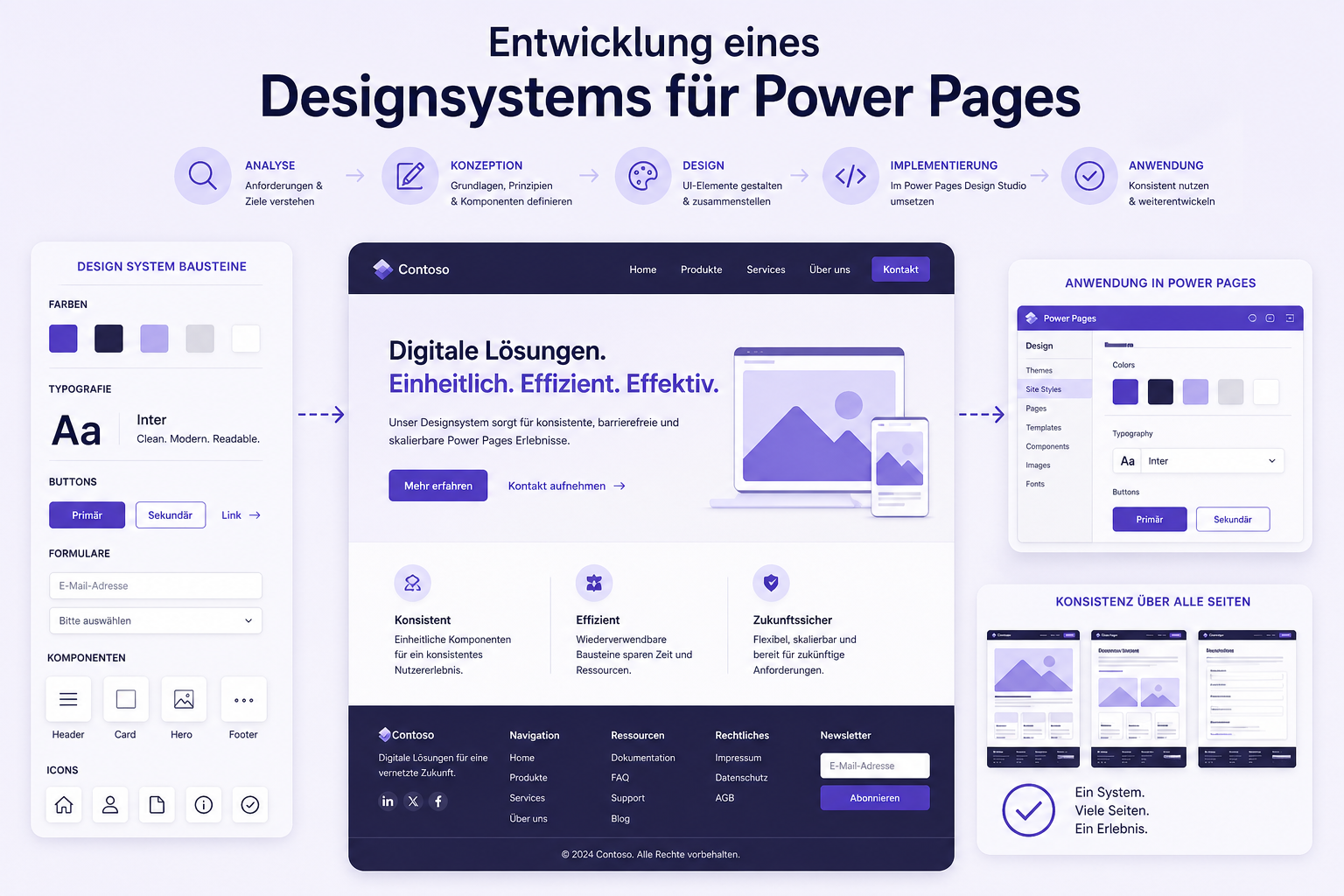
- Implementing a custom Power Pages design
Standard files in a Power Pages portal
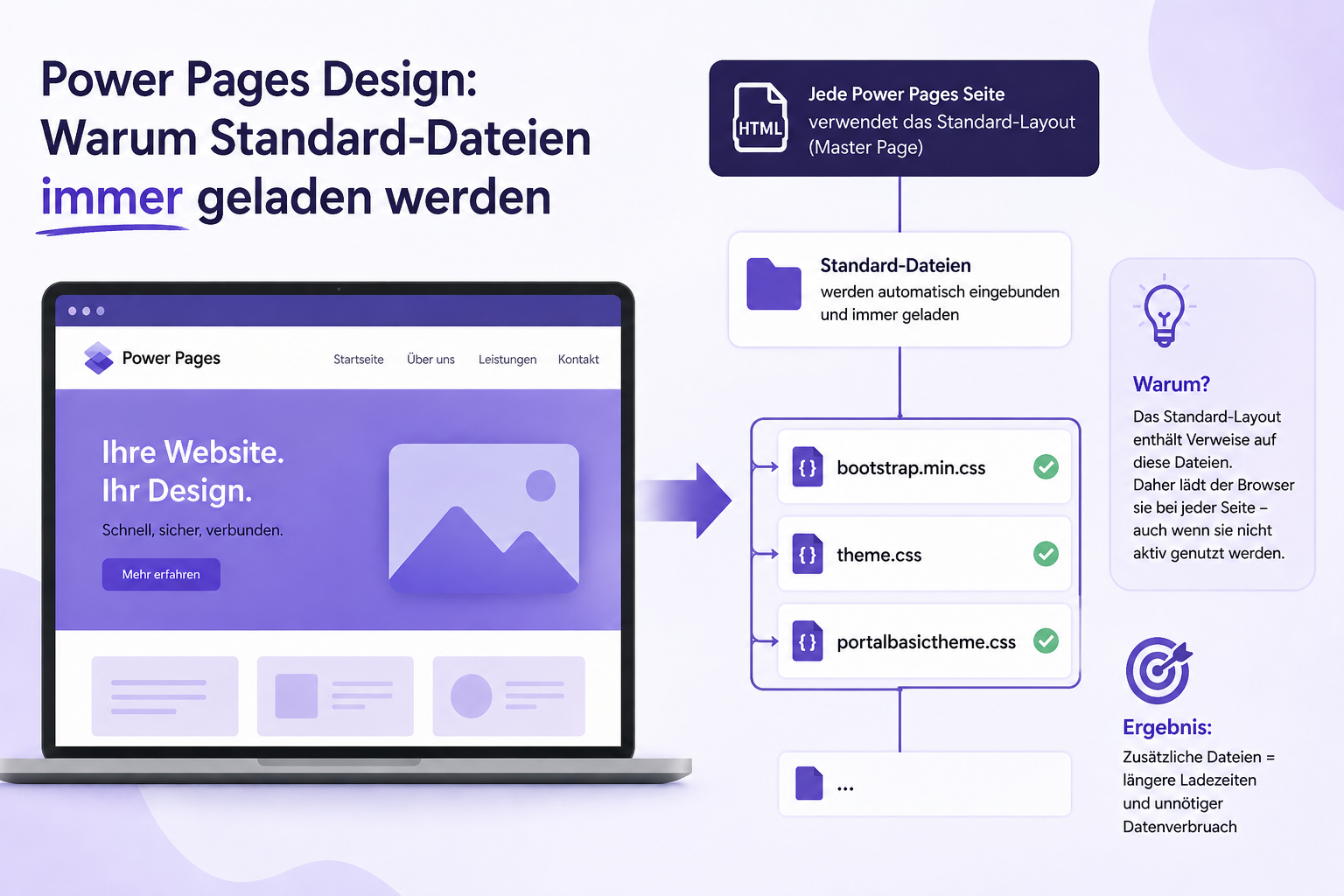
If you want to implement a custom Power Pages design, you quickly discover that Microsoft automatically loads numerous CSS and JavaScript files. These standard files come directly from Microsoft and are included in every portal, regardless of your individual settings.
The Microsoft Power Pages platform loads these resources by default from https://content.powerapps.com/resource/powerappsportal/dist/.
This means that even if you try to disable or delete particular files, they remain active. They provide the technical foundation for your portal’s design and functionality.
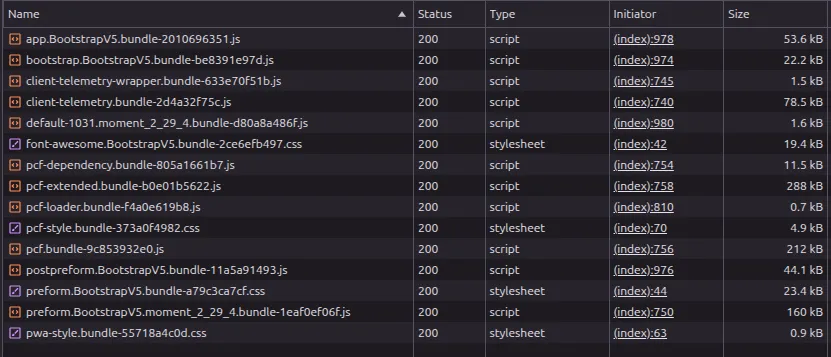 Figure: Network analysis shows the CSS and JavaScript files loaded automatically by Power Pages. These system files remain active even when custom changes are planned later. The original screenshot retains its German interface.
How standard files affect the design
Even if you disable or completely remove standard web files such as bootstrap.min.css, theme.css or portalbasictheme.css in Power Pages, they still appear in network analysis. Power Pages infrastructure always delivers these CSS and JavaScript files to maintain the basic portal layout. For a fully custom design, however, these fixed defaults can often be restrictive.
According to the official Microsoft documentation, they are an integral part of the standard Power Pages design. Developing custom styling therefore requires a way to work with these system resources.
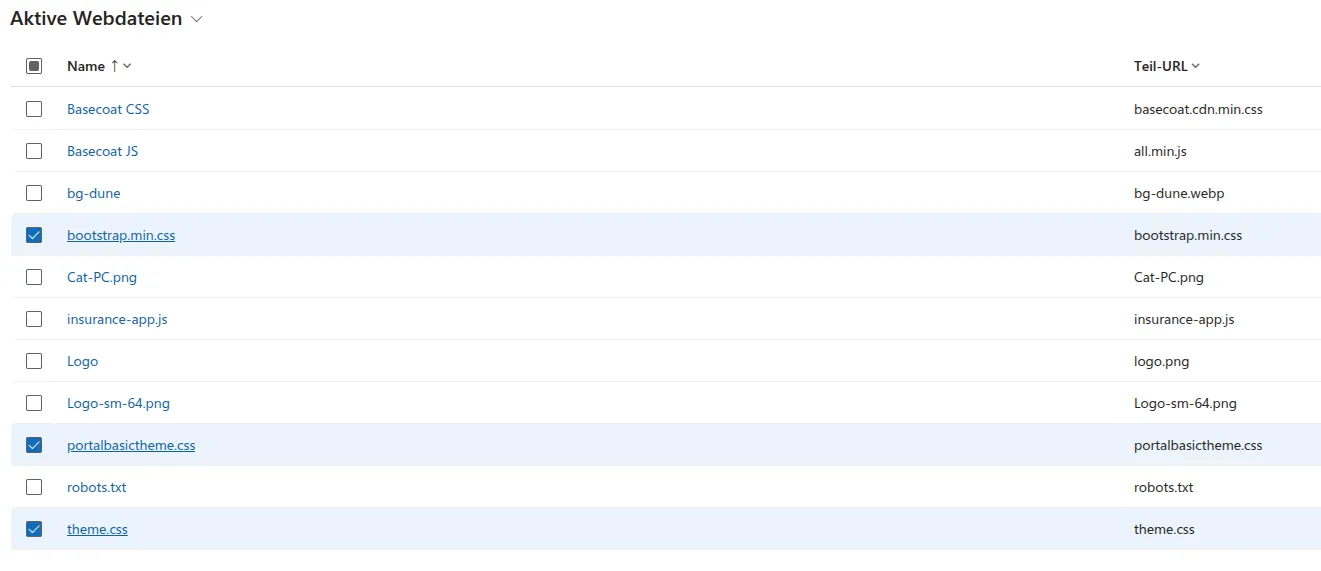 Figure: The management interface shows the portal’s managed web files. In the browser, core standard files continue loading even though they may appear disabled or deleted here. The original screenshot retains its German interface.
Why deleting files in Power Pages does not help
Many developers try deleting standard files in Power Pages Studio or directly in the management app, but this does not work. The portal continues loading the files unchanged.
The reason is that they are deeply embedded in the system architecture. Disabling them in the database has no effect on actual browser loading behavior.
Implementing a custom Power Pages design
Can this problem be addressed? Not directly at system level, but you can act in the browser. A targeted JavaScript snippet can remove unwanted standard files from the DOM after the page loads.
To learn how to build a stable, custom design system in Power Pages despite these constraints, continue with the next article. Our case study shows how such a design system is implemented in a real enterprise project:
Power Pages design series
- Why standard files always load (you are here)
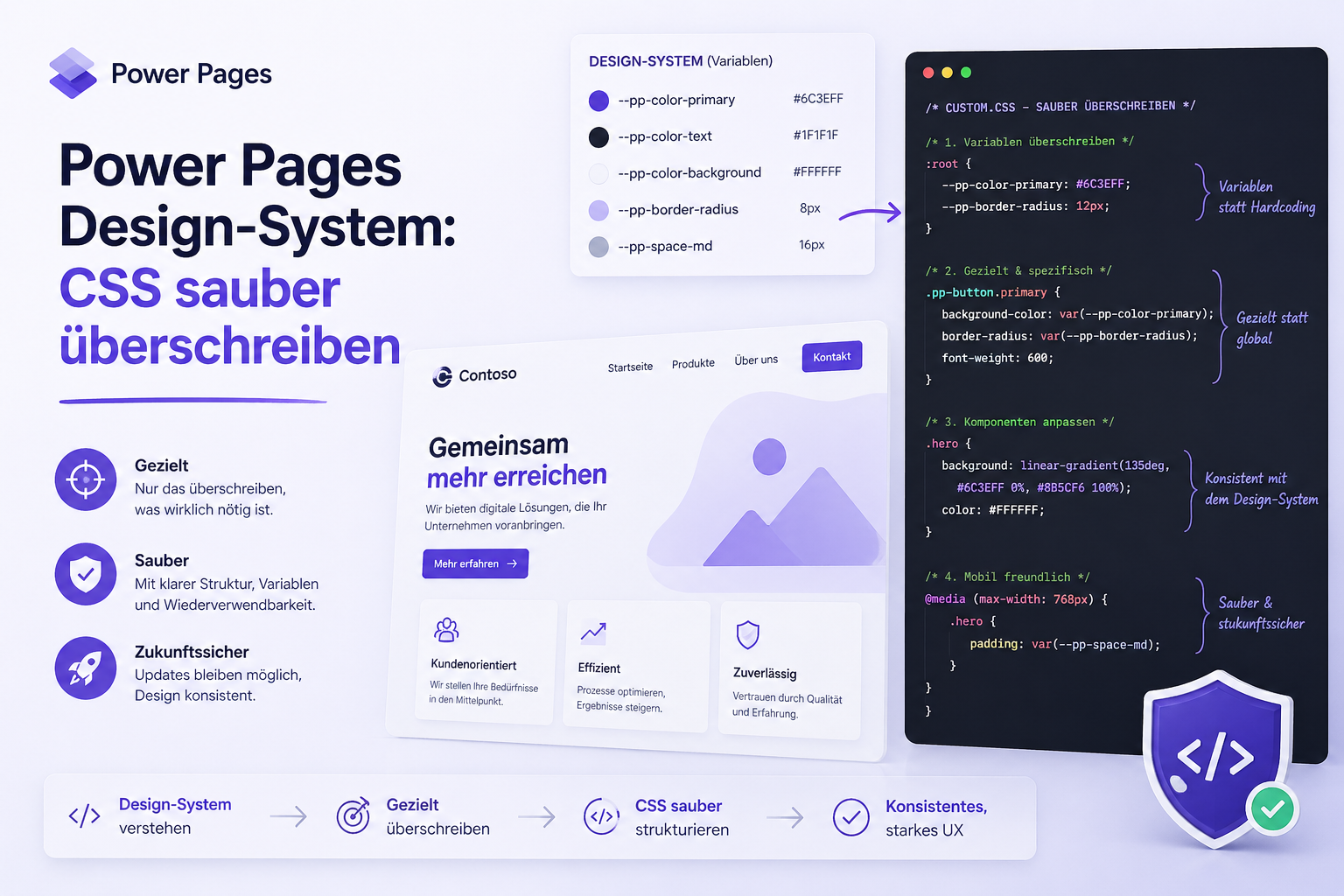
- Continue with part 2: Override CSS cleanly
- Part 3: CSS isolation and the three-layer strategy