Power Pages React CustomEvents for decoupled search results
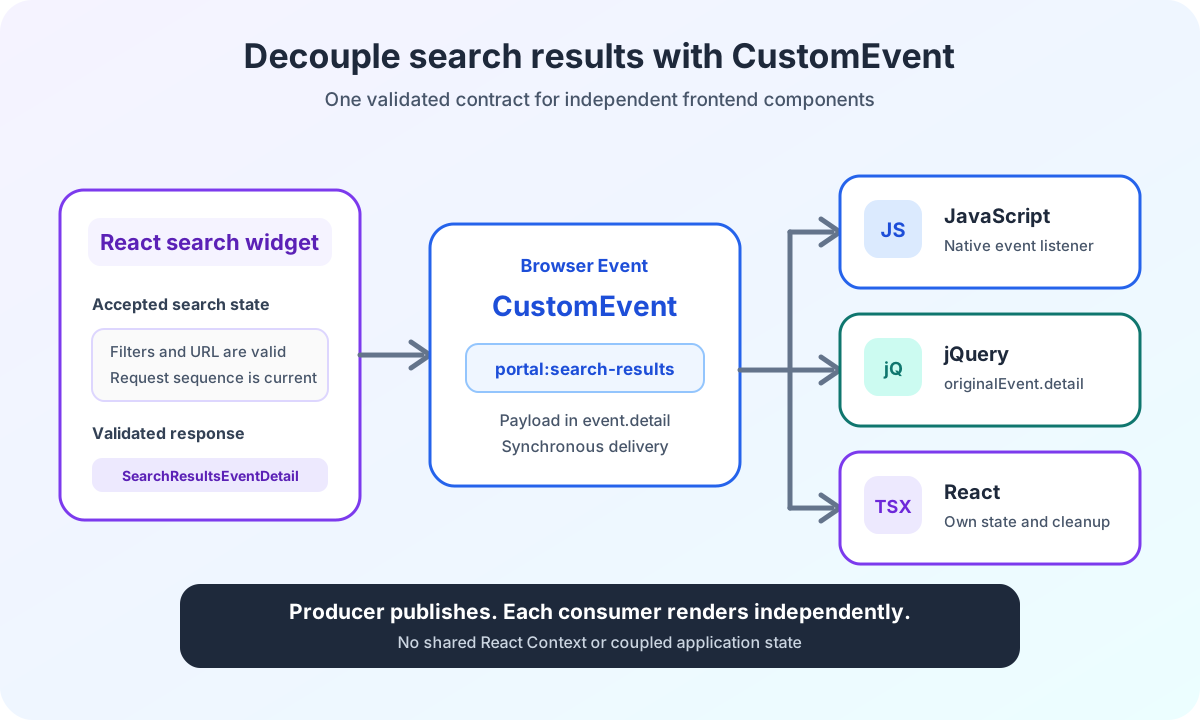
Power Pages React CustomEvents separate search state and results. JavaScript, jQuery and React consume validated contracts without shared application state.
Contents
- Why Power Pages search results are not rendered in the React widget
- Which CustomEvents does a Power Pages React search need?
- What does the search-changed event contain in Power Pages?
- Why is the Power Pages search state published before the result?
- What does the search-results event contain in React?
- How does React prevent stale search results with CustomEvents?
- Why do browser CustomEvents have no replay?
- How does Vanilla JavaScript read Power Pages CustomEvents?
- How does jQuery read a CustomEvent’s detail field?
- How does React register a CustomEvent listener correctly?
- Why must consumers not modify the CustomEvent payload?
- How do slow listeners affect CustomEvent delivery?
- How are Power Pages event contracts versioned?
- When are browser CustomEvents useful in Power Pages?
Why Power Pages search results are not rendered in the React widget
A complex Power Pages search can quickly become one large React application.
The search form then knows the result list. The result list accesses the same React Context. A map view needs the same hooks. Existing JavaScript must either be replaced or added to the bundle.
This coupling works as long as one team ships every interface together.
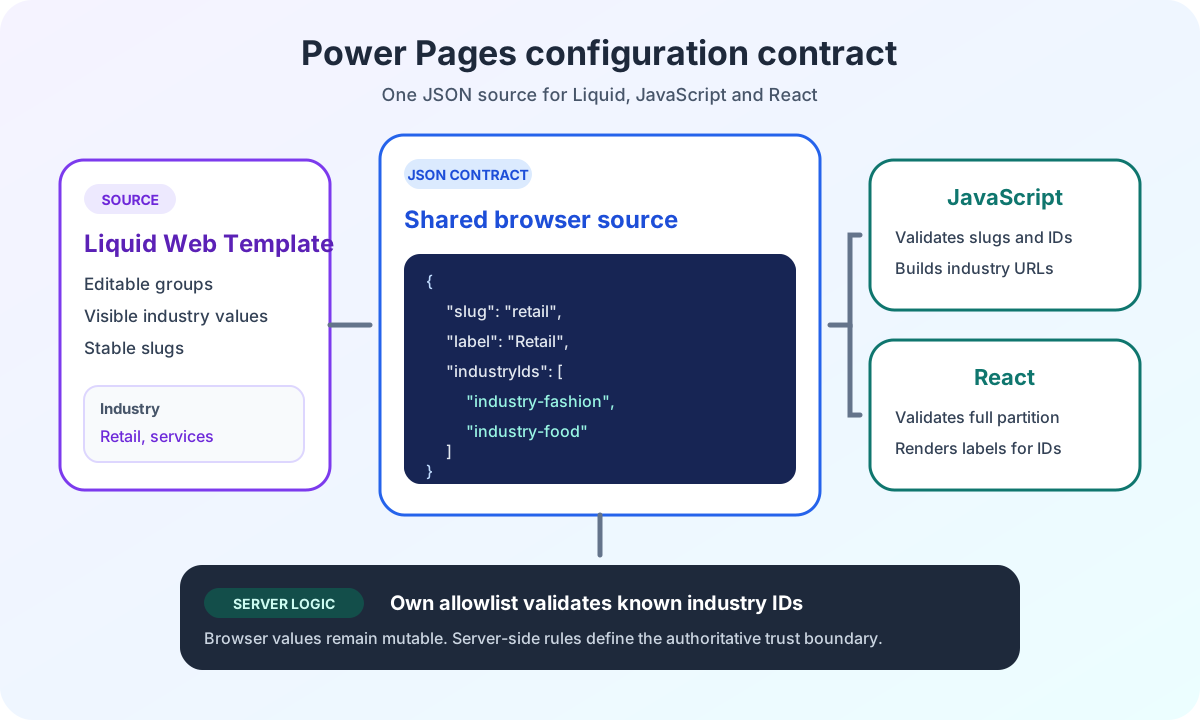
In Power Pages, that often does not reflect the actual project context. Web Templates, existing jQuery components and new React applications evolve independently. They may have different release cycles.
I therefore let the search widget publish two browser events. The first describes an accepted search state. The second delivers a parsed search response.
The Power Pages enterprise search architecture overview places this event boundary in the complete path from React through Server Logic to Dataverse.
Which CustomEvents does a Power Pages React search need?
A single event would be too imprecise.
The application must distinguish whether a new search state has been accepted or the backend has already returned a response.
I use two generalized names for this:
const SEARCH_CHANGED_EVENT_NAME = 'portal:search-changed';
const SEARCH_RESULTS_EVENT_NAME = 'portal:search-results';
search-changed is dispatched after a URL update or repair and always before the complete Search request.
search-results follows only when the current request has returned a response and the runtime parser has accepted it.
The names in the production portal remain project-specific. The contract matters more than the prefix.
The state event belongs only to the results-page mode update-url. The landing page in navigate mode moves directly to the target page and does not publish a search-changed event.
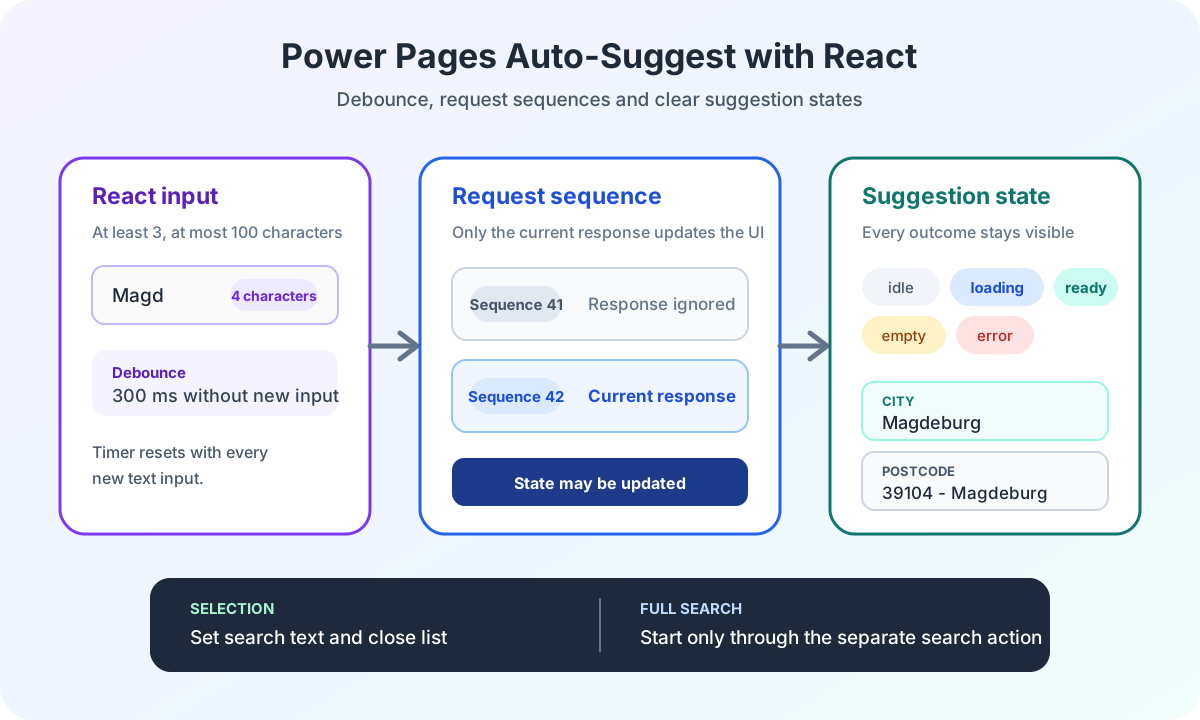
Selecting a suggestion does not publish a state event either. The article on robust auto-suggest in Power Pages explains why selection only sets the search text.
Aspect | portal:search-changed | portal:search-results |
|---|---|---|
Timing | After an accepted URL update or repair | After a response and successful runtime validation |
Payload | Cause, filters, query string and URL | Validated Custom API response |
Meaning | A new search state was accepted | The current request returned a structurally accepted response |
Event name | Configurable through host configuration | Fixed in the current implementation |
Landing page | Not published | Not published |
What does the search-changed event contain in Power Pages?
The state event contains no HTTP response:
type SearchChangedCause = 'initial-load' | 'submit' | 'popstate' | 'reset';

interface SearchFilters {
  readonly searchText: string;
  readonly placeTypes: readonly number[];
  readonly areaMin: number | null;
  readonly areaMax: number | null;
}

interface SearchChangedEventDetail {
  readonly version: 1;
  readonly cause: SearchChangedCause;
  readonly filters: SearchFilters;
  readonly queryString: string;
  readonly url: string;
}
The cause makes the trigger visible:
Cause | Meaning |
|---|---|
initial-load | The results page restored its state from the URL |
submit | A portal user submitted a new search |
popstate | Forward or Back activated an earlier URL state |
reset | An external reset signal reset the applied filters |
The version: 1 field belongs to the event contract. Consumers can reject unknown versions before interpreting fields.
The visible reset action within the widget currently uses the normal submit flow. The reset cause identifies only the external reset signal.
The article on URL state and browser history shows how initial-load, submit and popstate prepare the search state.
Why is the Power Pages search state published before the result?
A new search on the results page follows this order:
function executeSearch(nextFilters: SearchFilters): void {
  const preparation = controller.prepare(nextFilters);

  if (!preparation.isValid) {
    showValidationError(preparation.validationErrors[0] ?? 'The search filters are invalid.');
    return;
  }

  const url = updateCurrentSearchUrl(preparation.prepared.serializedSearch.queryString);

  dispatchSearchChanged(
    SEARCH_CHANGED_EVENT_NAME,
    'submit',
    preparation.prepared.filters,
    preparation.prepared.serializedSearch.queryString,
    url
  );

  runPreparedSearch(preparation.prepared);
}
A consumer can therefore immediately display a loading state, record the current URL or close old result details.
The event does not yet promise success.
If Server Logic, Dataverse or the parser later returns an error, search-changed has already been dispatched. It is not reversed. A consumer must therefore not interpret the event as successful result delivery.
The state event’s name can be adjusted through the central React host’s JSON configuration. The result event, by contrast, uses a fixed name in the current implementation.
What does the search-results event contain in React?
The result contract is a generalized form of the already validated Custom API response:
interface SearchResultItem {
  readonly id: string;
  readonly name: string;
}

interface SearchResponse {
  readonly lcid: number;
  readonly createdAt: string;
  readonly objects: readonly SearchResultItem[];
}

interface SearchApiData<TContent> {
  readonly IsSucceeded: boolean;
  readonly Content: TContent;
}

type SearchResultsEventDetail = SearchApiData<SearchResponse>;
The widget publishes the response after the parser:
function dispatchSearchResults(eventName: string, response: SearchResultsEventDetail): void {
  window.dispatchEvent(
    new CustomEvent<SearchResultsEventDetail>(eventName, {
      detail: response,
    })
  );
}
The CustomEvent API provides the application-specific payload through detail.
The widget always calls this function with SEARCH_RESULTS_EVENT_NAME. Unlike the state event’s name, this value does not come from runtime configuration.
The event means that transport and parser have delivered a structurally accepted response. It does not automatically mean that IsSucceeded is true. Consumers still check that field.
The article on typed React and Dataverse contracts shows which parsers run before this handoff.
How does React prevent stale search results with CustomEvents?
A user can start a new search while an older request is still running.
If the older response arrives later, it must not overwrite the current result view.
The widget therefore assigns a sequence number:
const requestSequence = { current: 0 };

function runPreparedSearch(preparedSearch: PreparedSearch): void {
  const requestId = requestSequence.current + 1;
  requestSequence.current = requestId;

  controller.submitPrepared(preparedSearch).then(
    (result) => {
      if (requestSequence.current !== requestId) {
        return;
      }

      dispatchSearchResults(SEARCH_RESULTS_EVENT_NAME, result.response);
      notifyLocalConsumer(result.filters);
    },
    (error: unknown) => {
      if (requestSequence.current !== requestId) {
        return;
      }

      showSearchError(error);
    }
  );
}
A stale response produces no result event. The same applies to a failed request or a response rejected by the parser.
This rule protects more than React state. It protects every Vanilla JavaScript, jQuery or React consumer that subscribes to the result event.
Why do browser CustomEvents have no replay?
A DOM event exists only during its delivery.
A listener registered after the initial search-results event does not receive the existing response afterward.
I therefore register consumers before starting the search widget:
<script>
  function handleSearchResults(event) {
    window.latestSearchResponse = event.detail;
  }

  window.addEventListener('portal:search-results', handleSearchResults);
</script>
<script src="/assets/search-widget.js" defer></script>
This order is especially important for the initial request. The widget starts it after mounting on the results page.
If a consumer loaded later also needs the current state, an event bus without replay is not enough. The page then needs its own store, an explicit request or another recovery mechanism.
How does Vanilla JavaScript read Power Pages CustomEvents?
A Power Pages Web Template needs no React dependency:
function handleSearchResults(event) {
  const response = event.detail;

  if (response.IsSucceeded !== true) {
    renderSearchError();
    return;
  }

  renderResultCards(response.Content.objects);
}

window.addEventListener('portal:search-results', handleSearchResults);

function disposeSearchResultsConsumer() {
  window.removeEventListener('portal:search-results', handleSearchResults);
}
The reference to handleSearchResults must be identical when removing it. A new anonymous function would not remove the registered listener.
How does jQuery read a CustomEvent’s detail field?
jQuery wraps the native browser event:
function handleSearchResults(event) {
  const response = event.originalEvent?.detail;

  if (response?.IsSucceeded !== true) {
    renderSearchError();
    return;
  }

  renderResultCards(response.Content.objects);
}

$(window).on('portal:search-results', handleSearchResults);

function disposeSearchResultsConsumer() {
  $(window).off('portal:search-results', handleSearchResults);
}
I read the payload through originalEvent.detail. This lets the consumer explicitly access the native browser event, independently of which properties the jQuery version copies onto its wrapper event.
How does React register a CustomEvent listener correctly?
A separate React application can subscribe to the contract without importing Context or hooks from the search widget:
import { useEffect, useState } from 'react';

export function SearchResultsConsumer(): React.JSX.Element {
  const [response, setResponse] = useState<SearchResultsEventDetail | null>(null);

  useEffect(() => {
    const handleSearchResults = (event: Event): void => {
      const customEvent = event as CustomEvent<SearchResultsEventDetail>;
      setResponse(customEvent.detail);
    };

    window.addEventListener(SEARCH_RESULTS_EVENT_NAME, handleSearchResults);

    return () => {
      window.removeEventListener(SEARCH_RESULTS_EVENT_NAME, handleSearchResults);
    };
  }, []);

  return <ResultList response={response} />;
}
The cleanup prevents duplicate listeners after a remount.
The TypeScript assertion does not validate runtime data. It only describes the expected contract. In this architecture, the producer has already parsed the backend response. Other scripts in the same window can still dispatch an event with the same name.
An event is therefore not a security boundary.
Consumer | Payload access | Registration | Cleanup |
|---|---|---|---|
JavaScript | event.detail | window.addEventListener | The same handler reference with |
jQuery | event.originalEvent?.detail | $(window).on | The same handler reference with |
React | Assertion to |
| The effect’s return function removes the listener |
Why must consumers not modify the CustomEvent payload?
CustomEvent.detail is not automatically deep-copied.
All listeners receive the same object reference. TypeScript readonly prevents mutations only during compilation.
I therefore treat the payload as an immutable contract. A consumer creates its own view models if it needs to sort, group or enrich data.
This prevents one listener’s mutation from changing the behavior of a listener executed later.
How do slow listeners affect CustomEvent delivery?
window.dispatchEvent invokes registered listeners synchronously.
This does not make the backend request synchronous. search-results is dispatched only in the asynchronous Promise success handler. Delivery of that individual event then runs synchronously through all listeners.
A consumer should therefore not perform expensive synchronous calculations in its handler. It can set state, start a rendering pipeline or schedule substantial work to continue later.
The addEventListener documentation also shows why the same listener reference is required for later removal.
How are Power Pages event contracts versioned?
search-changed already has version: 1.
The current search-results payload, by contrast, is directly the API response. It has no separate event version field.
I therefore do not describe this contract as already fully versioned.
There are two clean options before an incompatible change:
- Give the result event its own versioned envelope.
- Give a new major version a new event name.
A silent change to existing fields would break independent consumers simultaneously.
When are browser CustomEvents useful in Power Pages?
CustomEvents fit when producer and consumer run in the same browser window and share a small documented contract.
They suit Power Pages pages where existing Web Templates, jQuery and separate React bundles work together.
They do not replace a global application store when consumers need replay, persisted state or complex bidirectional communication. They also replace neither a cross-frame message bus nor server-side integration.
The ECE Power Pages enterprise search case study shows the project context for this decoupling.
Are you planning a Power Pages interface with multiple frontend technologies and separate release cycles? The Power Pages Pro-Code section shows how I establish these contracts and integration boundaries.