Batch editing in Power Pages with fast browser-side data validation
Learn how to validate hundreds of records in real time and use optimized lookups to keep the user interface responsive.
Contents
- Why standard web forms struggle with bulk data
- Client-side intelligence instead of constant server round trips
- Implementation with fast lookups and tab navigation
- A user interface that adapts
Why standard web forms struggle with bulk data
Anyone who has tried editing a long list of entries individually in a standard portal knows the frustration. Every change requires loading a new page or at least a slow server round trip. With hundreds of records, this is simply unusable.
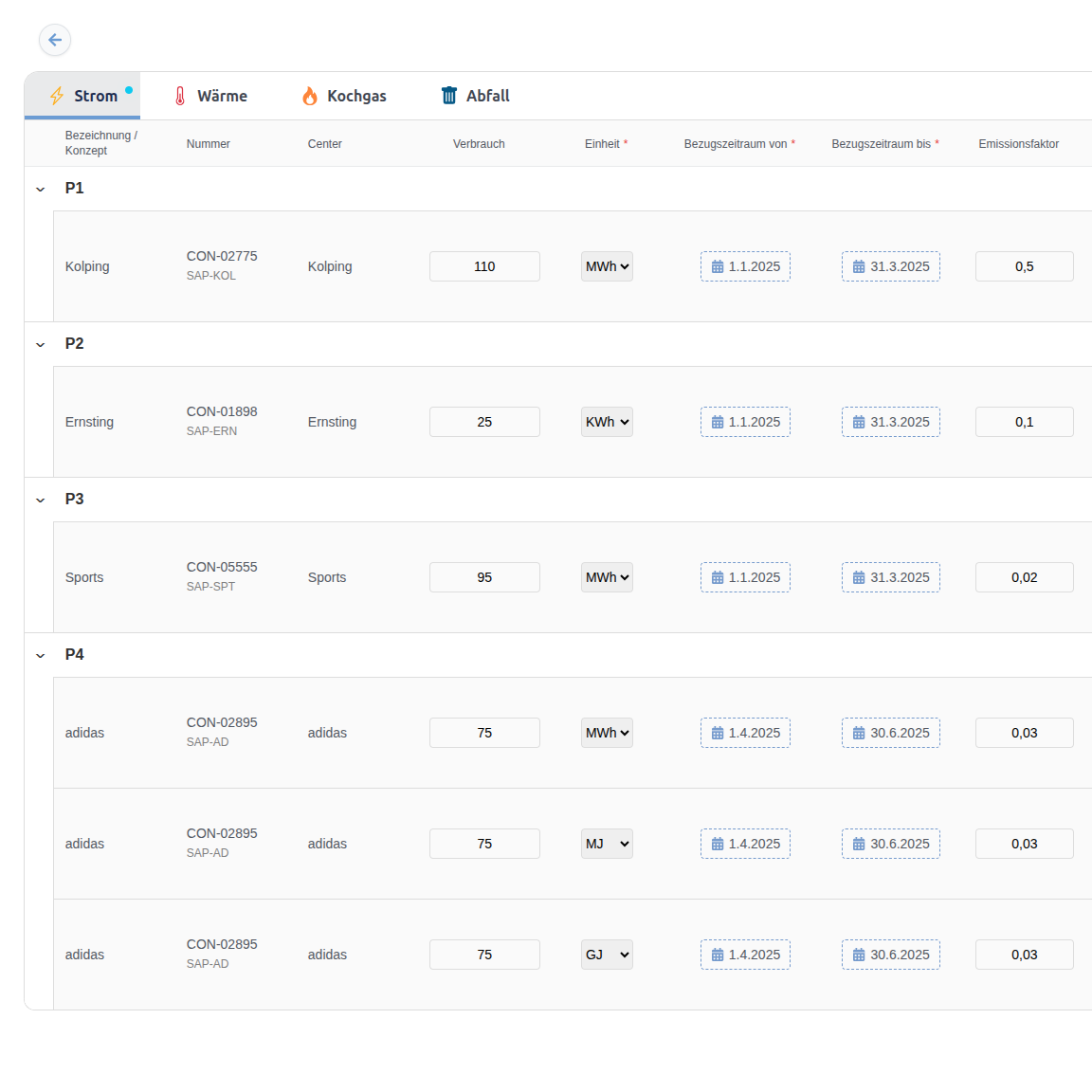
I faced exactly this problem. Users needed to adjust and approve a large number of meter readings. The way I built this data management with batch operations was crucial to acceptance. Without a fast bulk-editing solution, the portal would ultimately not have been accepted.
Client-side intelligence instead of constant server round trips
I chose an architecture that moves all validation logic into the frontend. The React application controls the entire user interface and validates inputs in real time in the user’s browser.
Instead of requesting the previous year’s value from the server for each meter reading, we load these values in a batch when the application starts. The data is made available in a highly optimized browser-side structure so that validation takes place without any perceptible delay.
Implementation with fast lookups and tab navigation
For a fast implementation, I built an optimized data structure in the frontend.
I use a nested Map structure for historical comparison values. This allows a previous-year value to be found in constant time without expensive loops over large arrays.
As soon as a user types a value, the script compares it with the previous year’s value. If the deviation falls outside a defined tolerance range, a visual warning appears immediately without completely blocking the input.
Incorrect rows are highlighted in color. A warning badge on the tab header also shows immediately which categories still contain implausible values. Tab navigation guides users through the affected categories until all data is plausible. This prioritized data validation lets input errors be corrected immediately.
// Nested map structure for O(1) complexity lookup
type MeterLookup = Map<string, Map<string, number>>;

// Verify if current reading is within tolerance limits
export function validateReading(
  meterId: string,
  period: string,
  value: number,
  history: MeterLookup,
  tolerance: number
): boolean {
  const years = history.get(meterId);
  if (!years) return true; // No history, fallback to valid

  const previousValue = years.get(period);
  if (previousValue === undefined) return true;

  const minLimit = previousValue * (1 - tolerance);
  const maxLimit = previousValue * (1 + tolerance);

  return value >= minLimit && value <= maxLimit;
}
A user interface that adapts
This client-side validation makes the portal feel as responsive as a local desktop application. Users receive immediate feedback on typing errors and can correct them before the data is even sent to the backend.
This not only reduces server load but also significantly improves data quality in the system. If your users prefer working entirely offline in spreadsheets, you can also offer seamless Excel integration for bulk editing.
Are you facing a similar challenge processing large amounts of data? Let us assess how to prepare your user interface for enterprise requirements together.